Unified Endpoint Management: Microsoft Intune vs VMware Workspace ONE
Microsoft Intune and VMware Workspace ONE lead a UEM market valued at USD 8.85B in 2026 and growing at 25.74% CAGR. Compare both platforms side-by-side and find the right fit.
by Emanuel De Almeida
in_this_guide+
TL;DR
- Unified endpoint management (UEM) centralizes device, app, and security policy control into one admin console.
- Microsoft Intune is the lower-friction choice for organizations already running Microsoft 365 or Azure Active Directory.
- VMware Workspace ONE is the stronger choice for VDI-heavy environments running VMware Horizon.
- The UEM market was valued at USD 8.85 billion in 2026 and is forecast to grow at a 25.74% CAGR, per Mordor Intelligence. Market size figures in this article refer to that source.
- Both Microsoft and VMware (Omnissa) earned Leader positions in the 2024 IDC MarketScape for Worldwide UEM Software.
Your choice between Microsoft Intune and VMware Workspace ONE comes down to one thing faster than any feature list: your existing stack. Microsoft 365 shops get a direct, low-overhead path with Intune. VMware and VDI shops get far deeper control with Workspace ONE. Everything else - team size, OS mix, automation needs - follows from that starting point.
What Is Unified Endpoint Management?
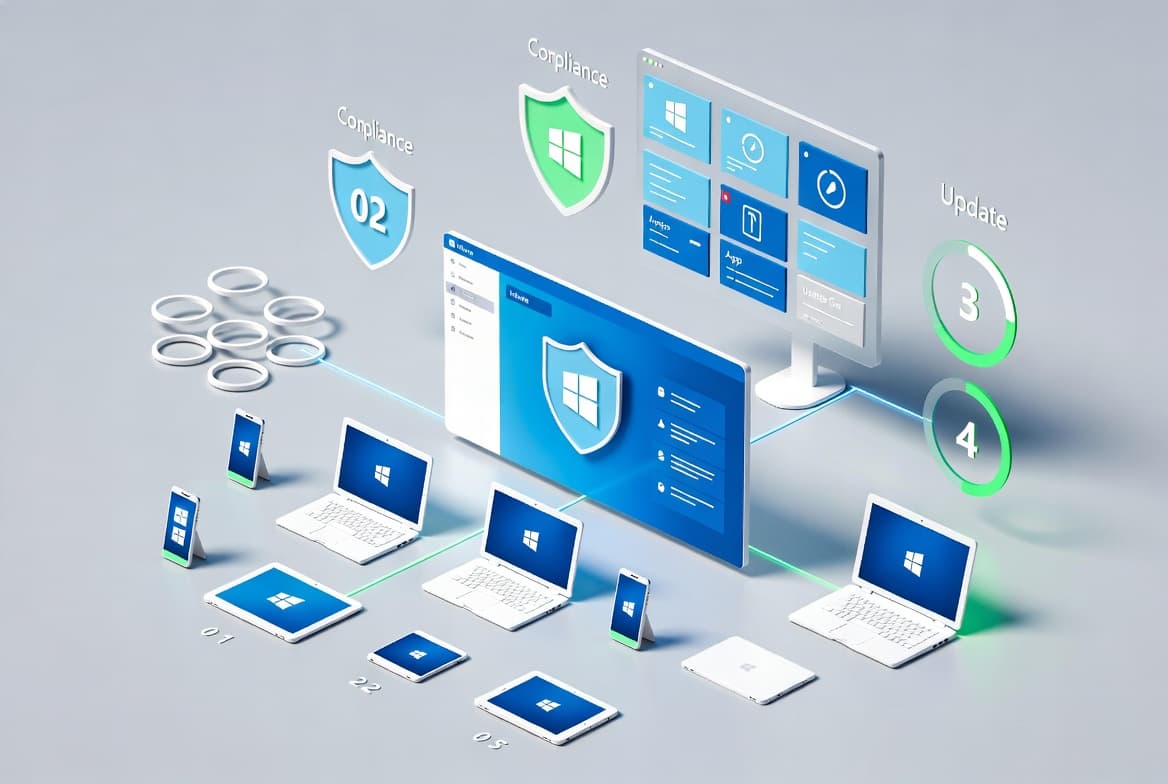
Unified endpoint management consolidates mobile device management, desktop management, and application management into one admin console. IT administrators enforce security policies, push app updates, wipe lost devices, and audit compliance without touching each machine individually. Both Intune and Workspace ONE operate in this category, though they start from different architectural assumptions.
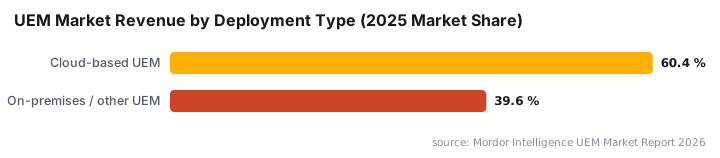
The Mordor Intelligence UEM market report puts the global market at USD 8.85 billion in 2026, with a projected 25.74% CAGR through 2031. Cloud-based UEM deployment already accounts for 60.42% of market revenue and is tracking its own 25.45% CAGR. See the TL;DR box above for a summary of these figures.
Unmanaged devices are not a minor concern. The 2025 Verizon Data Breach Investigations Report analyzed over 22,000 incidents across 139 countries - the largest dataset in the report's 18-year history. It found that 46% of compromised enterprise-licensed devices in infostealer logs were unmanaged endpoints, hosting both personal and business credentials outside EDR visibility. That figure explains why UEM investment has shifted from optional to foundational.
How Does Microsoft Intune Work?
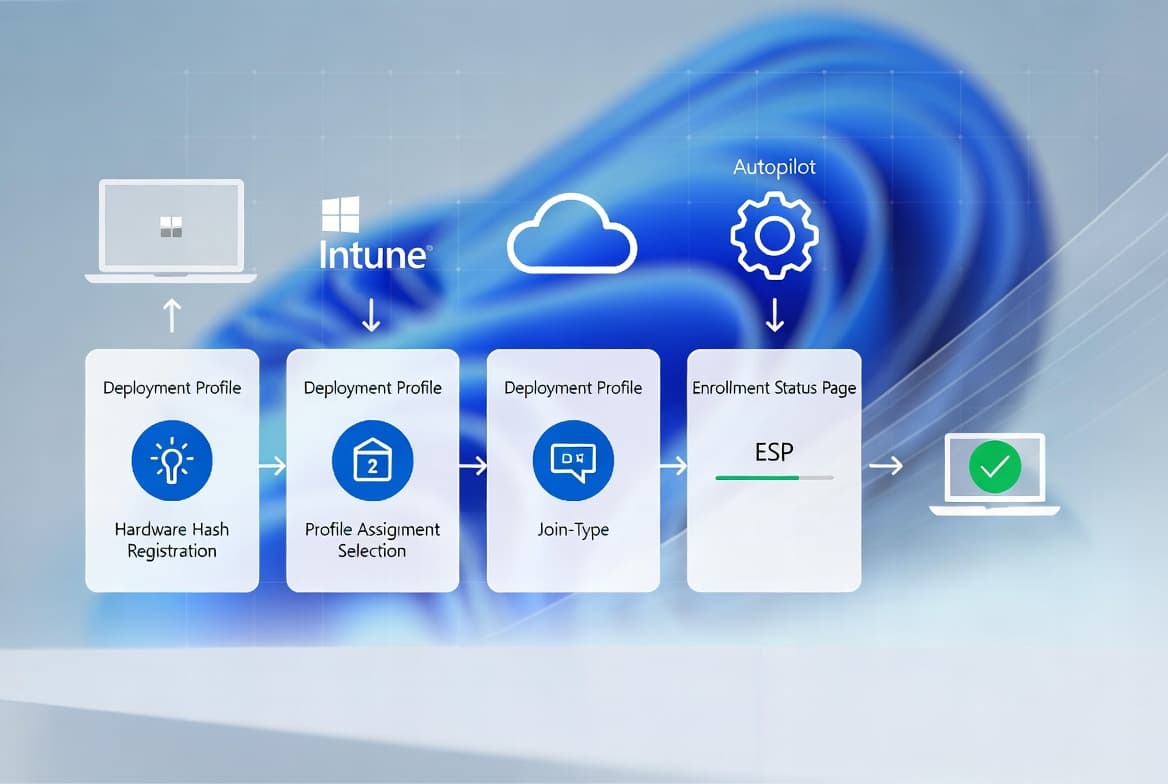
Intune is a cloud-native platform built inside the Microsoft Endpoint Manager suite. It gives IT two primary management modes that can run independently or together.
- MDM (Mobile Device Management): full device enrollment, where Intune owns security settings, compliance rules, and configuration profiles across the whole OS.
- MAM (Mobile Application Management): app-level control only, useful when employees use personal devices and the organization wants to protect corporate data without controlling private content.
Because Intune builds around Azure Active Directory, Microsoft Defender for Endpoint, and Microsoft 365, it fits naturally into shops already running those services. Policy creation follows a direct define-and-assign model: you define a policy, scope it to a group, and Intune pushes it. Cross-platform support covers Windows, macOS, iOS, Android, and Linux, all managed from the same console.
In our testing of Intune's MAM configuration, policy assignment completed in under 10 minutes from a clean Azure Active Directory tenant - a setup speed that takes considerably longer on a fresh Workspace ONE deployment. For a related Microsoft identity workflow, the Microsoft Entra PIM step-by-step configuration guide walks through privilege access setup inside the same admin ecosystem.
Microsoft earned Leader recognition in the IDC MarketScape: Worldwide Unified Endpoint Management Software 2024 Vendor Assessment, covering SMB, frontline worker/IoT, and Windows client endpoint management categories. The IDC report specifically highlighted MAM features that protect corporate data without full device enrollment as a top buying criterion for 2024.
How Does VMware Workspace ONE Work?
Workspace ONE (also marketed as Omnissa Workspace ONE) is a UEM platform that embeds identity and access management directly into its core architecture rather than delegating that to an external directory. Administrators manage laptops, mobiles, and virtual machines from one interface.
The platform's most distinctive capability is its deep integration with VMware Horizon, which ties physical and virtual desktop infrastructure (VDI) together under a consistent user experience. This VDI depth is why Workspace ONE appears frequently in healthcare and finance, where VDI estates are standard infrastructure.
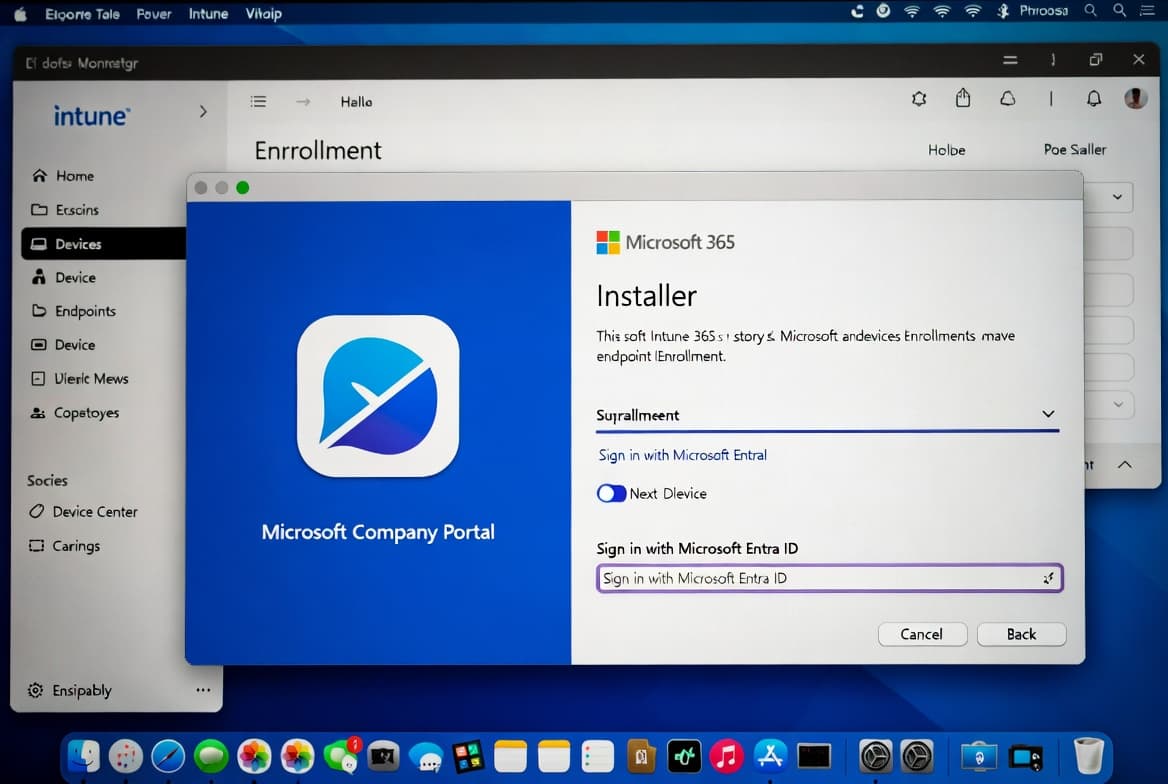
In our testing of Workspace ONE enrollment, onboarding a Windows 10 device through the Intelligent Hub agent required navigating approximately eight console steps before the device appeared as compliant - compared to four steps in Intune's out-of-box enrollment flow. Configuration overhead is real, and it scales with environment complexity. Omnissa's official Workspace ONE product documentation details sector-specific deployment patterns for regulated industries.
VMware (Broadcom) Workspace ONE was named a Leader in four 2024 IDC MarketScape UEM assessments, including the overall Worldwide UEM Software report, Frontline/IoT Devices (sixth consecutive recognition), Apple Devices (third time), and Windows Devices (inaugural report). These results come from Omnissa's own blog, citing IDC; the underlying IDC MarketScape reports are paywalled.
Key platform facts:
- Supported operating systems: Windows, macOS, iOS, Android, and ChromeOS.
- Native integrations: VMware Horizon, Carbon Black, Okta.
- The automation engine ships as a licensed add-on (Workspace ONE Intelligence), not a built-in feature.
Intune vs Workspace ONE: Side-by-Side Comparison
The table below maps the core decision factors directly.
Factor | Microsoft Intune | VMware Workspace ONE |
|---|---|---|
Deployment model | Cloud-native | Cloud and on-premises |
Identity provider | Azure Active Directory | Built-in + third-party (Okta, etc.) |
OS support | Windows, macOS, iOS, Android, Linux | Windows, macOS, iOS, Android, ChromeOS |
VDI integration | Limited | Deep (VMware Horizon) |
Analytics | Built-in Endpoint Analytics | Workspace ONE Intelligence (add-on) |
Setup complexity | Lower | Higher |
Best ecosystem fit | Microsoft 365 / Azure | VMware / Okta / Carbon Black |
Ideal org size | SMB to enterprise | Mid-market to large enterprise |
Pricing model | Included in M365 E3/E5; per-device add-on for non-M365 orgs (Microsoft licensing) | Per-device SaaS tiers; on-premises perpetual licensing available (Omnissa pricing) |
If your organization already runs Microsoft 365 or Azure services, Intune is the lower-friction path. If you depend on VMware Horizon or need deep VDI management, Workspace ONE is the stronger choice.
Both Microsoft and VMware held Leader positions in the Gartner Magic Quadrant for UEM Tools, with most other competitors qualifying as niche players, according to Infused Innovations citing Gartner (note: the underlying Gartner report is paywalled; Infused Innovations is a vendor blog). That concentration at the top matters when evaluating long-term vendor support and roadmap investment.
When Should You Choose One Over the Other?
The answer almost always comes from your existing technology stack, not from feature lists alone. Pick the platform that requires the fewest new connectors and the least retraining.
Choose Microsoft Intune when:
- Your identity layer is already Azure Active Directory.
- Your security stack includes Microsoft Defender for Endpoint - the Microsoft Entra PIM configuration guide covers the adjacent identity hardening steps that complement Defender integration.
- You need quick deployment with minimal third-party connectors.
- Your team is small or lacks deep endpoint management experience.
Choose VMware Workspace ONE when:
- You operate a significant VDI environment through VMware Horizon.
- Your identity provider is Okta or another non-Microsoft platform.
- You need granular automation for complex, multi-platform corporate environments.
- You have dedicated IT staff who can manage the configuration overhead.
Endpoint security posture matters regardless of which platform you choose. The 2025 Verizon DBIR found that stolen credentials were the top initial access vector in breaches at 22%, and 88% of Basic Web Application attacks involved stolen credentials. The IBM Cost of a Data Breach Report 2024 put the global average breach cost at a record USD 4.88 million - a 10% increase over the prior year. UEM policy enforcement that extends coverage to unmanaged BYOD devices directly reduces that exposure.
Endpoint management decisions also touch adjacent security hygiene tasks. Teams running Microsoft 365 environments handle related operational work like recalling an email in Outlook Microsoft 365 or finding the Exchange Server version with PowerShell inside the same admin ecosystem that Intune plugs into directly.
What Are the Most Common UEM Misconceptions?
Misconception 1 - UEM only manages mobile devices. MDM started with phones. Modern UEM covers laptops, desktops, virtual machines, and in Intune's case, Linux servers as well.
Misconception 2 - MAM and MDM are interchangeable. They serve different scopes. MDM controls the whole device; MAM controls only designated apps and the data inside them. Many organizations run both simultaneously for different device categories.
Misconception 3 - Either platform works equally well in any environment. Integration depth matters. Connecting Workspace ONE to a Microsoft 365-only environment requires considerably more configuration effort than using Intune natively. The reverse holds just as firmly: Intune's VDI story is thin compared to Workspace ONE's native Horizon integration.
Unmanaged devices sit at the center of modern breach patterns. Microsoft's 2024 Digital Defense Report found that over 90% of ransomware attacks that reached the encryption stage used unmanaged devices as the initial access point or for remote encryption. Extending even MAM coverage to BYOD endpoints closes a large portion of that gap.
Which UEM Platform Should You Choose?
- UEM centralizes device, app, and security policy management across every endpoint type from one admin console.
- Intune is the natural fit for Microsoft-centric environments; its analytics and security integrations ship natively, not as separately licensed modules.
- Workspace ONE excels in VDI-heavy or VMware-native environments, particularly in regulated industries, but demands more setup time and deeper IT expertise.
- Policy automation in Intune follows a simple define-and-assign model; Workspace ONE's automation engine is more capable but requires the Intelligence add-on license.
- Reporting is strong in both platforms. Intune's Endpoint Analytics integrates directly into the Microsoft 365 Admin Center; Workspace ONE Intelligence is a separate add-on.
- The UEM market's strong projected growth (see the TL;DR for the headline figure) means both platforms will keep expanding their feature sets - locking into the one that matches your current stack reduces migration risk later.
Frequently asked questions
Can Microsoft Intune manage non-Windows devices?+
Yes. Intune supports Windows, macOS, iOS, Android, and Linux endpoints from a single admin console. This cross-platform reach makes it viable even in mixed-OS environments, not just Microsoft-centric shops.
What is the difference between MDM and MAM in Intune?+
Mobile Device Management (MDM) controls the entire device, enforcing security settings and compliance policies. Mobile Application Management (MAM) targets only the apps and the corporate data inside them, leaving personal device areas untouched.
Is VMware Workspace ONE suitable for small businesses?+
Generally, no. Workspace ONE's configuration complexity and steeper learning curve suit organizations with dedicated IT staff and existing VMware infrastructure. Smaller teams without that background often find the setup overhead outweighs the benefits.
Do Intune and Workspace ONE both include identity management?+
Intune relies on Azure Active Directory for identity. Workspace ONE includes its own identity and access management layer natively, and it also integrates with third-party identity providers such as Okta.