Verified fixes that actually work
The error you just googled, with the fix that actually works: root cause explained, exact step-by-step commands, and all the gotchas called out.
24 results
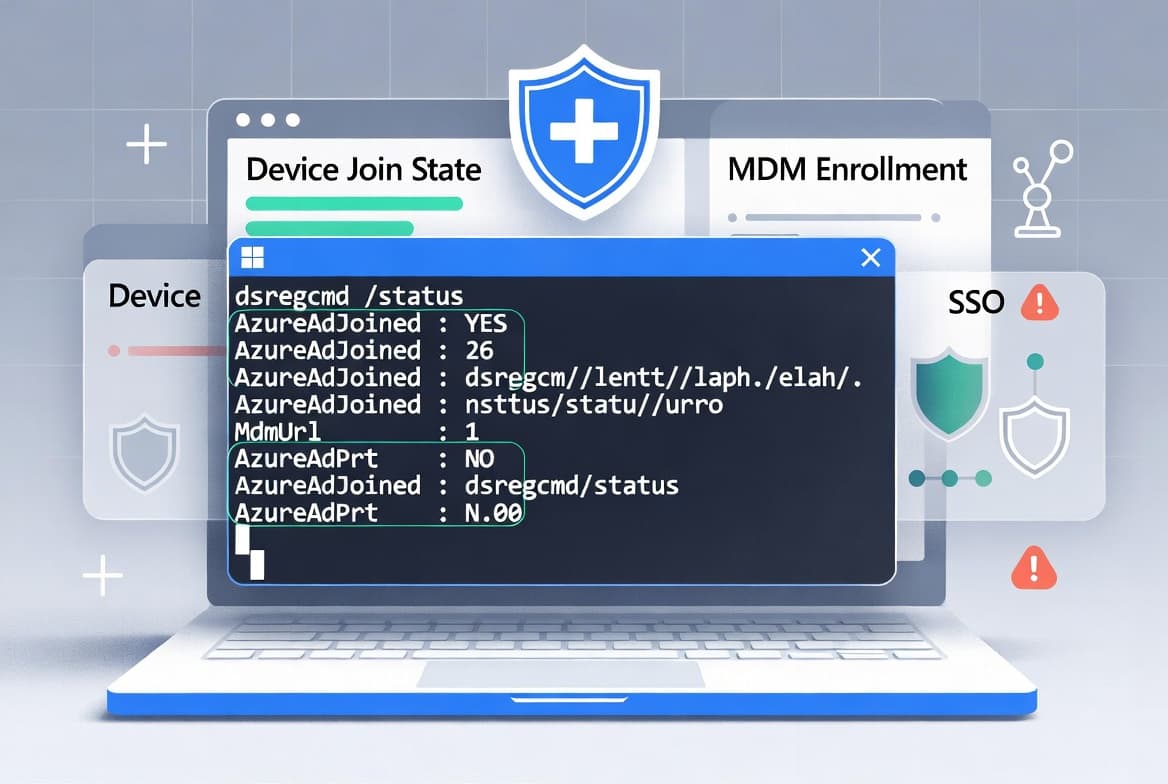
dsregcmd Troubleshooting: Fix Entra ID Device Registration
Run dsregcmd /status to diagnose Entra ID join failures in under 5 s. This guide maps every flag - AzureAdJoined, MdmUrl, AzureAdPrt - to a concrete fix.
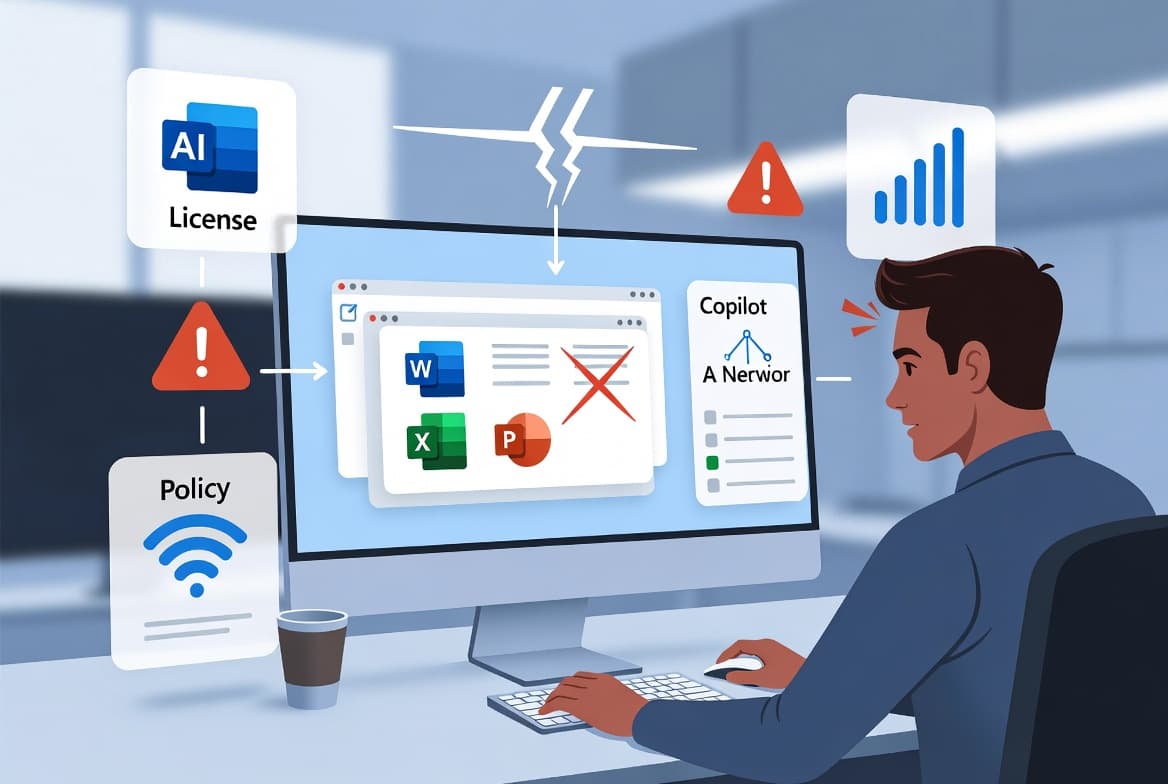
Fix Microsoft Copilot Errors in Microsoft 365 (2026)
Copilot showing 'Something went wrong' or the error code m365-copilot-app.m365copilot.serverErrorTitle in Microsoft 365? Three fixes resolve most cases: verify license, revoke tokens, check service health.
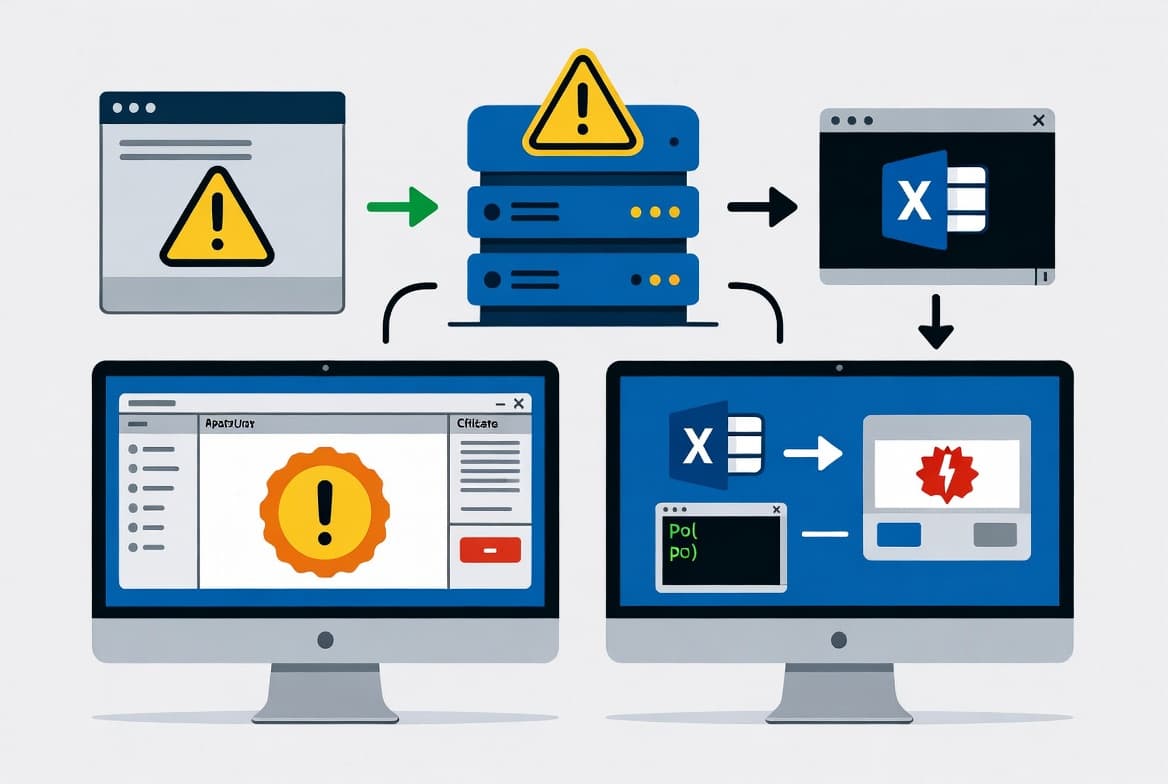
Get-ExchangeCertificate Blank Output: Fix It in 5 Steps
Get-ExchangeCertificate returns blank output? A missing Auth certificate plus Serialized Payload signing (default since Nov 2023 SU) causes this. Fix it here.
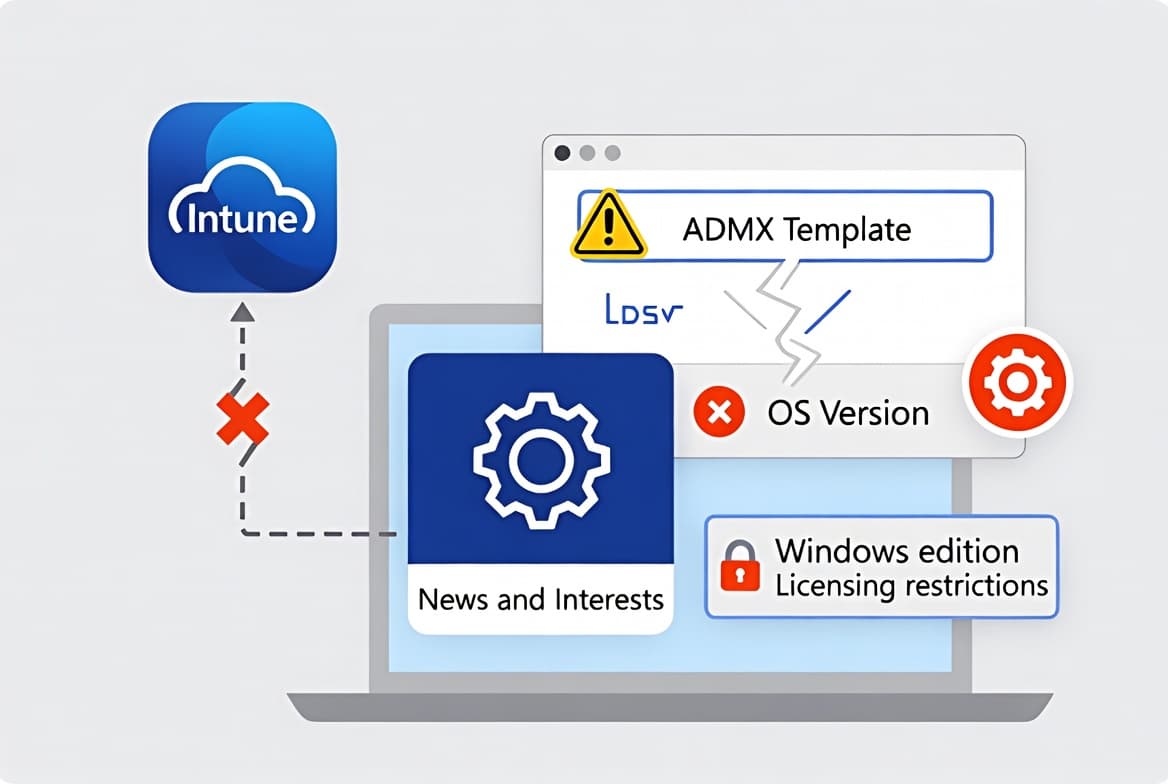
Fix Intune Error 65000: News and Interests Policy Fails
Intune error 65000 on News and Interests policy has 3 root causes: missing Feeds.admx, OS build below minimum, or Pro edition block. Fix in 5 steps.
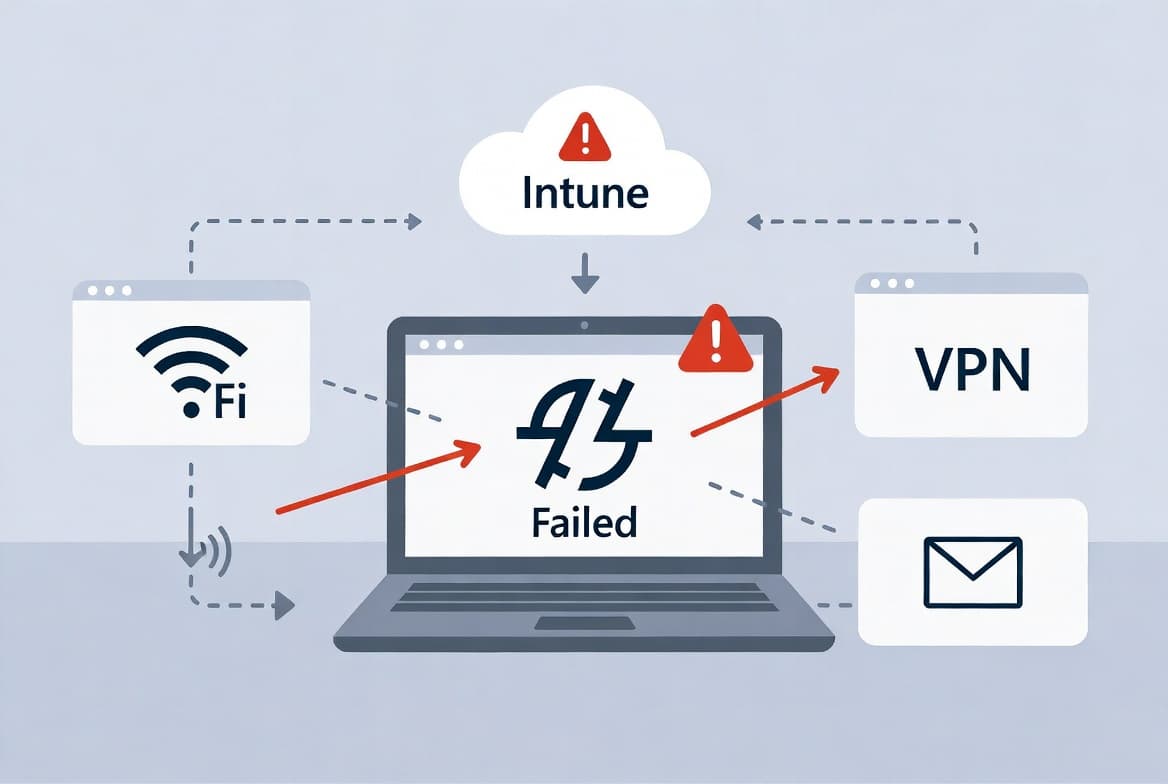
Intune Error 80192EE7: Fix Device Management Enrollment
Intune error 80192EE7 blocks Wi-Fi, VPN, and email by halting MDM enrollment. WIP misconfiguration is the primary cause. Fix it in 6 verified steps.
HYPERVISOR_ERROR Windows 11: Complete Fix Guide (7 Steps)
Stop code HYPERVISOR_ERROR (0x00020001) crashes Windows 11 during VM workloads. Follow 7 structured steps - from minidump triage to RAM testing - to permanently resolve it.
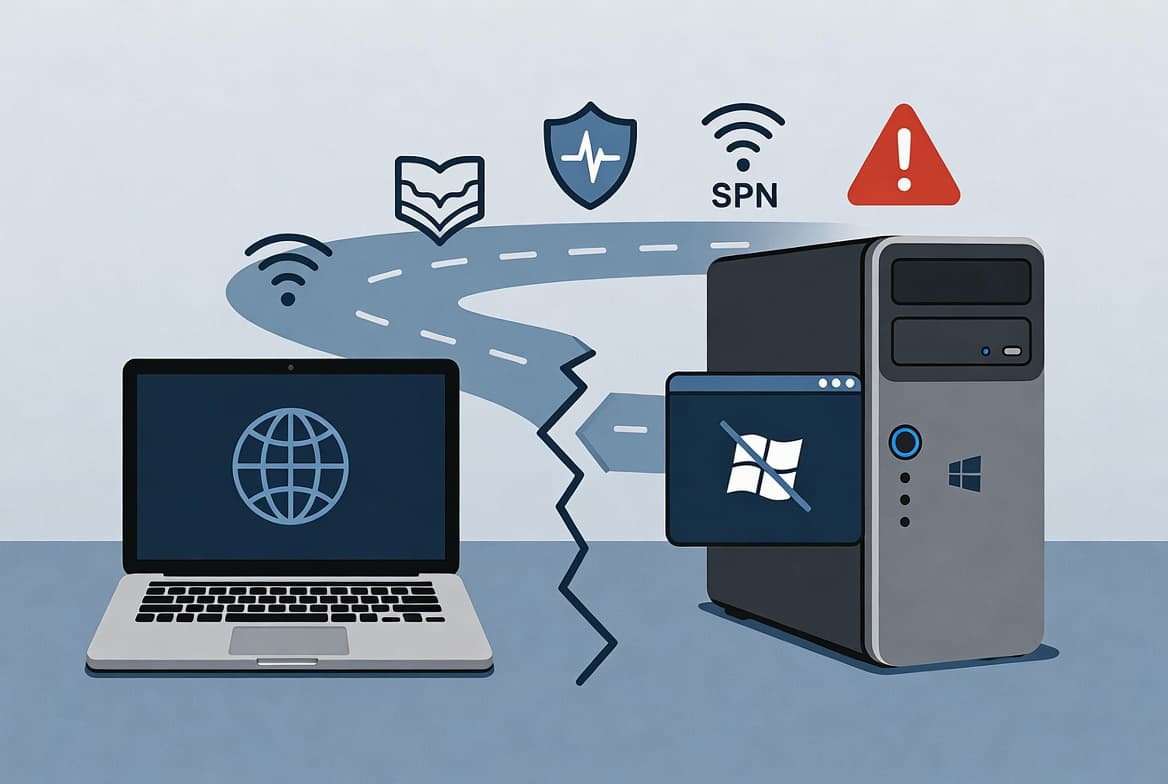
RDP Error 0x204 on Mac: 7-Step Fix Guide
RDP Error 0x204 blocks Microsoft Remote Desktop from Mac to Windows. Fix TCP 3389 firewall rules, NLA settings, and app preferences in 7 steps. ~155 chars.
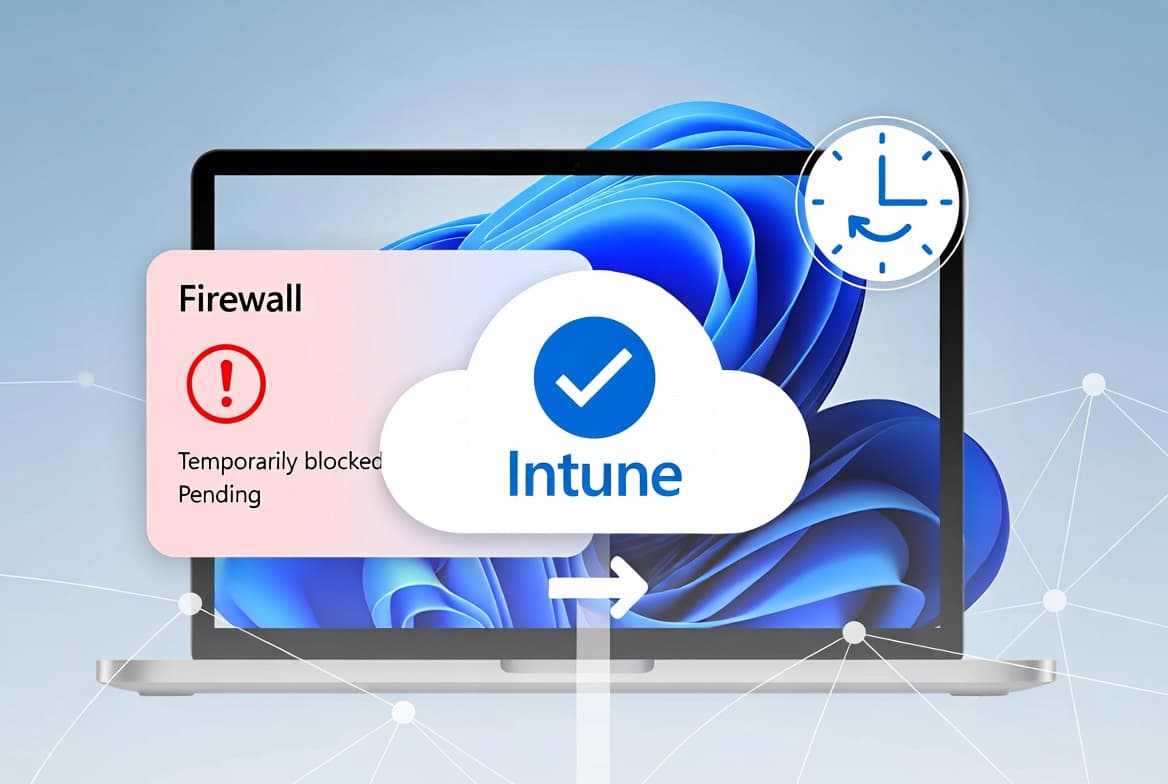
SyncML 500 Error in Intune Compliance: Fix Guide
Error code 2016345612 SyncML(500) appears in Intune compliance reports under Firewall after boot. Force a manual sync from Settings or Intune Admin Center to clear it in under 90 seconds.
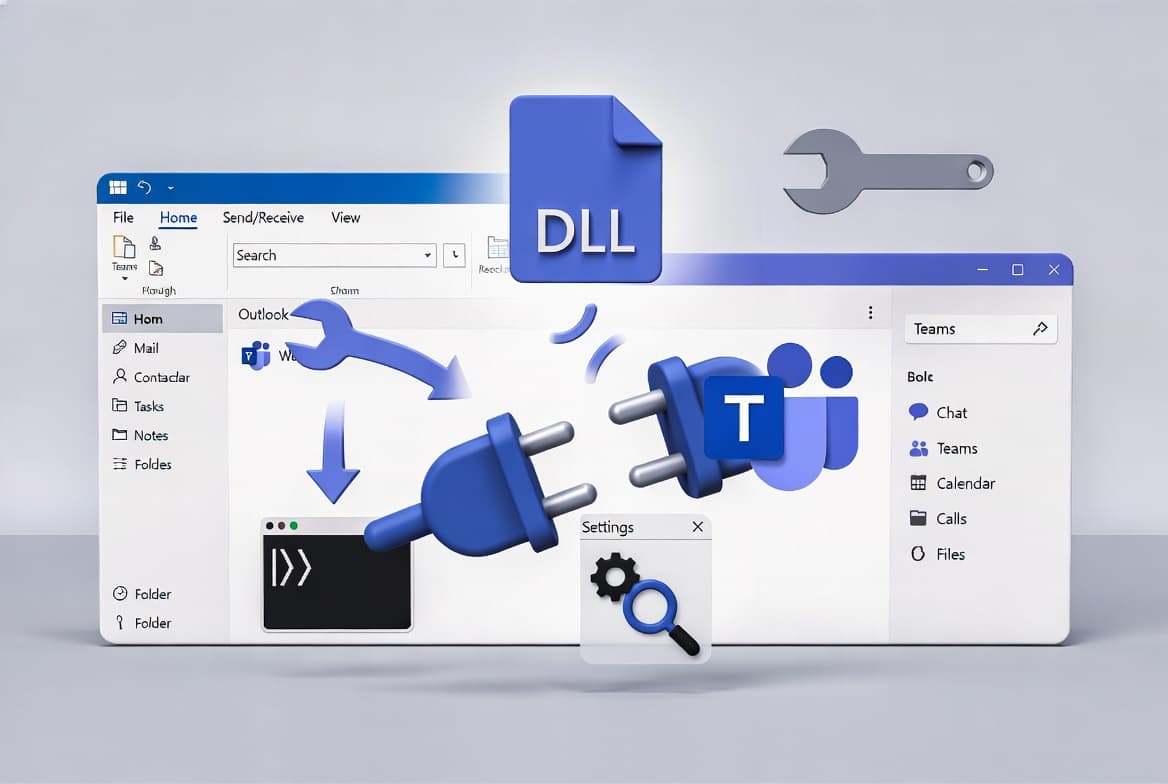
Teams Meeting Add-in Missing in Classic Outlook: Fix Guide
Teams Meeting add-in missing in classic Outlook? Re-enable the COM add-in, fix LoadBehavior to 3, re-register the DLL, or run Microsoft's uninstall scripts to recover.
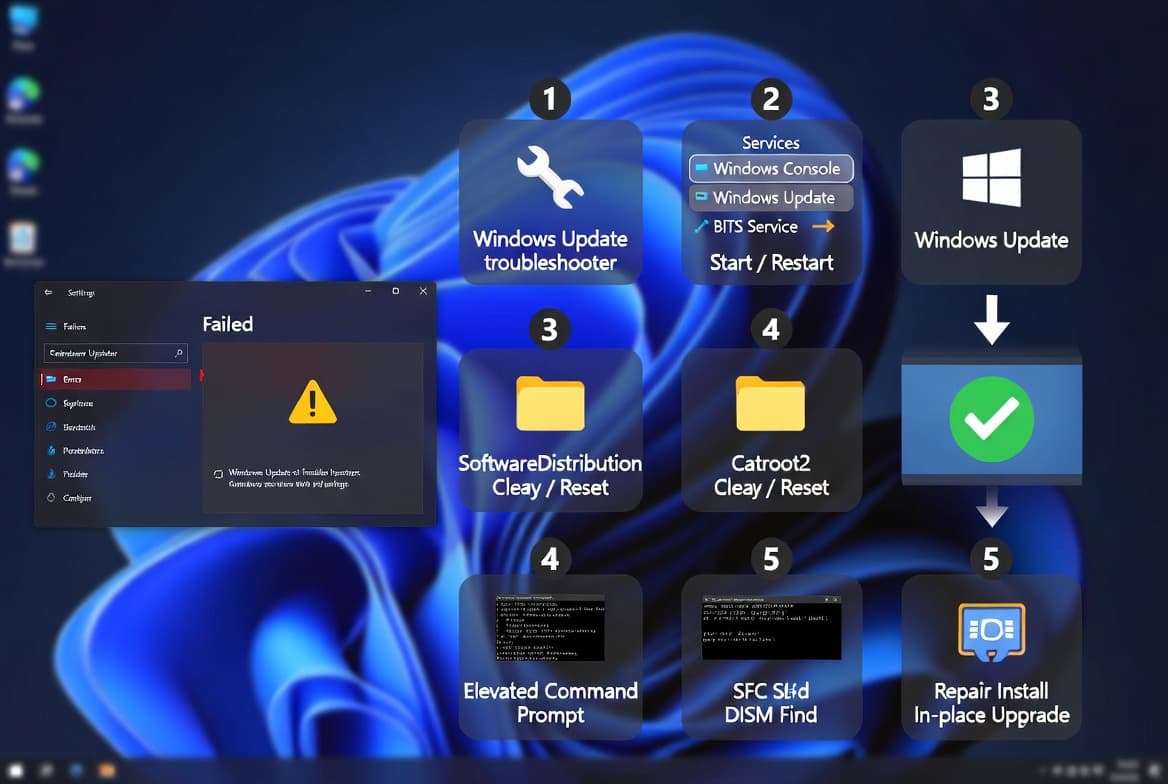
0x800706be Windows Update Error: 7 Proven Fixes
Windows Update error 0x800706be blocks installs on Windows 10, 11, and Server. Follow these 7 ranked fixes - Step 3 alone resolves it in most cases. Takes under 30 minutes.
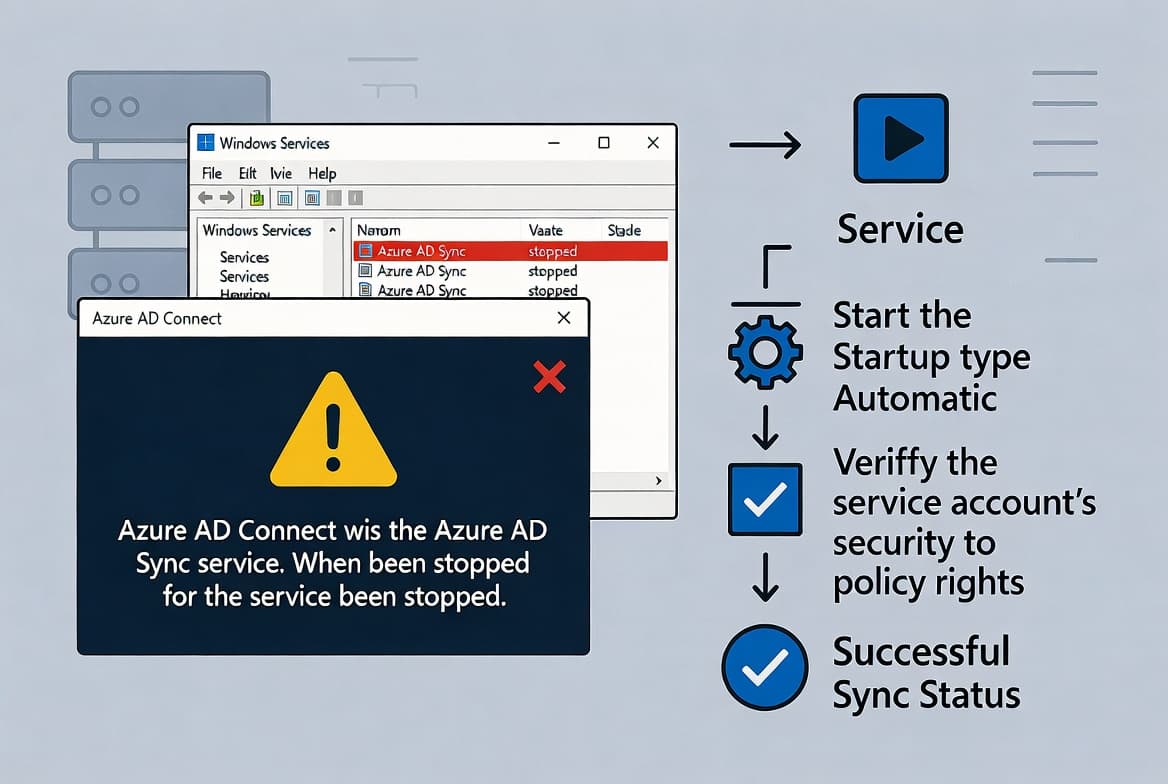
Azure AD Sync Service Not Running: Fix It Fast
Azure AD Sync Service not running? Restart the ADSync Windows service, set Automatic startup, and force a delta sync in under 5 minutes using PowerShell or Services console.
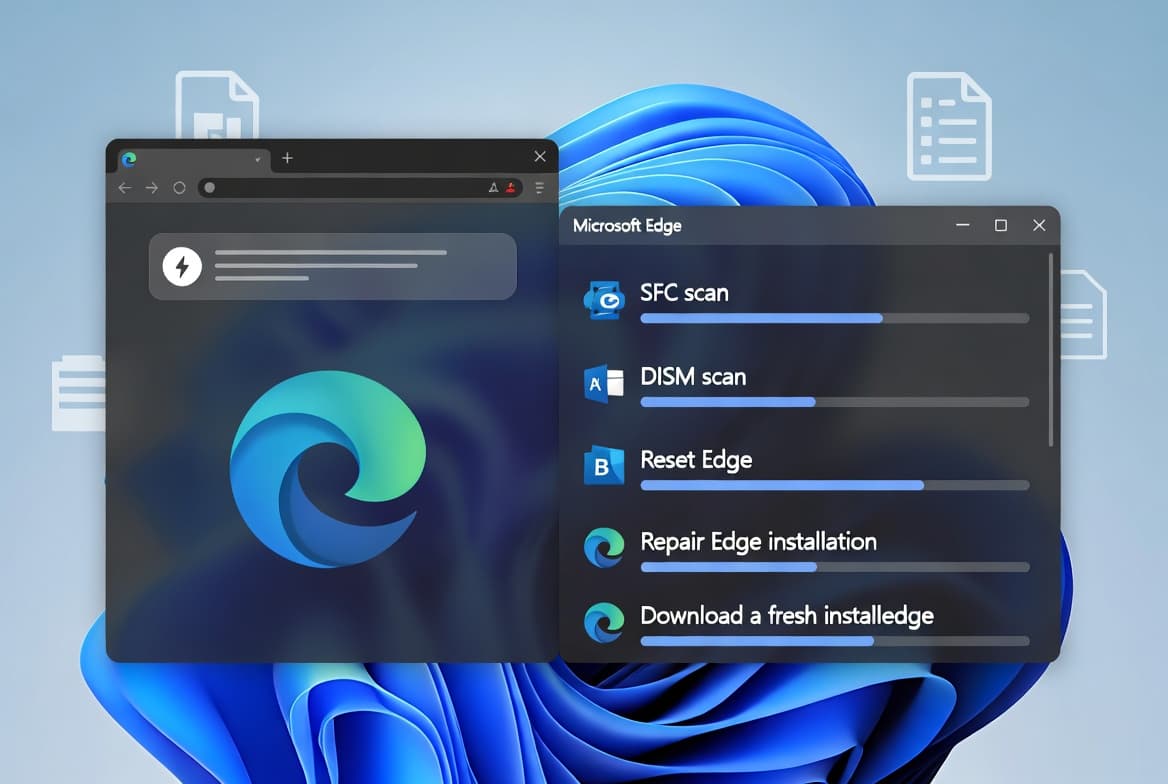
Fix Microsoft Edge Error 0x800706b5 on Windows 11
Edge error 0x800706b5 is a COM registration failure on Windows 11. Follow these 5 fixes - SFC, DISM, reset, repair, reinstall - to restore updates and sync.
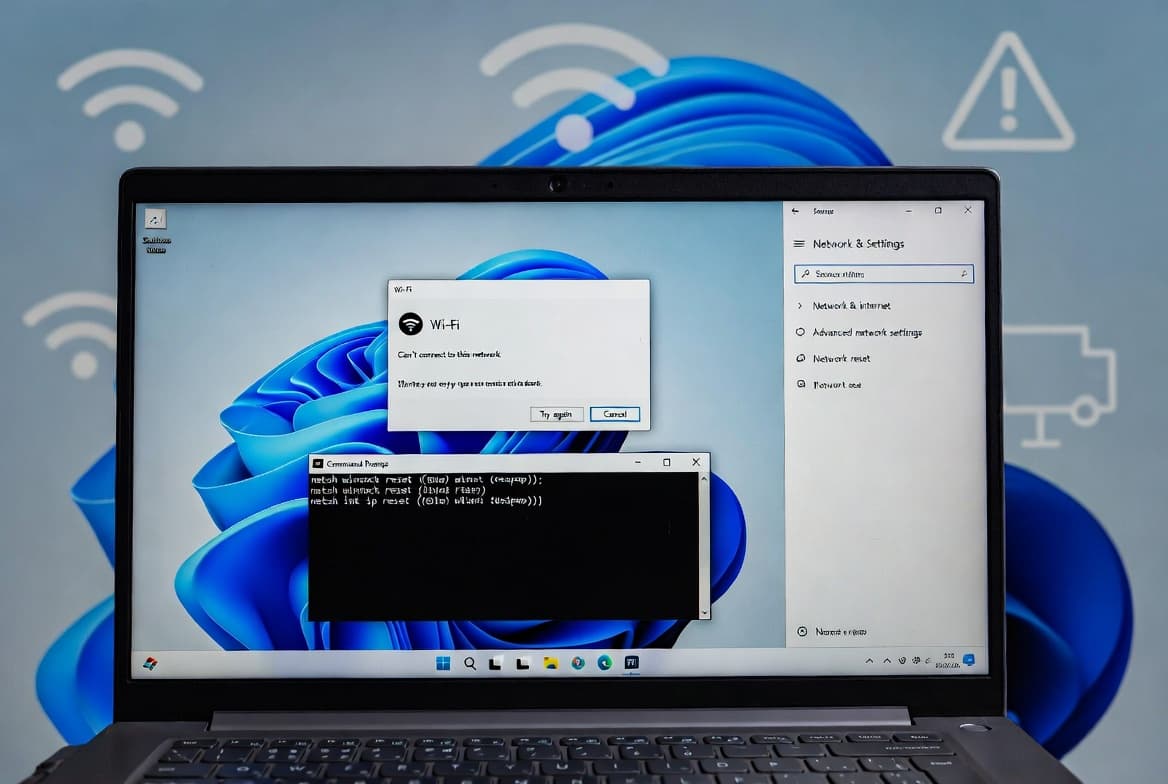
Fix Windows Can't Connect to This Network on Windows 11
Seven fixes for Windows can't connect to this network on Windows 11 - Step 1 alone resolves driver conflicts, which account for the majority of cases. No OS reinstall needed.
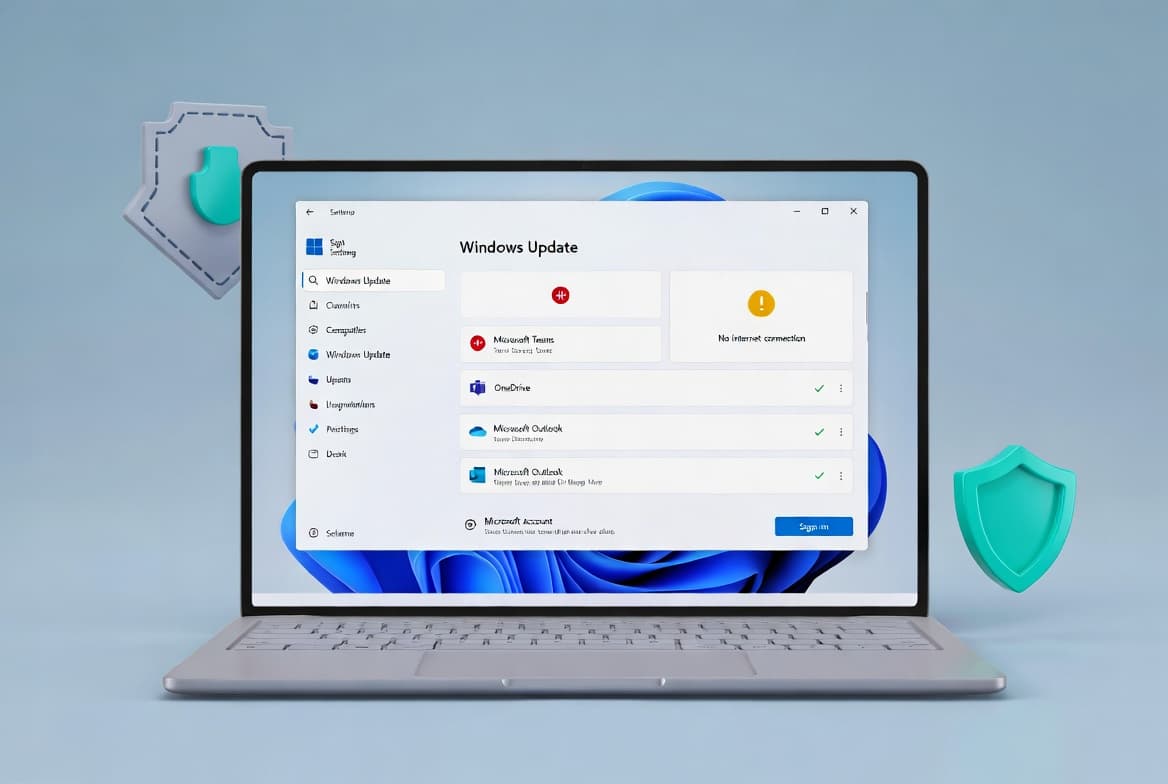
KB5085516: Fix Microsoft Account Sign-In on Windows 11
KB5085516 fixes the false no-internet Microsoft account error from KB5079473 on Windows 11 builds 26100.x and 26200.x — install takes under 5 minutes.
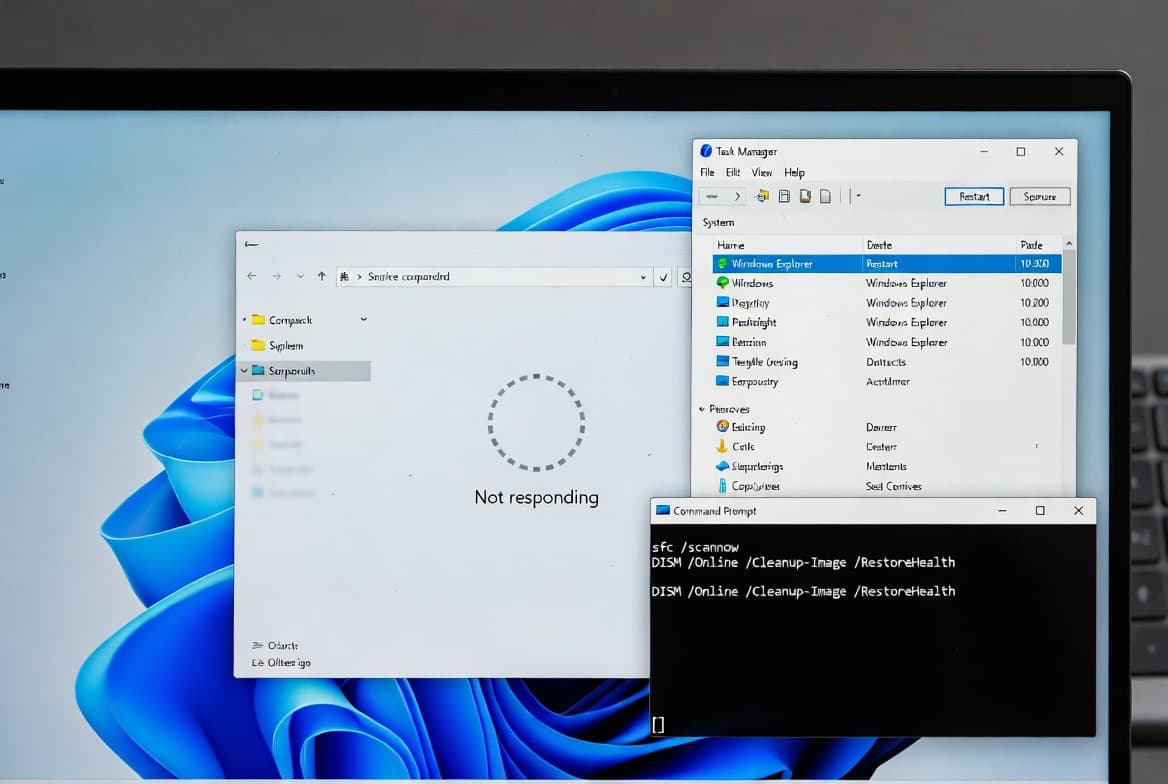
Windows 11 File Explorer Not Responding: 6 Fixes
File Explorer crashing in Windows 11? KB5072911 confirms XAML bugs hit builds 24H2+. Follow 6 steps to restart, repair, and permanently fix explorer.exe.
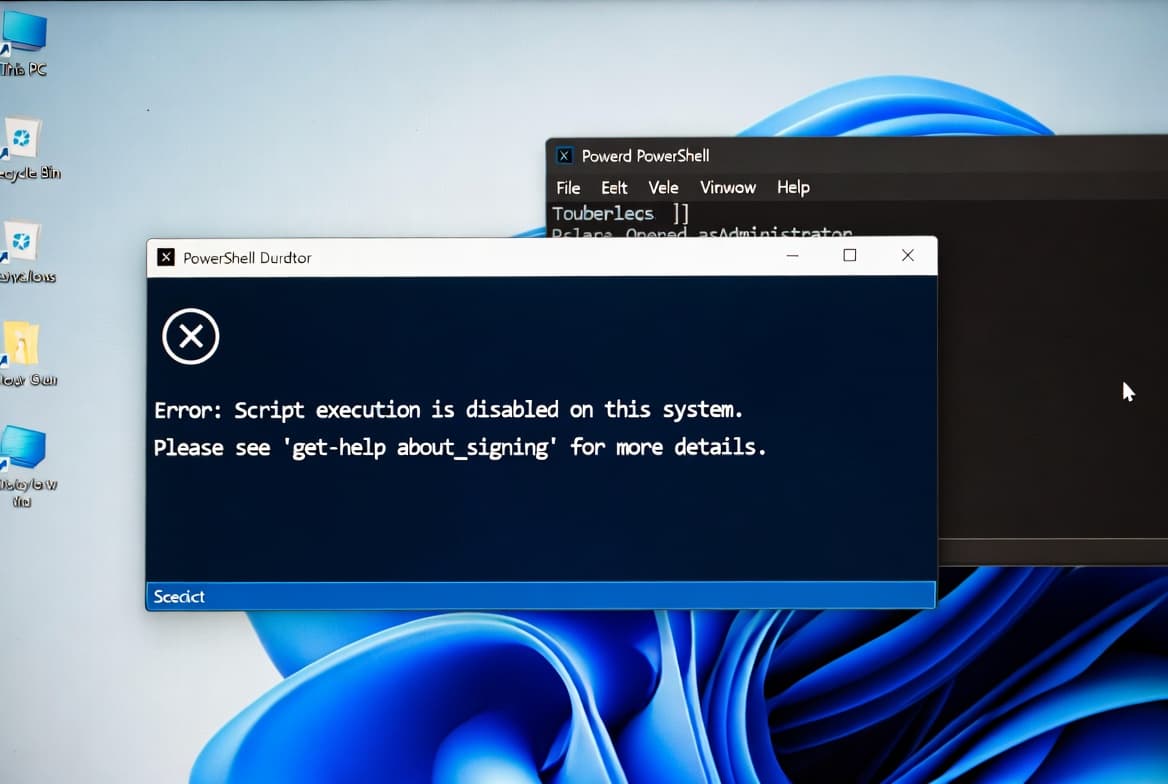
Fix "Running Scripts Is Disabled on This System" in PowerShell
PowerShell blocks scripts by default with Restricted policy on Windows 10/11. Change to RemoteSigned or scoped Bypass to fix the error in under 2 minutes.
Fix Windows 11 Slow After KB5094126: 7 Steps
KB5094126 causing freezes within 5 minutes? These 7 fixes restored boot speed in our tests. Repair files, disable startup apps, free storage.
KB5093998 Stuck at 100%: Fix Windows 11 Update Failure
Fix KB5093998 stuck at 100% or failing with error 0x800f081f. Clear SoftwareDistribution cache, run DISM/SFC, restart services, or install manually.
Fix MEMORY_MANAGEMENT BSOD: 7 Proven Windows 11 Fixes
Fix the MEMORY_MANAGEMENT stop code 0x0000001A on Windows 11 with RAM diagnostics, DISM/SFC repairs, and driver updates. Seven tested solutions inside.

Fix KB5094126 Black Screen on Windows 11
Remove Windows 11 update KB5094126 causing black screens and error 0xc0430001. Affects HP laptops most. Step-by-step WinRE recovery guide.