Production-tested tutorials for IT admins
Step-by-step guides for sysadmins and infrastructure engineers, based on real deployments, with verification steps so you know the fix actually worked.
80 results
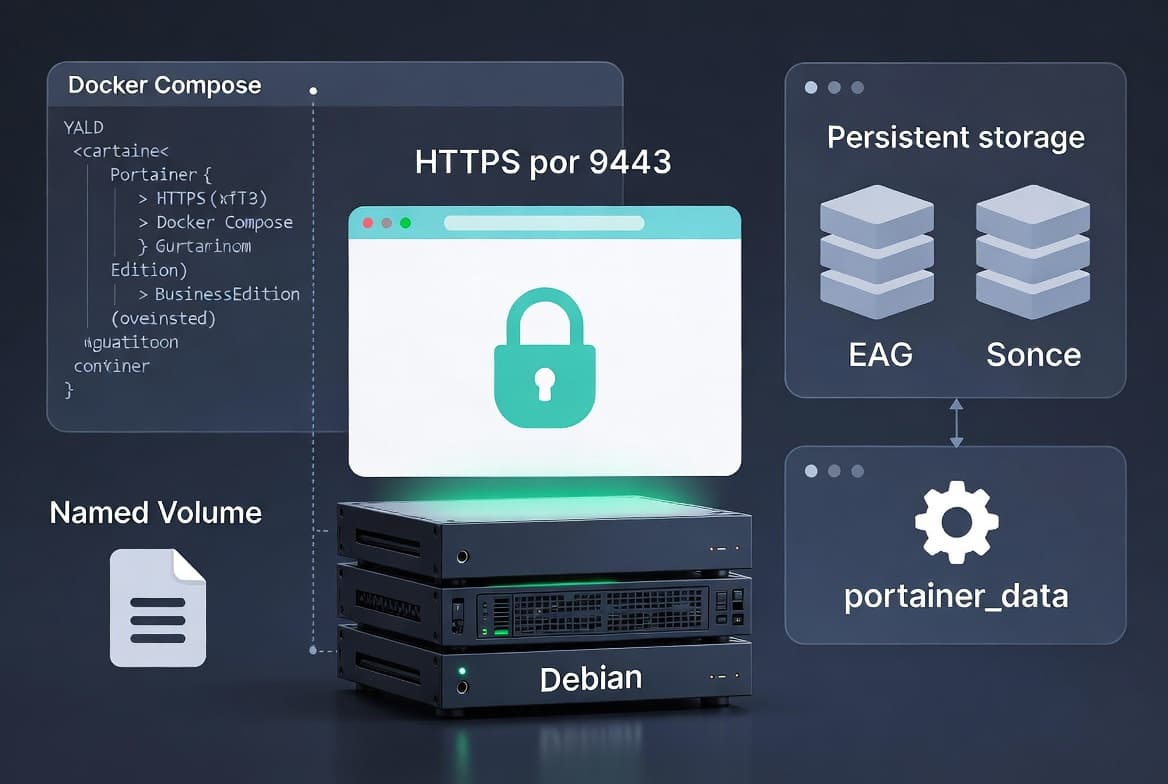
Portainer CE on Debian: Install and Manage Docker via Web UI
Install Portainer CE on Debian using Docker Compose in 6 steps. Covers persistence, port 9443 HTTPS setup, and CE vs BE differences with a comparison table.

Crontab on Linux: Step-by-Step Guide for Sysadmins
Master crontab on Linux: learn five-field syntax, 6 scheduling patterns, output redirection, and real-world automation examples that sysadmins use every day.
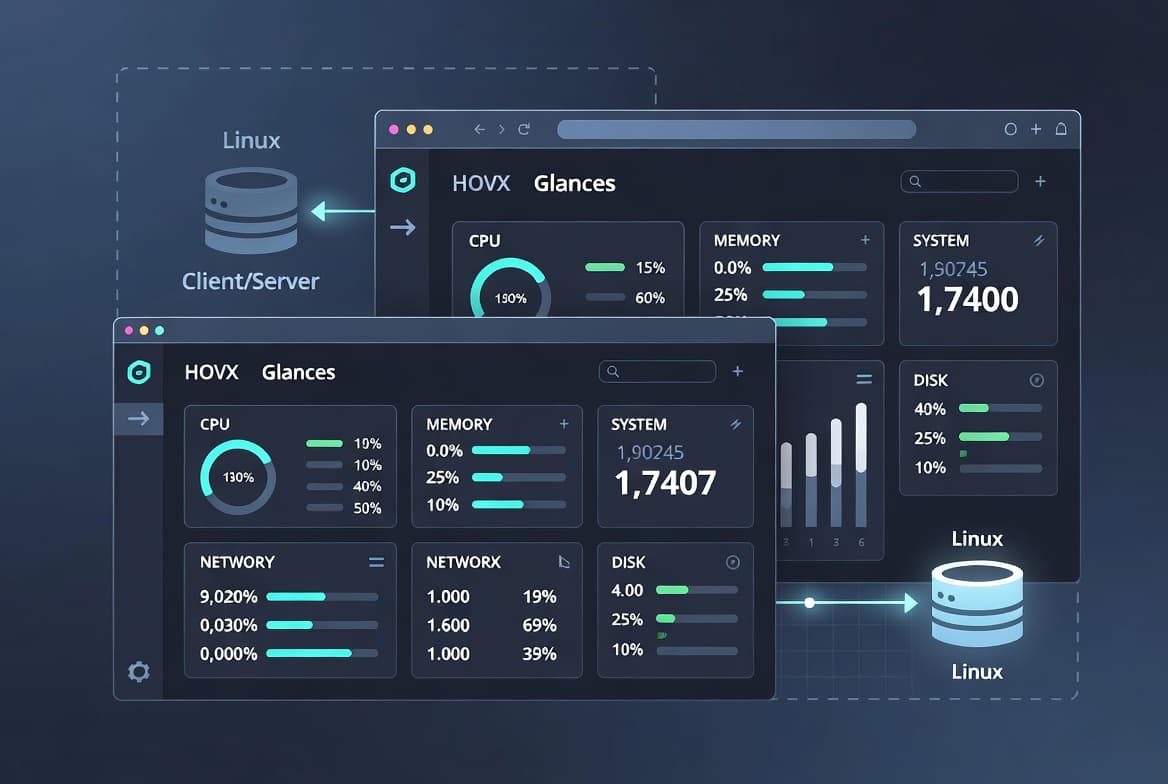
Glances on Linux: Monitor Your System From the Terminal
Install Glances on Linux and monitor CPU, RAM, disk, and network in real time - with a 2-second default refresh - via terminal, browser, or client/server mode.
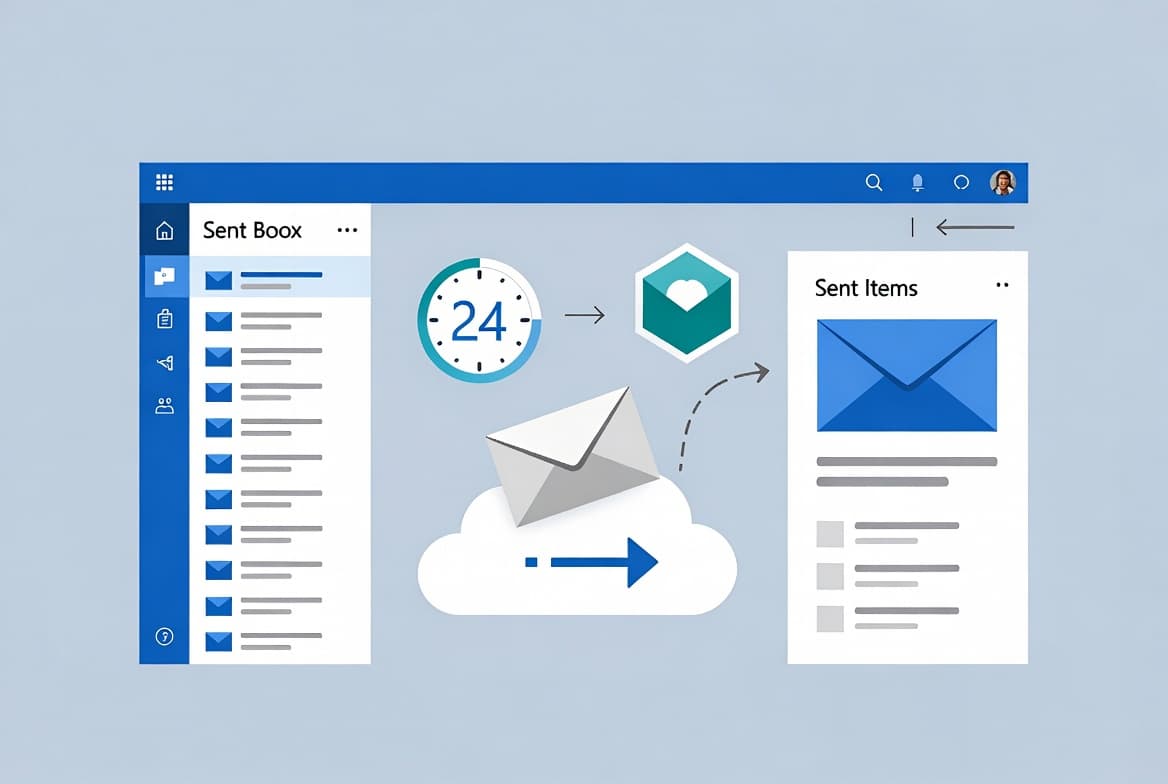
Recall an Email in Outlook Microsoft 365: Step-by-Step
Learn how to recall an email in Outlook Microsoft 365 within the 24-hour window. Cloud-based recall works only within the same org and reaches ~90% success.
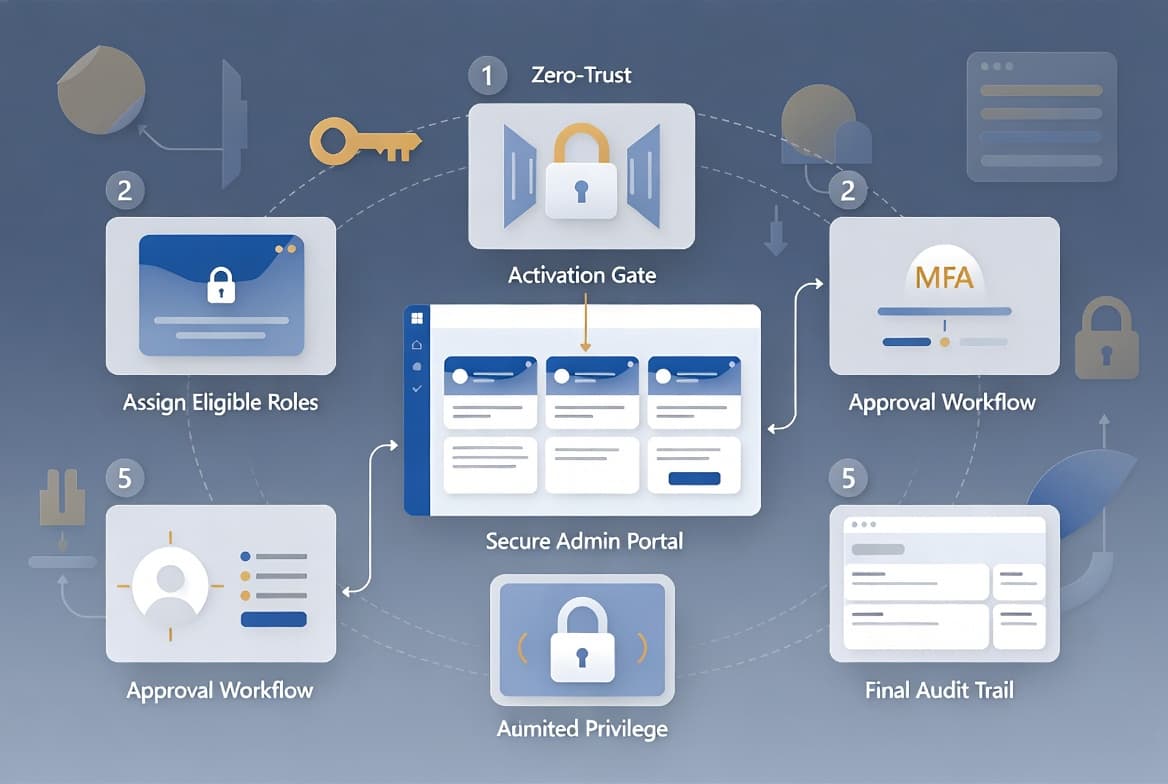
Microsoft Entra PIM: Step-by-Step Configuration Guide
Configure Microsoft Entra PIM in 5 steps: assign eligible roles, enforce MFA on activation, and enable just-in-time access - requires Entra ID P2.
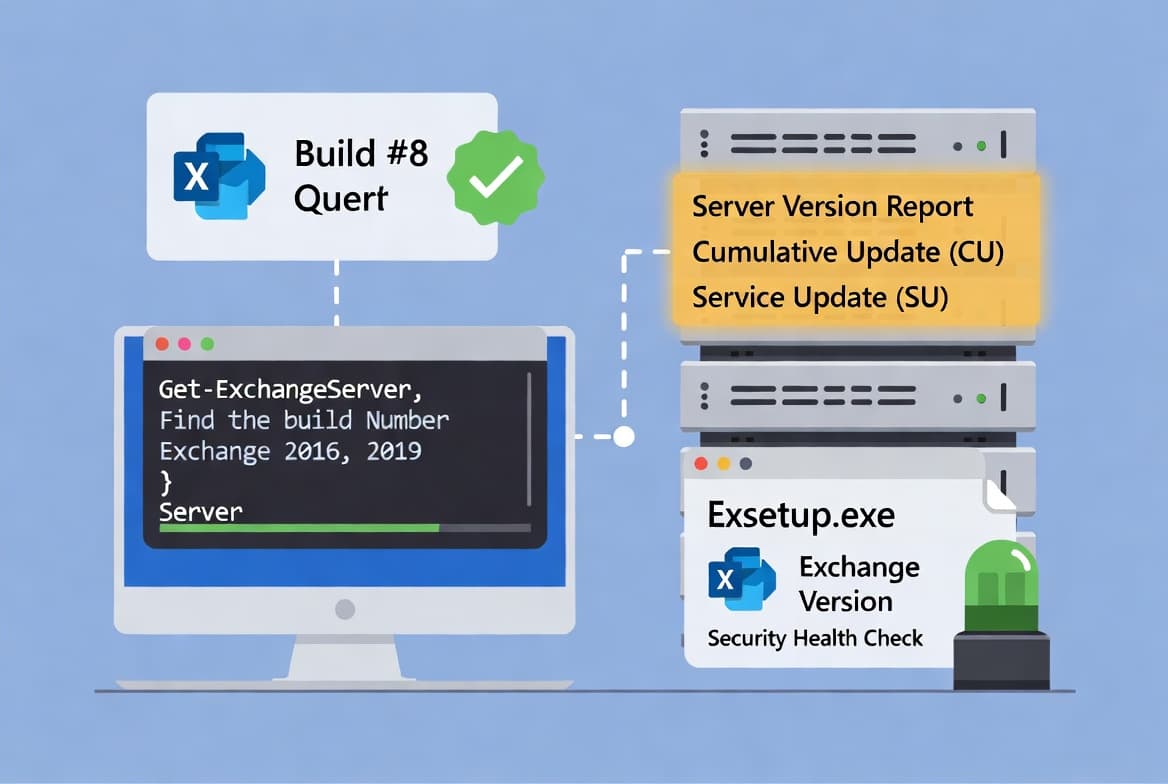
Find Exchange Server Version with PowerShell [2025]
Use Get-ExchangeServer and Exsetup.exe to find your Exchange 2016/2019 build number and detect installed Security Updates in under 2 minutes.

Windows 11 ADK: Download, Install and Verify the Right Version
Pick from 4 Windows 11 ADK versions, avoid ADK 10.1.28000.1 in SCCM - step-by-step install guide with compatibility table and verification steps.
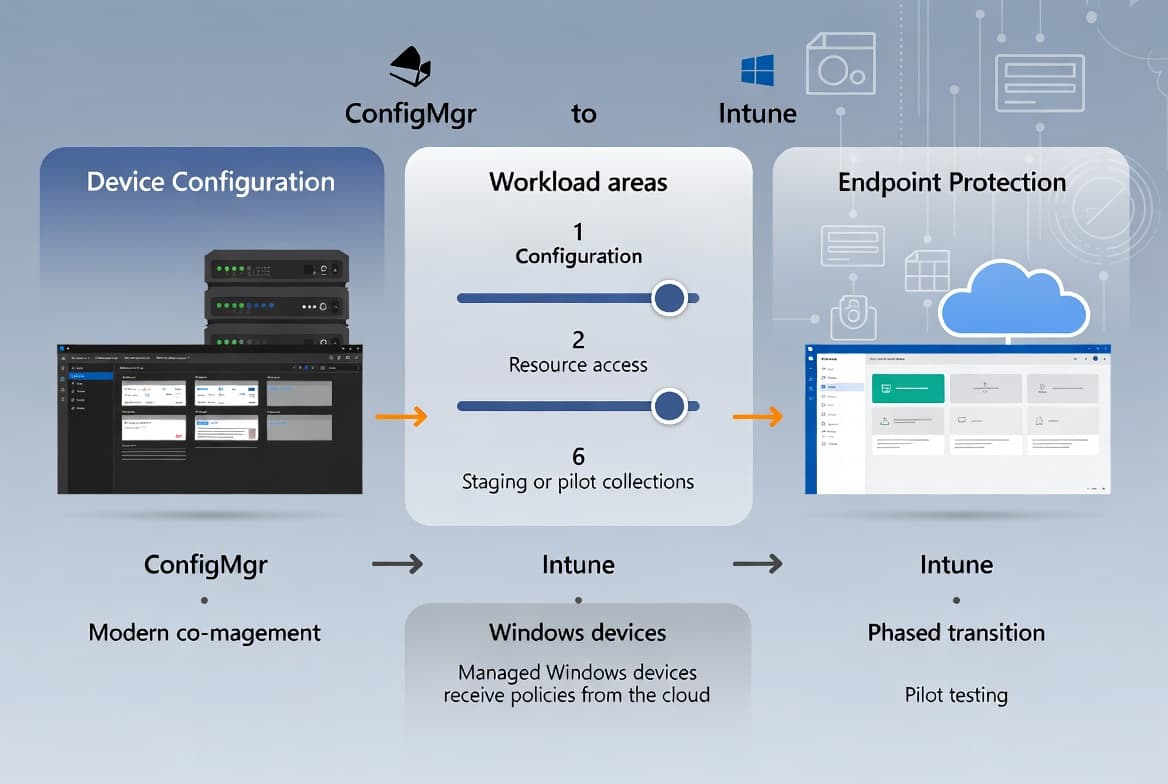
ConfigMgr Device Configuration Workload Switch Guide
Switch the Device Configuration workload from ConfigMgr to Intune across 3 workload areas in 6 steps, with pilot staging and 4 verification checks.
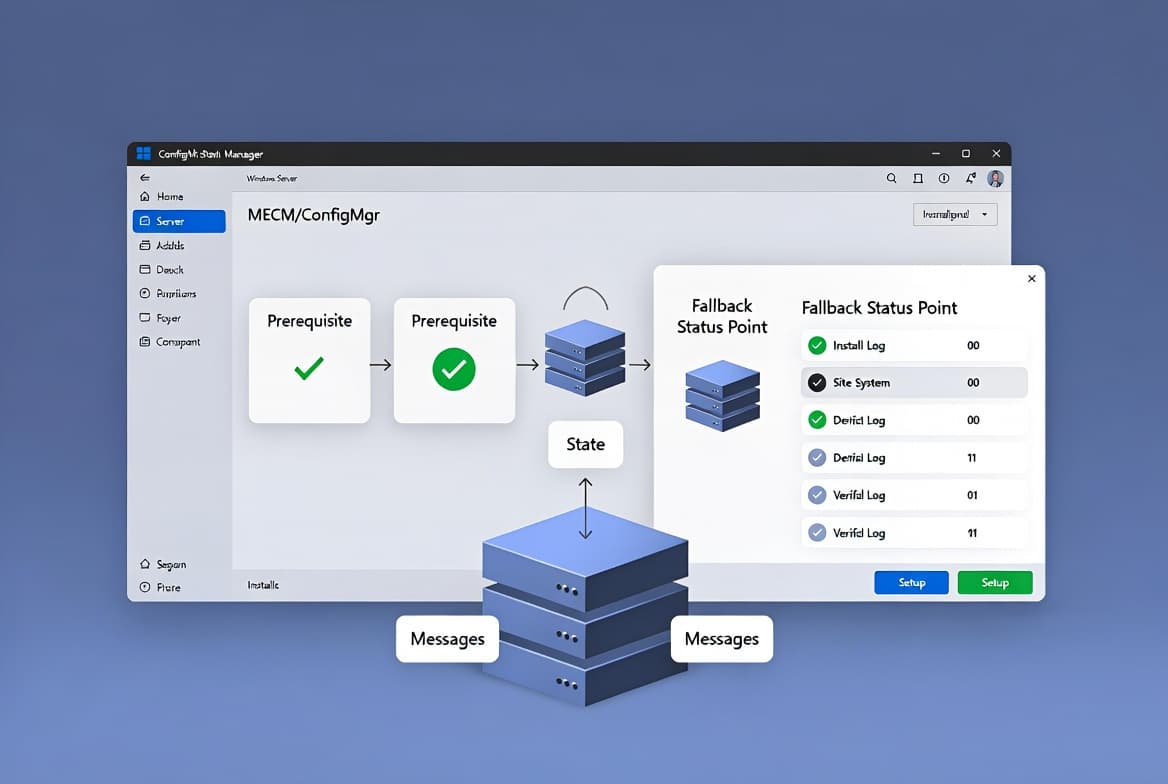
Install SCCM Fallback Status Point: Step-by-Step Guide
Install the SCCM Fallback Status Point in under 10 minutes. Covers prerequisites, wizard steps, log verification, and FSP settings for ConfigMgr primary sites.
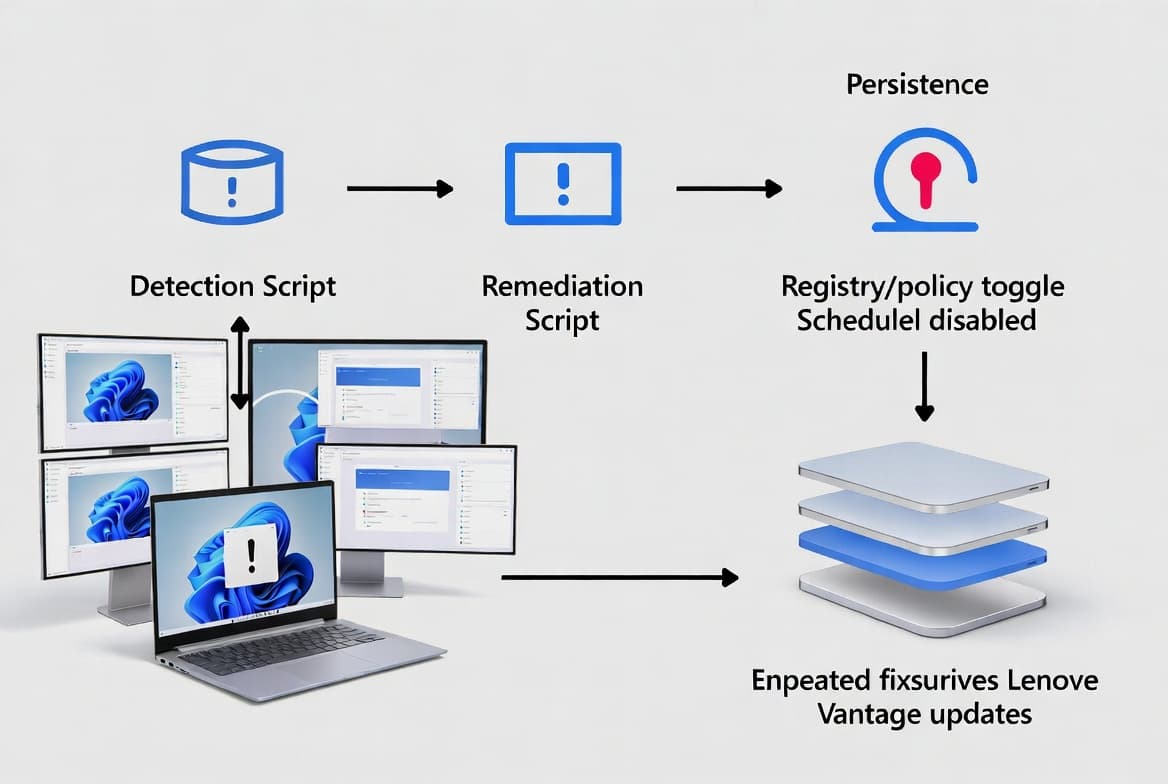
Fix Lenovo SmartSense Screen Locking with Intune Proactive Remediation
Lenovo SmartSense locks screens mid-session on multi-monitor setups. Detect and disable it at scale using Intune Proactive Remediation. Runs on a schedule to survive Vantage updates.
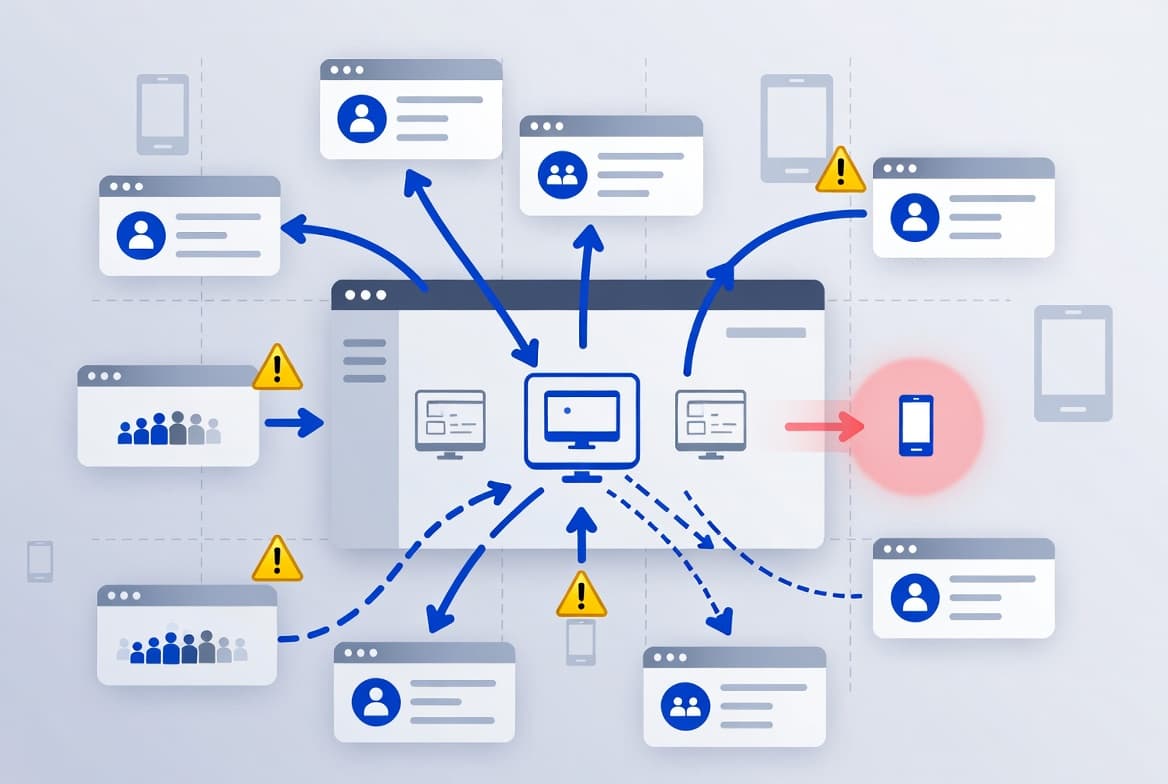
Intune Assignment Groups: Targeting Guide for Sysadmins
Misconfigured Intune assignment groups cause silent policy failures. This guide covers 6 common misconfiguration patterns, correct group types, exclusion rules, and filter use.
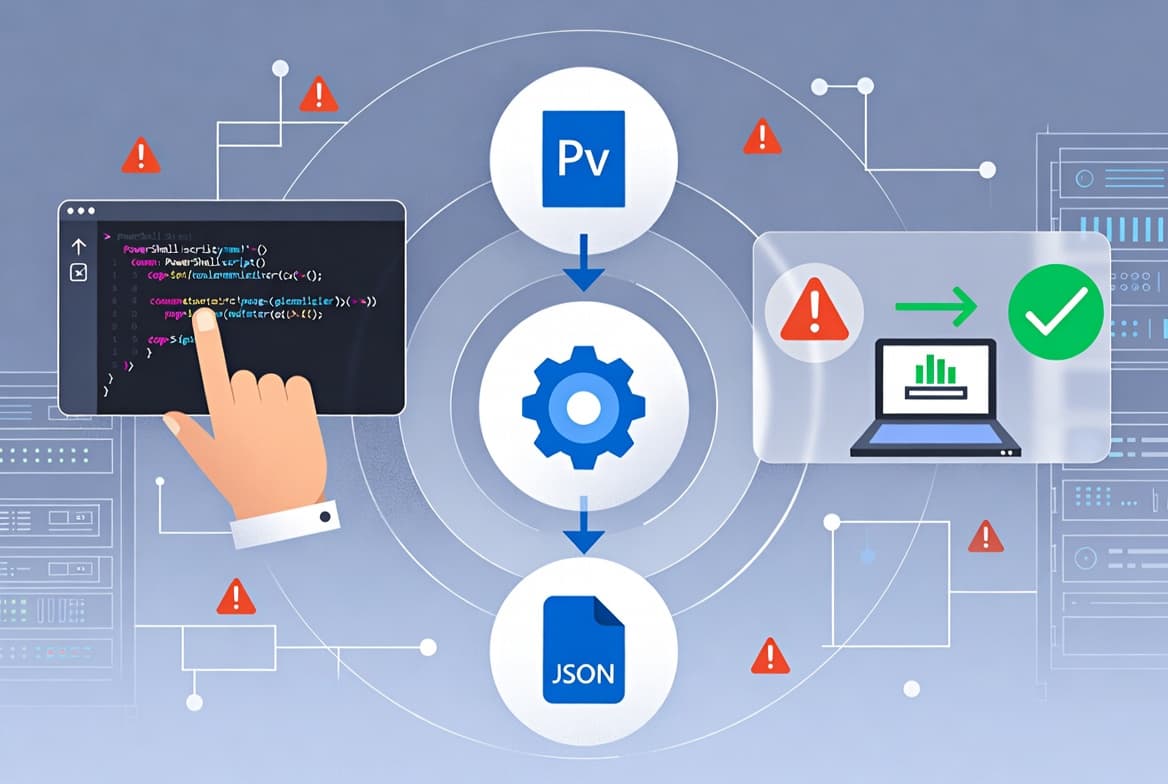
Custom Compliance Policies in Intune: Step-by-Step Guide
Build custom Intune compliance policies with PowerShell + JSON in 6 steps. Covers multi-rule checks, Company Portal remediation strings, and pilot testing.
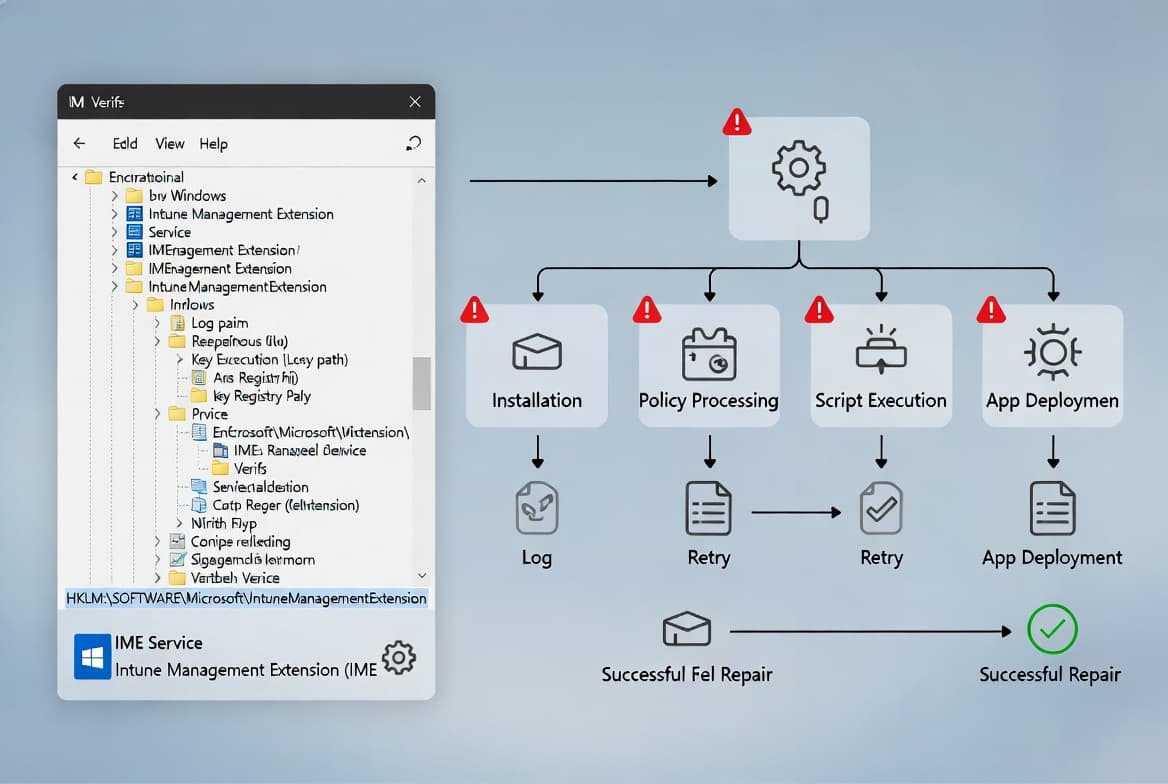
Intune Management Extension: Install, Verify, and Fix
Learn how the Intune Management Extension installs, which registry key (HKLM:\SOFTWARE\Microsoft\IntuneManagementExtension) to check, and how to fix 4 common failures.
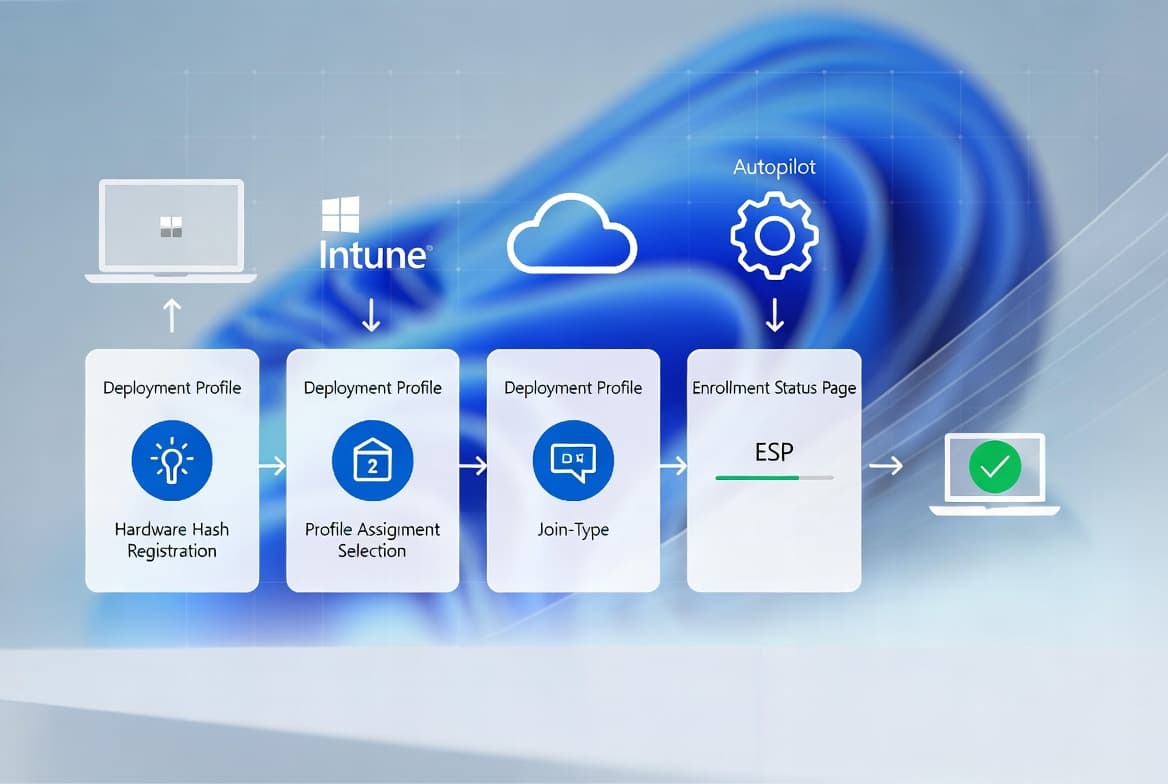
Windows Autopilot Setup: Step-by-Step Guide for Sysadmins
Configure Windows Autopilot in Microsoft Intune in 6 steps: device registration, deployment profiles, join type, and ESP setup. No reimaging required.
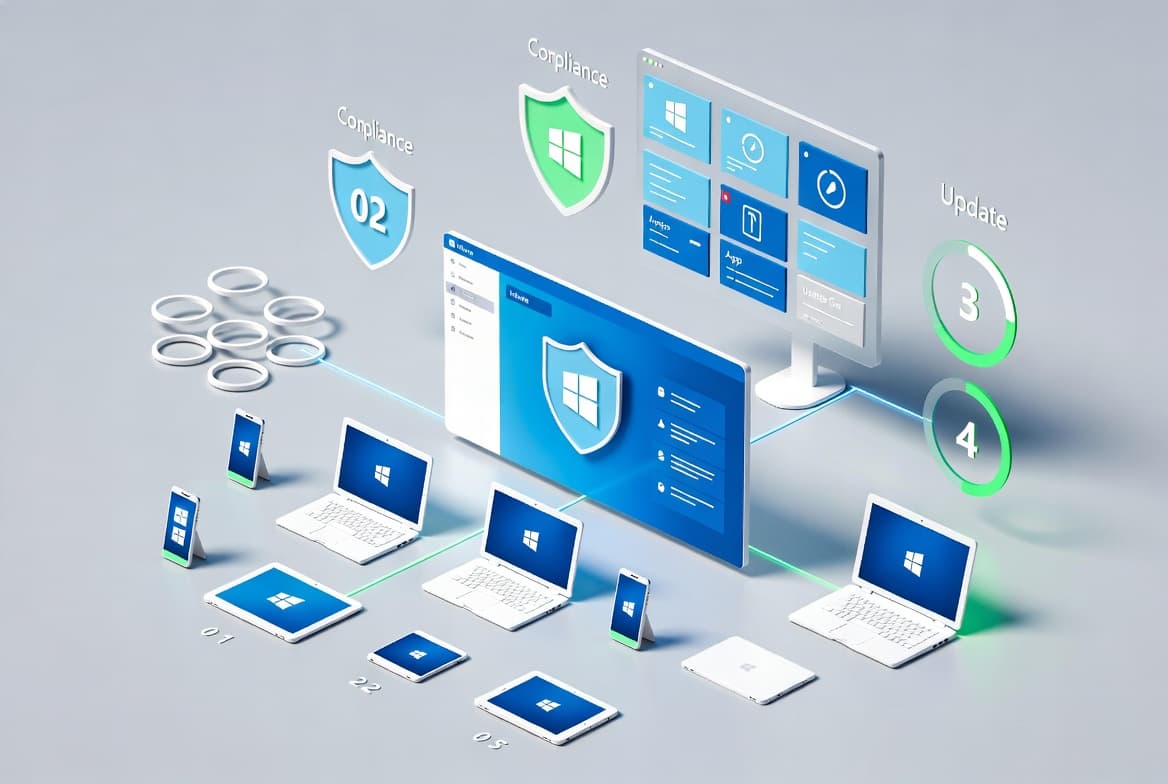
Microsoft Intune Setup: Step-by-Step Guide for IT Admins
Set up Microsoft Intune in 6 steps: create device groups, enforce compliance policies, deploy apps, push update rings, and monitor all endpoints from one console.
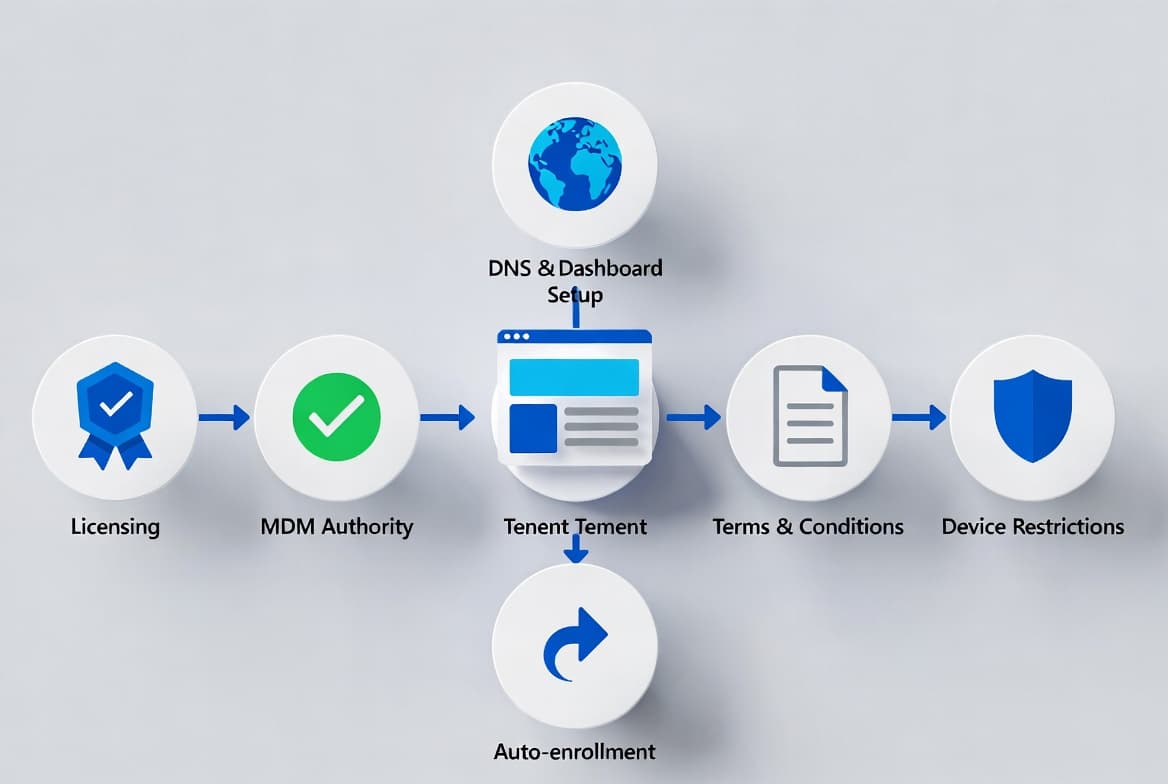
Microsoft Intune Setup: Step-by-Step Configuration Guide
Configure your Intune tenant from scratch: licensing, MDM authority, DNS records, auto-enrollment, terms, and device restrictions in 7 clear steps.
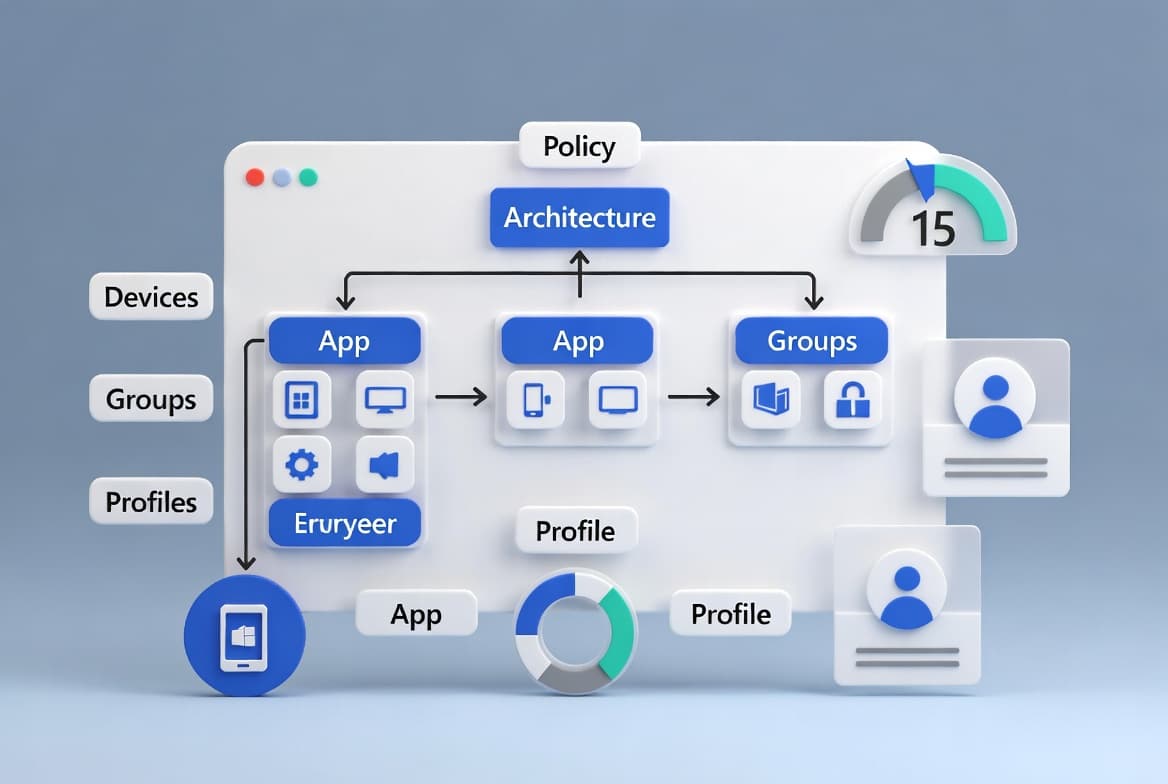
Intune Naming Conventions: Sysadmin Step-by-Step Guide
Build Microsoft Intune naming conventions for devices, apps, groups, and profiles. Includes Autopilot's hard 15-character device name limit and a 6-step framework.
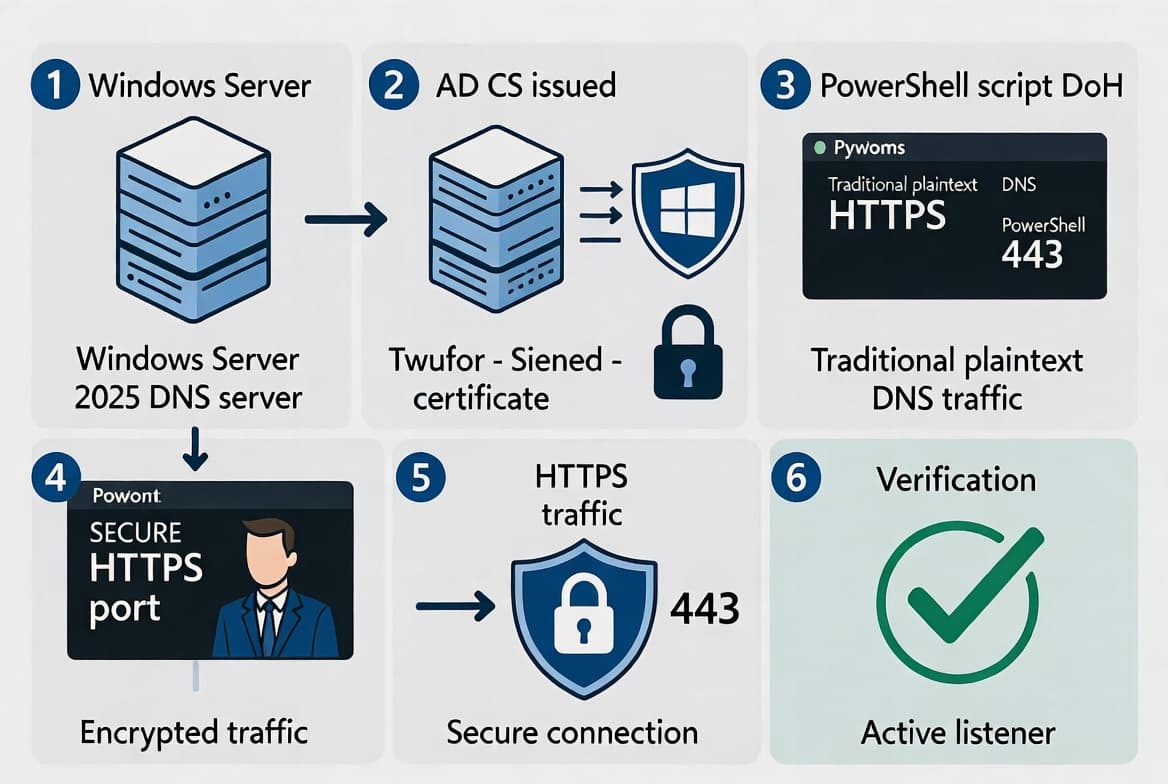
DNS-over-HTTPS on Windows Server 2025: Step-by-Step Setup
Enable DoH on Windows Server 2025 using KB5094125, an AD CS certificate, and PowerShell. Encrypt internal DNS traffic on port 443 in six steps.

Deploy Citrix Workspace App via Intune Enterprise App Catalog
Deploy Citrix Receiver via the Intune Enterprise App Catalog in 6 steps. Covers Windows 10 1607+, group assignment, detection rules, and install verification.
Renew Exchange Server Auth Certificate: Step-by-Step
Renew your Exchange Server Auth Certificate in 7 steps using PowerShell - covers generation, publishing, IIS restart, and hybrid Entra ID sync.