Production-tested tutorials for IT admins
Step-by-step guides for sysadmins and infrastructure engineers, based on real deployments, with verification steps so you know the fix actually worked.
80 results
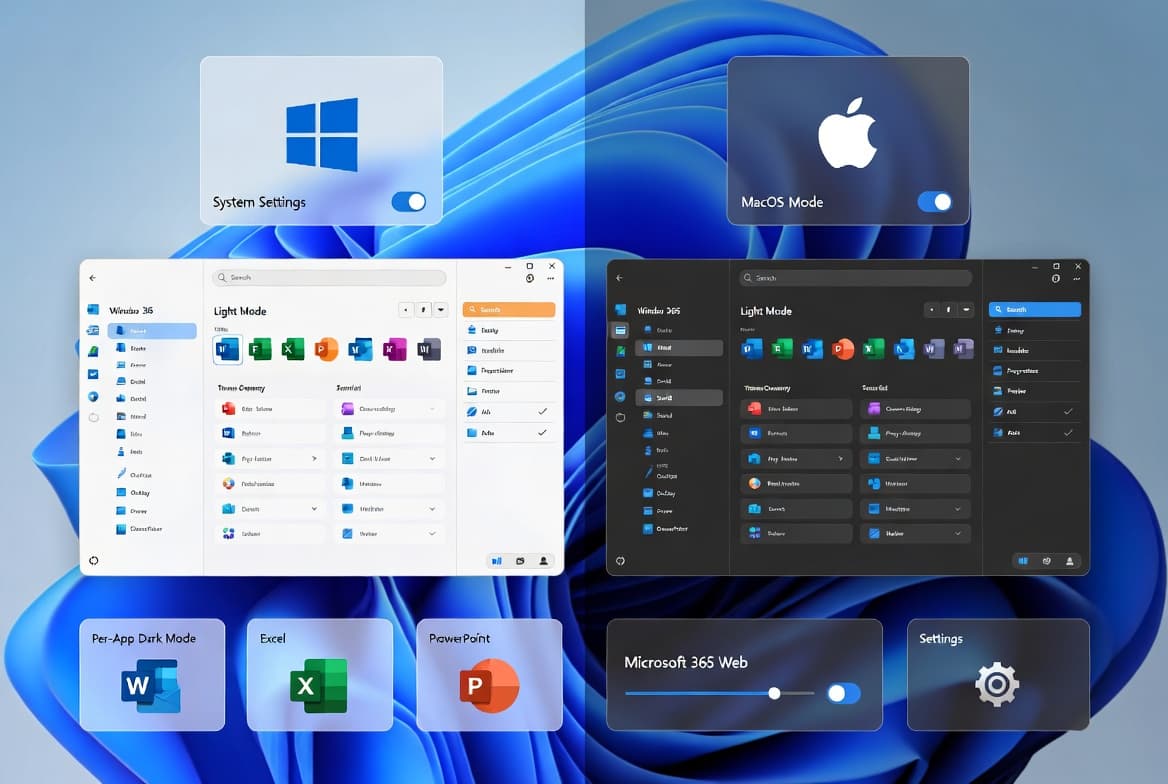
Dark Mode in Microsoft Office: Step-by-Step Guide
Enable dark mode in Microsoft Office 365 in under 2 minutes - 3 methods for Windows 11 and macOS, including PowerShell scripts for fleet deployment.
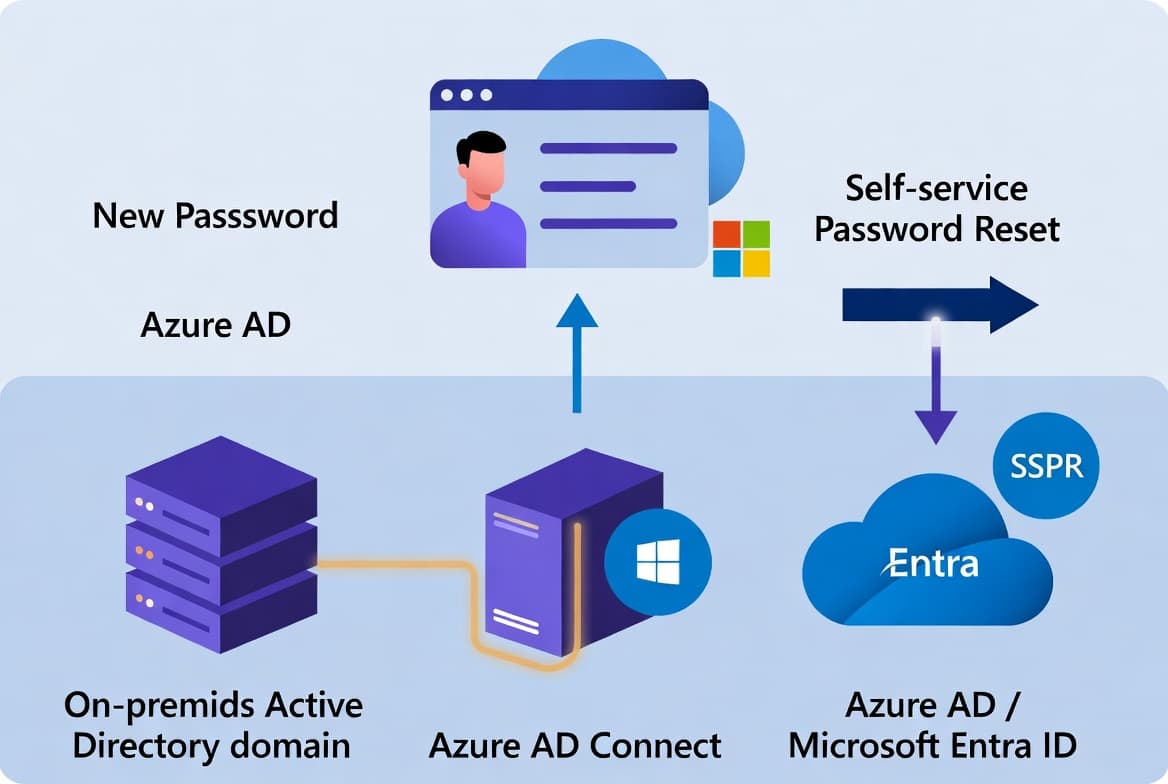
Azure AD Password Writeback: Step-by-Step Setup
Enable Azure AD password writeback in 15 min - requires Azure AD Connect 1.0.8641.0+ and an AAD Premium P1 license. Step-by-step hybrid identity guide.
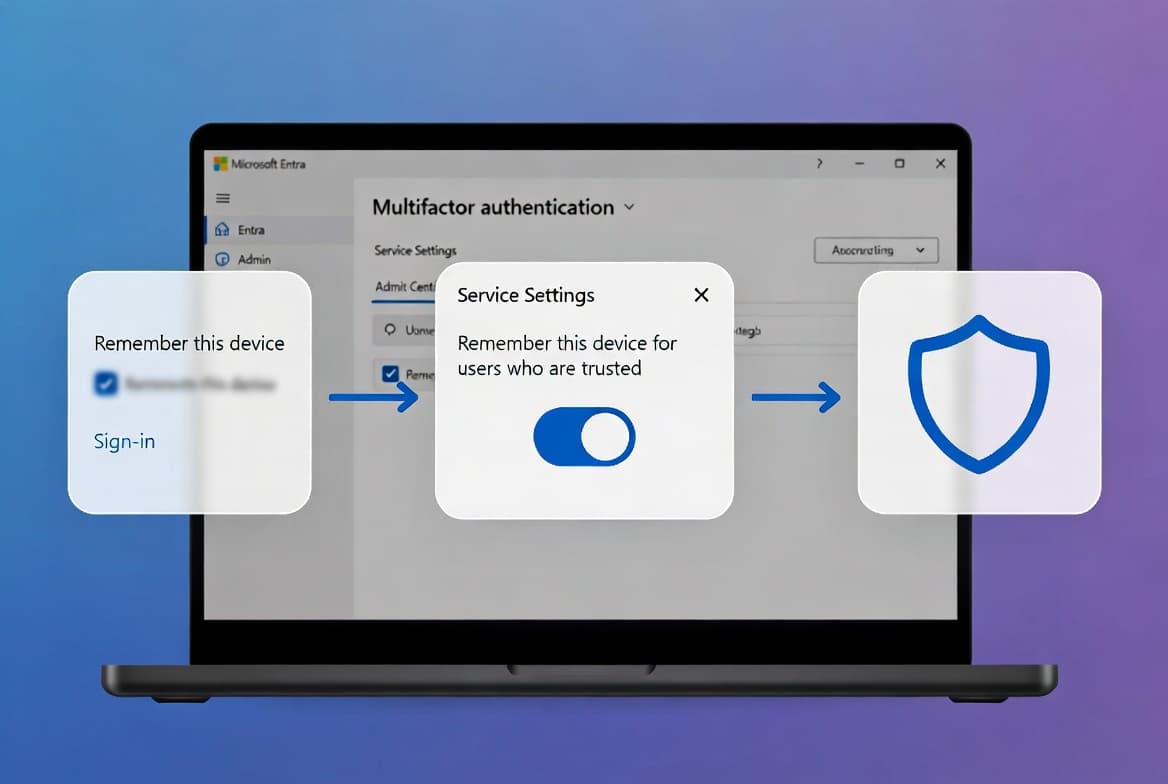
Disable Remember MFA on Trusted Devices in Microsoft Entra ID
One checkbox in the Per-user MFA Service settings disables trusted-device bypass tenant-wide in under 2 minutes. Step-by-step guide for sysadmins.
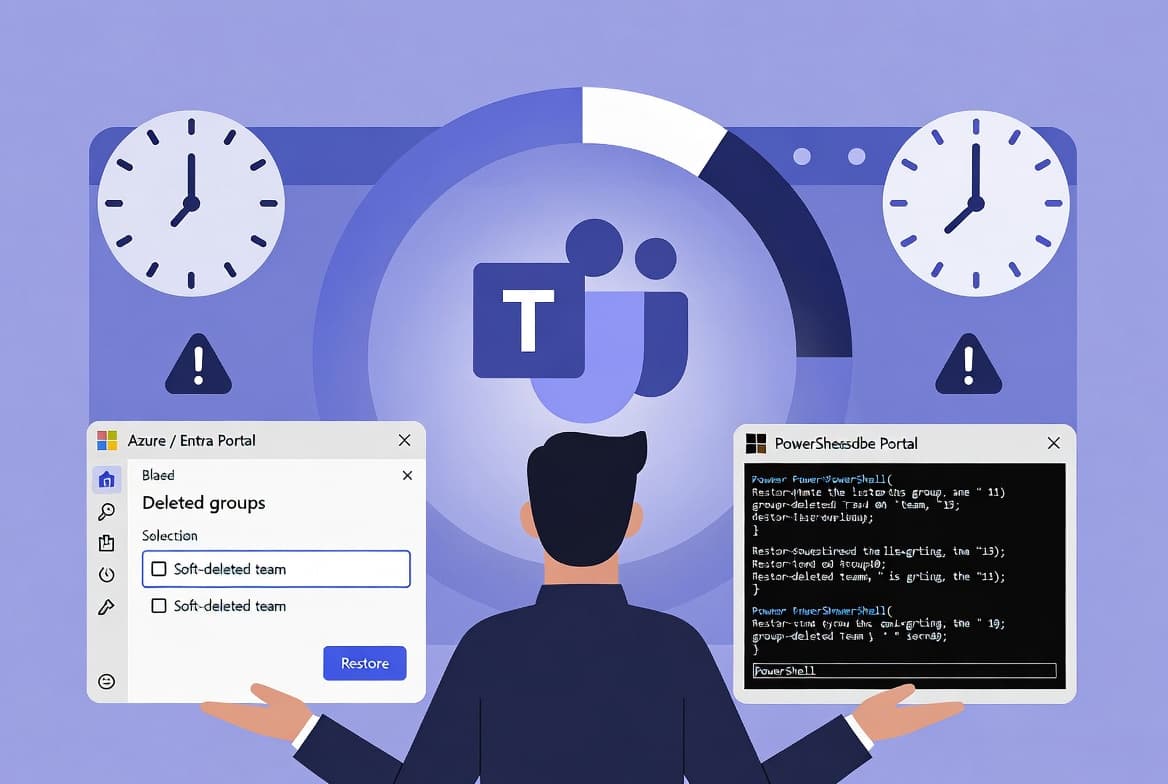
Restore Deleted Microsoft Teams Team: PowerShell & Portal
Recover a soft-deleted Microsoft Teams team in under 5 minutes using PowerShell or the Azure Portal. The 30-day retention window is your only chance.
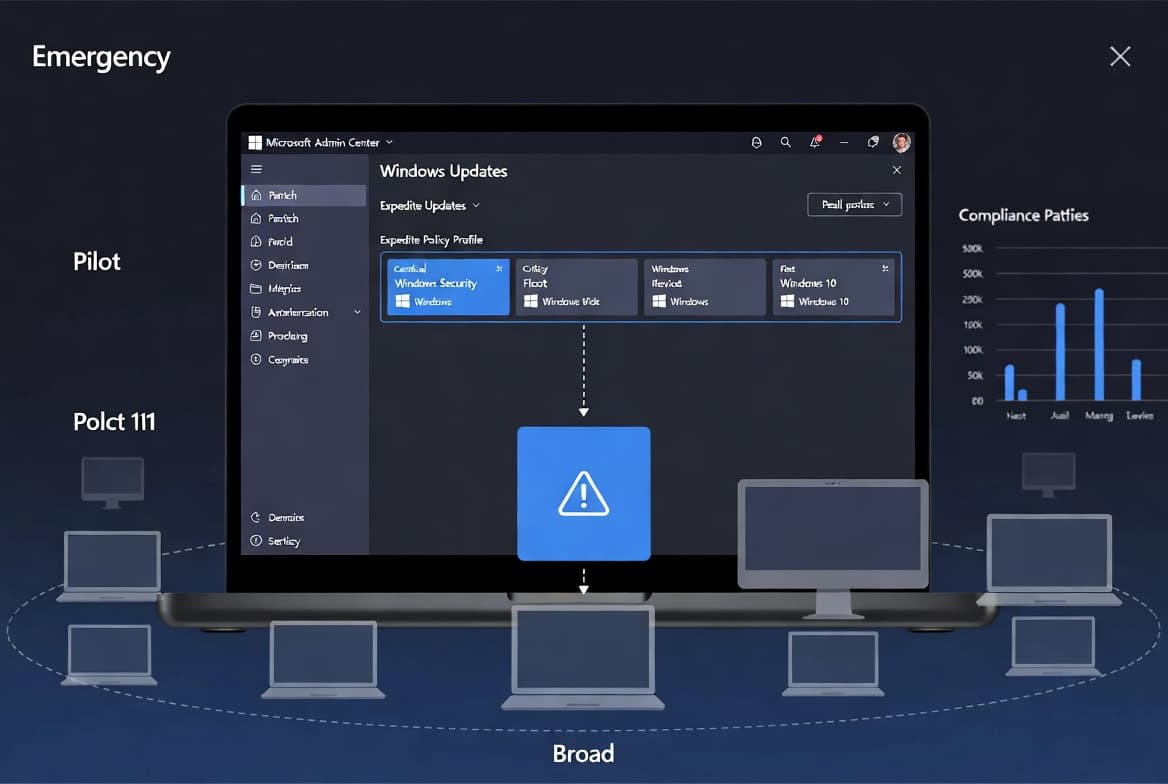
Intune Expedited Windows Quality Updates: Step-by-Step
Deploy emergency Windows security patches using Intune expedited update policies - requires Windows E3/E5 or Intune Plan 1, reaching devices in as little as 0-2 days.
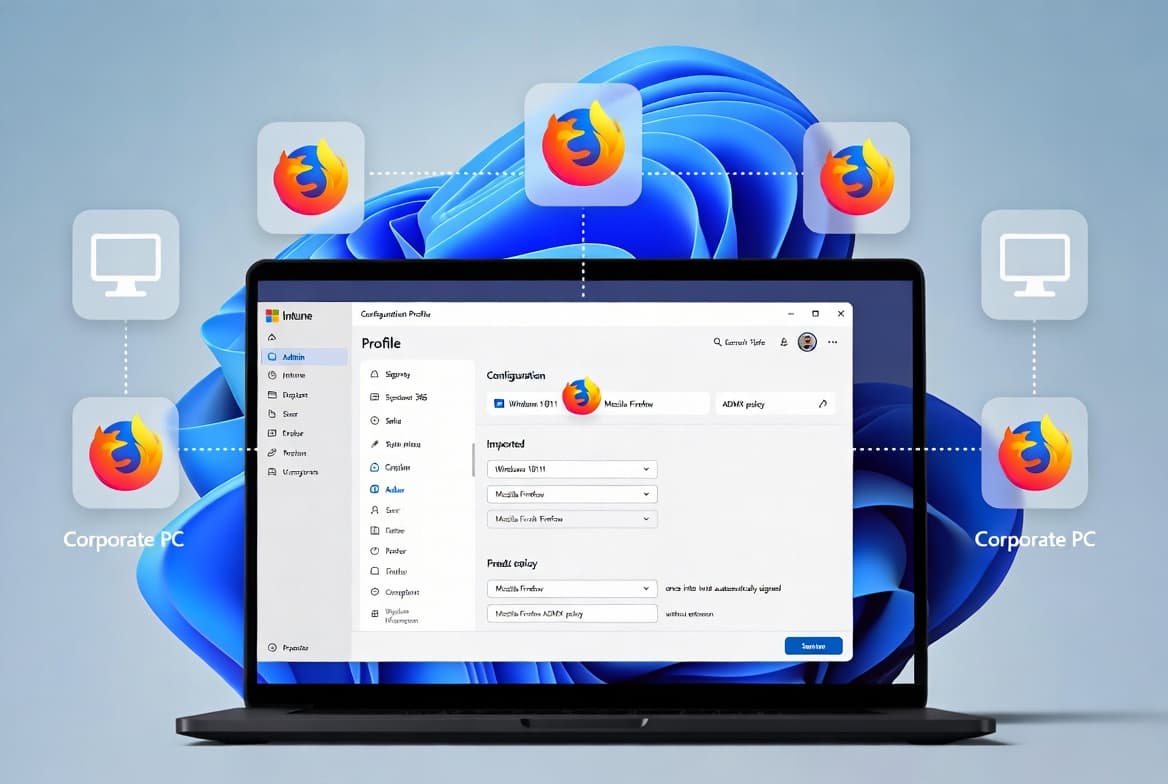
Firefox SSO with Intune: Step-by-Step for Sysadmins
Configure Firefox SSO with Intune using two Mozilla ADMX templates. No extension required. Works with Firefox 91+ on Entra ID Joined, Hybrid-Joined, and Registered devices enrolled in Intune. 157 chars.
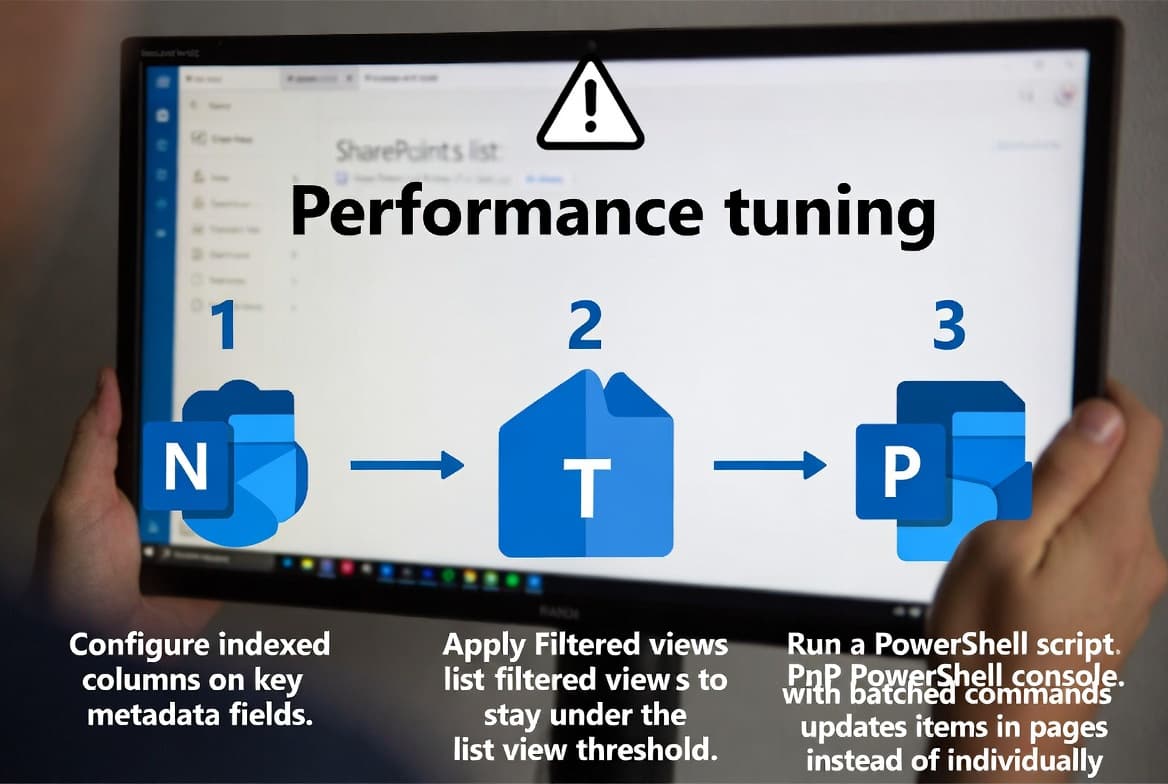
SharePoint Online Large Document Libraries: 5-Step Optimization Guide
Fix SharePoint Online slowdowns in large document libraries: index columns before the 5,000-item threshold, build filtered views, and batch metadata with PnP PowerShell.
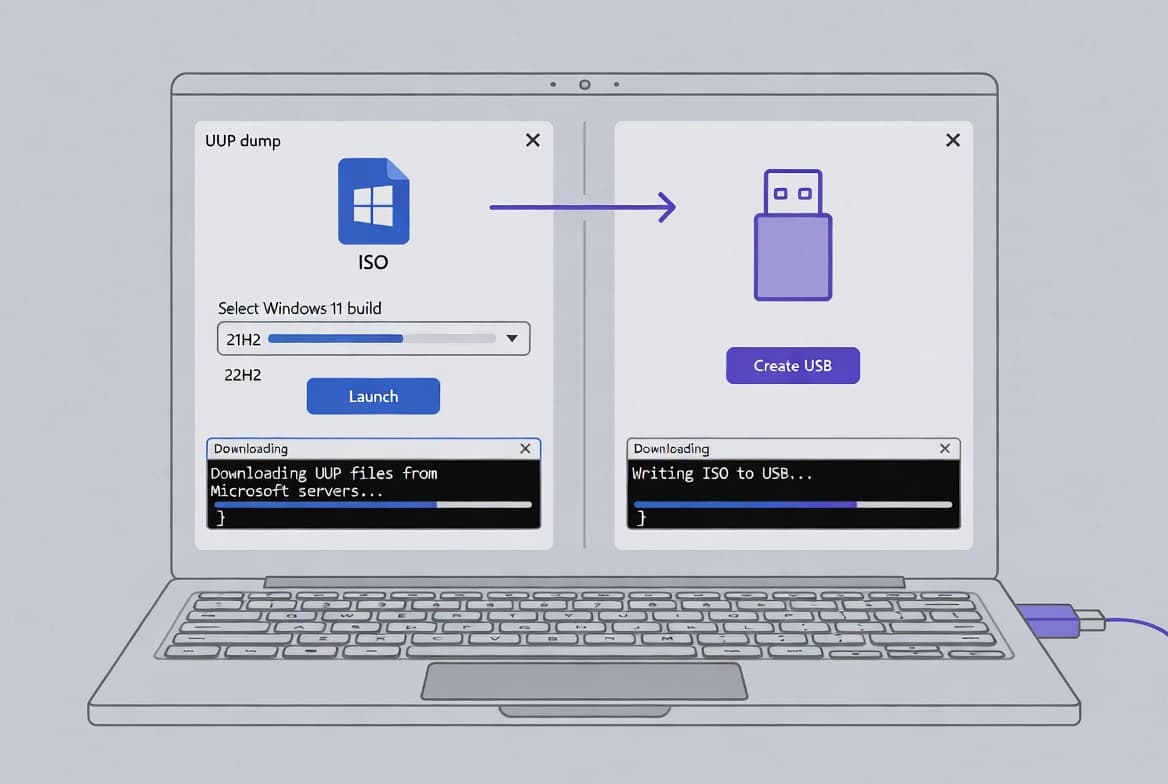
Windows 11 ISO Download & Build Guide for Sysadmins
Build or download a Windows 11 25H2/26H1 ISO in under 20 minutes using UUPdump files pulled from Microsoft CDN. Includes Rufus USB, in-place upgrade, and TPM bypass steps.
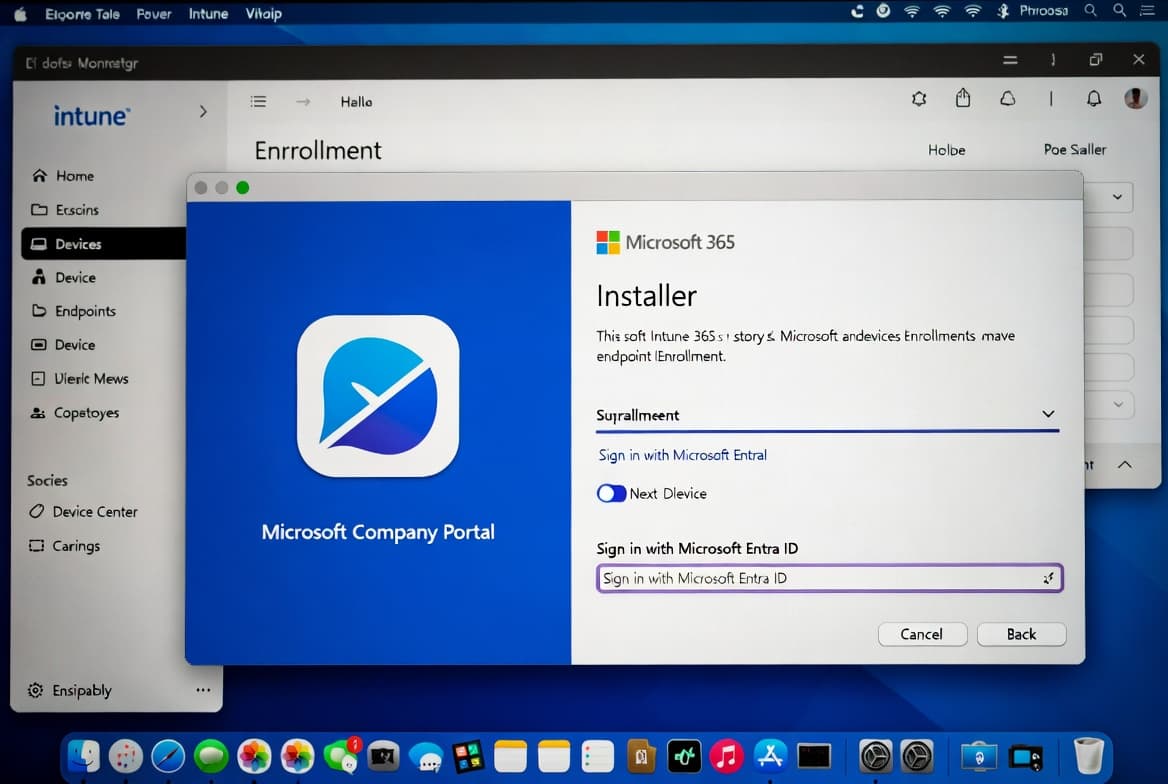
Install Microsoft Intune Company Portal on Mac: Step-by-Step
Install Microsoft Intune Company Portal on Mac in 15 minutes. Covers the .pkg installer, MDM profile approval on macOS 13-14, and compliance verification.
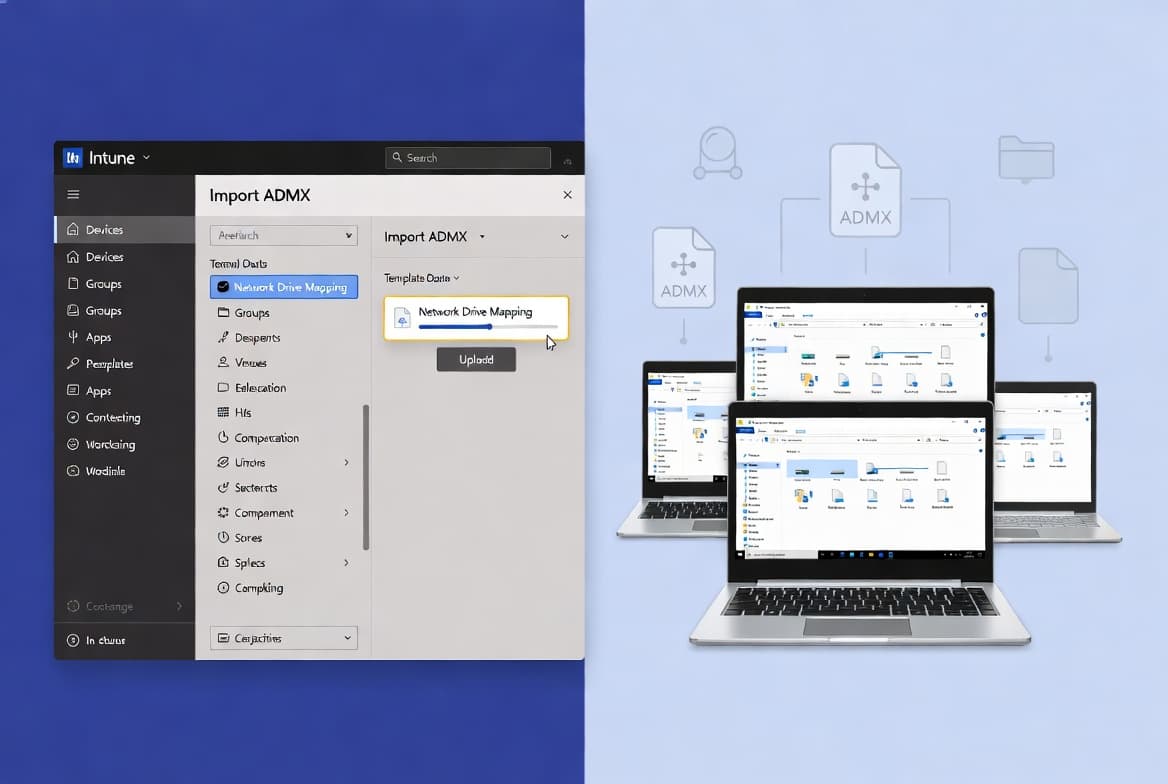
Map Network Drives in Intune Using Custom ADMX Files
Deploy persistent network drive mappings to Entra-joined devices via Intune Imported Administrative Templates using custom ADMX files - no PowerShell scripting required for deployment.
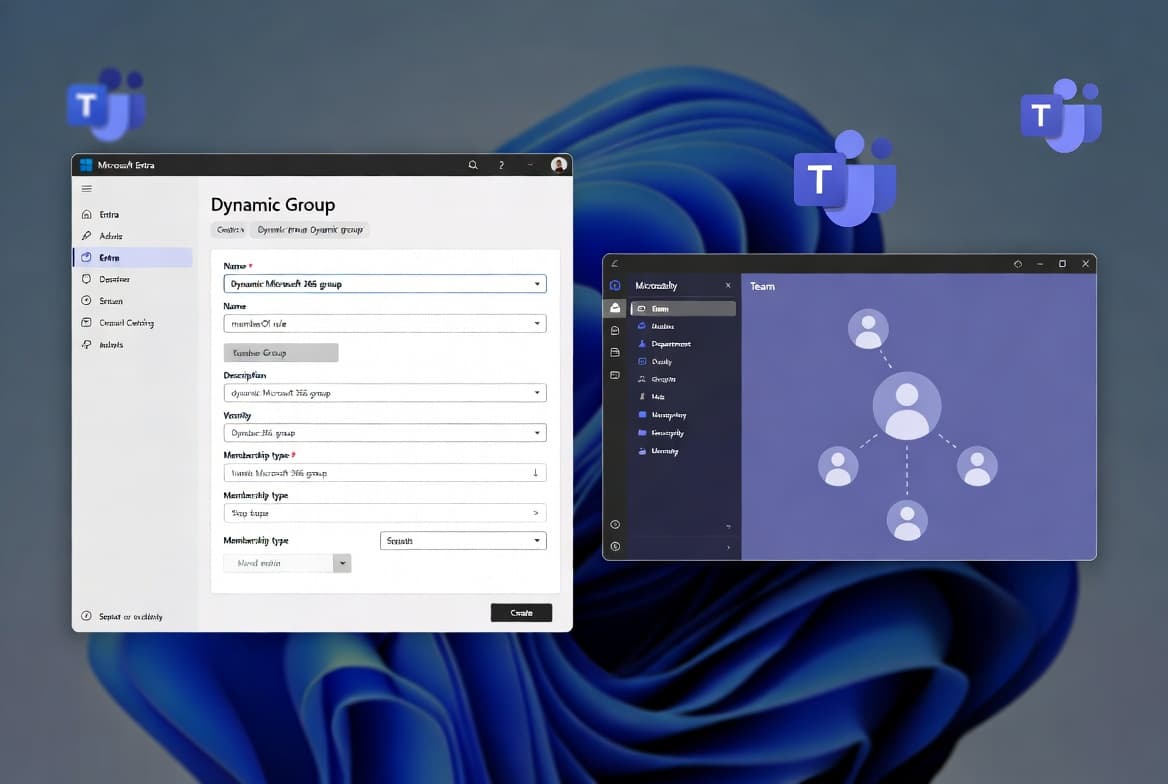
Create a Dynamic Team in Microsoft Teams with Entra ID Groups
Learn to create a dynamic Microsoft Teams team backed by an Entra ID P1 dynamic group — membership updates automatically within two hours as user attributes change.
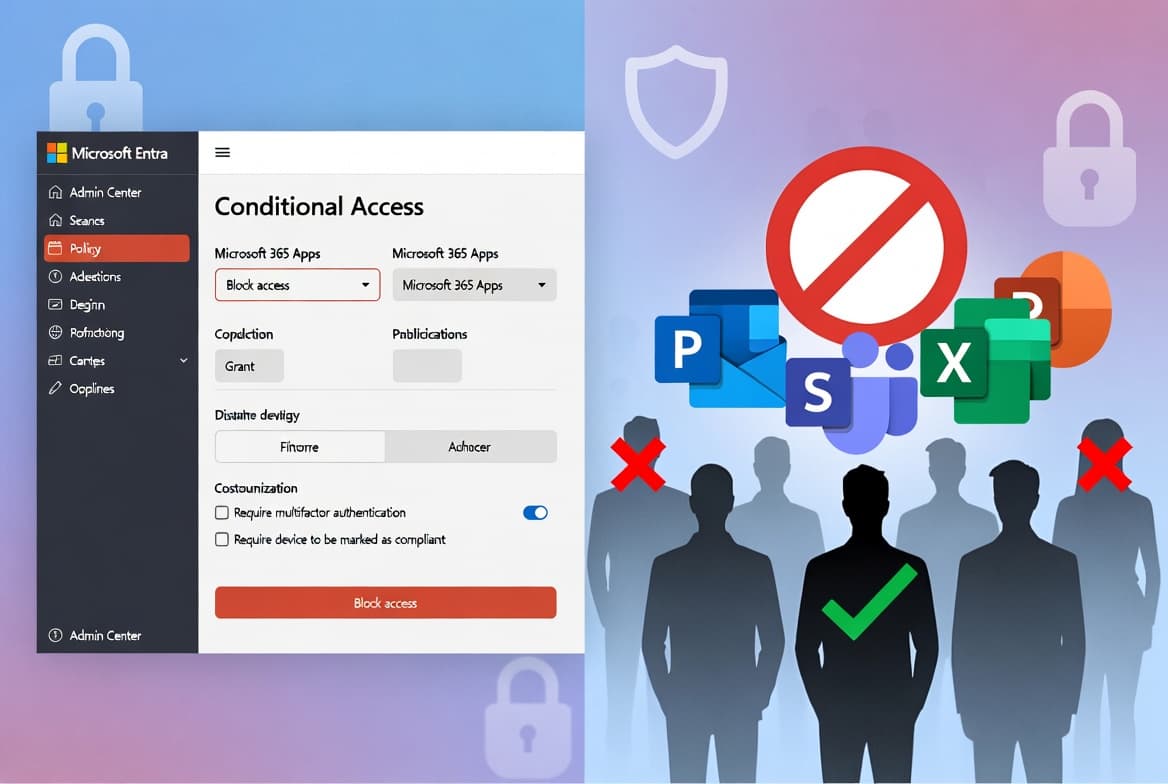
Block Microsoft 365 Apps with Conditional Access - Stepy by Step
Block Microsoft 365 apps on unmanaged devices using Entra Conditional Access. Covers licensing, break-glass exclusions, Report-only testing, and sign-in log verification.
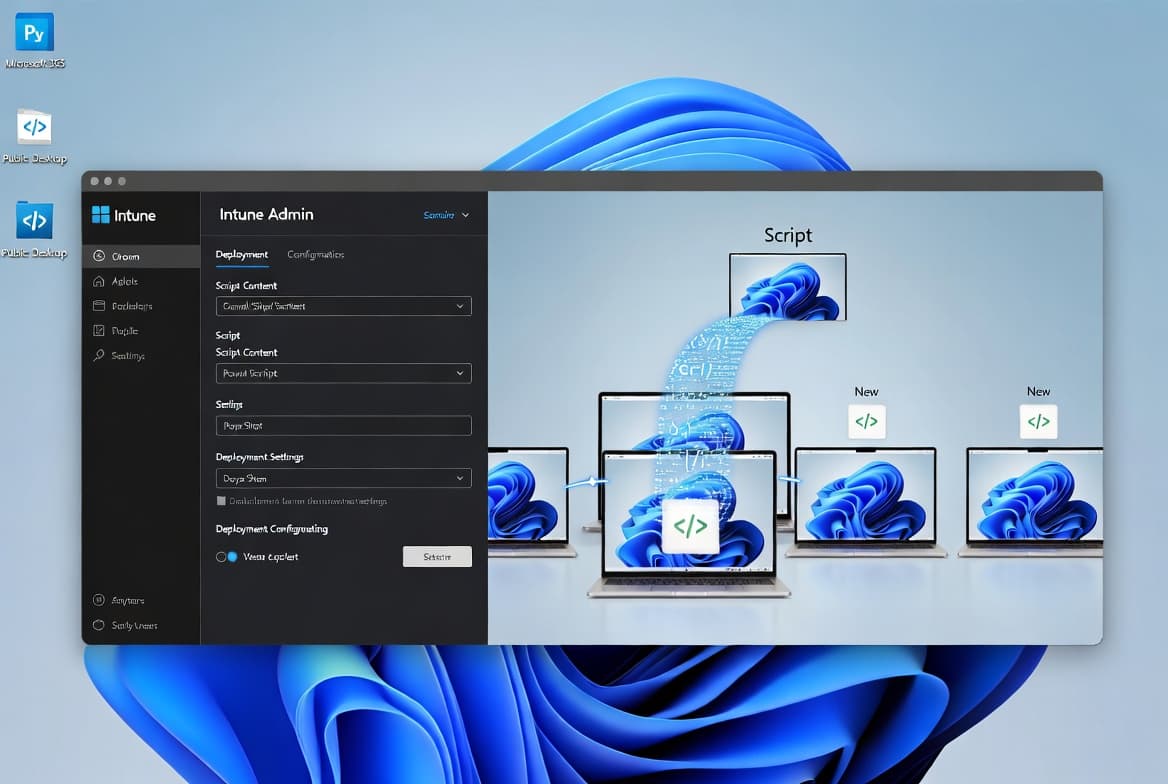
Deploy Desktop Shortcuts with Intune Using PowerShell
Deploy app and web URL desktop shortcuts to all Intune-managed Windows devices using PowerShell in under 30 minutes. Step-by-step guide for sysadmins, tested on Windows 11 23H2.
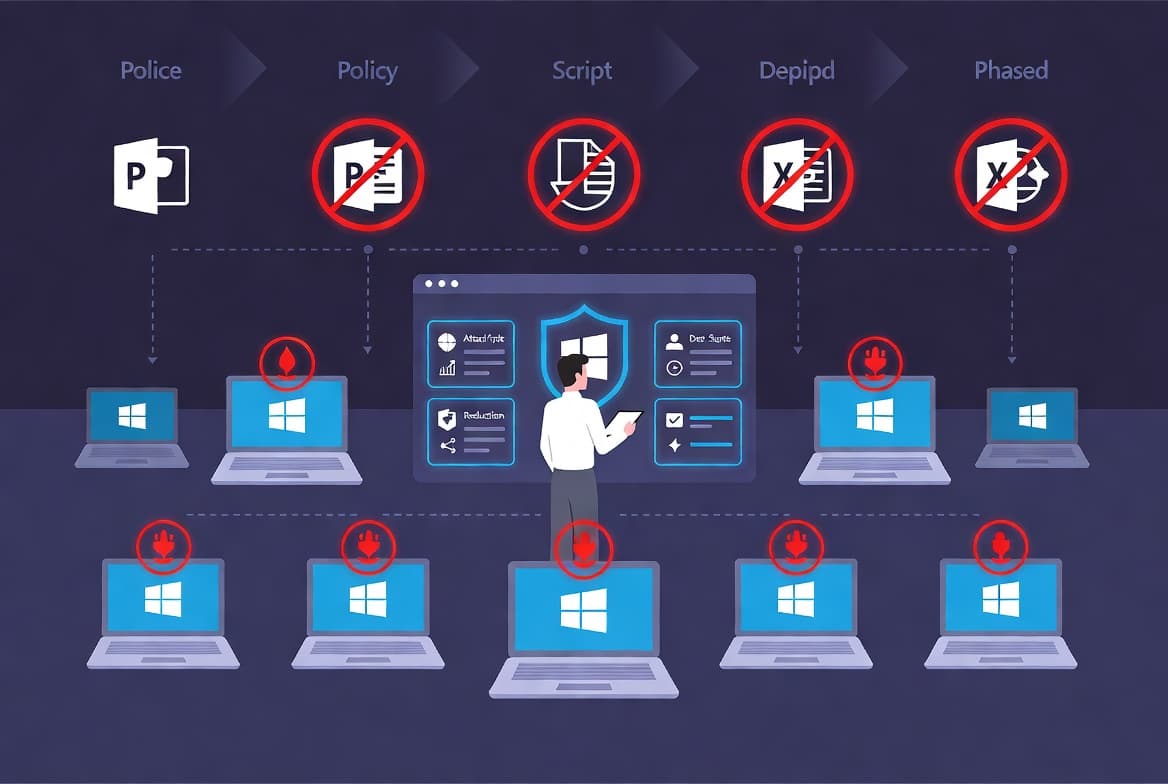
ASR Rules Deployment: Step-by-Step Guide for Sysadmins
Deploy Microsoft Defender ASR rules safely using Intune and PowerShell. Audit, test, and enforce 14 rules across Windows 10 1709+ endpoints in a phased rollout.
Reset Windows Start Menu to Default: 5 Methods for Sysadmins
Start Menu broken, frozen, or cluttered? This step-by-step guide covers five proven methods to reset it on Windows 10 and 11 in under 30 minutes.
Deactivate an Entra ID App Registration: Step-by-Step Guide
Deactivate an Entra ID app registration in 4 steps using the admin center or Graph API PATCH request — blocks token issuance without deleting the app.
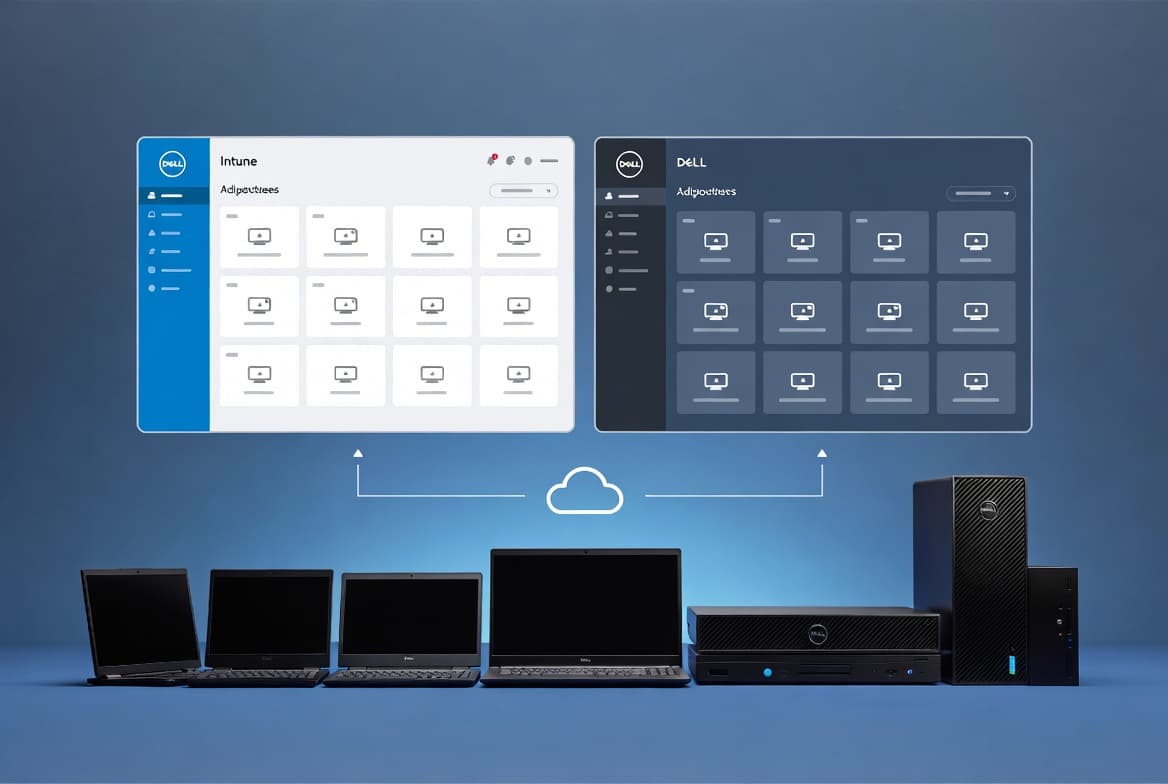
Dell Management Portal for Intune: Integration Setup Guide
Connect Dell Management Portal to Intune in 5 steps - retrieve BIOS credentials, manage 5 Dell enterprise apps, and sync device data every 30 minutes.
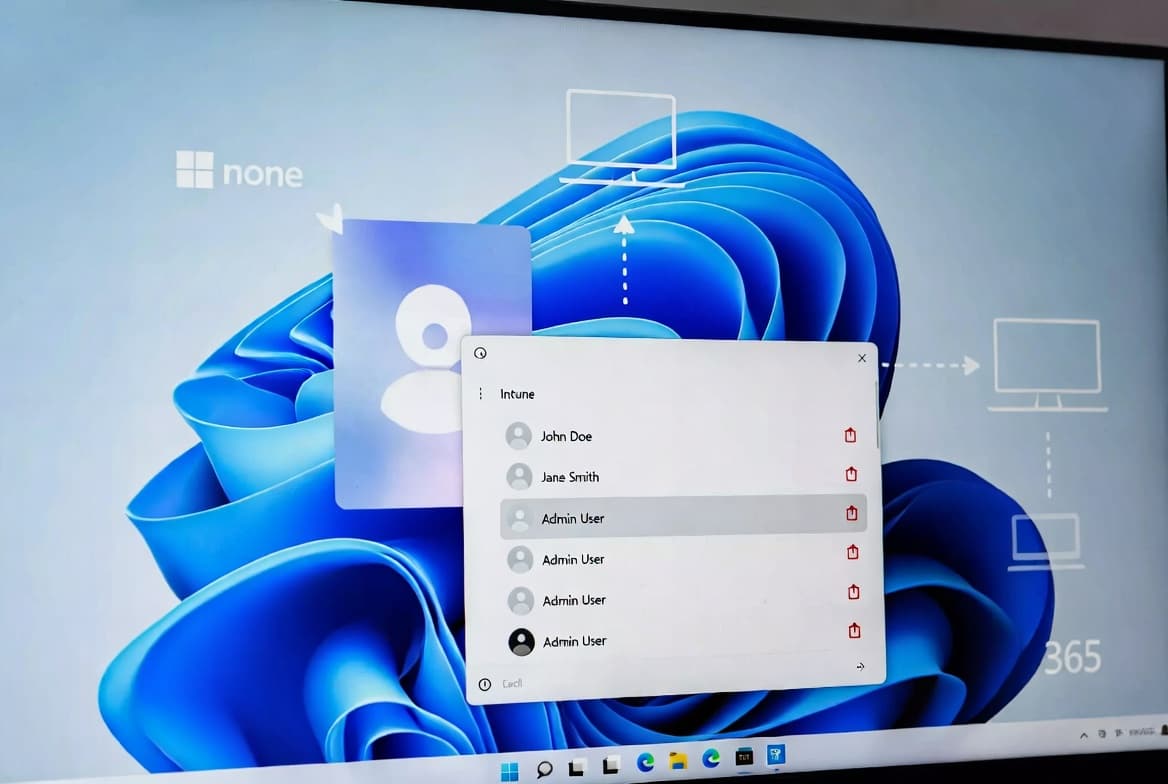
Intune: Auto-Delete Old User Profiles - Step-by-Step Guide
Configure an Intune Settings Catalog policy that auto-deletes Windows user profiles inactive for 30-120 days, recovering disk space and reducing credential exposure on every restart.
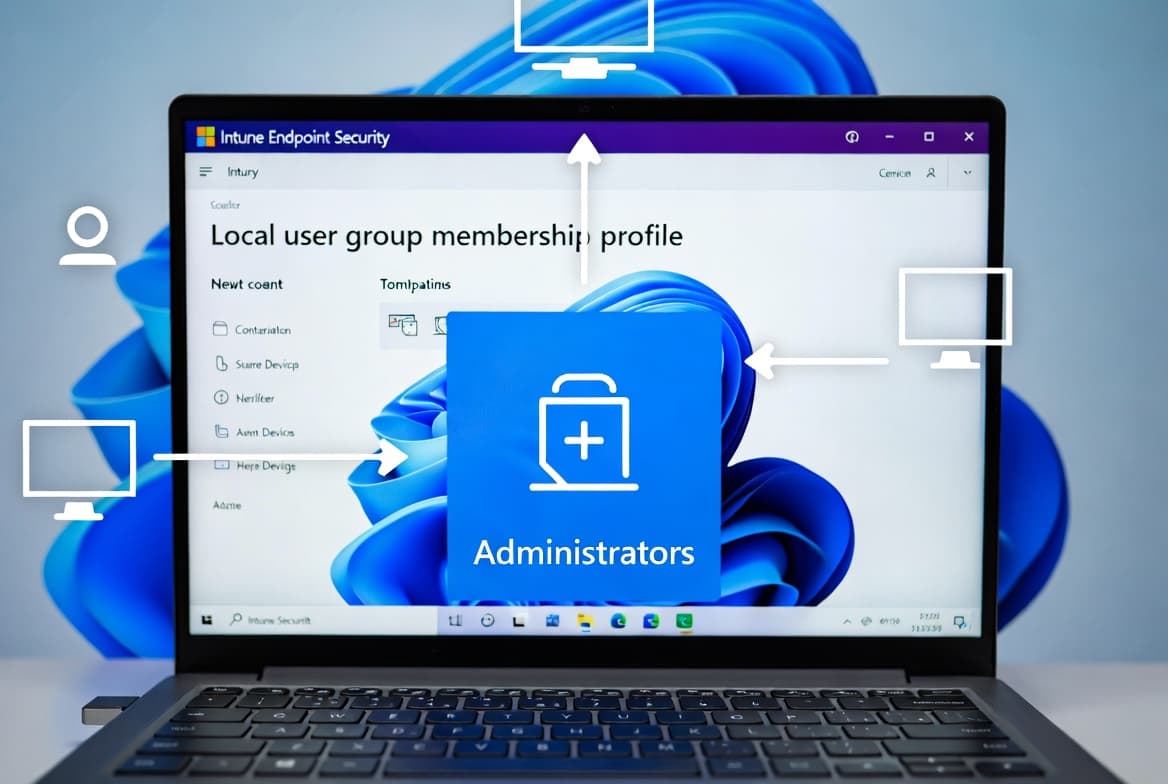
Intune: Add a Local User to the Administrators Group
Promote an Entra user to the local Administrators group on Windows 10/11 devices using Intune Account Protection policy - completed in 5 steps, no manual machine access required.
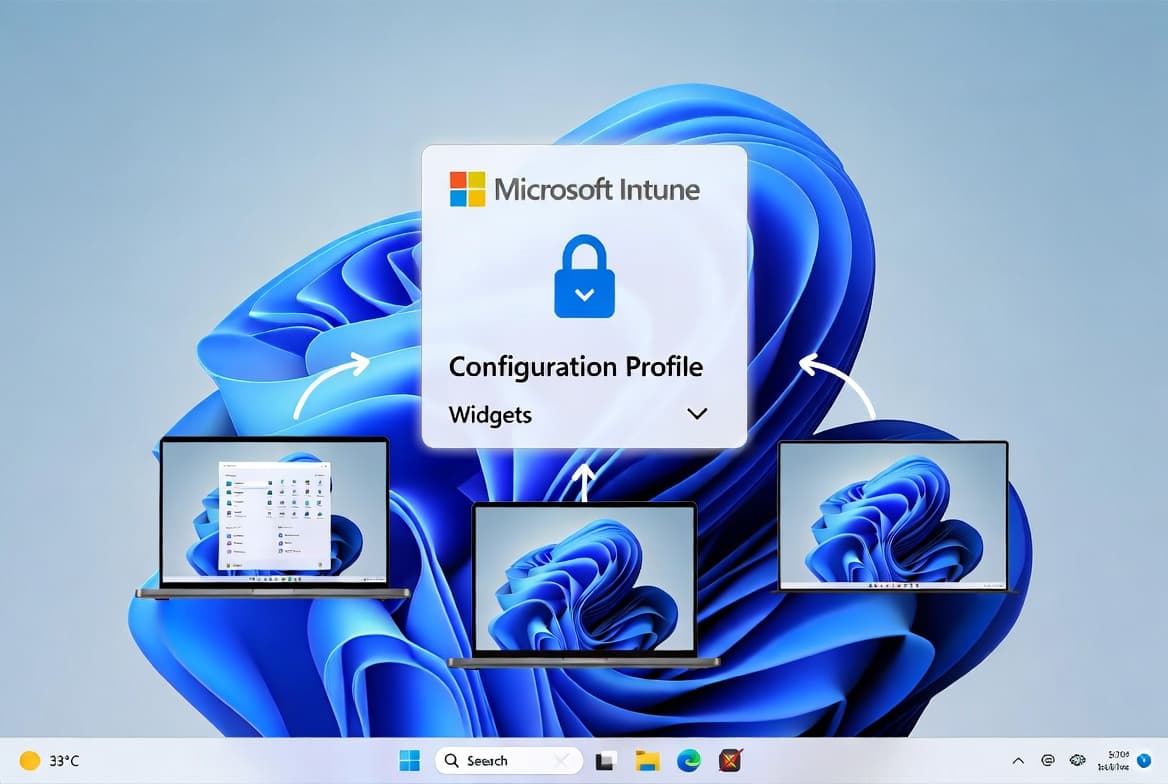
Remove Weather Widget from Windows 11 Taskbar via Intune
Step-by-step guide for sysadmins to disable the Windows 11 weather widget via an Intune configuration profile. Policy applies within 8 hours, locking the toggle for end users.