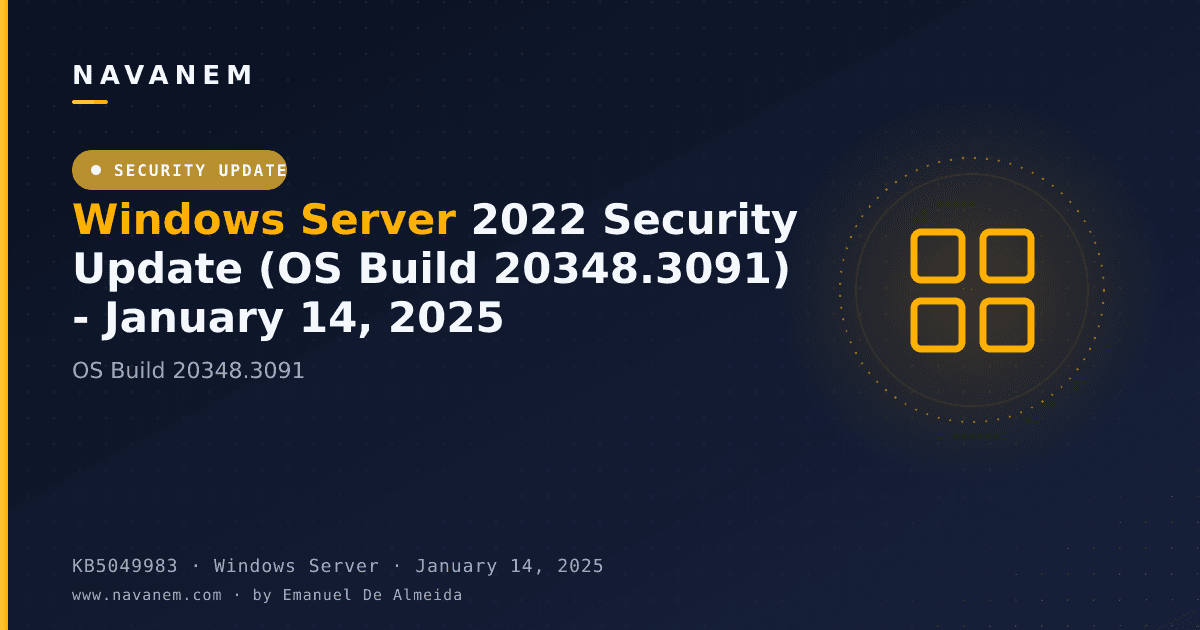
KB5049983: Windows Server 2022 Security Update (OS Build 20348.3091) - January 14, 2025
January 14, 2025 security update for Windows Server 2022, delivering OS build 20348.3091 with kernel driver blocklist improvements and a bundled servicing stack update.
Summary
KB5049983 is the January 14, 2025 monthly security update for Windows Server 2022, bringing the OS to build 20348.3091. Released on January 14, 2025, it addresses security vulnerabilities and quality issues, and bundles the servicing stack update KB5050117 (build 20348.3081). Full details are available from Microsoft Support.
Highlights
- The Windows Kernel Vulnerable Driver Blocklist file (DriverSiPolicy.p7b) has been expanded to cover additional drivers that are at risk for Bring Your Own Vulnerable Driver (BYOVD) attacks.
Improvements and fixes
- The kernel vulnerable driver blocklist (DriverSiPolicy.p7b) is updated to add drivers that pose a risk in BYOVD attack scenarios, helping protect systems against this class of threat.
- A bundled servicing stack update, KB5050117 at version 20348.3081, is included to improve the reliability of the component responsible for installing Windows updates on the device.
Known issues
OpenSSH service fails to start after October 2024 security update
Symptom: After installing the October 2024 security update, the OpenSSH (Open Secure Shell) service may fail to start, blocking SSH connections. The failure produces no detailed log output, and manually running sshd.exe is required as a workaround. The problem affects enterprise, IoT, and education customers on a limited number of devices.
Workaround: This issue is addressed in KB5053603.
Citrix Session Recording Agent version 2411 blocks update installation
Symptom: Devices with Citrix Session Recording Agent (SRA) version 2411 (released December 2024) installed may fail to complete installation of the January 2025 security update. The update may appear to download and apply correctly, but on restart the device displays a message similar to "Something didn't go as planned. No need to worry - undoing changes" and reverts to the previously installed Windows updates. This issue is expected to affect a limited number of organizations and does not affect home users.
Workaround: The issue has been resolved in Citrix Session Recording Agent version 2503, released on April 28, 2025, and newer versions. See the Citrix documentation titled "Microsoft's January Security Update Fails/Reverts on a machine with 2411 Session Recording Agent" for further details.
Windows Event Viewer shows SgrmBroker.exe error (Event 7023)
Symptom: On devices that have installed Windows updates released January 14, 2025 or later, Windows Event Viewer may log an error under Windows Logs > System as Event 7023, with text similar to "The System Guard Runtime Monitor Broker service terminated with the following error: %%3489660935". The error is silent and does not appear as a dialog or notification. SgrmBroker.exe (System Guard Runtime Monitor Broker Service) was originally created for Microsoft Defender but has not been part of its operation for a long time. No impact to performance, functionality, or device security level results from this issue. Microsoft advises against manually starting, configuring, uninstalling, or removing this service or its components, as future updates will adjust these components.
Workaround: This issue is addressed in KB5055526.
USB audio devices stop working after update installation
Symptom: After installing this security update, USB audio devices may stop working and prevent audio playback. Devices using a USB 1.0 audio driver-based DAC (Digital to Analog Converter) are more likely to be affected. Device Manager may show the error "This device cannot start. (Code 10) Insufficient system resources exist to complete the API".
Workaround: This issue is addressed in KB5051979.
How to get this update
Before installing, note that Microsoft now combines the latest servicing stack update (SSU) with the latest cumulative update (LCU) into a single package. For offline OS image servicing, the image must include KB5030216 (released 09/12/2023) or a later LCU before applying this update. That LCU sets the minimum required SSU version (20348.1960) to avoid error 0x800f0823.
This update is available through the following channels:
- Windows Update and Microsoft Update - downloaded and installed automatically; no manual steps required.
- Windows Update for Business - automatically deployed in line with configured policies.
- Microsoft Update Catalog - a standalone package can be downloaded directly from the catalog website.
- Windows Server Update Services (WSUS) - syncs automatically when Products and Classifications are configured with Product set to "Microsoft Server operating system-21H2" and Classification set to "Security Updates".
To remove only the LCU after installing the combined SSU+LCU package, use the DISM /Remove-Package option with the LCU package name as the argument. Running wusa.exe /uninstall against the combined package will not work because the SSU component cannot be removed after installation.
Frequently asked questions
Does this update include the servicing stack update, or does that need to be installed separately?
The servicing stack update KB5050117 (build 20348.3081) is bundled directly into this cumulative update package. Sysadmins do not need to obtain or apply it separately. Microsoft has moved to this combined SSU and LCU delivery model to simplify the update process across managed environments.
What is the prerequisite for offline image servicing with this update?
Before applying KB5049983 to an offline OS image, verify that the image already contains KB5030216 (released September 12, 2023) or any later LCU. That update brings the servicing stack to version 20348.1960, which is the minimum required to avoid error 0x800f0823 (CBS_E_NEW_SERVICING_STACK_REQUIRED) during offline servicing.
Can this update be uninstalled if problems arise?
The LCU portion can be removed using the DISM /Remove-Package command with the appropriate package name, which you can find by running DISM /online /get-packages. However, because the SSU is bundled in the same package, using wusa.exe /uninstall will not work, and the SSU itself cannot be removed from the system once installed.
Where can sysadmins find the full list of security vulnerabilities addressed by this update?
Microsoft publishes detailed vulnerability information in the Security Update Guide and in the January 2025 Security Updates release notes. Those resources document CVE identifiers, severity ratings, and affected components, giving IT pros the full picture needed for risk assessment and change-management documentation.