KB5058385: Windows Server 2022 Security Update (OS Build 20348.3692) - May 2025
May 13, 2025 security update for Windows Server 2022, bringing OS build to 20348.3692 with DWM, graphics kernel, SBAT, and driver blocklist fixes.
Summary
This is the May 13, 2025 monthly security update for Windows Server 2022, tracked as KB5058385. It advances the OS build to 20348.3692 and was released on May 13, 2025. The update addresses quality issues across Desktop Window Manager, graphics kernel, Secure Boot, and the vulnerable driver blocklist. Full details are available from Microsoft Support.
Highlights
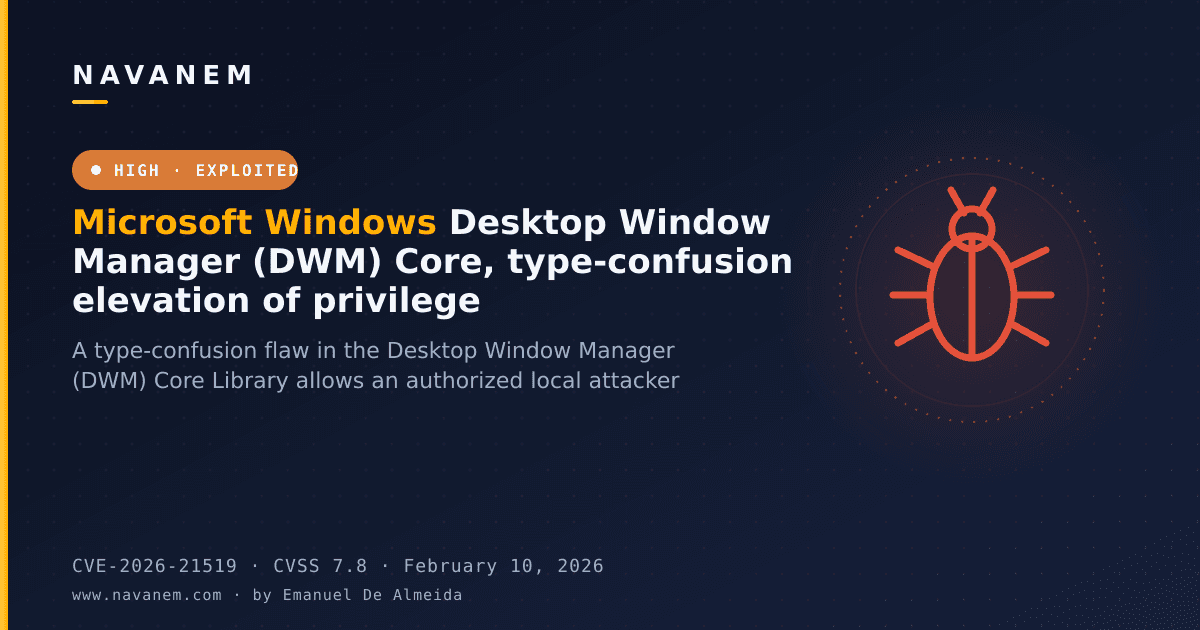
- Desktop Window Manager (DWM) fix for black or grey screen during remote session connect and disconnect events.
- Graphics kernel fix for new console sessions failing to start after a previous session is closed.
- Secure Boot Advanced Targeting (SBAT) improvements for Linux EFI system detection.
- Windows Kernel Vulnerable Driver Blocklist (DriverSiPolicy.p7b) expanded to cover additional drivers at risk for Bring Your Own Vulnerable Driver (BYOVD) attacks.
Improvements and fixes
- DWM remote session stability: Resolves a problem where Desktop Window Manager stopped responding because of an access error in dwmredir.dll during the connection or disconnection phase of a remote session. The failure caused users to see a black or grey screen.
- Graphics kernel - console session startup: Fixes a failure that occurred when opening a new console session immediately after closing the previous one. The new session would not start successfully without this fix.
- SBAT and Linux EFI detection: Applies improvements to Secure Boot Advanced Targeting so that Linux-based EFI systems are detected more accurately, strengthening the Secure Boot enforcement chain.
- Vulnerable driver blocklist update: Adds newly identified at-risk drivers to the kernel vulnerable driver blocklist file (DriverSiPolicy.p7b), reducing exposure to BYOVD attack techniques.
- Bundled servicing stack update: This release also includes servicing stack update KB5058531, which brings the servicing stack to version 20348.3691 and ensures reliable installation of future Windows updates.
Known issues
Microsoft lists no known issues for this update at the time of writing.
How to get this update
Before installing, note that Microsoft now bundles the latest servicing stack update (SSU) with the latest cumulative update (LCU) in a single package. If you are servicing an offline OS image, confirm the image already includes KB5030216 (released 09/12/2023) or a later LCU. That prerequisite brings the SSU to version 20348.1960, which is the minimum required to avoid error 0x800f0823 (CBS_E_NEW_SERVICING_STACK_REQUIRED).
The update is available through the following channels:
- Windows Update / Microsoft Update: Downloads and installs automatically.
- Windows Update for Business: Deploys automatically in line with configured policies.
- Microsoft Update Catalog: Standalone package available for manual download. Note that the package includes AI component updates, but those components apply only to Windows Copilot+ PCs and will not install on standard Windows PCs or Windows Server.
- Windows Server Update Services (WSUS): Syncs automatically when Products is set to Microsoft Server operating system-21H2 and Classification is set to Security Updates.
To remove the LCU after installing the combined SSU+LCU package, use the DISM /Remove-Package command with the LCU package name as the argument. Running wusa.exe /uninstall against the combined package will not work because the package contains the SSU, and the SSU cannot be removed once installed.
Frequently asked questions
Does this update change the servicing stack, and do I need to install it separately?
Yes, servicing stack update KB5058531 (version 20348.3691) is bundled directly into this cumulative update package, so no separate SSU installation step is required. Microsoft combines the SSU and LCU to simplify deployment and reduce the number of packages administrators must manage during patch cycles.
What prerequisite is required when servicing an offline OS image?
Your offline image must already contain KB5030216 from September 12, 2023, or any later LCU. That update raises the SSU version to 20348.1960, which is the minimum needed to prevent the CBS_E_NEW_SERVICING_STACK_REQUIRED error (0x800f0823) during offline image servicing.
Why does this update include AI component files if Windows Server does not use Copilot+ features?
The AI component updates are packaged inside this cumulative update, but Microsoft states they apply only to Windows Copilot+ PCs. On Windows Server, those components will not install even though the files are present in the package, so there is no functional impact or conflict for server workloads.
How do I remove the LCU if I need to roll back?
Use DISM /online /get-packages to locate the LCU package name, then run DISM /Remove-Package with that name as the argument. Do not use wusa.exe /uninstall against this package - because the combined SSU+LCU format is used, that method will fail. Also note the SSU portion cannot be removed from the system once it has been installed.