KB5062572: Windows Server 2022 Security Update (OS Build 20348.3932) - July 8, 2025
July 8, 2025 security update for Windows Server 2022, bringing OS to build 20348.3932. Fixes DHCP, GB18030 characters, language packs, and RPC Netlogon hardening.
Summary
This is the July 8, 2025 monthly security update for Windows Server 2022, bringing the OS to build 20348.3932. Released on July 8, 2025, it is a cumulative security update that also bundles a servicing stack update (KB5062793, version 20348.3920). It includes fixes for DHCP reliability, Chinese character compliance, language pack cleanup, and a security hardening change to the Microsoft RPC Netlogon protocol. Source: Microsoft Support
Highlights
- DHCP Server service intermittent stop-responding issue resolved, restoring reliable IP renewal for clients.
- GB18030-2022 Chinese character compliance restored using a modern ICU-based solution.
- Unused language packs and Feature on Demand packages now fully removed, reducing storage use and update installation times.
- Security hardening applied to the Microsoft RPC Netlogon protocol, blocking anonymous clients from invoking certain RPC requests on Active Directory domain controllers.
Improvements and fixes
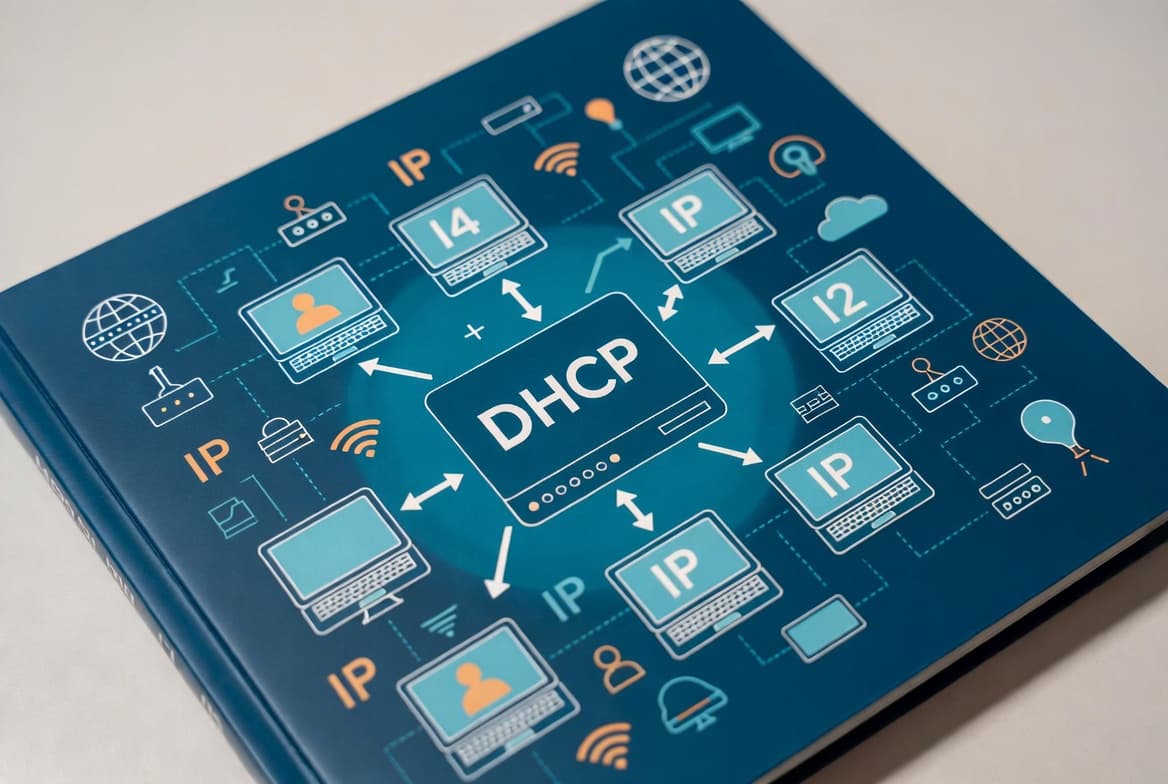
- DHCP Server: Resolves an intermittent issue where the DHCP Server service would stop responding, causing IP address renewal failures for clients connected to the server.
- Language and character support: Corrects a problem affecting certain Chinese characters that failed to display correctly or were rejected when using extended Unicode input. A modern ICU-based engine now meets GB18030-2022 compliance requirements.
- Performance and storage: Fixes an issue that prevented complete removal of unused language packs and Feature on Demand packages, which caused unnecessary disk consumption and longer Windows Update installation times.
- Microsoft RPC Netlogon protocol: Applies a security hardening change that tightens access checks on a set of remote procedure call requests handled by the Netlogon RPC server. After installation, Active Directory domain controllers will no longer permit anonymous clients to invoke certain RPC requests typically related to domain controller location. Organizations using Samba for file and print services should review the Samba release notes, as this change may affect that software.
- Bundled servicing stack update: Includes servicing stack update KB5062793 (version 20348.3920) to improve the reliability of the component responsible for installing Windows updates.
Note on Secure Boot certificates: Secure Boot certificates used by most Windows devices are set to expire starting June 2026. Microsoft has been updating these certificates on consumer and non-managed business devices. Devices that have not yet received the newer certificates will continue to start and operate normally, and standard Windows updates will continue to install. IT administrators should consult the Secure Boot Playbook for Windows clients and Windows Server.
Known issues
Microsoft Changjie IME issues after update installation
Symptom: After installing this update, users of the Microsoft Changjie input method editor (IME) for Traditional Chinese may experience one or more of the following problems: inability to form or select words after typing a full composition (associate phrase window); the spacebar or blank key not responding; incorrect or distorted word outputs; and the conversion candidate window failing to display properly.
Workaround: Microsoft has addressed this issue in KB5063880. Install that update to resolve the Changjie IME problems.
How to get this update
Prerequisites for offline OS image servicing: Before applying this update to an offline image, confirm that the image already includes KB5030216 (released 09/12/2023) or a later cumulative update. That update sets the servicing stack to version 20348.1960, which is the minimum required to avoid error 0x800f0823 (CBS_E_NEW_SERVICING_STACK_REQUIRED).
For online systems, Microsoft now combines the latest servicing stack update with the latest cumulative update into a single package, so no separate SSU download is required.
Available channels:
- Windows Update / Microsoft Update: The update downloads and installs automatically.
- Windows Update for Business: Deploys automatically according to configured policies.
- Microsoft Update Catalog: Download the standalone package directly from the Microsoft Update Catalog website. Note that this cumulative update includes AI component updates; those components apply only to Windows Copilot+ PCs and will not install on standard Windows PCs or Windows Server.
- Windows Server Update Services (WSUS): The update syncs automatically when Products and Classifications are configured as follows - Product: Microsoft Server operating system-21H2; Classification: Security Updates.
Removing the update: To uninstall the cumulative update after installation, use the DISM /Remove-Package command with the LCU package name as the argument. Use DISM /online /get-packages to find the package name. Running wusa.exe /uninstall against the combined package will not work because it also contains the servicing stack update, which cannot be removed after installation.
Frequently asked questions
Does this update affect Active Directory environments using Samba?
Yes. The RPC Netlogon hardening change means Active Directory domain controllers will no longer allow anonymous clients to invoke certain RPC requests related to domain controller location. File and print service software, including Samba, can be affected. Administrators running Samba should review the official Samba release notes before deploying this update.
Is a separate servicing stack update required before installing KB5062572?
For online systems, no separate download is needed - Microsoft bundles the servicing stack update (KB5062793, version 20348.3920) directly with this cumulative update. For offline image servicing, the image must include KB5030216 or a later cumulative update to meet the minimum SSU version of 20348.1960.
Which build number does Windows Server 2022 reach after this update?
After installing KB5062572, Windows Server 2022 reports OS build 20348.3932. The bundled servicing stack update is version 20348.3920 and is delivered as KB5062793.
Can the Changjie IME issue be worked around without waiting for a separate fix?
Microsoft's documented resolution is to install KB5063880, which directly addresses the Changjie IME problems introduced by this update. No alternative in-place workaround is listed in the official guidance - applying KB5063880 is the recommended path for affected users.