KB5066791 - Windows 10 Security Update (OS Builds 19044.6456 and 19045.6456) October 2025
October 14, 2025 security update for Windows 10 versions 21H2 and 22H2, bringing OS builds 19044.6456 and 19045.6456 with quality fixes and security hardening.
Summary
KB5066791 is the October 14, 2025 monthly security update for Windows 10 versions 21H2 and 22H2, advancing those installations to OS builds 19044.6456 and 19045.6456. Released on October 14, 2025, this mandatory security update addresses input handling, remote management timeouts, cryptography hardening, and File Explorer security. Full source: Microsoft Support.
Highlights
- File Explorer now automatically disables the preview pane for files downloaded from the internet, reducing exposure to potentially unsafe content.
- Smart card authentication is hardened by requiring Key Storage Provider (KSP) instead of Cryptographic Service Provider (CSP) for RSA-based certificates, addressing CVE-2024-30098.
- A fix resolves a PowerShell Remoting and WinRM timeout issue that caused commands to fail after 600 seconds.
- A new servicing stack update (SSU) bundled with this release includes an updated certificate chain to improve Azure environment validation.
Improvements and fixes
- Chinese IME - GB18030 compliance: Private Unicode characters displayed incorrectly by the Chinese Input Method Editor now render properly and meet the GB18030 standard.
- USER32 Edit controls - surrogate pairs: Surrogate pair characters no longer appear as empty boxes when a text field reaches its length limit.
- WinRM and PowerShell Remoting timeout: Commands run through PowerShell Remoting or WinRM no longer time out prematurely after 600 seconds.
- Servicing stack - Azure certificate chain: An embedded SSU introduces an updated certificate chain designed to improve validation in Azure environments.
- Fax modem driver removal: The ltmdm64.sys driver is removed by this update. Fax modem hardware that depends on this specific driver will no longer function under Windows after this update is installed.
- Cryptography - smart card KSP enforcement: RSA-based smart card certificates must now use a Key Storage Provider (KSP) rather than a Cryptographic Service Provider (CSP). Environments affected by this change can consult the Windows Release Health site for resolution steps. See CVE-2024-30098 for further detail.
- File Explorer - internet file preview disabled: File Explorer automatically disables the preview feature for files downloaded from the internet to reduce the risk of users previewing unsafe files. Steps to unblock specific files are documented separately by Microsoft.
Known issues
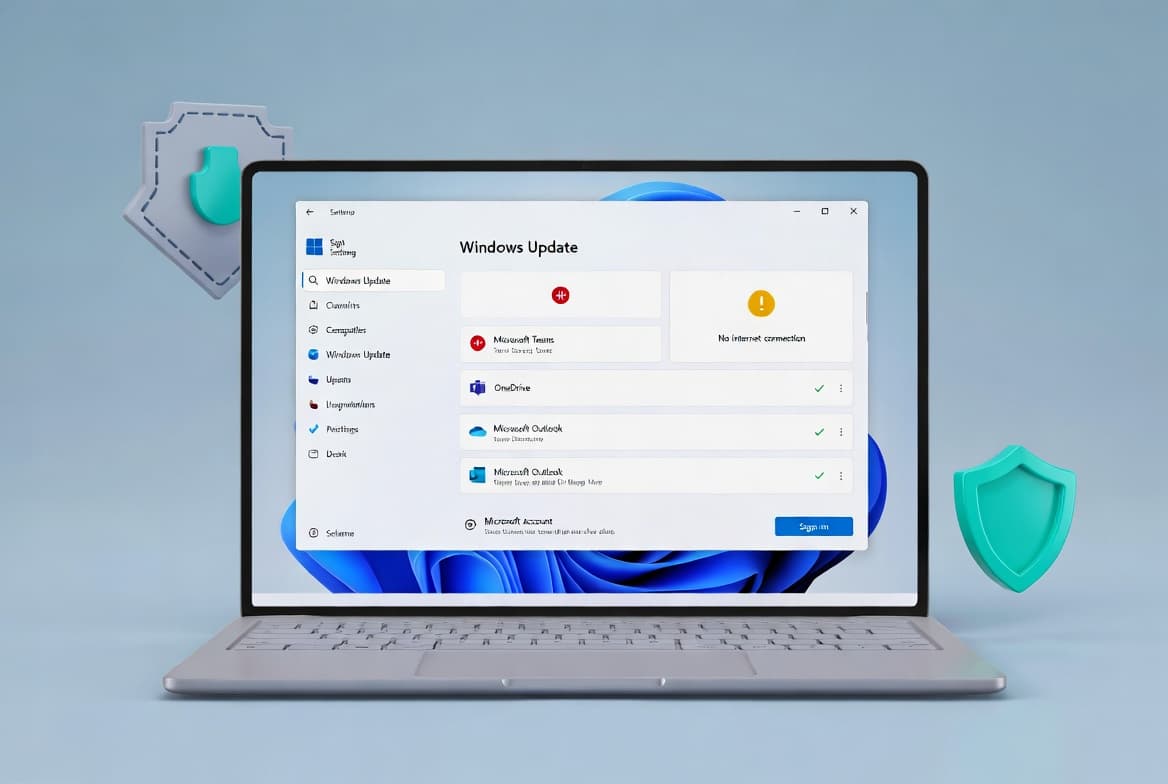
Incorrect "End of Support" message in Settings
Symptom: After installing this update, the message "Your version of Windows has reached the end of support" may incorrectly appear on the Windows Update Settings page for the following OS versions: Windows 10, version 22H2 Pro, Education, or Enterprise editions correctly enrolled in the Extended Security Updates (ESU) program and configured with an ESU product key; Windows 10 Enterprise LTSC 2021; and Windows 10 IoT Enterprise LTSC 2021. This is a display issue only - devices with an activated ESU license continue to receive security updates, and LTSC 2021 editions remain in support per their respective lifecycles.
Workaround/Resolution: This issue is resolved in Windows updates released on and after November 11, 2025 (KB5068781). Microsoft recommends installing the latest Windows update. If the incorrect message persists - for example because the device is offline, has OneSettings downloads disabled via Group Policy, has restrictive firewall rules, or otherwise blocks dynamic updates - IT administrators can apply the special Group Policy package named "KB5066791 251020_20401 Known Issue Rollback" (download available for Windows 10, version 21H2 and 22H2). Navigate to Computer Configuration > Administrative Templates > KB5066791 251020_20401 Known Issue Rollback > Windows 10, version 20H2, 21H1, 21H2 and 22H2, set the value to Disabled, and restart the device.
How to get this update
This update is delivered automatically through Windows Update to eligible Windows 10 version 21H2 and 22H2 devices. It is also available through Windows Server Update Services (WSUS) and can be downloaded manually from the Microsoft Update Catalog. Note that a correction to the Update Catalog download link was published on June 3, 2026, after the original link incorrectly pointed to KB5060533 rather than KB5066791 - ensure you are downloading the correct package. To update to Windows 10 version 21H2, use enablement package KB5003791; to update to version 22H2, use KB5015684. This update includes an embedded servicing stack update, so no separate SSU installation is required before applying it.
Frequently asked questions
Does removing ltmdm64.sys affect all fax hardware?
Only fax modem hardware that depends specifically on the ltmdm64.sys driver will stop working after this update is installed. If your fax modem uses a different driver, it is unaffected. Microsoft provides no workaround for the removed driver; affected hardware will no longer function under Windows.
Will LTSC 2021 and ESU-enrolled devices still receive security updates despite the false end-of-support message?
Yes. The incorrect "end of support" banner is a display bug only. Windows 10 devices with an activated ESU license continue to receive security updates normally, and Windows 10 Enterprise LTSC 2021 and Windows 10 IoT Enterprise LTSC 2021 remain in support and on their published support lifecycles.
What should I do if smart card authentication breaks after installing this update?
This update enforces use of Key Storage Provider (KSP) instead of Cryptographic Service Provider (CSP) for RSA-based smart card certificates. If authentication fails, consult the Windows Release Health site for specific resolution steps, and review CVE-2024-30098 for background on the security hardening change.
Is there anything special to know about Windows 10 end of support and this update?
Microsoft ended mainstream support for Windows 10 on October 14, 2025 - the same day this update released. Consumer devices will no longer receive free software updates, technical assistance, or security fixes going forward unless enrolled in a paid ESU program. Microsoft recommends migrating to Windows 11. LTSC 2021 editions continue under their own separate support timelines.