KB5068781: November 2025 Security Update for Windows 10 (OS Builds 19044.6575 and 19045.6575)
November 11, 2025 security update for Windows 10 Enterprise LTSC 2021 and Windows 10 ESU, bringing OS builds to 19044.6575 and 19045.6575.
Summary
KB5068781 is the November 2025 Patch Tuesday security update for Windows 10 Enterprise LTSC 2021 and Windows 10 Extended Security Updates (ESU), released on November 11, 2025. It advances affected devices to OS builds 19044.6575 and 19045.6575 and includes quality improvements alongside security fixes. See Microsoft Support for the official documentation.
Highlights
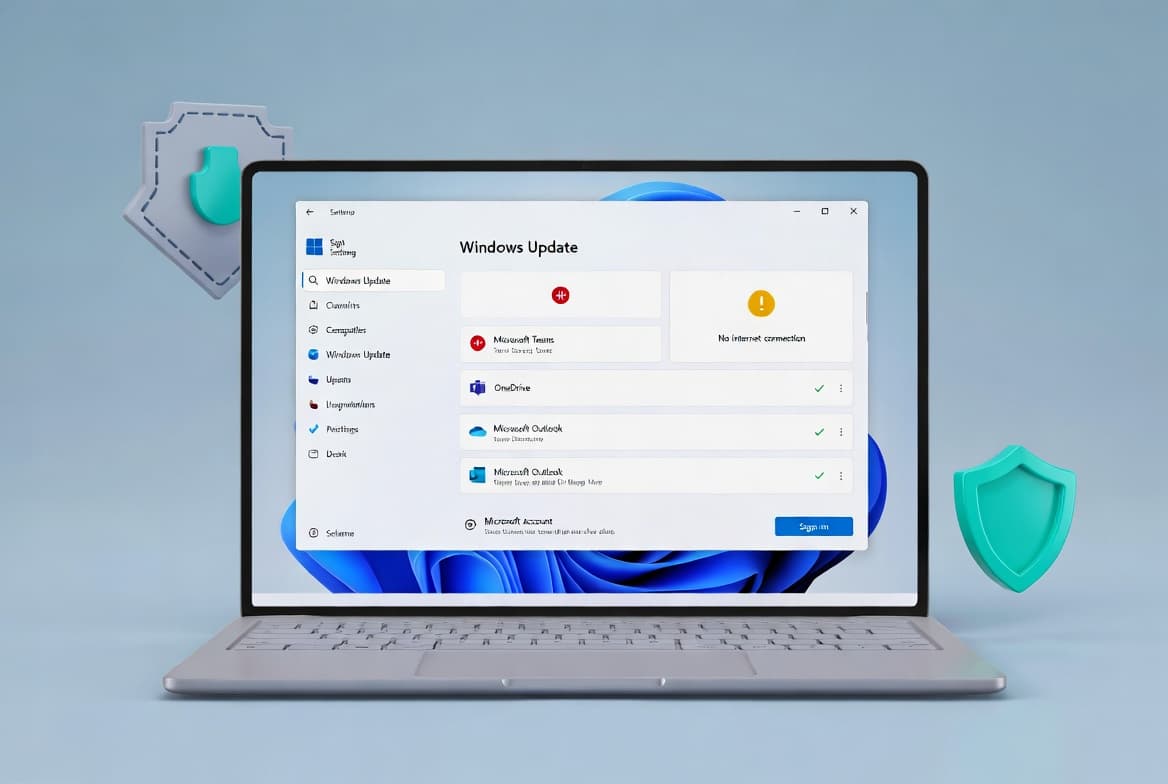
- Fixes an issue where the message "Your version of Windows has reached the end of support" incorrectly appeared on the Windows Update Settings page after installing the October 14, 2025 update (KB5066791).
Improvements and fixes
- Corrects a false "end of support" notification that could appear in Start > Settings > Windows Update after installing the October 2025 cumulative update (KB5066791). This fix applies to both the Windows 10 ESU and Windows 10 Enterprise LTSC 2021 editions covered by this update.
- Incorporates all fixes and quality improvements previously delivered in October 14, 2025 - KB5066791 (OS Builds 19044.6456 and 19045.6456).
- For Windows 10 version 22H2 (ESU) only: also incorporates fixes from November 11, 2025 - KB5071959, the out-of-band update for OS build 19045.6466.
- Includes the combined servicing stack update (SSU) KB5068780 for versions 19044.6575 and 19045.6575, which adds enhanced logic to verify whether a device is hosted on Azure using an updated certificate chain for validation, helping to ensure future updates install correctly on Azure-hosted devices.
Known issues
This update might fail to install with error 0x800f0922
Symptom: On some Windows 10 devices enrolled in Extended Security Updates (ESU) for commercial customers, this update may fail to install with error code 0x800f0922 (CBS_E_INSTALLERS_FAILED). The problem is isolated to devices activated via Windows subscription activation through the Microsoft 365 admin center.
Workaround: This issue is fixed in KB5072653: Extended Security Updates (ESU) Licensing Preparation Package for Windows 10, released on November 17, 2025. Install KB5072653 first, and then you will be able to deploy this November 11, 2025 security update (KB5068781).
Note: For Windows 10 Enterprise LTSC 2021, Microsoft states it is currently not aware of any issues with this update.
How to get this update
Prerequisites
Before applying KB5068781, make sure the latest servicing stack update (SSU) is installed. Skipping this step may prevent Windows Update from offering the update. Two specific baseline requirements apply depending on your scenario:
- Offline OS image servicing: If the image does not have the July 25, 2023 (KB5028244) or a later LCU, install the standalone October 13, 2023 SSU (KB5031539) before proceeding.
- WSUS deployment or Microsoft Update Catalog standalone install: If devices do not have the May 11, 2021 (KB5003173) or a later LCU, install the standalone August 10, 2021 SSU (KB5005260) first.
Also ensure that Azure-hosted devices can reach the required certificate update domains. See the Microsoft documentation on Certificate downloads and revocation lists and Azure Certificate Authority details.
Delivery channels
- Windows Update / Microsoft Update: The update downloads and installs automatically.
- Windows Update for Business: Delivered automatically in line with configured policies.
- Microsoft Update Catalog: Download the standalone package directly from the catalog site.
- Windows Server Update Services (WSUS): Syncs automatically when Products and Classifications are set to Product: Windows 10, version 1903 and later and Classification: Security Updates.
Removing the update
To remove only the LCU portion after installation, use the DISM /Remove-Package command with the LCU package name as the argument. You can find the package name by running DISM /online /get-packages. Running wusa.exe /uninstall against the combined package will not work because the package contains the SSU, and the SSU cannot be removed after installation.
Frequently asked questions
Does this update affect Windows 10 versions outside of LTSC 2021 and ESU?
According to the support page, KB5068781 applies to Windows 10 Enterprise LTSC 2021 and Windows 10 ESU. The page notes that Windows 10 version 22H2 devices should use enablement package KB5015684 to stay current, and LTSC 2021 devices should use KB5003791 to update to version 21H2 on supported editions.
Why do some ESU devices fail to install this update with error 0x800f0922?
The failure affects commercial ESU devices that are activated through Windows subscription activation via the Microsoft 365 admin center. The root cause is a missing prerequisite: the ESU Licensing Preparation Package (KB5072653). Installing KB5072653 - released November 17, 2025 - resolves the installation failure and allows KB5068781 to deploy successfully.
What should I know about the Secure Boot certificate expiration mentioned on this page?
The page notes that Secure Boot certificates used by most Windows devices are set to start expiring in June 2026. Microsoft has been rolling out updated certificates to consumer and non-managed business devices. Devices that have not yet received the newer certificates will continue to start and operate normally, and standard Windows updates will keep installing. IT administrators are directed to the Secure Boot Playbook for Windows clients and Windows Server for guidance.
Does this update install Microsoft Store application updates?
No. Windows updates do not install Microsoft Store application updates. Enterprise users should refer to the Microsoft Store apps - Configuration Manager documentation, and consumer users should use the Get updates for apps and games in Microsoft Store option within the Store application itself.