KB5068787: Windows Server 2022 Cumulative Update - OS Build 20348.4405 (November 2025)
KB5068787 is the November 11, 2025 security cumulative update for Windows Server 2022, bringing OS build 20348.4405 with security fixes and quality improvements.
Summary
KB5068787 is the security cumulative update for Windows Server 2022, released on November 11, 2025, producing OS Build 20348.4405. It delivers the latest security fixes alongside non-security quality improvements carried over from the prior month's optional preview release. The update also ships a bundled servicing stack update (KB5068786, version 20348.4400). Source: Microsoft Support
Highlights
- Fixes unexpected User Account Control (UAC) prompts triggered by certain apps, including Autodesk AutoCAD, during MSI repair operations.
- Resolves a registry-permission issue on Windows Server domain controllers running Microsoft Defender for Endpoint that disrupted cloud-based communication after domain controller promotion.
- Addresses an HTTP.sys request-parser issue where a single line break was accepted in chunk extensions instead of the required CRLF sequence, which could cause parsing discrepancies with front-end proxies.
Improvements and fixes
- App compatibility: An issue that caused unexpected UAC prompts for some applications, including Autodesk AutoCAD, when running MSI repair operations after the August 2025 Windows security update has been resolved. This fix was added to the change log on November 25, 2025.
- Security / domain controllers: A bug affecting Windows Server domain controllers that use Microsoft Defender for Endpoint has been fixed. Following domain controller promotion, incorrect changes to registry permissions were breaking cloud-based communication; this update corrects that behavior.
- Networking / HTTP.sys: The HTTP.sys request parser previously tolerated a single line break character within HTTP/1.1 chunk extensions. The RFC 9112 standard requires a carriage return and line feed (CRLF) sequence to end each chunk. This discrepancy could cause parsing problems when front-end proxies are in use. To enforce strict parsing after installing this update, set the following registry value to
0:- Key:
HKEY_LOCAL_MACHINE\SYSTEM\CurrentControlSet\Services\Http\Parameters - Value name:
HttpAllowLenientChunkExtParsing(DWORD) - Data:
00000000
- Key:
- Servicing stack: A bundled servicing stack update, KB5068786 (version 20348.4400), is included to improve the reliability of the update-installation component.
- Devices that already have previous updates installed will download and apply only the new content contained in this package.
Known issues
WSUS does not display synchronization error details
Symptom: After installing KB5070884 or any later update, Windows Server Update Services (WSUS) no longer displays synchronization error details within its error-reporting interface.
Workaround: This functionality has been temporarily removed to address the Remote Code Execution vulnerability CVE-2025-59287. Microsoft has not listed an alternative workaround in this update's documentation.
How to get this update
Before installing, note that Microsoft now combines the latest servicing stack update (SSU) with the latest cumulative update (LCU) in a single package. For offline OS image servicing, confirm that your image includes KB5030216 (released 09/12/2023) or a later LCU. Without it, install that update on your offline media first; it brings the SSU to version 20348.1960, the minimum required to avoid error 0x800f0823 (CBS_E_NEW_SERVICING_STACK_REQUIRED).
The update is available through the following channels:
- Windows Update / Microsoft Update: Downloads and installs automatically.
- Windows Update for Business: Downloads and installs automatically in line with configured policies.
- Microsoft Update Catalog: A standalone package is available for manual download.
- Windows Server Update Services (WSUS): Syncs automatically when Products and Classifications are set to Product: Microsoft Server operating system-21H2 and Classification: Security Updates.
To remove only the LCU after installation, use the DISM /online /remove-package command with the LCU package name as the argument (find the name with DISM /online /get-packages). Running wusa.exe /uninstall against the combined package will not work because it contains the SSU, which cannot be removed once installed.
Frequently asked questions
Do I need to install the servicing stack update separately before applying KB5068787?
No. Microsoft now bundles the servicing stack update (KB5068786, version 20348.4400) directly inside the cumulative update package. The only prerequisite applies to offline image servicing: your base image must include KB5030216 or a later LCU to avoid a 0x800f0823 error during installation.
Will the AI component updates included in this package install on Windows Server?
No. Although AI component updates are bundled inside KB5068787, Microsoft states those components apply only to Windows Copilot+ PCs. They will not install on standard Windows PCs or Windows Server systems, so there is no action required by server administrators on that front.
What should I know about the Secure Boot certificate expiration mentioned in this release?
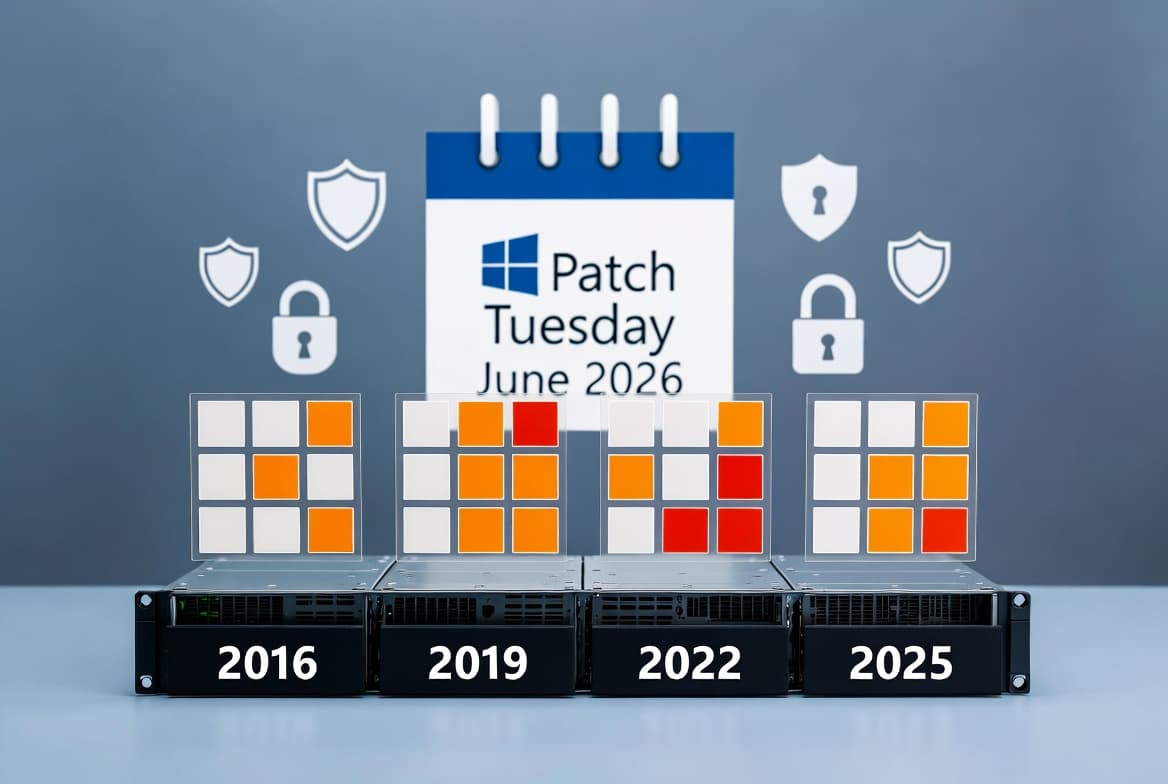
Secure Boot certificates used by most Windows devices are set to expire starting in June 2026. Microsoft has been rolling out updated certificates to consumer and non-managed business devices over recent months. Devices that have not yet received the newer certificates will continue to start and operate normally, and standard Windows updates will still install. Microsoft will continue to distribute the newer certificates through Windows Update. IT administrators should review the Secure Boot Playbook for Windows Server guidance.
Why is WSUS not showing synchronization error details after this update?
This is a documented known issue. The error-detail display in WSUS was temporarily disabled starting with KB5070884 to mitigate the Remote Code Execution vulnerability CVE-2025-59287. KB5068787 includes that same change. Microsoft has not published an alternative method to view those details while the temporary removal is in place.