KB5071543: December 9, 2025 Security Update for Windows Server 2016 and Windows 10 LTSB 2016 (OS Build 14393.8688)
Security update released December 9, 2025 for Windows Server 2016 and Windows 10 Enterprise LTSB 2016, bringing OS build to 14393.8688 with a PowerShell 5.1 fix.
Summary
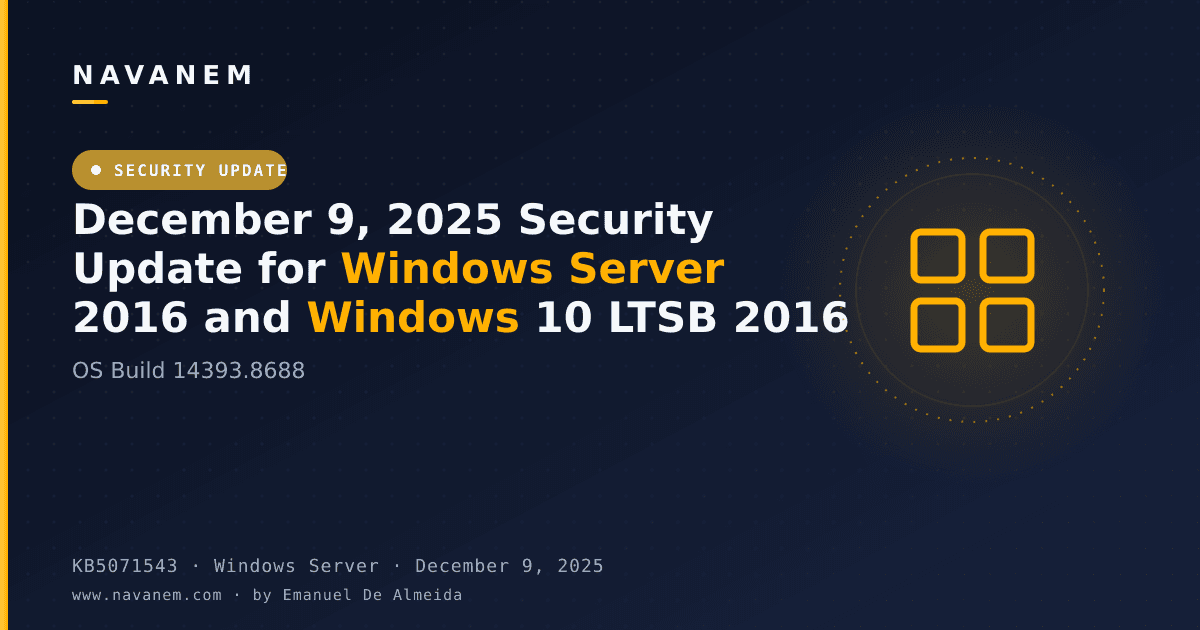
This is a security update for Windows Server 2016 and Windows 10 Enterprise LTSB 2016, released on December 9, 2025, bringing the OS build to 14393.8688. It builds on the November 11, 2025 update (KB5068864) and addresses a PowerShell 5.1 security issue. Source: Microsoft Support.
Improvements and fixes
- PowerShell 5.1 - Invoke-WebRequest security prompt: The
Invoke-WebRequestcommand now presents a confirmation prompt that warns the user of a script execution risk before proceeding. The user can choose to continue or cancel the request. This change addresses CVE-2025-54100; additional details are available in KB5074596 covering PowerShell 5.1 and the prevention of script execution from web content.
Known issues
Message Queuing (MSMQ) failures
Symptom: After installing this update, environments running Message Queuing (MSMQ) - including clustered MSMQ environments under load - may encounter a range of failures. Specific symptoms include MSMQ queues becoming inactive; IIS sites failing with "Insufficient resources to perform operation" errors; applications unable to write to queues; errors such as "The message file 'C:\Windows\System32\msmq\storage*.mq' cannot be created" when creating message files; and misleading log entries stating "There is insufficient disk space or memory" even when disk space and memory are adequate. The root cause is a change to the MSMQ security model and NTFS permissions on the C:\Windows\System32\MSMQ\storage folder - MSMQ users now require write access to this folder, which is normally restricted to administrators, causing MSMQ API calls to fail with resource errors. This issue primarily affects enterprise or managed IT environments; users on Windows Home or Pro editions on personal devices are very unlikely to be affected.
Workaround: This issue was resolved by the Windows out-of-band update released on and after December 18, 2025 (such as KB5074974). Microsoft recommends installing the latest update for your device, as it contains important improvements and issue resolutions including this fix.
How to get this update
Before installing this update, Microsoft requires the latest Servicing Stack Update (SSU) - KB5070247 - to be in place. Without it, this update may not be offered to your device, and installation may fail. WSUS administrators must explicitly approve both KB5070247 and KB5071543.
- Windows Update / Microsoft Update: The latest SSU (KB5070247) and this cumulative update are downloaded and installed automatically.
- Windows Update for Business: Both the SSU and this update are delivered automatically in accordance with configured policies.
- Microsoft Update Catalog: Download the standalone package for KB5071543 directly from the Microsoft Update Catalog website. Installing the SSU (KB5070247) manually beforehand is recommended.
- Windows Server Update Services (WSUS): Configure Products and Classifications as follows - Product: Windows 10, Classification: Security Updates. WSUS administrators must approve SSU KB5070247 separately before approving this update.
A CSV file listing all files included in this cumulative update is available for download from the Microsoft Support page.
Frequently asked questions
Does this update apply to both Windows Server 2016 and Windows 10 LTSB 2016?
Yes. KB5071543 applies to Windows Server 2016 (all editions) and Windows 10 Enterprise LTSB 2016, including Windows 10 IoT Enterprise 2016 LTSB. Both product lines share OS Build 14393.8688 after this update is installed. The same fixes and known issues described on the support page apply to both products.
Is the SSU (KB5070247) mandatory before installing this update?
Yes. Microsoft states that for updates released on or after January 14, 2025, the latest Servicing Stack Update must be installed first. Without SSU KB5070247, this update may not be offered to your device at all. On Windows Update and Windows Update for Business, the SSU is delivered automatically; WSUS and Catalog users must handle it manually.
When does support end for these products, and what does that mean?
Windows 10 Enterprise LTSB 2016 and Windows 10 IoT Enterprise 2016 LTSB reach end of support on October 13, 2026. Windows Server 2016 reaches end of support on January 12, 2027. After those dates, Microsoft will no longer provide free software updates from Windows Update, technical assistance, or security fixes for these products.
What should admins do about the MSMQ issue introduced by this update?
Admins running MSMQ workloads - especially in clustered or high-load environments - should install the out-of-band update KB5074974 or a later update released on or after December 18, 2025. That update resolves the NTFS permissions change to the MSMQ storage folder that caused queue failures and misleading resource-exhaustion errors. Windows Home and Pro personal-use devices are very unlikely to be affected.

![Find Exchange Server Version with PowerShell [2025]](/_next/image?url=https%3A%2F%2Fwww.navanem.com%2Fapi%2Fmedia%2Ffile%2Fexchange-build-number-cover.jpg&w=3840&q=75)