December 9, 2025 - KB5071546 (OS Builds 19045.6691 and 19044.6691)
Security update for Windows 10 ESU and Windows 10 Enterprise LTSC 2021, releasing OS builds 19045.6691 and 19044.6691 on December 9, 2025.
Summary
KB5071546 is a security update for Windows 10 ESU and Windows 10 Enterprise LTSC 2021, released on December 9, 2025. It produces OS builds 19045.6691 and 19044.6691. The update addresses security vulnerabilities and quality issues, and ships alongside a combined servicing stack update. See the full release details at Microsoft Support.
Highlights
- PowerShell 5.1
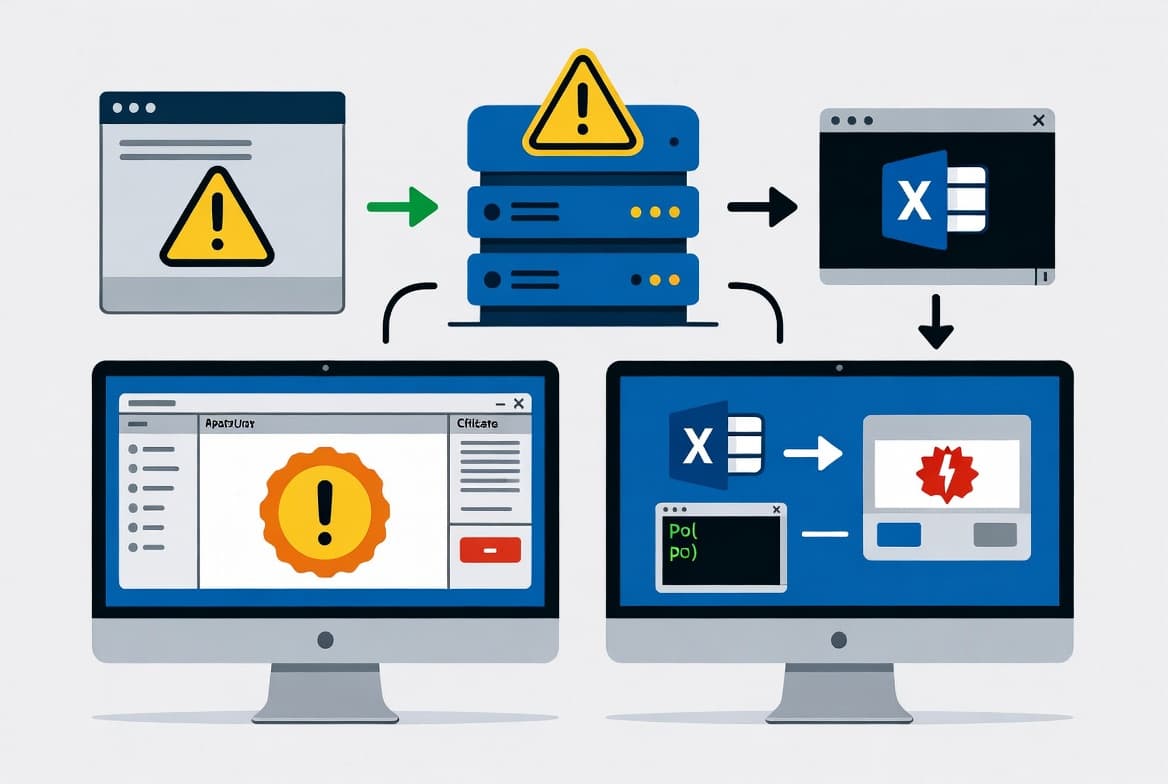
Invoke-WebRequestnow shows a security confirmation prompt warning of script execution risk, letting users continue or cancel, as documented in CVE-2025-54100.
Improvements and fixes
- PowerShell 5.1 -
Invoke-WebRequestsecurity prompt: The command now presents a confirmation prompt that warns of a script execution risk when fetching web content. Users can choose to proceed or cancel the operation. More detail is available in CVE-2025-54100 and KB5074596. - Servicing stack (KB5068780, versions 19045.6575 and 19044.6575): The servicing stack update bundled with this release adds enhanced logic to verify whether a device is hosted on Azure, using an updated certificate chain for validation. Microsoft strongly recommends installing this SSU before applying any additional updates on Azure-hosted devices, and notes that affected devices must be able to reach the required certificate update domains.
Known issues
Message Queuing (MSMQ) failures
Symptom: After installing this update, environments using Message Queuing (MSMQ) - including clustered MSMQ environments under load - may experience several problems. Reported symptoms include MSMQ queues becoming inactive, IIS sites failing with "Insufficient resources to perform operation" errors, applications unable to write to queues, errors stating "The message file 'C:\Windows\System32\msmq\storage*.mq' cannot be created" when creating message files, and misleading log entries such as "There is insufficient disk space or memory" even when disk space and memory are adequate. The root cause is changes to the MSMQ security model and NTFS permissions on C:\Windows\System32\MSMQ\storage. MSMQ users now require write access to that folder, which is normally restricted to administrators, causing MSMQ API calls to fail with resource errors. This issue primarily affects enterprise or managed IT environments; users on Windows Home or Pro personal devices are very unlikely to encounter it.
Workaround/Resolution: This issue was resolved by the out-of-band Windows update released on and after December 18, 2025 (such as KB5074976). Microsoft recommends installing the latest available update for the device.
How to get this update
Prerequisite - servicing stack: You must have the latest servicing stack update (SSU) installed before applying this update. Failing to do so may result in the update not being offered.
- For offline OS image servicing: if the image does not have the July 25, 2023 (KB5028244) or a later LCU, install the standalone October 13, 2023 SSU (KB5031539) first.
- For WSUS deployment or when installing the standalone package from Microsoft Update Catalog: if devices do not have the May 11, 2021 (KB5003173) or a later LCU, install the standalone August 10, 2021 SSU (KB5005260) first.
Delivery channels:
- Windows Update / Microsoft Update: The update downloads and installs automatically.
- Windows Update for Business: Delivered automatically according to configured policies.
- Microsoft Update Catalog: The standalone package is available for manual download.
- Windows Server Update Services (WSUS): Syncs automatically when Products is set to "Windows 10, version 1903 and later" and Classification is set to "Security Updates".
Removal note: To remove only the LCU after installation, use the DISM /Remove-Package command with the LCU package name as the argument. Running wusa.exe /uninstall against the combined package will not work because the package includes the SSU, and the SSU cannot be removed after installation.
Frequently asked questions
Does this update apply to standard Windows 10 Home and Pro editions?
No. KB5071546 applies specifically to Windows 10 ESU and Windows 10 Enterprise LTSC 2021. Standard Windows 10 Home and Pro devices on a current feature version receive updates through their own cumulative update packages. Check the Windows 10 update history page for the correct KB for those editions.
What should I do about Secure Boot certificate expiration?
Microsoft is updating Secure Boot certificates on consumer and non-managed business devices. Devices that have not yet received newer certificates will continue to start and operate normally, and standard Windows updates will continue to install. IT administrators should follow the Secure Boot Playbook for Windows clients and Windows Server. Device status can be checked in the Windows Security app.
Are Microsoft Store app updates included in this update?
No. Windows updates do not install Microsoft Store application updates. Enterprise users should refer to Microsoft Store apps - Configuration Manager guidance. Consumer users should use the Microsoft Store app's built-in update mechanism to get app and game updates separately.
How do I verify the correct SSU is in place before deploying this update via WSUS?
For WSUS deployments, confirm that devices already have the May 11, 2021 LCU (KB5003173) or later installed. If not, deploy the standalone August 10, 2021 SSU (KB5005260) first. For offline image servicing, verify the July 25, 2023 LCU (KB5028244) or later is present; if not, apply the October 13, 2023 standalone SSU (KB5031539) before this update.
![Find Exchange Server Version with PowerShell [2025]](/_next/image?url=https%3A%2F%2Fwww.navanem.com%2Fapi%2Fmedia%2Ffile%2Fexchange-build-number-cover.jpg&w=3840&q=75)