KB5071547: Windows Server 2022 Cumulative Update (OS Build 20348.4529) - December 2025
December 9, 2025 security cumulative update for Windows Server 2022, bringing OS build 20348.4529 with security fixes, quality improvements, and a known WSUS issue.
Summary
This is the December 9, 2025 security cumulative update for Windows Server 2022, released as KB5071547 and bringing the OS to build 20348.4529. It is a monthly security update that incorporates fixes from last month's optional non-security preview release. Source: Microsoft Support.
Highlights
- PowerShell 5.1's
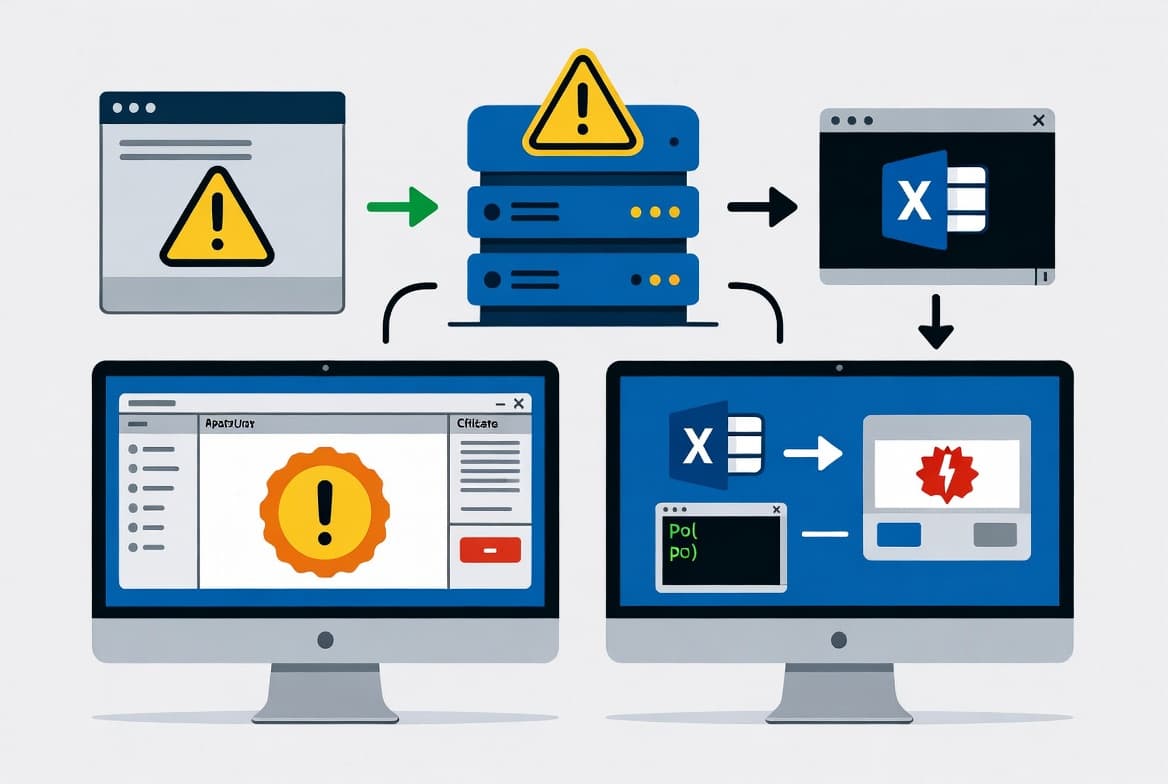
Invoke-WebRequestcmdlet now presents a confirmation prompt with a security warning about script execution risk when handling web content, allowing users to continue or cancel. This addresses CVE-2025-54100, with further detail available in KB5074596.
Improvements and fixes
- PowerShell 5.1 security change: The
Invoke-WebRequestcmdlet now shows a confirmation prompt warning the user of script execution risk. The user can choose to proceed or cancel. This change is tied to the security vulnerability documented in CVE-2025-54100. See KB5074596 for full details on preventing script execution from web content. - Rolled-in quality fixes: This update carries all security and quality fixes included in KB5068787, which was released on November 11, 2025, so devices already current only download the net-new changes.
- Servicing stack update included: A servicing stack update (KB5068786, version 20348.4400) is bundled with this release to improve the reliability of the component responsible for installing Windows updates.
Announcements
Microsoft has issued an advisory about Secure Boot certificate expiration. Secure Boot certificates used by most Windows devices are scheduled to begin expiring in June 2026. Microsoft has been rolling updated certificates to consumer and non-managed business devices for several months. Devices that have not yet received the newer certificates will continue to start and run normally, and standard Windows updates will continue to install. Microsoft states it will keep deploying the newer certificates through Windows Update in coming months. IT administrators should consult the Secure Boot Playbook for Windows clients and Windows Server for guidance.
Known issues
WSUS does not display synchronization error details
Symptom: After installing KB5070884 or any later update, Windows Server Update Services (WSUS) no longer displays synchronization error details within its error reporting interface.
Workaround: Microsoft states this functionality was temporarily removed to address the Remote Code Execution vulnerability CVE-2025-59287. No workaround beyond this explanation is provided in the update documentation at this time.
How to get this update
Before installing, note that Microsoft now combines the latest servicing stack update (SSU) with the latest cumulative update (LCU) in a single package. If you are servicing an offline OS image, confirm the image already includes KB5030216 (released September 12, 2023) or a later LCU. That LCU sets the SSU to version 20348.1960, which is the minimum required to avoid error 0x800f0823 (CBS_E_NEW_SERVICING_STACK_REQUIRED).
This update is available through the following channels:
- Windows Update / Microsoft Update: Downloads and installs automatically.
- Windows Update for Business: Deploys automatically in line with your configured policies.
- Microsoft Update Catalog: The standalone package can be downloaded directly from the Microsoft Update Catalog website. Note that the package includes AI component updates, but those components will not install on standard Windows PCs or Windows Server - they apply only to Windows Copilot+ PCs.
- Windows Server Update Services (WSUS): The update syncs automatically when Products and Classifications are configured as follows - Product: Microsoft Server operating system-21H2, Classification: Security Updates.
To remove only the LCU after installing the combined SSU and LCU package, use the DISM /Remove-Package command with the LCU package name as the argument. Running wusa.exe /uninstall against the combined package will not work because the SSU is embedded and cannot be removed after installation.
Frequently asked questions
Why does Invoke-WebRequest now prompt for confirmation?
Microsoft patched a security vulnerability (CVE-2025-54100) in PowerShell 5.1 that could allow web content to trigger script execution without user awareness. The new confirmation prompt gives administrators and users the opportunity to review and cancel potentially risky requests before they proceed. Full details are in KB5074596.
Do I need to install the servicing stack update separately before applying this update?
No. Microsoft now bundles the SSU (KB5068786, version 20348.4400) directly inside the cumulative update package, so no separate SSU installation step is required for online systems. The only exception is offline image servicing, where KB5030216 or a later LCU must already be present in the image.
Is WSUS error reporting broken after this update, and how serious is the impact?
Yes, WSUS will not display synchronization error details after installing this update or KB5070884. Microsoft intentionally removed this feature temporarily to close a Remote Code Execution vulnerability (CVE-2025-59287). Administrators should monitor WSUS synchronization through alternative logging methods until Microsoft restores the functionality.
Will the Secure Boot certificate changes affect my servers right now?
No immediate action is required for servers that are operating normally. Devices lacking the updated certificates will continue to boot and receive standard Windows updates. Administrators managing larger environments should review the Secure Boot Playbook for Windows Server to prepare before the June 2026 expiration window begins.

![Find Exchange Server Version with PowerShell [2025]](/_next/image?url=https%3A%2F%2Fwww.navanem.com%2Fapi%2Fmedia%2Ffile%2Fexchange-build-number-cover.jpg&w=3840&q=75)