KB5075899 (OS Build 26100.32370) - Windows Server 2025 February 2026 Security Update
February 10, 2026 cumulative security update for Windows Server 2025, bringing OS build 26100.32370 with bug fixes, networking enhancements, and a bundled servicing stack update.
Summary
KB5075899 is the February 10, 2026 cumulative security update for Windows Server 2025, producing OS Build 26100.32370. It bundles the latest security fixes together with non-security improvements carried over from last month's optional preview release. A servicing stack update (KB5075898) is included in the same package. See Microsoft Support for full details.
Improvements and fixes
This update incorporates fixes and quality improvements from KB5073379 (released January 13, 2026), KB5077793 (released January 17, 2026), and KB5078135 (released January 24, 2026). The key changes are listed below.
- File Explorer: Corrects a bug where renaming a folder that contains a desktop.ini file fails to apply the
LocalizedResourceNamesetting, causing custom folder names to be ignored instead of displayed. - Fonts and Display: Updates Chinese fonts to comply with the GB18030-2022A standard, expanding character coverage and improving display accuracy.
- Graphics: Fixes a system crash condition in which certain GPU configurations could trigger a
KERNEL_SECURITY_CHECK_FAILUREstop error tied to the dxgmms2.sys driver. - Performance and Reliability: Disables the forwarded I/O feature in the NVMe storage stack by default to address reliability concerns.
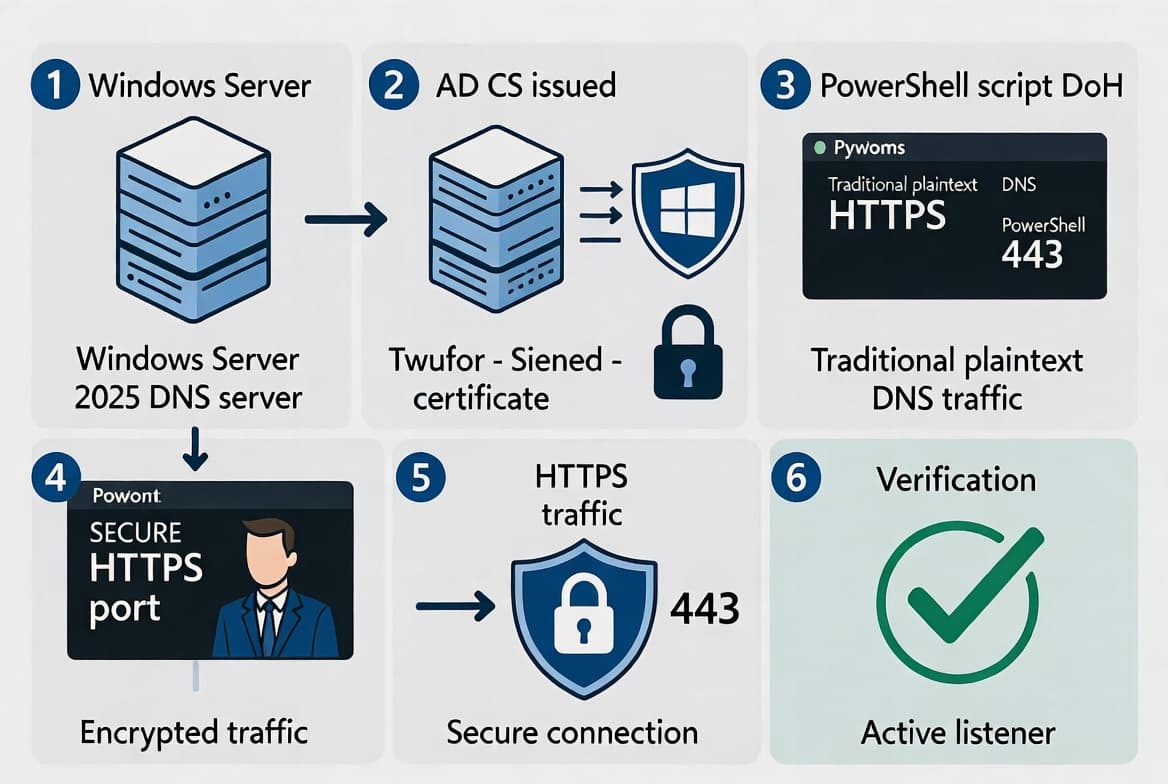
- Networking - DNS over HTTPS (public preview): DNS over HTTPS (DoH) support for Windows DNS Server is now available in public preview. This preview is intended for evaluation and feedback only - it is not supported for production use, functionality may change, and breaking changes before General Availability are possible. Details are available in the DoH on Windows DNS Server blog.
- Networking - DNS random record shuffling: Windows Server now supports random shuffling of resource records in DNS Server responses, helping prevent a single resource record from becoming overloaded by always appearing first in the returned list. To enable this feature, create a DWORD registry value named
RandomShuffleset to1atHKEY_LOCAL_MACHINE\SYSTEM\CurrentControlSet\Services\DNS\Parameters. Set the value to0to disable it.
Known issues
WSUS does not display synchronization error details
Symptom: After installing KB5070881 or later updates, Windows Server Update Services (WSUS) does not display synchronization error details within its error reporting interface.
Workaround: This functionality was temporarily removed to address the Remote Code Execution Vulnerability CVE-2025-59287. No additional workaround is specified at this time.
How to get this update
Microsoft now combines the latest servicing stack update (SSU) with the latest cumulative update (LCU) into a single package, so no separate SSU installation step is required before applying this update.
Windows Update and Microsoft Update: The update downloads and installs automatically on devices configured to receive updates from these channels.
Windows Update for Business: The update deploys automatically in accordance with configured policies.
Microsoft Update Catalog: The standalone package for KB5075899 is available from the Microsoft Update Catalog. Because this KB contains multiple MSU files that must be installed in a specific order, two installation methods are offered.
- Method 1 - Install all MSU files together: Download all MSU files into a single folder and use DISM.exe or the
Add-WindowsPackagePowerShell cmdlet, pointing at the target MSU. DISM will locate and install any prerequisite MSU files from the same folder automatically. - Method 2 - Install each MSU file individually in order: First install
windows11.0-kb5043080-x64_953449672073f8fb99badb4cc6d5d7849b9c83e8.msu, then installwindows11.0-kb5075899-x64_c5fb042f61f8734b8d48f54212b5b007906d732e.msu.
WSUS: The update syncs automatically when Products and Classifications are set to Product: Microsoft Server operating system-24H2 and Classification: Security Updates.
Removing the LCU: Use DISM /online /remove-package with the LCU package name. Running wusa.exe /uninstall against the combined package will not work because the package includes the SSU, which cannot be removed after installation.
Important - Secure Boot certificate expiration: Secure Boot certificates used by most Windows devices begin expiring in June 2026. Devices that have not yet received updated certificates will continue to start and operate normally, and standard Windows updates will continue to install. Microsoft is continuing to roll out updated certificates through Windows Update. IT administrators should consult the Secure Boot Playbook for Windows clients and Windows Server for guidance.
Frequently asked questions
Does this update apply to Windows 11 client devices?
No. KB5075899 applies exclusively to Windows Server 2025, all editions. Although the MSU file names include a "windows11.0" prefix in the package strings, the update targets Windows Server 2025 at OS Build 26100.32370. Separate cumulative updates cover Windows 11 client operating systems.
Is the servicing stack update separate from the cumulative update?
No. Microsoft combines the servicing stack update (KB5075898, version 26100.32370) with the cumulative update in a single package. You do not need to download or install the SSU separately before applying KB5075899. Note that the SSU portion cannot be removed after installation.
What do the two new DNS features require to enable?
DNS over HTTPS support is a public preview feature available now on Windows DNS Server - no registry change is needed to activate the preview, but it is not supported for production use. Random shuffling of DNS resource records requires manually creating a DWORD registry value named RandomShuffle set to 1 under HKEY_LOCAL_MACHINE\SYSTEM\CurrentControlSet\Services\DNS\Parameters.
Will the AI component updates included in this package install on Windows Server?
No. Although AI component updates are bundled in this cumulative update package, those components apply only to Windows Copilot+ PCs and will not install on Windows Server hardware.