KB5077796: Windows 10 Out-of-Band Update (OS Builds 19045.6811 and 19044.6811) - January 17, 2026
Out-of-band update for Windows 10 ESU and Enterprise LTSC 2021 fixing Remote Desktop sign-in failures. Released January 17, 2026, reaching build 19045.6811 and 19044.6811.
Summary
This out-of-band update for Windows 10 ESU and Windows 10 Enterprise LTSC 2021 reaches OS Builds 19045.6811 and 19044.6811 and was released on January 17, 2026. It addresses a targeted Remote Desktop sign-in failure and includes all improvements from the January 13, 2026 cumulative update. Source: Microsoft Support.
Improvements and fixes
- Remote Desktop sign-in failures fixed: Some users were unable to sign in during Remote Desktop connections. The problem affected authentication steps across different Remote Desktop applications on Windows, including the Windows App. This fix applies to both Windows 10 ESU (version 22H2) and Windows 10 Enterprise LTSC 2021 (version 21H2).
- Servicing stack update bundled (KB5068780, builds 19044.6575 / 19045.6575): Quality improvements to the servicing stack component that installs Windows updates are included. The SSU also adds enhanced logic to verify whether a device is hosted on Azure, using an updated certificate chain for validation. Microsoft strongly recommends installing this SSU before applying additional updates on Azure-hosted devices.
Known issues
Apps might become unresponsive when saving files to cloud-based storage
Symptom: After installing this update, some applications may become unresponsive or encounter unexpected errors when opening files from or saving files to cloud-based storage, such as OneDrive or Dropbox. In certain Outlook configurations that store PST files on OneDrive, Outlook may hang and fail to reopen unless the process is terminated or the system is restarted. Users may also see missing sent items or previously downloaded emails being re-downloaded.
Workaround: This issue is addressed in KB5078129.
Some devices with Virtual Secure Mode enabled might fail to shut down or hibernate
Symptom: After installing this update, some Secure Launch-capable PCs with Virtual Secure Mode (VSM) enabled are unable to shut down or enter hibernation. Instead, the device restarts.
Resolution: This issue is addressed in KB5075912.
How to get this update
Before installing, ensure the latest servicing stack update (SSU) is in place - missing the latest SSU may prevent Windows Update from offering this update.
- Offline OS image servicing: If the image does not have the July 25, 2023 (KB5028244) or a later LCU, install the standalone October 13, 2023 SSU (KB5031539) first.
- WSUS or Microsoft Update Catalog standalone install: If devices do not have the May 11, 2021 (KB5003173) or a later LCU, install the standalone August 10, 2021 SSU (KB5005260) first.
Once prerequisites are met, the update is available through the following channels:
- Windows Update / Microsoft Update - downloaded and installed automatically.
- Windows Update for Business - deployed automatically in line with configured policies.
- Microsoft Update Catalog - standalone package available for manual download.
- Windows Server Update Services (WSUS) - syncs automatically when Products is set to "Windows 10, version 1903 and later" and Classification is set to "Security Updates".
To remove the LCU after installation, use the DISM /online /Remove-Package command with the LCU package name. Running wusa.exe /uninstall on the combined package will not work because the package includes the SSU, which cannot be removed after installation.
Frequently asked questions
Who does this update apply to?
This update applies to Windows 10 ESU (version 22H2) and Windows 10 Enterprise LTSC 2021 (version 21H2). It brings both sets of devices to builds 19045.6811 and 19044.6811 respectively. Admins managing ESU deployments should use KB5015684 to reach version 22H2, and KB5003791 for supported version 21H2 editions.
Why was this update released out-of-band rather than waiting for Patch Tuesday?
Microsoft released this update outside the regular monthly schedule to address a specific Remote Desktop sign-in failure that affected authentication for Remote Desktop applications including the Windows App. The targeted nature of the fix and its user impact justified an accelerated release rather than holding it until the next monthly cycle.
Should I be concerned about the Secure Boot certificate expiration notice on this page?
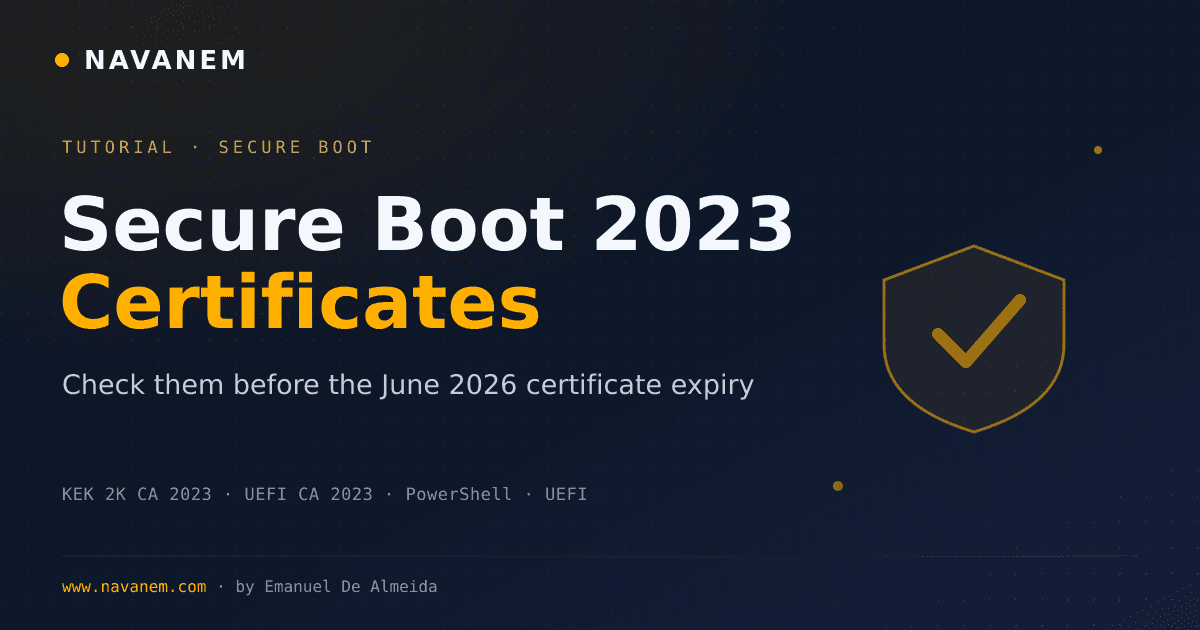
Microsoft notes that Secure Boot certificates used by most Windows devices are set to expire starting in June 2026. Devices that have not yet received updated certificates will continue to start and operate normally, and standard Windows updates will still install. Microsoft is continuing to push updated certificates via Windows Update. IT administrators are directed to follow the Secure Boot Playbook for Windows clients and Windows Server for guidance.
What should I do if apps are hanging when saving to OneDrive or Dropbox after installing this update?
This is a documented known issue. After installing KB5077796, some applications including Outlook in certain PST-on-OneDrive configurations may become unresponsive when accessing cloud storage. Microsoft has addressed this problem in a separate update, KB5078129. Install that update to resolve the behavior.