KB5087537: Windows Server 2016 / Windows 10 LTSB 2016 May 2026 Update (OS Build 14393.9140)
May 12, 2026 cumulative security update for Windows Server 2016 and Windows 10 LTSB 2016, delivering OS build 14393.9140 with security fixes and quality improvements.
Summary
This is the cumulative security update released on May 12, 2026, bringing Windows Server 2016, Windows 10 Enterprise LTSB 2016, and Windows 10 IoT Enterprise LTSB 2016 to OS build 14393.9140. It addresses security vulnerabilities and quality issues, and builds on the fixes shipped in the April 2026 update cycle. Source: Microsoft Support.
Highlights
- Fixes an incorrect rendering of the Remote Desktop Connection security warning dialog in multi-monitor setups with mixed display scaling.
- Resolves a sign-in failure for Microsoft accounts that falsely reports no Internet connectivity.
- Delivers a Daylight Saving Time (DST) update for the Arab Republic of Egypt.
- Expands Secure Boot certificate rollout coverage and adds helper scripts for IT-managed deployments.
Improvements and fixes
- Remote Desktop security warning rendering (known issue fix): The Remote Desktop Connection security warning dialog could display incorrectly on systems using multiple monitors with different display scaling settings. This problem appeared after the security update released on or after April 14, 2026 (KB5082198) was installed. This update corrects that rendering failure.
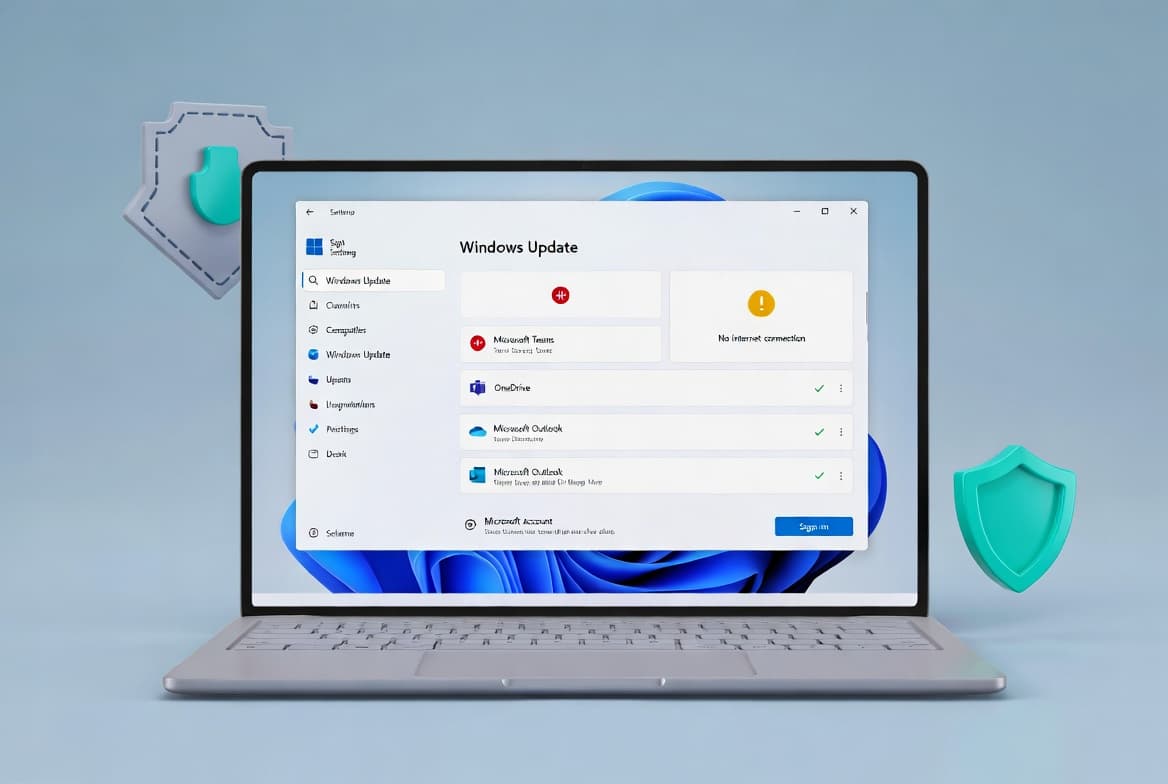
- Microsoft account sign-in error: Following the Windows update released on or after March 10, 2026, some users encountered a false "no Internet" error when signing in to apps with a Microsoft account, even on devices with a working connection. This blocked access to services such as Microsoft Teams. This update resolves that sign-in failure.
- DST change for Egypt: A time zone data update is included to reflect the Arab Republic of Egypt government's Daylight Saving Time change order from 2023.
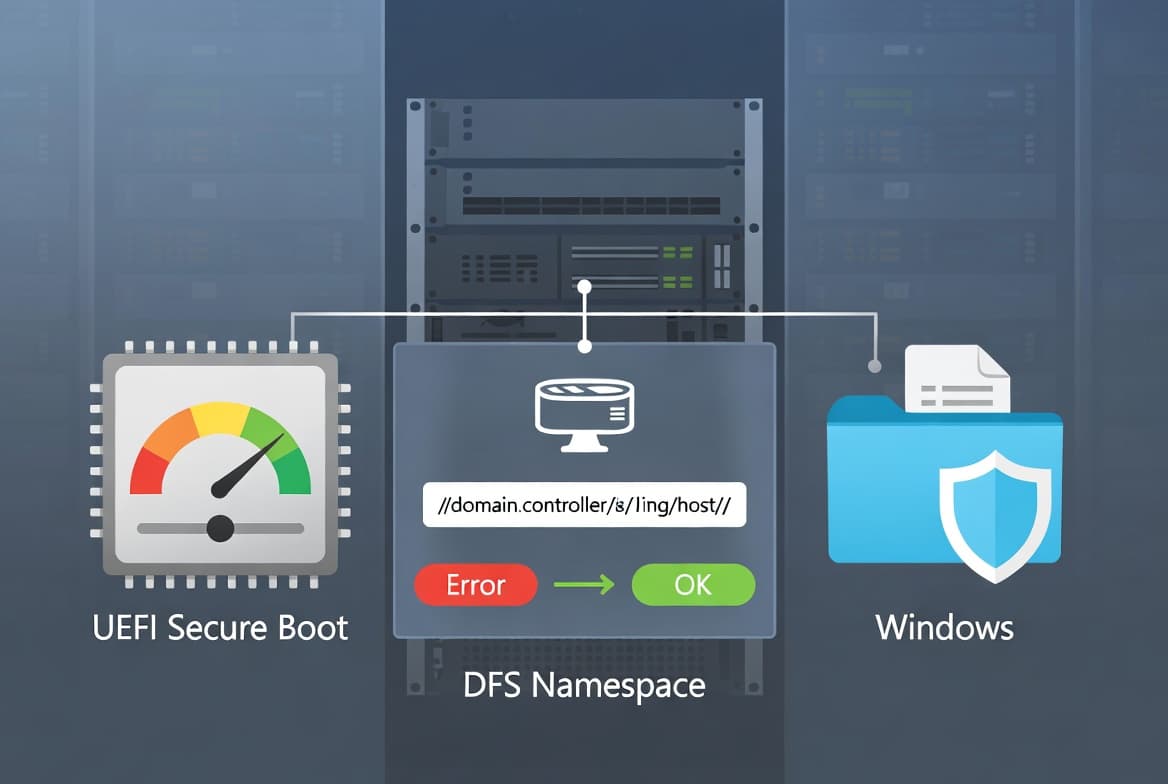
- Secure Boot - expanded device targeting (Windows Server 2016): Windows quality updates now carry additional high-confidence device targeting data to increase the number of devices eligible to receive updated Secure Boot certificates automatically. Certificates are delivered only after successful update signals are confirmed, keeping the rollout controlled and phased.
- Secure Boot - new management scripts (all affected editions): This update places a new
SecureBootfolder underC:\Windowson eligible devices. The folder contains example scripts that IT professionals can use to detect Secure Boot certificate update status and automate deployment through a safe rollout mechanism in Active Directory environments. Microsoft refers readers to the Sample Secure Boot E2E Automation Guide for details.
Note on Secure Boot certificates: Secure Boot certificates used by most Windows devices are scheduled to expire starting June 2026. Microsoft has been distributing updated certificates to consumer and non-managed business devices. Devices that have not yet received the newer certificates will continue to start and operate normally, and standard Windows updates will continue to install.
Known issues
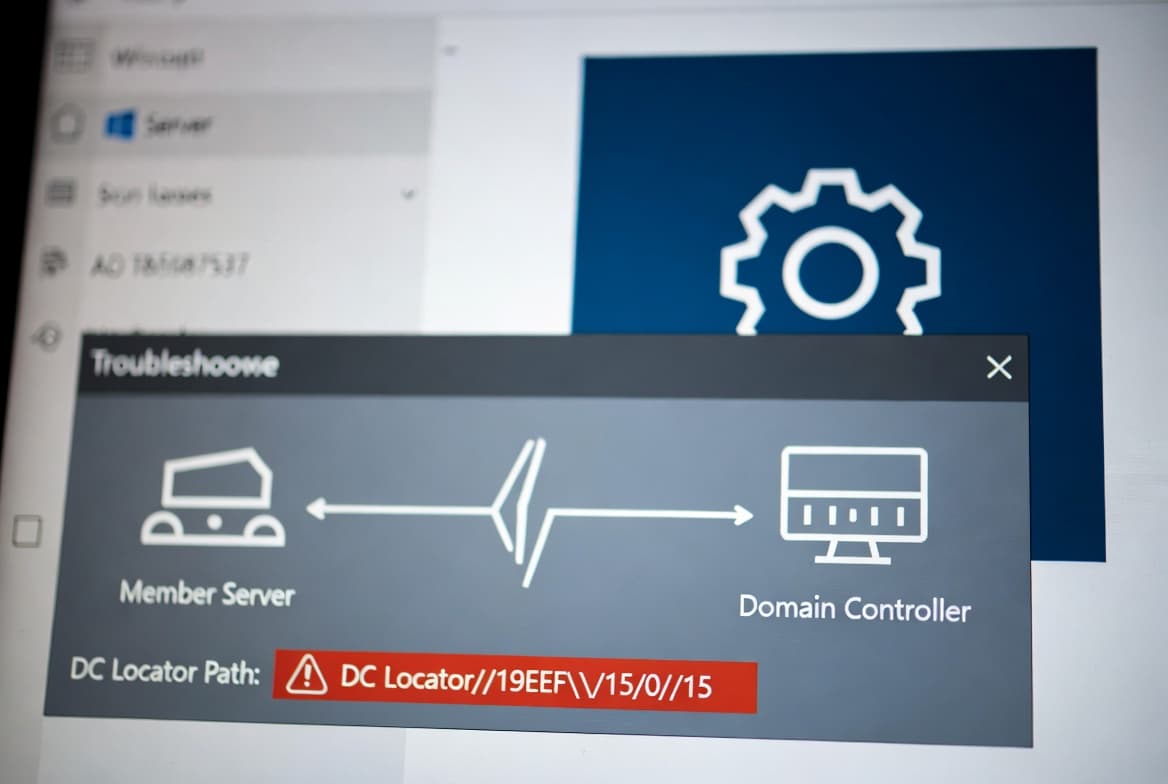
Domain Controller lookup might fail for 15-character hostnames (Windows Server 2016 only)
Symptom: After installing this update on Windows Server 2016 systems where the server hostname is exactly 15 characters long, domain controller discovery may fail. DCLocator calls - for example, using nltest /dsgetdc:<domain> /pdc - return ERROR_INVALID_PARAMETER, preventing applications and administrative tools from locating a domain controller. Administrative operations that depend on domain controller lookup may fail, including DFS Namespace management scenarios.
Workaround/Resolution: This issue is resolved in Windows updates released on and after June 9, 2026 (KB5094122). Microsoft recommends installing the latest Windows update, which contains this resolution along with other improvements.
Windows 10 Enterprise LTSB 2016 and Windows 10 IoT Enterprise LTSB 2016: Microsoft states it is not currently aware of any issues with this update for these editions.
How to get this update
Prerequisite
For updates released on or after January 14, 2025, Microsoft recommends installing the latest Servicing Stack Update (SSU) before applying this update. The required SSU is KB5088064. Without it, the update may not be offered to the device, increasing security risk. WSUS administrators must explicitly approve both KB5088064 and KB5087537.
Delivery channels
- Windows Update: The update downloads and installs automatically. The latest SSU (KB5088064) is also offered automatically if not already present.
- Windows Update for Business: Delivered automatically according to configured policies; KB5088064 is offered automatically if needed.
- Microsoft Update Catalog: The standalone package for KB5087537 can be downloaded directly from the Microsoft Update Catalog website. Microsoft also recommends downloading KB5088064 from the catalog if the SSU is not already installed.
- Windows Server Update Services (WSUS): The update syncs automatically when Products and Classifications are configured as follows - Product: Windows Server 2016, Windows 10, and Windows 10 LTSB; Classification: Security Updates. The SSU KB5088064 must be approved separately.
Frequently asked questions
Does this update apply to both Windows Server 2016 and Windows 10 LTSB 2016 editions?
Yes. KB5087537 applies to Windows Server 2016 (all editions), Windows 10 Enterprise LTSB 2016, and Windows 10 IoT Enterprise LTSB 2016. Some improvements - particularly the expanded Secure Boot device targeting data - are noted specifically for the Windows Server 2016 edition, while the core quality fixes apply across all three.
When does support end for the products covered by this update?
Microsoft will stop providing free updates, technical assistance, and security fixes on these dates: Windows 10 Enterprise LTSB 2016 and Windows 10 IoT Enterprise LTSB 2016 on October 13, 2026; Windows Server 2016 on January 12, 2027. Organizations should plan migrations or extended support arrangements before those dates.
Is the Secure Boot certificate rollout mandatory, and what should admins do?
Devices that have not yet received the newer certificates will continue to start and operate normally; the rollout is phased and controlled. IT administrators should check device status via the Windows Security app and follow the Secure Boot Playbook for Windows clients and Windows Server. The new C:\Windows\SecureBoot scripts included with this update can help automate detection and deployment in Active Directory environments.
Will this update install Microsoft Store app updates?
No. Windows updates do not install Microsoft Store application updates. Enterprise users should manage Store app updates through Configuration Manager. Consumer users can get Store app updates directly from the Microsoft Store application.