KB5094126: Windows 11 versions 25H2 and 24H2 June 2026 Patch Tuesday update (OS Builds 26200.8655 and 26100.8655)
Monthly security cumulative update for Windows 11 versions 25H2 and 24H2, releasing OS builds 26200.8655 and 26100.8655 on June 9, 2026.
Summary
KB5094126 is the June 9, 2026 monthly security cumulative update for Windows 11 versions 25H2 and 24H2. It brings OS builds to 26200.8655 and 26100.8655, delivers the June 2026 security fixes, and rolls in non-security improvements from last month's optional preview release. Full details are on Microsoft Support.
Highlights
- Secure Boot certificate targeting coverage is expanded for eligible devices through additional high-confidence device data included in this update.
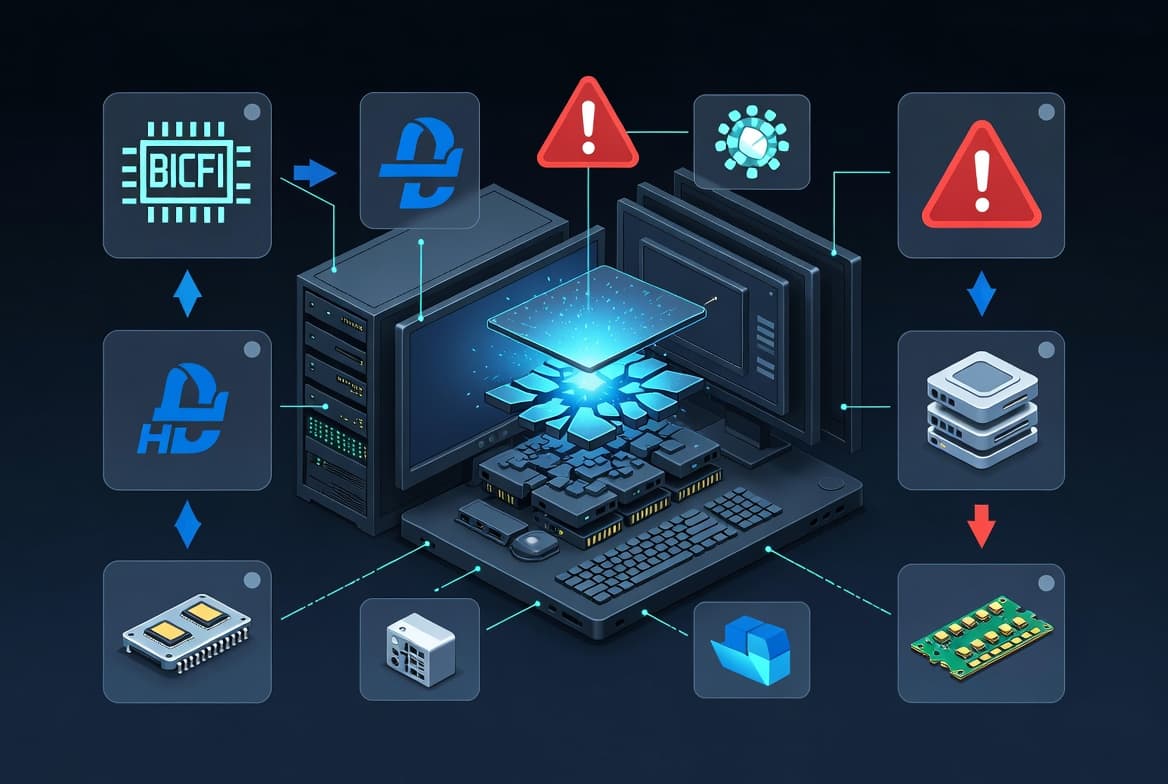
- A Stop error issue introduced by KB5089573 - affecting some devices during restarts, virtual machine operations, or gaming - is resolved.
- A security hardening change to how Windows processes desktop.ini files is introduced, which may cause some custom folder icons or localized folder names to stop appearing for downloaded or remote content.
Improvements and fixes
- Secure Boot: This update adds higher-confidence device targeting data to Windows quality updates, broadening the pool of devices that can automatically receive updated Secure Boot certificates. Certificates are delivered only after successful update signals are observed, keeping the rollout phased and controlled.
- Virtualization fix: An issue that could trigger Stop errors HYPERVISOR_ERROR (0x20001) and KMODE_EXCEPTION_NOT_HANDLED (0x1E) following the installation of KB5089573 is addressed. The crashes could occur during system restarts, virtual machine operations, or while running certain gaming applications.
- Folder customization hardening: Windows now applies stricter security controls when processing desktop.ini files. As a side effect, custom folder icons and localized folder names may no longer appear for folders sourced from downloaded or remote locations. Folder access itself is not affected.
- AI component updates: Image Search, Content Extraction, Semantic Analysis, and Settings Model components are each updated to version 1.2605.856.0. These components apply only to Windows Copilot+ PCs and will not install on standard Windows PCs or Windows Server.
- Servicing stack update (KB5094135): A bundled servicing stack update targeting build 26100.8648 is included, improving the reliability of the component responsible for installing Windows updates.
- Prior improvements carried forward: All quality and security fixes from KB5089549 (May 12, 2026) and KB5089573 (May 26, 2026) are included in this package.
Known issues
Microsoft Office applications might fail to open from certain third-party apps
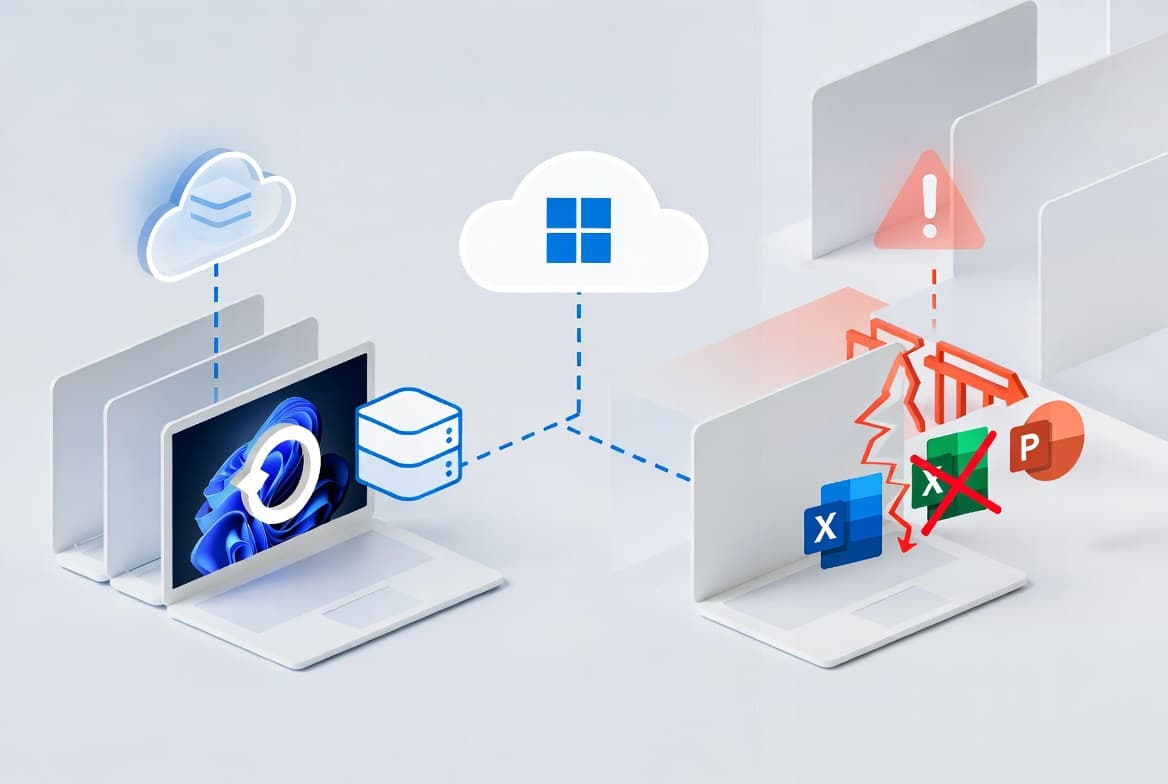
Symptom: Certain third-party applications that use OLE automation to interact with Microsoft Office may be unable to launch Office applications or open documents after installing updates released on or after June 9, 2026. In some cases the Office application or document fails to open with no error message displayed. Affected Office applications can include Word, Excel, PowerPoint, Access, and others when launched from within the affected third-party application. Reported affected applications include CCH Engagement, Workpaper Manager, dental software such as Dentrix and Softdent, and Zotero; other similar applications may also be impacted.
Workaround: A resolution is in progress and will be included in a future Windows update. As an immediate workaround, open the application or document directly rather than launching it from the affected third-party application. Organizations needing a managed workaround for affected devices should contact Microsoft Support for business.
How to get this update
Microsoft combines the latest servicing stack update (SSU) with the latest cumulative update (LCU) in a single package, so no separate SSU installation step is required before applying KB5094126.
- Windows Update and Microsoft Update: The update downloads and installs automatically.
- Windows Update for Business: The update is available and deploys in accordance with configured policies.
- Microsoft Update Catalog: Select the package matching your device architecture - arm64 or x64. For arm64 and x64 installations, Microsoft supports two methods: installing all MSU files together using DISM with a single folder path (Method 1, recommended), or installing each MSU file individually in order starting with KB5043080 followed by KB5094126 (Method 2).
- Windows Server Update Services (WSUS): Configure Product as Windows 11 and Classification as Security Updates for the update to sync automatically.
Deployment note for dynamic updates: If you are deploying this dynamic update to an existing Windows image, the boot.stl file must be included in the installation media. Omitting it may prevent devices from starting from the media and can produce error code 0xc0430001. Use the Update WinPE script (recommended) or manually copy boot.stl from the device's Windows\Boot\EFI folder to the corresponding folder on the installation media.
Frequently asked questions
Will devices that haven't yet received updated Secure Boot certificates stop working?
No. According to Microsoft, devices that have not yet received the newer Secure Boot certificates will continue to start and operate normally. Standard Windows updates will continue to install on those devices, and updated certificates will keep being delivered through Windows Update over the coming months in a phased rollout.
When does Windows 11 version 24H2 Home and Pro reach end of updates?
Windows 11 version 24H2 Home and Pro editions reach end of updates on October 13, 2026. After that date those editions will no longer receive security updates, known-issue fixes, time zone updates, or technical support. Enterprise and Education editions of version 24H2 remain supported until October 12, 2027.
Do the AI component updates in this package install on all Windows 11 devices?
No. Although AI component updates for Image Search, Content Extraction, Semantic Analysis, and Settings Model are bundled in this cumulative update, they install only on Windows Copilot+ PCs. They will not install on standard Windows PCs or Windows Server devices.
Is there a workaround for the OLE automation issue affecting Office and third-party apps?
Yes. The immediate workaround is to open the Office application or document directly rather than launching it through the affected third-party application. Organizations requiring a broader mitigation across managed devices should contact Microsoft Support for business. A permanent fix will be delivered in a future Windows update.