KB5095051: Windows 11 version 26H1 June 2026 Cumulative Update (OS Build 28000.2269)
June 9, 2026 security cumulative update for Windows 11 version 26H1, delivering OS build 28000.2269 with security fixes, BitLocker improvements, and folder customization hardening.
Summary
KB5095051 is a security cumulative update for Windows 11 version 26H1, released on June 9, 2026, bringing the OS to build 28000.2269. It bundles the latest security fixes, non-security improvements carried over from the prior optional preview release, and an integrated servicing stack update (KB5101277). Full details are available from Microsoft Support.
Highlights
- BitLocker Drive Encryption test reliability has been improved to ensure all required files are present for the USB BIOS logo test.
- A security hardening change alters how Windows processes desktop.ini files, which may cause custom folder icons or localized folder names to disappear for content from downloaded or remote locations; folder access itself is not affected.
Improvements and fixes
- This update carries forward all quality improvements included in the May 12, 2026 optional release (KB5089548, OS Build 28000.2113) and the May 26, 2026 preview release (KB5089570, OS Build 28000.2179).
- All security vulnerabilities addressed in the June 2026 Security Updates guide are patched in this release.
- BitLocker: The reliability of BitLocker Drive Encryption testing has been improved by ensuring that all required files are available during the USB BIOS logo test.
- Folder customization: Windows now applies a security hardening change to how it processes desktop.ini files. Some users may notice that custom folder icons or localized folder names no longer appear for content sourced from downloaded or remote locations. Folder access is not impacted. Microsoft provides a separate article with further details on this behavior change.
- AI components: This release updates four AI components - Image Search, Content Extraction, Semantic Analysis, and Settings Model - all to version 1.2604.515.0. These components apply only to Windows Copilot+ PCs and will not install on standard Windows PCs or Windows Server.
- Servicing stack: An integrated servicing stack update (KB5101277, version 28000.2263) is included to improve the reliability and quality of the component responsible for installing Windows updates.
Known issues
Microsoft Office applications might fail to open from certain third-party apps
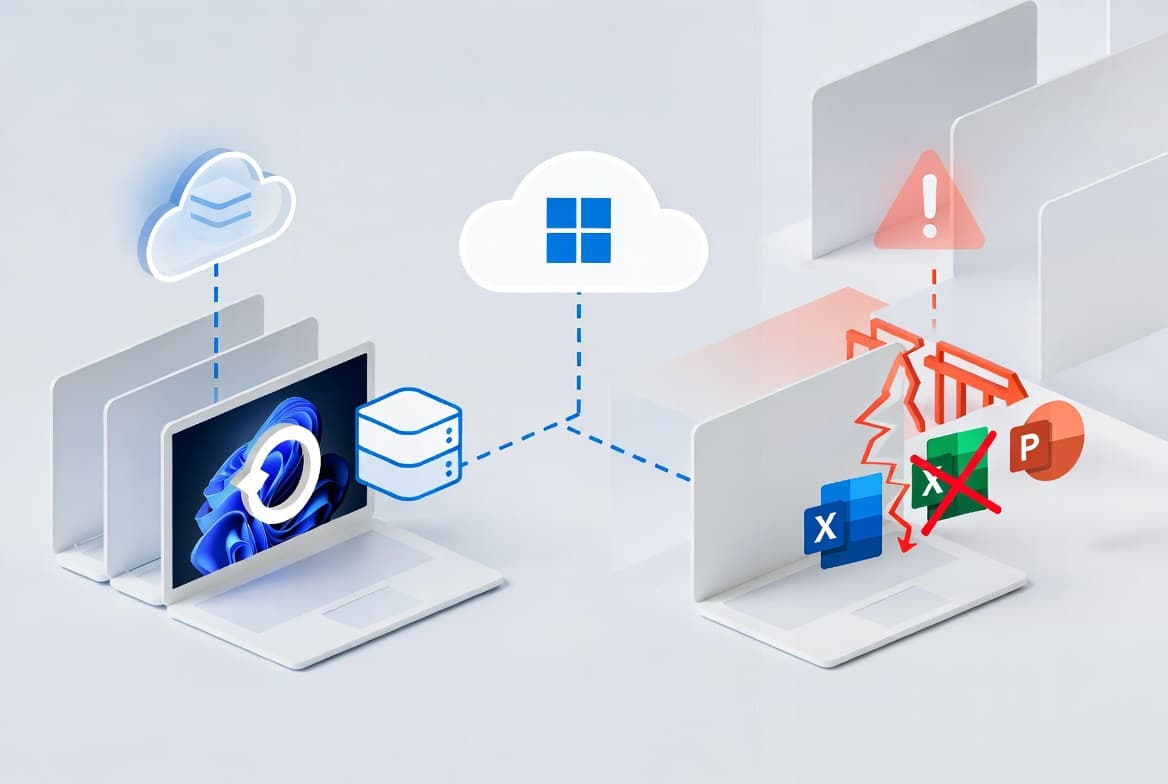
Symptom: Certain third-party applications that use OLE automation to interact with Microsoft Office may be unable to launch Office apps or open documents after installing Windows updates released on or after June 9, 2026. In some cases the Office application or document fails to open without displaying an error message. Affected Office applications may include Word, Excel, PowerPoint, Access, and others. Reported affected third-party applications include CCH Engagement, Workpaper Manager, dental software such as Dentrix and Softdent, and Zotero; other similar applications may also be impacted.
Workaround: A resolution is in progress and will be included in a future Windows update. As a workaround, open the application or document directly rather than launching it from the affected third-party application. Organizations needing a device-level workaround should contact Microsoft Support for business.
How to get this update
Microsoft combines the latest servicing stack update with the cumulative update, so no separate SSU installation step is required before applying KB5095051.
Windows Update and Microsoft Update: The update downloads and installs automatically on eligible devices.
Windows Update for Business: The update deploys automatically in accordance with configured policies.
Microsoft Update Catalog: The standalone package is available for manual download. Two installation methods are supported. Method 1 lets you download all MSU files to a single folder and use DISM or Windows Update Standalone Installer to apply them together. Method 2 requires installing the single MSU file individually using DISM, PowerShell, or the standalone installer.
WSUS: The update syncs automatically when the Product is set to "Windows 11" and the Classification is set to "Security Updates."
Dynamic update deployment note: If you deploy dynamic updates to an existing Windows image, the boot.stl file must be included in the installation media. Omitting it may prevent devices from starting from that media and can produce error code 0xc0430001. Microsoft recommends using the Update WinPE script to handle this automatically, or manually copying boot.stl from the device's Windows\Boot\EFI folder to the corresponding folder on the installation media.
Frequently asked questions
Does this update require a separate servicing stack update to be installed first?
No. Microsoft bundles the latest servicing stack update (KB5101277, version 28000.2263) directly into this cumulative update package. You do not need to download or install a separate SSU before applying KB5095051 to a running Windows 11 version 26H1 device.
Will the AI component updates in this release install on all Windows 11 devices?
No. Although the AI component updates for Image Search, Content Extraction, Semantic Analysis, and Settings Model are included in the package, Microsoft states they apply only to Windows Copilot+ PCs. They will not install on standard Windows PCs or Windows Server systems.
What should admins do about the folder customization change affecting desktop.ini processing?
The change is a deliberate security hardening measure. Custom folder icons and localized folder names may stop appearing for content from downloaded or remote locations. Folder access is not affected. Admins should review the dedicated Microsoft article on this behavior and communicate the visual change to end users to reduce support tickets.
How can organizations work around the OLE automation issue affecting Microsoft Office?
Microsoft advises users to open Office applications or documents directly rather than through the affected third-party application. For organizations that need a broader device-level mitigation, Microsoft recommends contacting Microsoft Support for business directly. A permanent fix is described as in progress and will ship in a future Windows update.