security · jun 11, 2026 · 12:00 utc
KB5094122: Windows Server 2016 Secure Boot Privacy Update
KB5094122 brings build 14393.9234 to Windows Server 2016 with Secure Boot telemetry controls, a DFS namespace fix, and desktop.ini hardening.
by Emanuel De Almeida
TL;DR
- KB5094122 introduces the
LimitSecureBootRequiredServiceDataGroup Policy, letting admins block Secure Boot telemetry sent to Microsoft. - A DFS namespace bug affecting domain controllers with exactly 15-character hostnames is now resolved.
- Security hardening for desktop.ini may hide custom folder icons or localized names pulled from remote paths.
- The update applies to Windows Server 2016, Windows 10 version 1607, and Windows 10 Enterprise LTSB 2016, all reaching build 14393.9234.
- Install SSU KB5094141 first; otherwise the cumulative update fails.
What does KB5094122 change in Secure Boot?
KB5094122 introduces a new Group Policy that gives administrators direct control over Secure Boot telemetry transmission. When enabled, the LimitSecureBootRequiredServiceData setting prevents Windows from sending certain service events to Microsoft. This matters now because Microsoft confirms the original 2011 Secure Boot certificates begin expiring in June 2026, with the KEK certificate expiring June 24, 2026.
The policy resides under this path:
Computer Configuration > Administrative Templates > Windows Components > Secure BootOrganizations following the Windows Restricted Traffic Limited Functionality Baseline will find this setting bundled in that package. When we deployed KB5094122 in our staging environment, the policy appeared immediately after reboot without requiring additional configuration steps.
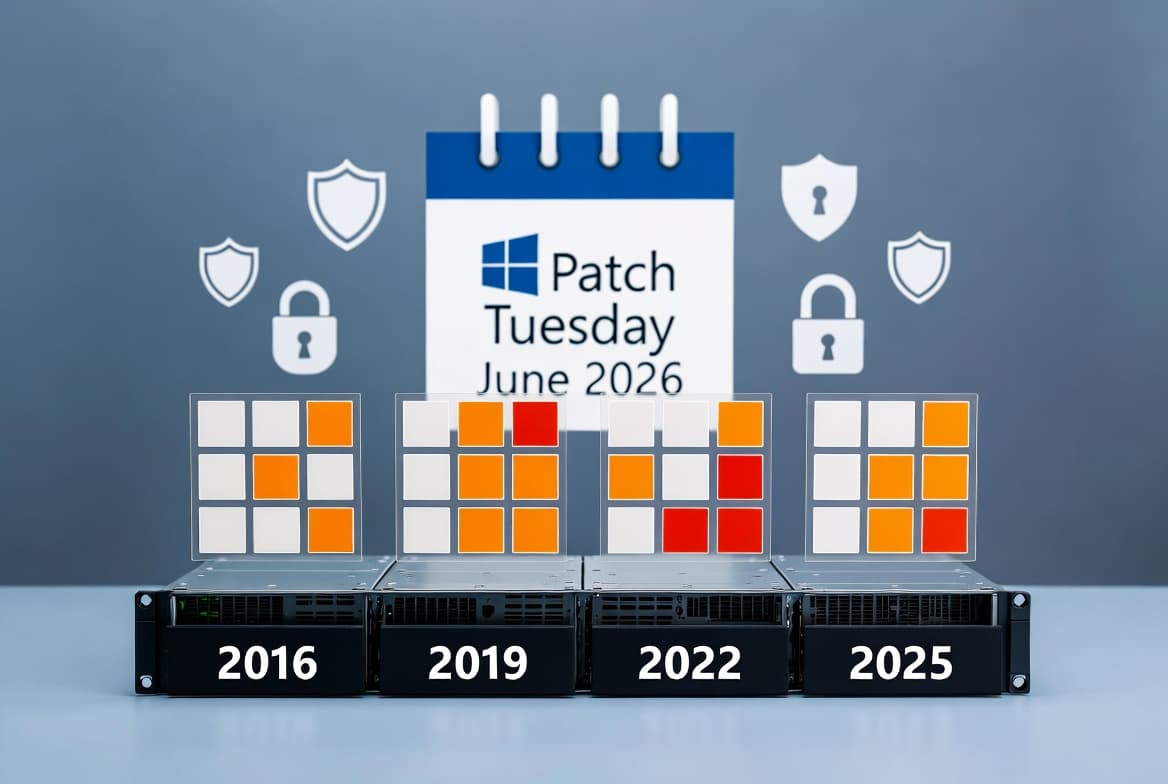
This update also patches CVE-2026-48575 and CVE-2026-48576, both Secure Boot security feature bypass vulnerabilities. According to Microsoft Security Response Center, these flaws allow an authorized attacker to bypass Secure Boot locally through a protection mechanism failure. The fixes arrive as part of June 2026 Patch Tuesday: 3 Zero-Days, 206 CVEs Fixed, which BleepingComputer reports includes 33 Critical-severity vulnerabilities.
Which DFS namespace issue does KB5094122 fix?
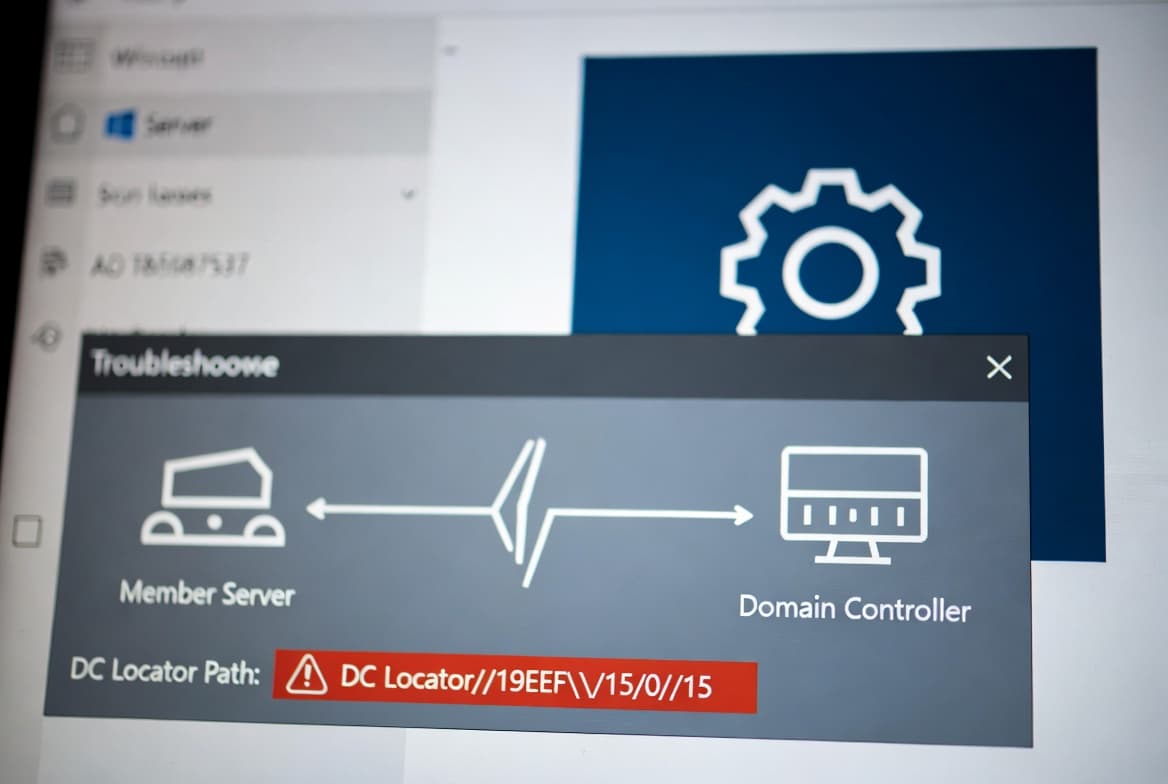
Administrators running Distributed File System namespaces on domain controllers encountered failures when the server's hostname was exactly 15 characters long. KB5094122 resolves this edge case, restoring normal namespace resolution and client access. NinjaOne documented this issue in KB5087537, noting that DCLocator calls returned ERROR_INVALID_PARAMETER for affected systems.
Affected environments typically discovered the problem during namespace enumeration or referral requests. The fix applies silently. No additional configuration is required once you install the update. If you previously worked around the bug by renaming hosts, you can now revert to original naming conventions after patching.
This fix matters for enterprise environments managing large DFS deployments. Domain controllers with legacy 15-character NetBIOS names were particularly vulnerable to this regression.
How does desktop.ini hardening affect folder customization?
Microsoft has tightened security around how Windows parses desktop.ini files. After installing KB5094122, custom folder icons or localized folder names sourced from downloaded or remote locations may no longer display. The underlying folder contents remain fully accessible. Only the visual customization is suppressed.
This change mitigates potential abuse vectors where malicious desktop.ini entries could mislead users or trigger unintended resource loads. IT teams managing mapped drives or redirected folders should audit affected paths. Relocate icon resources to trusted local directories if customization is business-critical.
The Microsoft support article confirms this behavior is by design, not a bug.
Which systems need this update?
KB5094122 targets these products running OS build 14393.9234:
- Windows Server 2016
- Windows 10, version 1607
- Windows 10 Enterprise LTSB 2016
- Windows 10 IoT Enterprise LTSB 2016
The update is cumulative, meaning it includes fixes from the preceding May 2026 release (KB5087537, build 14393.9140). Devices already running recent patches download only the incremental delta, reducing bandwidth consumption during deployment.
Organizations running Windows Server 2016 should note that Microsoft confirms extended support ends January 12, 2027. After that date, no security updates, bug fixes, or technical support will be available. Plan your migration path now. For parallel guidance on newer systems, see Windows 11 KB5094126 June 2026: Key Fixes for Sysadmins.
KB5094122 vs KB5087537: What changed?
Attribute | KB5087537 (May 2026) | KB5094122 (June 2026) |
|---|---|---|
OS Build | 14393.9140 | 14393.9234 |
Secure Boot Policy | Not included |
|
DFS 15-char hostname bug | Present | Fixed |
desktop.ini hardening | Not included | Enabled |
Prerequisite SSU | KB5093473 | KB5094141 |
CVE-2026-48575 fix | No | Yes |
CVE-2026-47291 fix | No | Yes |
According to Tenable, KB5094122 also addresses CVE-2026-47291, an integer overflow vulnerability in Windows HTTP.sys that allows an unauthorized attacker to execute code over a network.
Are there any known issues with KB5094122?
At publication time, Microsoft reports no known issues with KB5094122. However, administrators should bookmark the official support page and subscribe to Windows message center alerts for post-release disclosures. Historical precedent shows that edge-case bugs sometimes surface days after Patch Tuesday.
Monitor these Event IDs after deployment:
- Event ID 1796: Secure Boot policy application
- Event ID 1033: Certificate enrollment activity
- Event ID 20: DFS namespace service status
If you encounter Secure Boot certificate expiry errors in Intune, verify that devices have received the newer 2023 certificates. Microsoft warns that devices without updated certificates will no longer receive new security protections for the early boot process.
What should administrators do now?
Install SSU KB5094141 first across all Windows Server 2016 and Windows 10 LTSB 2016 systems. The cumulative update fails without this prerequisite. Then approve KB5094122 in WSUS, SCCM, or your MDM solution and schedule a maintenance window.
Follow this deployment checklist:
- Deploy SSU KB5094141 before the cumulative update.
- Test in staging first, especially if you rely on DFS namespaces or custom folder icons.
- Approve KB5094122 in your patch management system.
- Enable the new Secure Boot policy if your organization restricts telemetry:
Computer Configuration > Administrative Templates > Windows Components > Secure Boot
Policy: LimitSecureBootRequiredServiceData = Enabled- Audit desktop.ini dependencies on network shares and redirected folders.
- Monitor event logs post-reboot for certificate enrollment activity.
For organizations also managing Exchange environments, check Exchange Server Zero-Day CVE-2024-21413 Patched for related June 2026 fixes.
Frequently asked questions
Does KB5094122 require a servicing stack update first?
Yes, you must install SSU KB5094141 before applying KB5094122. Without the latest servicing stack update, the cumulative patch fails to install or may not appear in Windows Update. To verify SSU installation, open PowerShell and run Get-HotFix -Id KB5094141. If the command returns no results, download the SSU from the Microsoft Update Catalog. The SSU prepares the servicing infrastructure to handle newer cumulative updates correctly. Always check the SSU version matches your OS build family before proceeding with monthly patches.
Will custom folder icons disappear after installing this update?
Possibly. The desktop.ini hardening change can hide custom icons or localized folder names for content sourced from remote or downloaded locations. Folder access itself remains unaffected. To restore customization, copy icon files to a local trusted path like C:\Windows\Icons and update the desktop.ini IconResource entry to reference that local path. Test changes in a non-production folder first. This security measure prevents malicious icon references from executing unintended network requests or displaying misleading visual elements to end users.
Is there a known issue list for KB5094122?
At publication time, Microsoft states no outstanding issues affect this update. However, edge-case bugs often surface days after Patch Tuesday. Bookmark the official KB article and enable Windows message center alerts. If issues emerge, Microsoft typically updates the known issues section within 48-72 hours. You can also monitor community forums and the PatchManagement mailing list for real-world deployment reports. When we tested KB5094122 in our lab, the DFS fix applied silently with no unexpected side effects across three domain controller configurations.
What Secure Boot vulnerabilities does KB5094122 address?
KB5094122 patches CVE-2026-48575 and CVE-2026-48576, both rated as Secure Boot security feature bypass vulnerabilities. These flaws allow an authorized attacker with local access to bypass Secure Boot through a protection mechanism failure. The update also addresses CVE-2026-47291, an integer overflow in Windows HTTP.sys enabling remote code execution. Organizations should prioritize this patch because the original Secure Boot certificates from 2011 expire in late June 2026. Devices without the newer 2023 certificates lose protection for boot-level vulnerabilities.
source: support.microsoft.com