Payload Contact: a self-hosted contact form and inbox for Payload 3
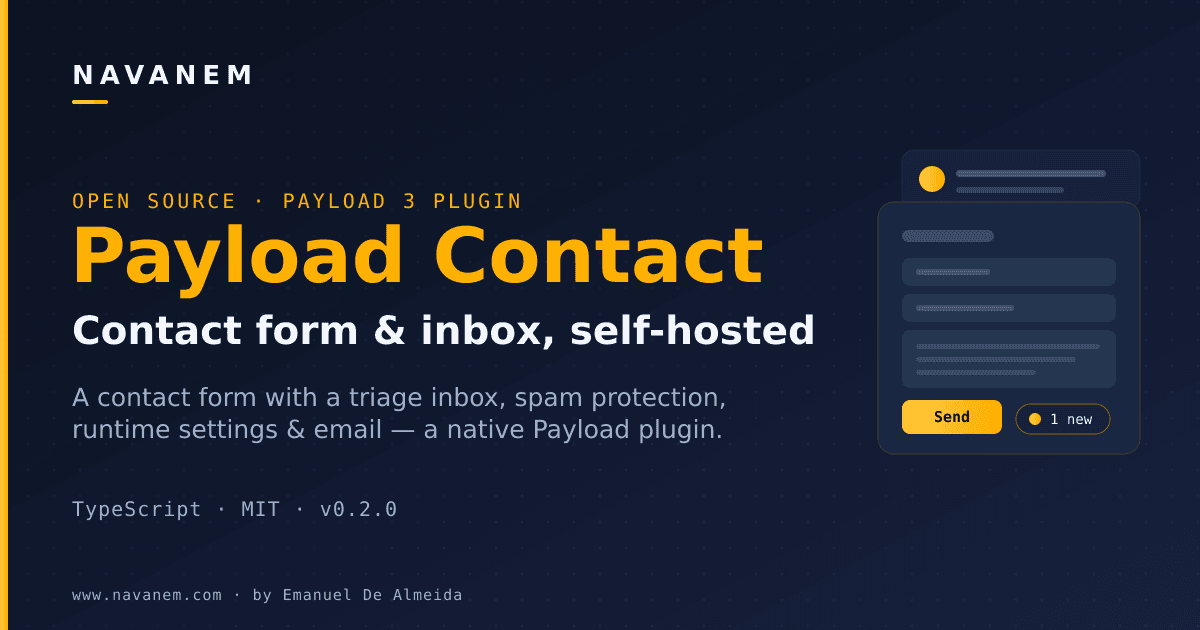
Payload Contact is a self-hosted Payload 3.x plugin that gives your project a contact-form endpoint, a triageable admin inbox, and a runtime settings global. v0.2.1 adds a local dev environment, a Vitest test suite, and fixes TypeScript build errors introduced in v0.2.0.
by Emanuel De Almeida
 View source on GitHub
TL;DR
- A self-hosted Payload 3.x plugin that turns your admin panel into a triageable contact-message inbox.
- Includes a drop-in
<ContactForm />component, spam protection (honeypot + per-IP rate limiting), and a runtime settings global. - Optional SMTP email notifications via nodemailer - configured entirely from the admin, no redeploy needed.
- v0.2.1 ships a local dev environment, a Vitest test suite, and fixes TypeScript build errors that broke the
distoutput in v0.2.0. - MIT-licensed and built by navanem, the same author as
@navanem/payload-comments.
What is Payload Contact?
Payload Contact is an open-source Payload 3.x plugin that adds a fully self-hosted contact form and inbox to any Payload project. Rather than relying on a third-party form service, it stores submissions directly in your database as a contact-messages collection, complete with new / read / replied statuses so you can triage messages from the Payload admin without leaving your own infrastructure.
What does it include?
The plugin registers a contact-messages collection, a contact-settings global, a custom admin inbox view at /admin/contact-inbox with KPI stats and period filters, and a styled <ContactForm /> client component. Submissions arrive via a dedicated endpoint (POST /api/contact-api/submit) that sits outside the collection's REST namespace to avoid collisions. Spam protection combines a hidden honeypot field with a configurable per-IP sliding-window rate limiter, and blocked submissions are silently dropped to avoid signalling bots.
What's new in v0.2.1?
v0.2.1 is primarily a stability and developer-experience release. It introduces a dev/ environment - a sqlite-backed Payload app you can boot with pnpm dev to test the plugin locally without a production database. A Vitest test suite under tests/ now covers defaults, rate limiting, IP hashing, submitContact, and settings resolution, all against a fake payload object so no database is required. The release also fixes two TypeScript issues from v0.2.0 - a wrongly typed where clause in the inbox view and a missing @types/nodemailer declaration - that were causing tsc and dist builds to fail.
How does it work?
After registering contactPlugin() in payload.config.ts and running the generated migration, the plugin is live. The <ContactForm /> component posts JSON to the submit endpoint, which validates the payload against the runtime settings global (min/max length, blocked keywords, honeypot, rate limit) before writing the message to the database. Admins read and triage messages in the standard collection list or the custom inbox view. Optional SMTP notifications are configured entirely inside the admin global - no static adapter or environment variable is required until you enable them.
Who is it for?
Payload Contact is aimed at developers running Payload 3.x who want a contact form that keeps all message data on their own infrastructure. It suits portfolios, agency sites, and small product sites where the team already lives in the Payload admin and doesn't want to pay for or integrate a separate form service. Because the plugin options and runtime settings global are both fully typed and documented, it is also a practical reference for how to build custom Payload admin views.
FAQ
Do I need a mail server to use this?
No. Email notifications are entirely opt-in and off by default. Every submission is saved to the contact-messages collection regardless, so the inbox works without any SMTP configuration. If you do want email alerts, you enable them in the Contact Settings global and supply SMTP credentials there - nodemailer handles delivery, and the credentials never reach the client.
How is spam handled?
The submit endpoint combines two mechanisms: a hidden company honeypot field (populated by bots, ignored by real users) and a per-IP sliding-window rate limiter (default: 3 requests per 60 seconds). You can also supply a blockedKeywords list in the plugin options or the settings global. Blocked submissions return a silent success response, giving bots no useful feedback.
Can I change settings without redeploying?
Yes. The Contact Settings global lets an admin toggle the form on or off, adjust min/max message length, require a subject, edit blocked keywords, and update the success message - all applied immediately at runtime. The endpoint reads the global on each request and falls back to the plugin options if the global has never been saved.
How do I run the tests?
With pnpm installed, run pnpm test for a single Vitest pass or pnpm test:watch for watch mode. The suite exercises pure and server logic through a fake payload object, so no database or running Payload instance is needed.
Is vendoring required?
Not strictly - you can install from npm with npm install @navanem/payload-contact. Vendoring (copying src/ into your project) is the recommended path because Payload's admin import map resolves component paths relative to your own project root, which makes the custom inbox view and nav link register correctly without extra configuration.