KB5065432 - Windows Server 2022 Security Update (OS Build 20348.4171) September 2025
September 9, 2025 cumulative security update for Windows Server 2022, bringing OS to build 20348.4171 with fixes for UAC prompts, IME rendering, CRL performance, and SMB auditing.
Summary
This is the September 9, 2025 cumulative security update for Windows Server 2022, advancing the OS to build 20348.4171. Released on September 9, 2025, it delivers security fixes and quality improvements that build on the August 12, 2025 update (KB5063880). A companion servicing stack update (KB5065769, version 20348.4160) is also included. Source: Microsoft Support
Improvements and fixes
- UAC prompt fix for MSI repairs: Resolves an issue where non-admin users received unexpected User Account Control (UAC) prompts when MSI installers ran certain custom actions - such as configuration or repair operations - in the foreground or background during application installation. The problem blocked non-admin users from running apps that trigger MSI repairs, including Office Professional Plus 2010 and multiple Autodesk products such as AutoCAD. This fix narrows the conditions that require UAC prompts for MSI repairs and gives IT admins the ability to add specific apps to an allowlist to suppress those prompts entirely.
- SMB client compatibility auditing: Enables auditing of SMB client compatibility for SMB Server signing and SMB Server EPA (Extended Protection for Authentication). This lets administrators assess their environments and identify devices or software that may be incompatible before rolling out hardening measures already supported by SMB Server. Detailed guidance is available in CVE-2025-55234.
- Chinese (Simplified) IME rendering fix: Addresses an issue in the Chinese (Simplified) Input Method Editor where some extended characters displayed as empty boxes instead of the correct glyphs.
- Certificate Revocation List (CRL) performance improvement: Fixes a condition where a single oversized CRL file slowed system performance. The system will now use smaller, partitioned CRLs to improve both speed and privacy.
Known issues
PSDirect connections failing on hotpatched devices
Symptom: Devices that have installed the September 2025 Hotpatch update (KB5065306) or this security update (KB5065432) may experience intermittent failures with PowerShell Direct (PSDirect) connections when the host and guest virtual machines are not both fully updated. When a patched guest VM attempts to connect to an unpatched host - or vice versa - the expected fallback to a legacy handshake and graceful socket cleanup fails intermittently, resulting in socket cleanup issues. Connection failures may appear random, and Event ID 4625 may be logged in the Security Event log within Windows Event Viewer.
Workaround: This issue is addressed in KB5066359. Microsoft recommends updating both the host and guest VM with that update if PSDirect connection failures are observed.
SMBv1 protocol connectivity
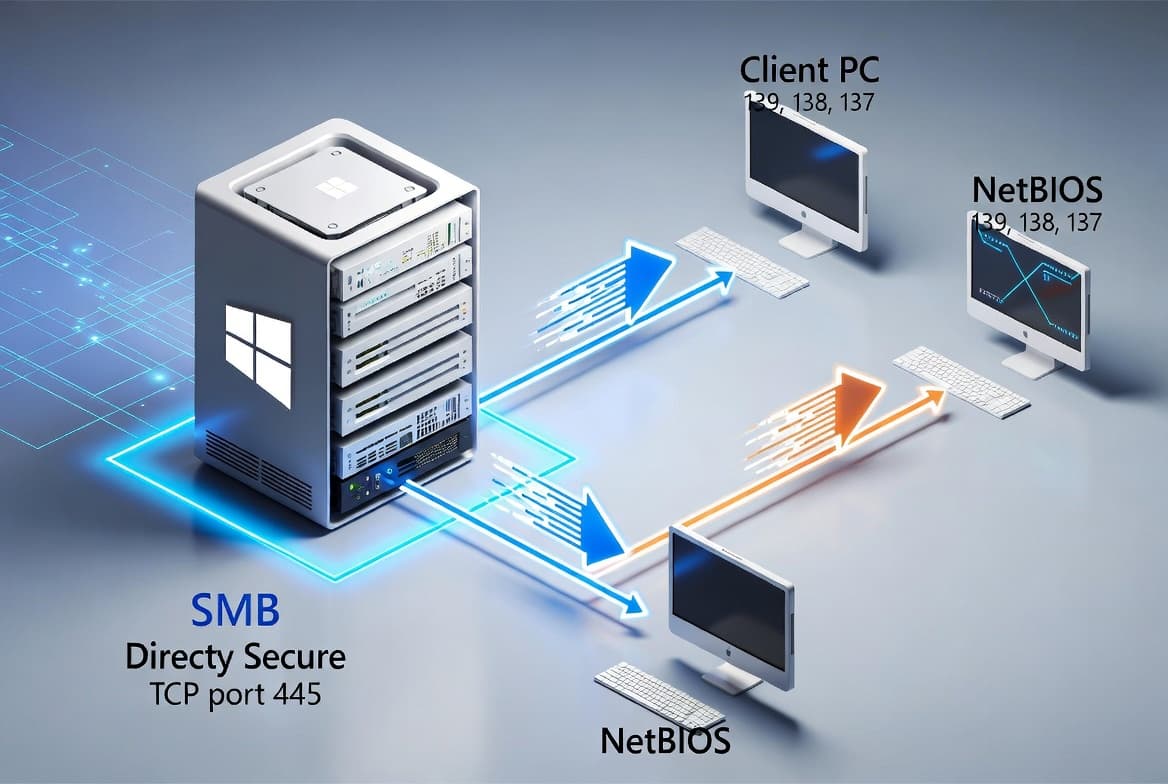
Symptom: After installing the Windows update released on or after September 9, 2025, connections to shared files and folders using the SMB v1 protocol over NetBIOS over TCP/IP (NetBT) may fail. This can occur if either the SMB client or the SMB server has the September 2025 security update installed. Note: SMBv1 is deprecated and is no longer installed by default in modern versions of Windows and Windows Server. Deployments using SMBv2 or SMBv3 are not affected.
Workaround: This issue is addressed in KB5066782.
How to get this update
Before installing, note that Microsoft now combines the latest servicing stack update (SSU) with the latest cumulative update (LCU) in a single package. For offline OS image servicing, ensure the image includes KB5030216 (released September 12, 2023) or a later LCU before applying this update. That LCU sets the SSU version to 20348.1960, which is the minimum required to avoid error 0x800f0823 (CBS_E_NEW_SERVICING_STACK_REQUIRED).
This update is available through the following channels:
- Windows Update / Microsoft Update: Downloads and installs automatically.
- Windows Update for Business: Downloads and installs automatically in accordance with configured policies.
- Microsoft Update Catalog: Standalone package available for manual download. Note that the package includes updates for AI components; however, those components apply only to Windows Copilot+ PCs and will not install on standard Windows PCs or Windows Server.
- Windows Server Update Services (WSUS): Syncs automatically when configured with Product set to Microsoft Server operating system-21H2 and Classification set to Security Updates.
To remove only the LCU after installing the combined SSU and LCU package, use the DISM /Remove-Package command with the LCU package name as the argument. Running wusa.exe with the /uninstall switch will not work on the combined package because it contains the SSU, and the SSU cannot be removed after installation.
Frequently asked questions
Does this update replace the August 2025 update for Windows Server 2022?
Yes. KB5065432 incorporates all fixes and improvements from KB5063880, released August 12, 2025. Devices that already have previous updates installed will download and install only the new changes included in this package, so there is no need to install the August update separately before applying this one.
What should I do about the Secure Boot certificate expiration warning?
Secure Boot certificates used by most Windows devices are set to expire starting in June 2026. Microsoft has been delivering updated certificates to consumer and non-managed business devices for several months. Devices that have not yet received the newer certificates will continue to start and operate normally, and standard Windows updates will continue to install. IT administrators should follow the guidance in the Secure Boot Playbook for Windows clients and Windows Server. Device status can be checked in the Windows Security app.
Which environments are affected by the SMBv1 connectivity known issue?
Only environments still using the SMB v1 protocol over NetBIOS over TCP/IP (NetBT) are affected. SMBv1 is deprecated and is not installed by default in modern Windows and Windows Server releases. Environments running SMBv2 or SMBv3 - which covers the vast majority of current deployments - are not impacted. The fix is available in KB5066782.
Is a separate servicing stack update required before installing KB5065432?
For online servicing, no separate SSU download is needed because Microsoft now bundles the SSU (KB5065769, version 20348.4160) with the cumulative update. For offline image servicing only, ensure the image already contains KB5030216 or a later LCU to meet the minimum SSU version requirement and avoid installation errors.