KB5066782: Windows Server 2022 Security Update (OS Build 20348.4294) - October 2025
October 14, 2025 cumulative security update for Windows Server 2022, bringing OS build to 20348.4294 with input, networking, and cryptography fixes.
Summary
This is the October 14, 2025 cumulative security update for Windows Server 2022, releasing as OS Build 20348.4294. It is a monthly security-quality update that incorporates all fixes from the September 9, 2025 update (KB5065432) plus new improvements. See the full details at Microsoft Support.
Highlights
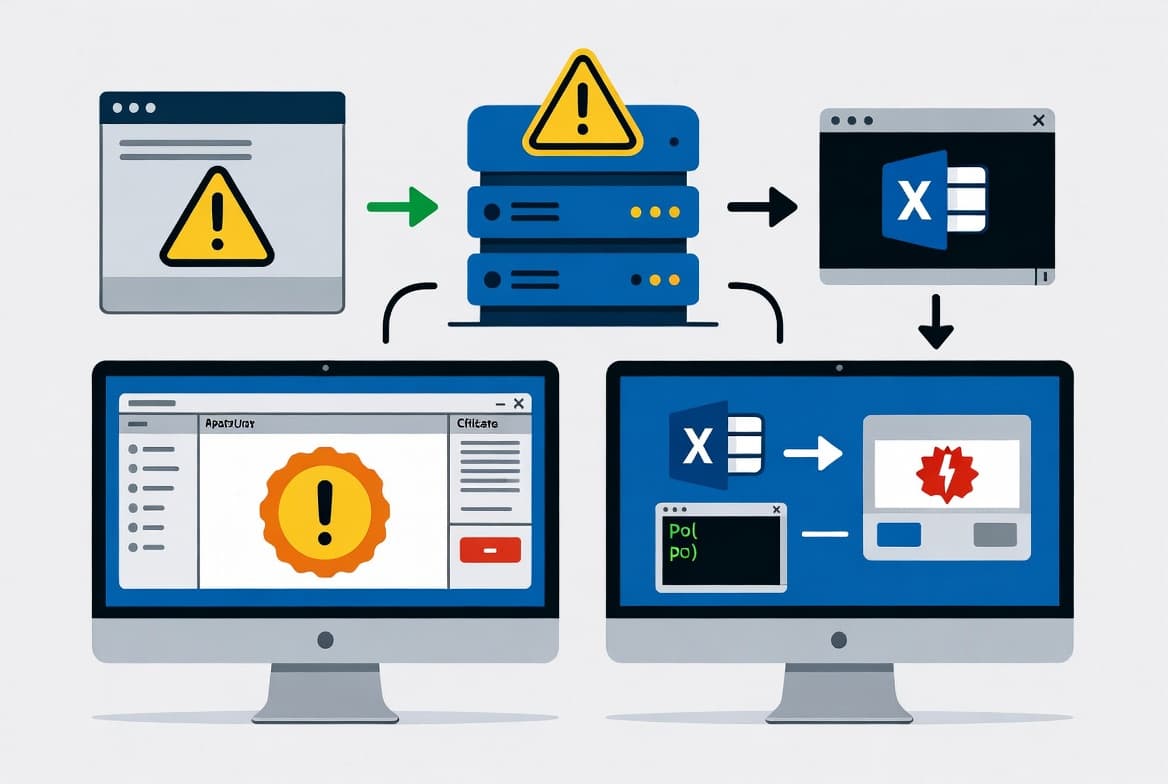
- File Explorer now automatically disables the preview pane for files downloaded from the internet, blocking a potential vulnerability when users preview potentially unsafe files.
- Cryptography hardening now requires Key Storage Provider (KSP) instead of Cryptographic Service Provider (CSP) for RSA-based smart card certificates, addressing CVE-2024-30098.
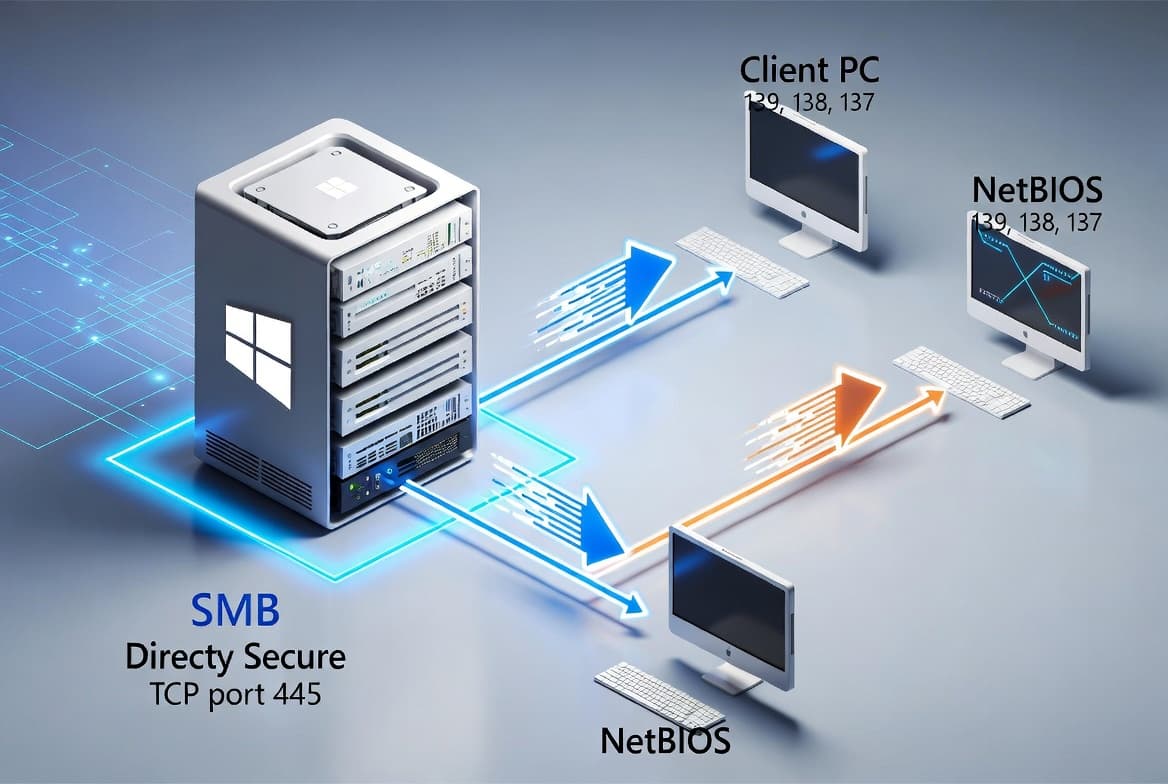
- A networking regression introduced by KB5065432 that broke SMB v1 connections over NetBIOS (NetBT) is resolved.
Improvements and fixes
- [Input] Corrects a display problem where some characters did not render correctly when using the Chinese Input Method Editor (IME).
- [Input] Fixes an issue where certain Chinese characters appeared as empty boxes in text fields - including those used in Connection Manager Administration Kit - when a character limit was set.
- [Networking] Resolves a regression from KB5065432 in which devices could not connect to shared files and folders when using the SMB v1 protocol over NetBIOS over TCP/IP (NetBT).
- [PowerShell] Fixes a bug affecting PowerShell Remoting and Windows Remote Management (WinRM) where commands could time out after 10 minutes.
- [Stability] Addresses a rare stability problem, introduced after the May 2025 security update and carried through subsequent updates, that caused devices to become unresponsive and stop responding in specific scenarios.
- [System services and reliability] Fixes an issue where the McpManagement service appeared without a description in Windows.
- [Compatibility] Removes the ltmdm64.sys driver. Fax modem hardware that depends on this driver will no longer function after this update is applied.
- [Cryptography] Enforces a security hardening change that requires Key Storage Provider (KSP) instead of Cryptographic Service Provider (CSP) for RSA-based smart card certificates, in line with CVE-2024-30098. Admins experiencing smart card authentication problems after this change should consult the Windows Release Health site for resolution steps.
- [File Explorer] File Explorer now automatically disables the preview feature for files downloaded from the internet, reducing exposure to unsafe file previews. Microsoft has published separate guidance covering how to unblock files when needed.
Known issues
Microsoft lists no known issues for this update at the time of writing.
How to get this update
Released: October 14, 2025 - Build: 20348.4294
Before installing, note that Microsoft now ships the latest servicing stack update (SSU) combined with the latest cumulative update (LCU). For offline OS image servicing, your image must include KB5030216 (released 09/12/2023) or a later LCU. Without it, you must install that LCU on your offline media first to bring the SSU version to 20348.1960, which is the minimum required to avoid error 0x800f0823 (CBS_E_NEW_SERVICING_STACK_REQUIRED).
Available channels and steps:
- Windows Update / Microsoft Update - Downloads and installs automatically.
- Windows Update for Business - Deploys automatically in accordance with your configured policies.
- Microsoft Update Catalog - Download the standalone package directly from the Catalog site. Note that this cumulative update includes AI component updates, but those components apply only to Windows Copilot+ PCs and will not install on standard Windows PCs or Windows Server.
- Windows Server Update Services (WSUS) - Syncs automatically when Products and Classifications are configured as follows: Product - Microsoft Server operating system-21H2; Classification - Security Updates.
To remove only the LCU after installation, use the DISM /Remove-Package command with the LCU package name as the argument. Running wusa.exe with the /uninstall switch will not work on the combined package because the SSU cannot be removed after installation.
The companion servicing stack update is KB5066781, version 20348.4285.
Frequently asked questions
Will my fax modem stop working after this update?
Possibly. This update removes the ltmdm64.sys driver. Any fax modem hardware that relies specifically on that driver will no longer function on Windows Server 2022 after the update is applied. Microsoft does not list an alternative driver or workaround in the update documentation, so check with your hardware vendor before deploying.
What do I do if smart card authentication breaks after installing KB5066782?
The update enforces a requirement to use Key Storage Provider (KSP) instead of Cryptographic Service Provider (CSP) for RSA-based smart card certificates, tied to CVE-2024-30098. If authentication fails after the update, Microsoft directs administrators to the Windows Release Health site for specific resolution steps and additional context.
How does the File Explorer preview change affect my users?
After this update, File Explorer automatically disables the preview pane for files downloaded from the internet. This is a security measure against potentially unsafe file previews. Microsoft has published separate documentation explaining the behavior and providing steps for users to unblock specific files when a preview is needed for trusted content.
Do I need to install a separate servicing stack update before applying this patch?
For online systems, no separate SSU installation is needed - the SSU (KB5066781, build 20348.4285) is bundled in the combined package. For offline image servicing only, ensure the image already contains KB5030216 or a later LCU before proceeding, to meet the minimum SSU version requirement and avoid a CBS_E_NEW_SERVICING_STACK_REQUIRED error.
![Find Exchange Server Version with PowerShell [2025]](/_next/image?url=https%3A%2F%2Fwww.navanem.com%2Fapi%2Fmedia%2Ffile%2Fexchange-build-number-cover.jpg&w=3840&q=75)