KB5070884 (OS Build 20348.4297): Windows Server 2022 Out-of-Band Update - October 2025
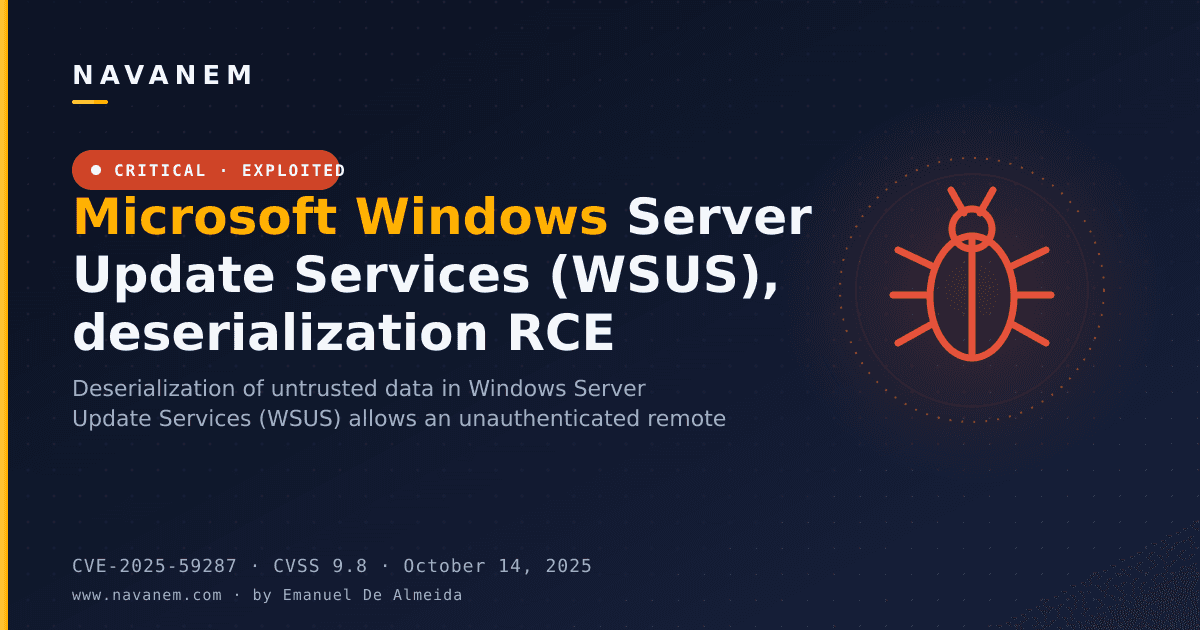
Out-of-band cumulative update for Windows Server 2022 (OS Build 20348.4297) released October 27, 2025, fixing a WSUS remote code execution vulnerability (CVE-2025-59287).
Summary
This is an out-of-band (OOB) cumulative update for Windows Server 2022, bringing the OS to OS Build 20348.4297. Released on October 27, 2025, it stacks on top of the October 14, 2025, security update (KB5066782) and addresses a remote code execution vulnerability in Windows Server Update Services (WSUS) reporting web services. Source: Microsoft Support.
Improvements and fixes
- WSUS remote code execution fix: This update patches a remote code execution (RCE) vulnerability identified in WSUS reporting web services. The security fix is documented under CVE-2025-59287. Because this update is cumulative, it also carries all security fixes and quality improvements from the October 14, 2025, security update (KB5066782).
Known issues
WSUS does not display synchronization error details
Symptom: After installing KB5070884 or any later update, Windows Server Update Services (WSUS) no longer displays synchronization error details within its error reporting interface.
Workaround: This functionality has been temporarily removed as a direct consequence of remediating the Remote Code Execution vulnerability CVE-2025-59287. Microsoft has not listed an alternative workaround at this time beyond acknowledging the intentional removal.
How to get this update
Before installing, note that Microsoft packages the latest servicing stack update (SSU) together with the latest cumulative update (LCU) in a single combined package. For offline OS image servicing, confirm that your image already includes KB5030216 (released September 12, 2023) or a later LCU. That update sets the SSU version to 20348.1960, which is the minimum required to avoid error 0x800f0823 (CBS_E_NEW_SERVICING_STACK_REQUIRED).
This update is available through the following channels:
- Windows Update / Microsoft Update: Downloads and installs automatically.
- Windows Update for Business: Deploys automatically in line with configured policies.
- Microsoft Update Catalog: Download the standalone package directly from the catalog.
- Windows Server Update Services (WSUS): Syncs automatically when Products and Classifications are set to Product - "Microsoft Server operating system-21H2" and Classification - "Security Updates".
To remove only the LCU after installing the combined SSU and LCU package, use the DISM /Remove-Package command with the LCU package name as the argument. You can retrieve the package name by running DISM /online /get-packages. Do not use wusa.exe /uninstall on the combined package - it will not work because the SSU is included, and the SSU cannot be removed from the system after installation.
File information for cumulative update KB5070884 and for the servicing stack update KB5066781 (version 20348.4285) is available as a download from Microsoft Support.
Frequently asked questions
Why was this update released out-of-band rather than on Patch Tuesday?
Microsoft issued this update outside its regular monthly schedule to address a specific remote code execution vulnerability in WSUS reporting web services (CVE-2025-59287). The severity of the vulnerability justified an accelerated release rather than waiting for the next scheduled update cycle.
Does this update replace or include the October 14, 2025, security update?
Yes. KB5070884 is cumulative, so it includes all security fixes and improvements from the October 14, 2025, security update (KB5066782), plus the additional WSUS RCE fix. Admins who missed the October 14 update do not need to install it separately before applying this OOB release.
What is the impact of losing WSUS synchronization error detail reporting?
After installing this update, WSUS will no longer display detailed synchronization error information in its error reporting interface. This is an intentional, temporary change made to close the CVE-2025-59287 attack surface. Admins relying on that error detail for troubleshooting should plan for reduced visibility in WSUS error diagnostics until Microsoft restores the functionality.
Do I need a separate servicing stack update before installing KB5070884?
For online servicing, no separate SSU download is required - the SSU (KB5066781, version 20348.4285) is bundled inside the combined package. For offline image servicing only, ensure your image contains KB5030216 (September 12, 2023) or a later LCU before applying this update, to meet the minimum SSU version requirement.