KB5077793 - Windows Server 2025 Out-of-Band Update (OS Build 26100.32234)
Out-of-band cumulative update for Windows Server 2025 released January 17, 2026, fixing Remote Desktop sign-in failures introduced by the January 2026 security update.
Summary
KB5077793 is a cumulative out-of-band (OOB) update for Windows Server 2025, released January 17, 2026, producing OS Build 26100.32234. It carries forward all fixes from the January 13, 2026 security update (KB5073379) and adds a targeted fix for Remote Desktop sign-in failures. See Microsoft Support for the full official page.
Improvements and fixes
- Remote Desktop sign-in fix: After the January 2026 security update (KB5073379) was applied, some users encountered sign-in failures during Remote Desktop connections. This affected authentication for multiple Remote Desktop applications on Windows, including the Windows App. KB5077793 resolves that failure.
- Includes all security fixes and quality improvements delivered in the January 13, 2026 security update (KB5073379).
- Bundled servicing stack update KB5072725 (version 26100.32131) improves the reliability of the component responsible for installing Windows updates.
Known issues
WSUS does not display synchronization error details
Symptom: After installing KB5070881 or any later update, Windows Server Update Services (WSUS) no longer displays synchronization error details in its error reporting interface. Microsoft states this functionality was temporarily removed to address the Remote Code Execution vulnerability CVE-2025-59287.
Workaround: No workaround is listed. The functionality was intentionally removed to mitigate CVE-2025-59287.
Apps might become unresponsive when saving files to cloud-based storage
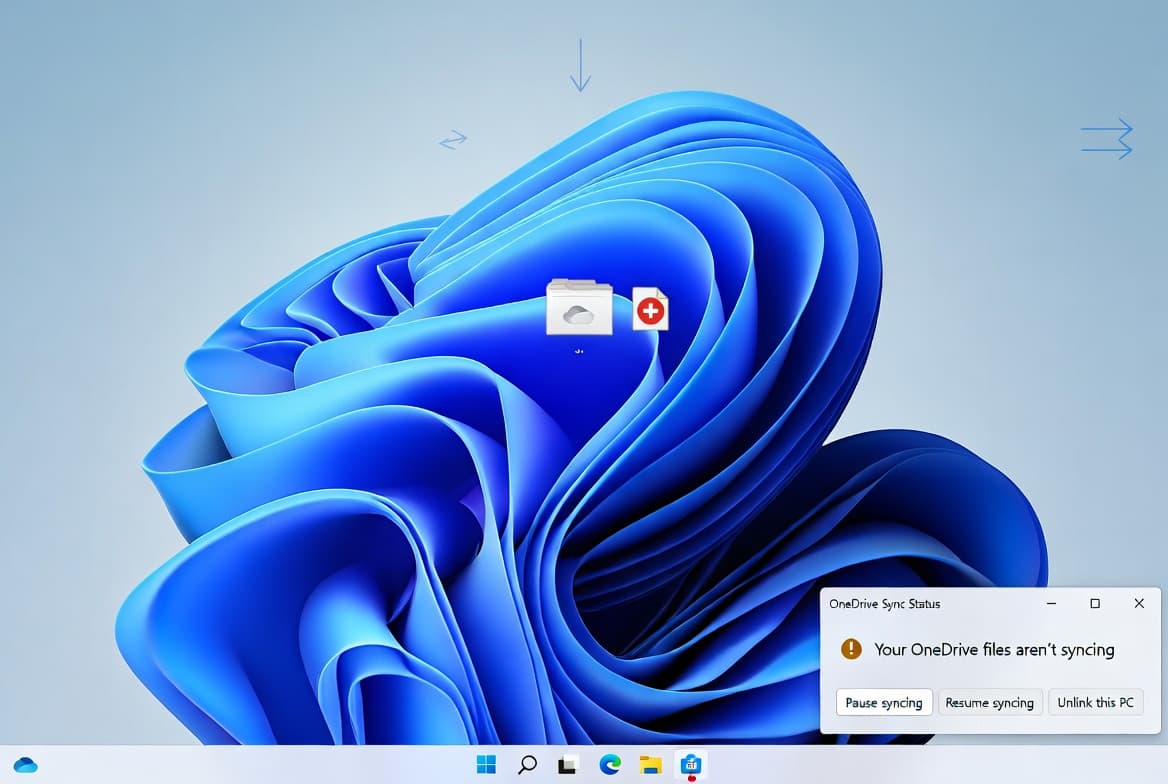
Symptom: After installing this update, some applications may become unresponsive or encounter unexpected errors when opening or saving files to cloud-based storage such as OneDrive or Dropbox. In certain Outlook configurations where PST files are stored on OneDrive, Outlook may hang and fail to reopen unless the process is terminated or the system is restarted. Users may also see missing sent items or previously downloaded emails being re-downloaded.
Workaround: This issue is addressed in KB5078135.
How to get this update
Microsoft now combines the latest servicing stack update (SSU) with the latest cumulative update (LCU) in a single package, so no separate SSU installation is required before applying KB5077793.
Windows Update and Windows Update for Business: These channels do not list this OOB update as directly available; the Microsoft Update Catalog is the recommended path.
Windows Server Update Services (WSUS): Not directly available; refer to the Catalog option.
Microsoft Update Catalog: Download the MSU files from the Microsoft Update Catalog. Two installation methods are supported:
- Method 1 - Install all MSU files together: Download all MSU files for KB5077793, place them in a single folder, then use DISM with the
/Add-Packageflag pointing to the target MSU file. DISM will automatically discover and install prerequisite MSU files from the same folder. The Windows Update Standalone Installer can also be used. - Method 2 - Install each MSU file individually in order: First install
windows11.0-kb5043080-x64_953449672073f8fb99badb4cc6d5d7849b9c83e8.msu, then installwindows11.0-kb5077793-x64_f43b4cdc545d6ff0688569c97ba30a354e9a25b2.msu.
Removing the LCU: Use DISM /online /remove-package with the LCU package name. Running wusa.exe /uninstall against the combined package will not work because the package contains the SSU, which cannot be removed after installation.
Note: This update includes AI component updates, but those components apply only to Windows Copilot+ PCs and will not install on standard Windows PCs or Windows Server.
Frequently asked questions
Why was this update released out-of-band rather than on Patch Tuesday?
Microsoft released KB5077793 outside the normal monthly Patch Tuesday cycle because the January 13, 2026 security update (KB5073379) introduced a regression causing Remote Desktop sign-in failures. An OOB release lets administrators apply a targeted fix immediately without waiting for the next scheduled update cycle.
Does this update replace the January 2026 security update entirely?
Yes. KB5077793 is cumulative and includes all fixes from KB5073379, the January 13, 2026 security update, plus the additional Remote Desktop fix. Devices that already applied KB5073379 will download and install only the new content contained in this package.
Do I need to install the servicing stack update separately before applying this update?
No. Microsoft now bundles the servicing stack update (KB5072725, version 26100.32131) together with the LCU in a single package. Note that once the combined package is installed, the SSU portion cannot be removed.
Should I be concerned about the WSUS error-details issue introduced by this update?
Administrators should be aware that WSUS will no longer display synchronization error details after applying KB5070881 or any later update, including KB5077793. Microsoft removed this display functionality intentionally to address the Remote Code Execution vulnerability CVE-2025-59287. No workaround is provided, and administrators should rely on alternative logging or monitoring methods to track WSUS synchronization status.