KB5089549: Windows 11 May 2026 Cumulative Update (OS Builds 26200.8457 and 26100.8457)
May 12, 2026 cumulative security update for Windows 11 versions 25H2 and 24H2, delivering OS builds 26200.8457 and 26100.8457 with security fixes and quality improvements.
Summary
This is the May 12, 2026 cumulative security update (KB5089549) for Windows 11 versions 25H2 and 24H2, producing OS builds 26200.8457 and 26100.8457. Released on May 12, 2026, it delivers the latest security fixes along with non-security improvements carried over from last month's optional preview release. See the Microsoft Support page for full details.
Highlights
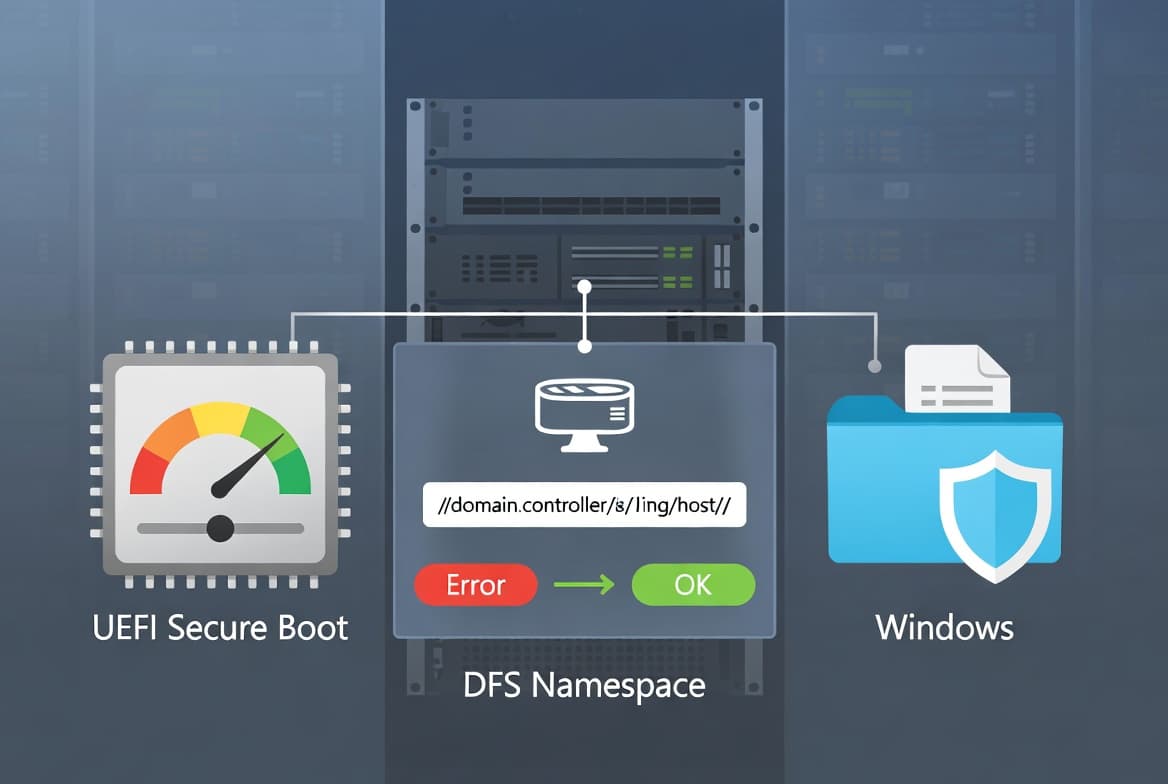
- Secure Boot certificate rollout expanded: this update adds higher-confidence device targeting data to increase the number of devices eligible to receive updated Secure Boot certificates automatically.
- A new
SecureBootfolder is added underC:\Windowson eligible devices, containing example scripts for IT pros to detect certificate update status and automate deployment via Active Directory. - Boot manager servicing reliability improved so devices no longer fall into BitLocker recovery after boot file updates.
- A fix is included for devices that could enter BitLocker Recovery after installing the April 2026 security update (KB5083769) due to certain TPM validation settings, including invalid PCR7 configurations.
- Simple Service Discovery Protocol (SSDP) notification reliability improved to prevent the service from becoming unresponsive.
- Daylight saving time (DST) support added for the 2023 DST change affecting the Arab Republic of Egypt.
Improvements and fixes
- Secure Boot - certificate targeting: Windows quality updates now include additional high-confidence device targeting data, broadening automatic coverage for new Secure Boot certificate delivery. Certificates are deployed only after devices demonstrate sufficient successful update signals, keeping the rollout phased and controlled.
- Secure Boot - new scripts folder: A
SecureBootfolder is created underC:\Windowson eligible devices. It holds example scripts that organizations can use to detect Secure Boot certificate update status and automate deployment through a safe rollout mechanism in Active Directory environments. - Boot manager servicing: Startup reliability after boot file updates is improved, so devices start normally rather than entering BitLocker recovery.
- BitLocker recovery fix: Addresses a known issue where some devices entered BitLocker Recovery after boot files were updated on systems with certain TPM validation settings, including invalid PCR7 configurations. This could occur after installing the April 2026 update (KB5083769).
- Connectivity: Reliability of SSDP notifications is improved to help prevent the service from becoming unresponsive.
- Daylight saving time: Adds support for the 2023 DST change for the Arab Republic of Egypt.
- AI components updated: Image Search, Content Extraction, Semantic Analysis, and Settings Model are all updated to version 1.2604.515.0. These AI component updates apply only to Windows Copilot+ PCs and will not install on standard Windows PCs or Windows Server.
- Servicing stack update (KB5092762 - build 26100.8456): A bundled servicing stack update improves the reliability of the component responsible for installing Windows updates.
Known issues
May 2026 security update fails to install with error 0x800f0922
Symptom: After attempting to install KB5089549, some devices fail to complete installation with error code 0x800f0922. This affects devices with limited free space on the EFI System Partition (ESP), particularly those with 10 MB or less available. The update installs successfully during initial phases, then fails during the restart phase at approximately 35-36% completion. Windows rolls back the update, and the message "Something didn't go as planned. Undoing changes." may appear. Log entries in C:\Windows\Logs\CBS\CBS.log may show: SpaceCheck: Insufficient free space, ServicingBootFiles failed. Error = 0x70, and SpaceCheck: <value> used by third-party/OEM files outside of Microsoft boot directories.
Workaround: This issue is addressed in KB5089573.
How to get this update
Microsoft bundles the latest servicing stack update (SSU) with this cumulative update (LCU), so no separate SSU installation step is required before applying KB5089549.
- Windows Update / Microsoft Update: The update downloads and installs automatically.
- Windows Update for Business: Deploys automatically in accordance with configured policies.
- Microsoft Update Catalog: Download the package manually and select the option matching your device architecture - arm64 or x64. For arm64 and x64, two MSU files must be installed; you can install all MSU files together using DISM with the
PackagePathparameter pointing to the folder containing both files, or install each file individually in order (first KB5043080, then KB5089549). - Windows Server Update Services (WSUS): Syncs automatically when Products is set to Windows 11 and Classification is set to Security Updates.
To remove the LCU after installation, use the DISM /Remove-Package command with the LCU package name. Running wusa.exe /uninstall on the combined package will not work because it contains the SSU, which cannot be removed after installation.
Frequently asked questions
Does this update change anything related to Secure Boot certificates?
Yes. The update expands the pool of devices eligible to receive new Secure Boot certificates automatically by adding higher-confidence device targeting data. It also places a new SecureBoot folder under C:\Windows on eligible devices, containing example automation scripts for IT administrators managing Active Directory environments. Devices not yet updated continue to start and operate normally.
Why might a device enter BitLocker recovery after this or the April 2026 update?
A known issue identified after the April 2026 update (KB5083769) could cause some devices to enter BitLocker Recovery when boot files were updated on systems with certain TPM validation settings, including invalid PCR7 configurations. KB5089549 addresses that issue directly, improving boot manager servicing so affected devices start normally.
What should I do if the update fails with error 0x800f0922?
This error indicates insufficient free space on the EFI System Partition (ESP) - typically 10 MB or less available. Microsoft has addressed this specific installation failure in a separate update, KB5089573. Check CBS.log at C:\Windows\Logs\CBS\CBS.log for confirmation before applying the resolution update.
Do the AI component updates in this package apply to all Windows 11 devices?
No. Although AI component updates for Image Search, Content Extraction, Semantic Analysis, and Settings Model (all version 1.2604.515.0) are included in the package, they install only on Windows Copilot+ PCs. They will not install on standard Windows PCs or Windows Server systems.