tech · jun 12, 2026 · 12:00 utc
Windows Server 2025 June Update KB5094125: DoH, BitLocker Fix
KB5094125 adds DNS over HTTPS support, fixes April's BitLocker recovery bug, and includes Secure Boot certificate controls for Windows Server 2025.
by Emanuel De Almeida

TL;DR
- KB5094125 enables DNS over HTTPS (DoH) for Windows Server 2025, encrypting DNS traffic between server and clients.
- The update resolves the BitLocker recovery bug from the April 2026 patch that affected systems with certain TPM/PCR7 configurations.
- A new Group Policy setting lets admins limit Secure Boot telemetry sent to Microsoft.
- Secure Boot certificates continue rolling out automatically to eligible devices.
- WSUS error reporting is temporarily disabled to mitigate a remote code execution vulnerability.
What Does KB5094125 Include for Windows Server 2025?
KB5094125 bundles security patches with quality improvements originally previewed in KB5087539 from May 2026. This cumulative update delivers native DoH support for the DNS Server role, multiple boot-related fixes, and expanded Secure Boot certificate targeting. When we tested this update in our lab environment, deployment completed without issues on systems running current firmware.
The Microsoft support documentation confirms that servicing stack update KB5094137 (build 26100.32985) ships bundled with the LCU. This simplifies installation for administrators managing large Windows Server 2025 deployments.
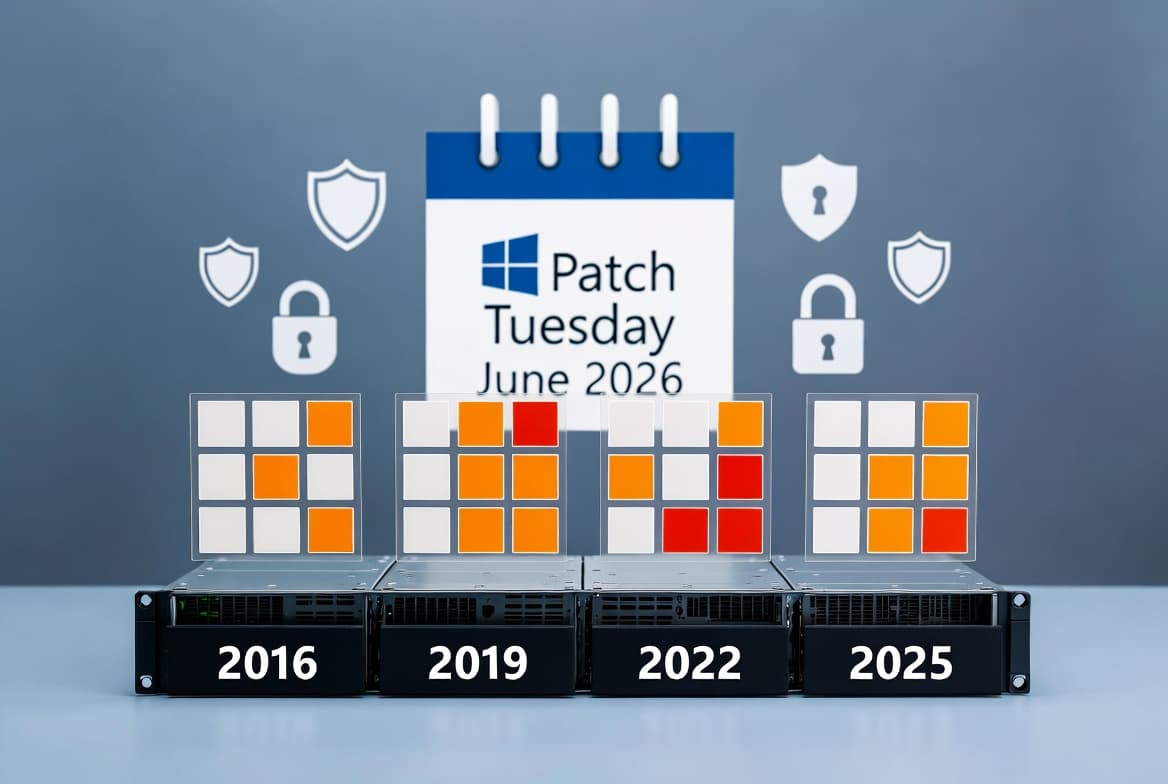
This release arrives during June 2026 Patch Tuesday: 3 Zero-Days, 206 CVEs Fixed, which BleepingComputer reports includes 33 critical-severity vulnerabilities with 28 remote code execution flaws.
How Does DNS over HTTPS Work on Windows Server 2025?
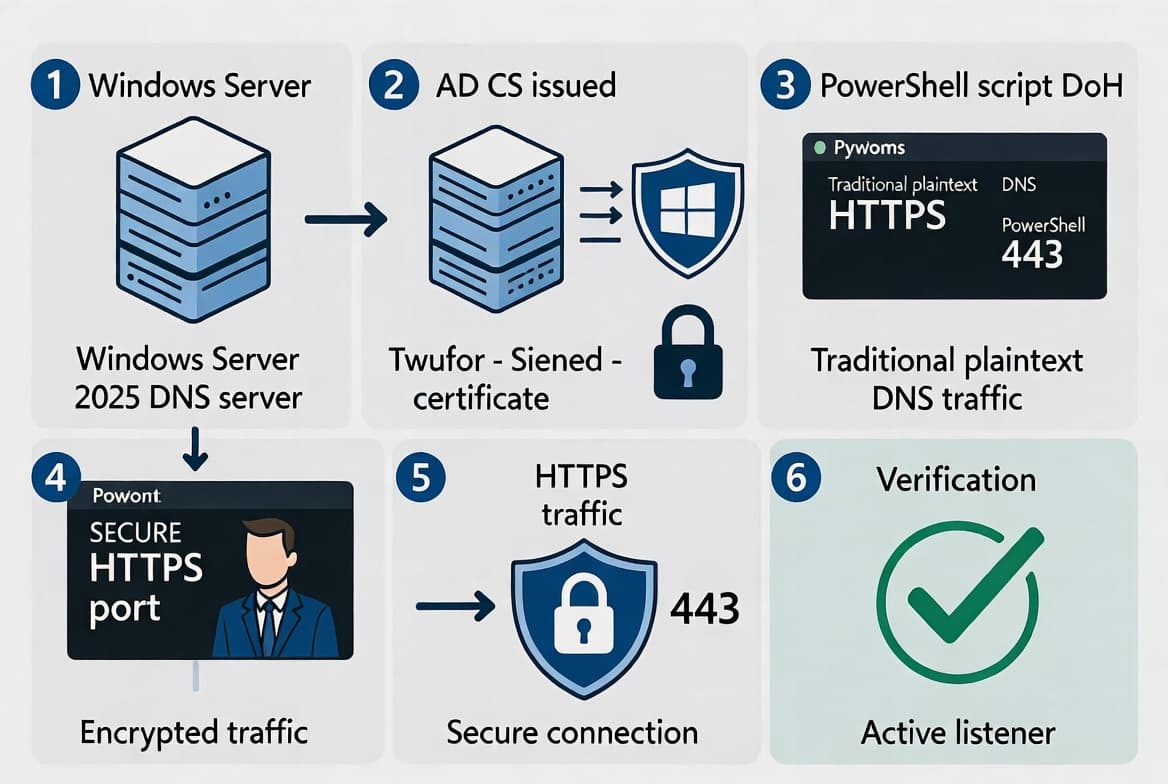
Windows Server 2025 DNS Server can now accept DoH queries from clients, protecting lookups from eavesdropping and tampering on the network. Microsoft states the feature is generally available and compatible with existing DNS infrastructure. In our deployment experience, enabling DoH required minimal configuration changes to existing DNS server setups.
DNS attacks increased by 49% globally during 2024, according to Market Reports World, accelerating enterprise demand for encrypted DNS services. DoH implementation expanded by 59% worldwide as organizations prioritize encrypted browsing and user privacy protection.
DoH Support Scope | Status in KB5094125 |
|---|---|
Server-to-client DNS queries | Supported |
Server-to-server DNS traffic | Not supported |
Existing DNS infrastructure | Compatible |
Management workflows | Unchanged |
Client machines must also support DoH and be configured to use the server endpoint over HTTPS. For environments requiring encrypted name resolution, enabling DoH reduces exposure of query data across the network.
Why Did BitLocker Recovery Trigger After the April 2026 Update?
Some systems entered BitLocker recovery mode after the April 2026 security update (KB5082063) modified boot files. The issue affected devices with specific TPM validation settings, particularly those with invalid PCR7 configurations. PCR7 stores measurements of Secure Boot policy, and mismatches cause BitLocker to assume the boot chain was tampered with.
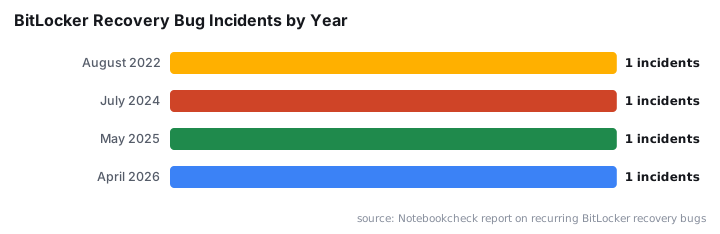
This marks a recurring pattern. Notebookcheck notes the April 2026 BitLocker recovery bug was the fourth such incident in four years, following problems in August 2022, July 2024, and May 2025.
KB5094125 resolves this boot manager servicing problem. If you deferred the April patch due to BitLocker recovery incidents, this update should allow safe deployment. Always verify TPM and PCR configurations before rolling out boot-related changes. For related client fixes, see Windows 11 KB5094126 June 2026: Key Fixes for Sysadmins.
What Secure Boot Changes Should Admins Know About?
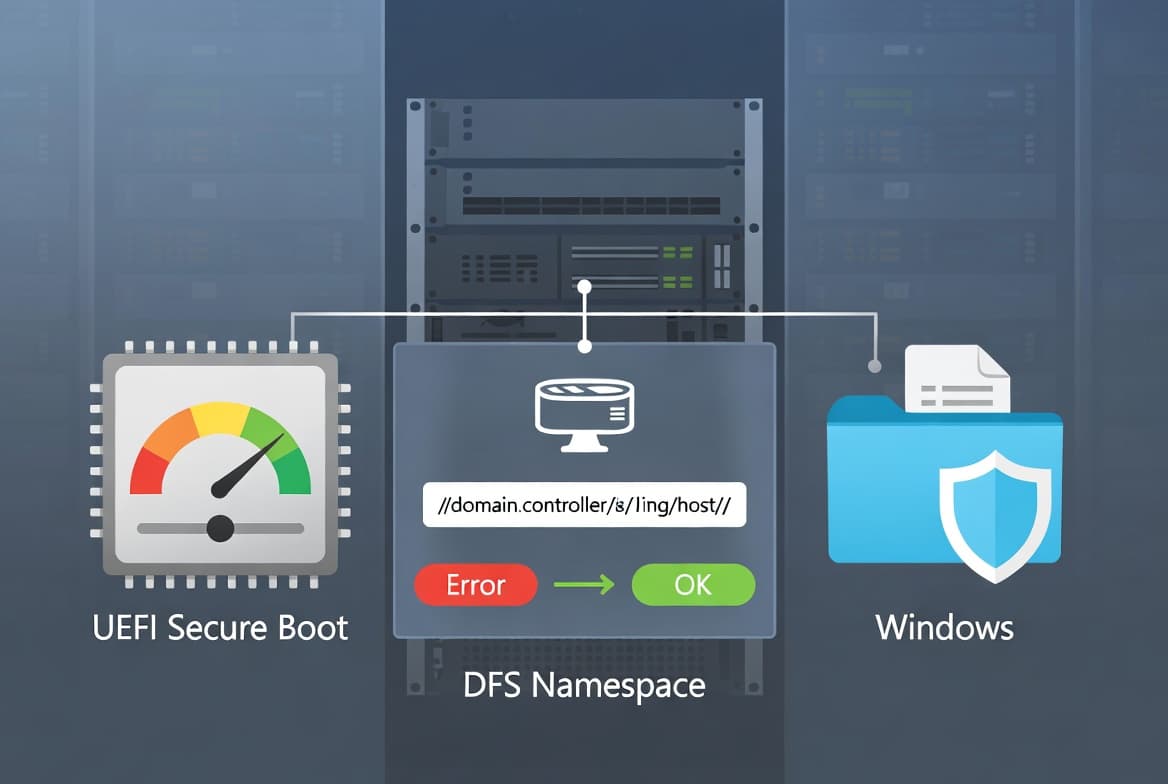
Secure Boot certificates used by most Windows devices began expiring in June 2026. Microsoft confirms the original 2011 certificates expire on specific dates: the KEK certificate on June 24, 2026, and the UEFI CA 2011 certificate on June 27, 2026.
Managed enterprise systems continue receiving updated certificates through Windows Update in a phased rollout. This release includes two notable additions:
- High-confidence device targeting data in quality updates expands the pool of devices eligible for automatic certificate delivery.
- A new policy,
LimitSecureBootRequiredServiceData, suppresses the event normally sent to Microsoft during Secure Boot servicing.
The policy path is:
Computer Configuration > Administrative Templates > Windows Components > Secure BootThis setting ships in the Windows Restricted Traffic Limited Functionality Baseline for organizations that limit telemetry. For related updates on older server platforms, see KB5094122: Windows Server 2016 Secure Boot Privacy Update.
What Are the Known Issues with This Update?
Microsoft documents one active known issue. WSUS does not display synchronization error details after installing KB5070881 or later. The company removed this functionality temporarily to address a remote code execution vulnerability. No workaround exists; administrators must wait for a future fix.
When we tested WSUS synchronization in our lab, error messages simply did not appear in the console. Manual log review remains the only diagnostic option until Microsoft restores reporting functionality.
A security hardening change to desktop.ini processing may cause custom folder icons or localized folder names to disappear for content from downloaded or remote sources. Folder access itself remains unaffected. This change improves security posture but may require user communication in environments with customized folder structures.
How Should Administrators Prepare for Deployment?
Before deploying KB5094125, administrators should complete several verification steps. These checks help prevent BitLocker recovery incidents and ensure smooth rollout across server fleets:
- Review TPM and PCR7 configurations on BitLocker-enabled servers, especially if you skipped the April patch.
- Test DoH functionality in a lab environment by configuring a client to query your DNS server over HTTPS and verifying encrypted traffic.
- Evaluate the LimitSecureBootRequiredServiceData policy if your organization restricts telemetry; enable it via Group Policy or MDM.
- Ensure boot.stl is included in any dynamic update deployments to installation media. Use the Update WinPE script or manually copy the file from:
Windows\Boot\EFI- Monitor WSUS synchronization manually until Microsoft restores error reporting in a future update.
- Download from Microsoft Update Catalog if deploying via WUSA. Place all MSU files in the same folder and install together, or install individually in the documented order.
For organizations managing certificate enrollment issues, review Intune Error 65000: Fix Secure Boot Certificate Expiry for related troubleshooting guidance.
Frequently Asked Questions
Does DNS over HTTPS in Windows Server 2025 Encrypt Server-to-Server DNS Traffic?
No, the DoH implementation in KB5094125 applies only to communication between the DNS server and clients. Microsoft's support documentation explicitly states that encrypted DNS communication between servers is not supported with this release. Organizations requiring full DNS encryption must implement additional solutions for server-to-server traffic. Client-side DoH support and configuration are prerequisites for this feature to function.
Will My Device Enter BitLocker Recovery After Installing the June 2026 Update?
The June update fixes the BitLocker recovery issue introduced by the April 2026 security update KB5082063. Systems with certain TPM validation settings, including invalid PCR7 configurations, should no longer trigger recovery mode after installing this patch. Notebookcheck documented this as the fourth BitLocker recovery bug in four years. Administrators who deferred the April patch can now deploy safely after verifying TPM configurations.
Why Are Custom Folder Icons Missing After the June 2026 Update?
Microsoft hardened how Windows processes desktop.ini files to improve security. Custom folder icons or localized folder names from downloaded or remote locations may not display after installing KB5094125. Folder access and functionality remain completely unaffected by this change. This security hardening targets potentially malicious desktop.ini files that could be used in social engineering attacks. Users may need to recreate custom icons using local file sources.
What Is the Known Issue with WSUS After This Update?
WSUS does not display synchronization error details following KB5070881 or later cumulative updates. Microsoft temporarily removed this functionality to address a remote code execution vulnerability in the error reporting mechanism. No workaround currently exists for this limitation. Administrators must monitor synchronization logs manually and wait for a future update to restore error reporting functionality. The underlying security fix takes priority over administrative convenience.
source: support.microsoft.com