KB5058502: Windows 11 Preview Update (OS Builds 22621.5413 and 22631.5413) - May 2025
Optional preview update for Windows 11 22H2/23H2 releasing May 27, 2025, delivering quality fixes and new features across Copilot, taskbar, search, and more.
Summary
This is an optional, non-security preview update for Windows 11, released on May 27, 2025, targeting OS builds 22621.5413 and 22631.5413. It applies to Windows 11 Enterprise and Education version 22H2, and all editions of version 23H2. The update delivers quality improvements and new features ahead of the next monthly security release. See the full details at Microsoft Support.
Highlights
- Copilot - new keyboard shortcut: Win + C now opens Copilot on Windows. Users can personalize the Copilot key and Win + C behavior under Settings > Personalization > Text input.
- Copilot - Press to Talk: Holding the Copilot key, or Win + C on keyboards without a dedicated key, for two seconds activates Press to Talk. Press Esc or stay silent to end; use Alt + Spacebar to speak with Copilot while continuing other tasks.
- Search on Taskbar: Improved support for web search providers in Windows Search for users in the European Economic Area (EEA), including better discoverability.
- Settings - new FAQ section: A new FAQs section appears under Settings > System > About, covering system setup, performance, and compatibility questions in one place.
- Taskbar - admin pin policy control: Administrators can now configure taskbar policies so users can unpin specific apps without those apps being repinned on the next policy refresh, using the new PinGeneration option.
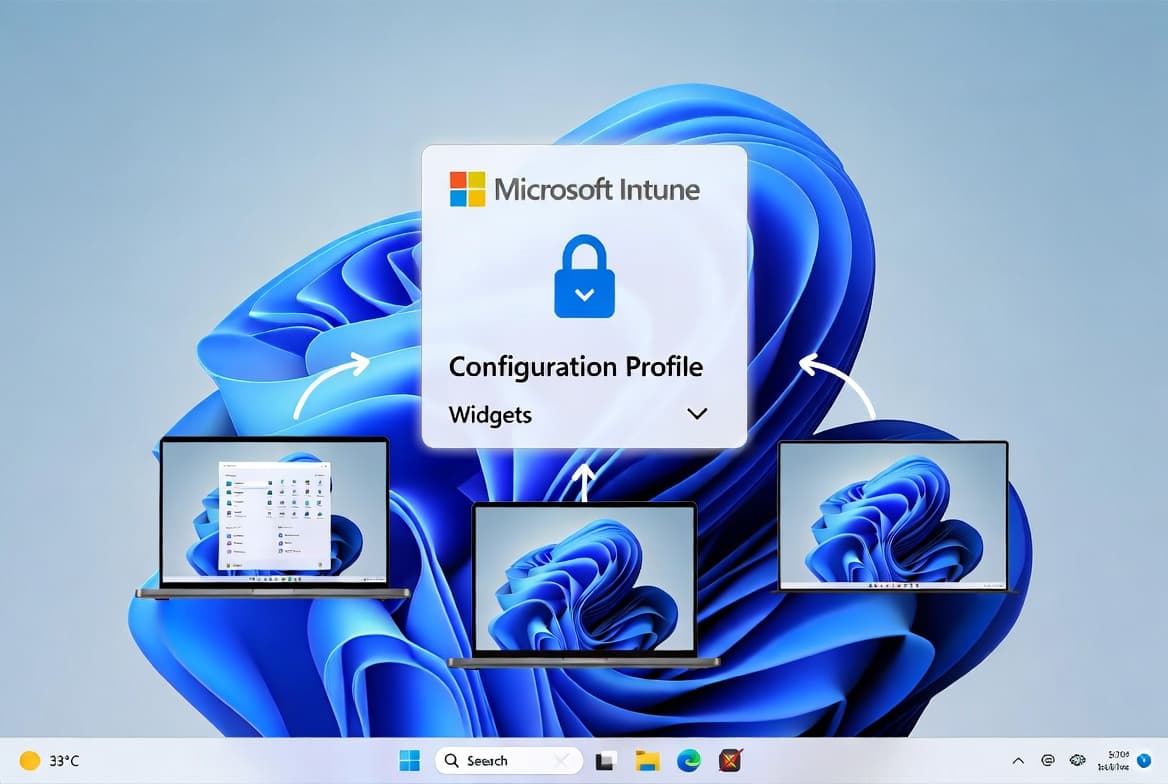
- Widgets on Lock screen (EEA): The Lock screen weather widget now supports customization via Settings > Personalization > Lock screen. Accessibility and craftsmanship improvements are also included.
- Windows Share - drag-and-drop tray: Dragging a local file from File Explorer or the desktop now surfaces a tray at the top of the screen for quick sharing to a suggested app or via the Windows share window.
- Input - voice typing fix: Voice typing no longer fails to start from the touch keyboard when using the Chinese (Simplified) narrow layout.
- Input - touch keyboard symbols bug: Pressing the page-change key in the Symbols section of the touch keyboard could unexpectedly insert a character into password fields.
- Voice access fix: Voice access no longer stops responding with the "working on it" error when a user is dictating.
Improvements and fixes
- A blue screen exception carrying error code SYSTEM_SERVICE_EXCEPTION (win32kfull.sys) has been resolved.
- The HoloCamera app on HoloLens can now save pictures correctly; a related Mixed Reality Capture problem was also corrected.
- A memory leak in the Input Service that caused elevated memory usage in multi-user, multi-lingual, and remote desktop scenarios has been addressed.
- Country and Operator Settings Asset (COSA) profiles have been refreshed for certain mobile operators.
- An issue where Explorer and the Start Menu stopped working when a device was connected to an Azure Active Directory (AAD) account has been fixed.
- The Windows Update service failure that occurred when devices running Windows 11 22H2 or 23H2 tried to download the Windows 24H2 feature update through WSUS has been corrected.
- Windows 11 version 23H2 includes all improvements listed for version 22H2; no additional issues are documented for 23H2 specifically.
Known issues
Blurry CJK text in Chromium-based browsers at 96 DPI
Symptom: CJK (Chinese, Japanese, Korean) text appears blurry or unclear at 96 DPI (100% scaling) in Chromium-based browsers such as Microsoft Edge and Google Chrome. The March 2025 Preview Update introduced Noto fonts for CJK languages as rendering fallbacks in collaboration with Google. The clarity problem stems from limited pixel density at 96 DPI, which reduces the sharpness and alignment of CJK characters. Increasing display scaling improves clarity.
Workaround: Microsoft has shared its findings and potential solutions with Google for further discussion. Users can report issues related to Noto CJK fonts through the official Google Noto Fonts GitHub repository.
How to get this update
Microsoft bundles the latest servicing stack update (SSU) - KB5058546, versions 22621.5412 and 22631.5412 - with the cumulative update package. The SSU cannot be removed from the system once installed.
- Windows Update: Go to Settings > Update & Security > Windows Update. The update appears under "Optional updates available"; select the link to download and install it.
- Windows Update for Business: These changes will be included in the next security update release.
- Microsoft Update Catalog: The standalone package is available for direct download.
- WSUS: Administrators can manually import the update from the Microsoft Update Catalog.
To remove only the LCU after installation, use the DISM /online /remove-package command with the LCU package name as the argument. Running wusa.exe with the /uninstall switch on the combined package will not work because the SSU is included in that package.
Frequently asked questions
Is this update required, or can I skip it?
This is an optional preview update, not a security release. Sysadmins can choose to deploy it early to validate fixes and new features before they ship in the next mandatory monthly security update. Machines that are not manually opted in will receive the changes automatically with the next security release.
Does this update address the WSUS feature upgrade download failure?
Yes. The update fixes a confirmed issue where the Windows Update service stopped working when Windows 11 22H2 or 23H2 devices attempted to download the Windows 24H2 feature update through WSUS. Environments that rely on WSUS for feature update delivery should prioritize testing this fix.
What servicing stack update ships with this release?
KB5058546, targeting versions 22621.5412 and 22631.5412, ships bundled with this cumulative update. Microsoft combines the SSU and LCU into a single package. Once installed, the SSU component cannot be removed, though the LCU portion can be removed using DISM.
Which Windows 11 versions and editions does this update cover?
The update applies to Windows 11 Enterprise and Education running version 22H2, and all editions of Windows 11 version 23H2. To upgrade a device to version 23H2 before applying this update, use the enablement package KB5027397, as noted in Microsoft's guidance for this release.