KB5058919: Windows 11 22H2 and 23H2 Out-of-Band Update (OS Builds 22621.5192 and 22631.5192)
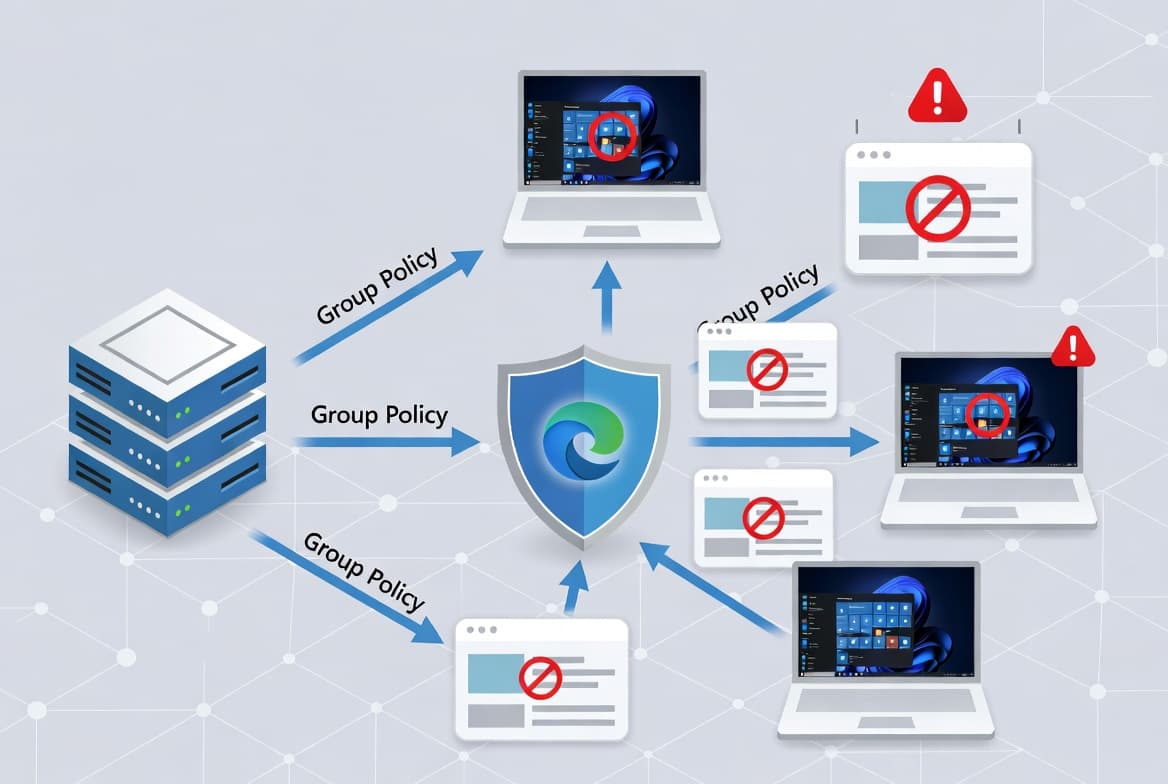
Out-of-band non-security update for Windows 11 22H2 and 23H2, released April 11, 2025, addressing a Group Policy audit logon display issue.
Summary
This is a non-security, out-of-band quality update for Windows 11 versions 22H2 and 23H2, released April 11, 2025. It targets OS builds 22621.5192 and 22631.5192 and addresses a known issue with Audit Logon/Logoff event display in local Group Policy. It is available via Windows Update, WSUS, and the Microsoft Update Catalog. See the Microsoft Support page for full details.
Highlights
- Fixes a known issue where Audit Logon/Logoff events in the local policy of the Active Directory Group Policy might not appear as enabled on the device, even when they are enabled and functioning correctly. This could be seen in the Local Group Policy Editor or Local Security Policy, where the "Audit logon events" policy showed a Security Setting of "No auditing". Home users are unlikely to be affected, as logon auditing is generally only needed in enterprise environments.
Improvements and fixes
- Windows 11, version 23H2: This non-security quality update includes all improvements present in Windows 11, version 22H2. To update to version 23H2, use the enablement package KB5027397.
- Windows 11, version 22H2: Receives the same non-security quality improvements described in this update.
- Servicing stack update (KB5053665) - builds 22621.5120 and 22631.5120: This update improves the servicing stack component responsible for installing Windows updates, helping ensure devices can reliably receive and apply Microsoft updates going forward.
Known issues
Citrix Session Recording Agent blocks January 2025 update installation
Symptom: Devices with certain Citrix components installed - specifically Citrix Session Recording Agent (SRA) version 2411, released December 2024 - may fail to complete installation of the January 2025 Windows security update. The update may download and begin applying correctly, but on restart the device shows an error similar to "Something didn't go as planned. No need to worry - undoing changes" and reverts to the previously installed update state. This issue is expected to affect a limited number of organizations. Home users are not expected to be affected.
Workaround: The issue has been resolved in Citrix Session Recording Agent version 2503, released April 28, 2025, and later versions. Refer to Citrix documentation titled "Microsoft's January Security Update Fails/Reverts on a machine with 2411 Session Recording Agent" for further details.
Windows 11 version 24H2 may not download via WSUS
Symptom: Devices that have installed the April 2025 Windows monthly security update (KB5055528, released April 8, 2025, or later) may be unable to upgrade to Windows 11, version 24H2 via Windows Server Update Services (WSUS). The download may fail to start or complete. The Windows Update log may show error code 0x80240069, with additional log entries containing text similar to "Service has unexpectedly stopped". Home users are unlikely to encounter this issue, as WSUS is an enterprise tool.
Workaround: This issue is addressed in KB5058405. Devices that have installed the May 13, 2025 update (KB5058405) or later do not require a Known Issue Rollback (KIR) or special Group Policy. For devices running an earlier update, IT admins can deploy a special Group Policy using the following download: "Windows 11 22H2 KB5055528 250426_03001 Known Issue Rollback.msi" (also applicable to Windows 11, version 23H2). The policy is located under Computer Configuration > Administrative Templates. See Microsoft's guidance on using Group Policy to deploy a Known Issue Rollback for deployment steps.
Blurry CJK text in Chromium-based browsers at 96 DPI
Symptom: Users may see blurry or unclear CJK (Chinese, Japanese, Korean) text when displayed at 96 DPI (100% scaling) in Chromium-based browsers such as Microsoft Edge and Google Chrome. The March 2025 Preview Update introduced Noto fonts for CJK languages as fallbacks, in collaboration with Google, to improve text rendering when apps or websites do not specify appropriate fonts. The blurriness is caused by limited pixel density at 96 DPI, which reduces clarity and character alignment. Increasing display scaling improves text clarity.
Workaround: Microsoft has shared its findings and potential solutions with Google for further discussion. Users can report Noto CJK font issues through the official Google Noto Fonts GitHub repository.
How to get this update
Microsoft combines the latest servicing stack update (SSU) with the latest cumulative update (LCU) into a single package. The SSU included here is KB5053665 (builds 22621.5120 and 22631.5120).
- Windows Update / Windows Update for Business: The update is available automatically through the standard Windows Update channel.
- Microsoft Update Catalog: Download the standalone package directly from the Microsoft Update Catalog.
- Windows Server Update Services (WSUS): Available for organizations using WSUS to manage update deployment.
To remove the LCU after installing the combined SSU and LCU package, use the DISM /remove-package command with the LCU package name as the argument. You can retrieve the package name by running DISM /online /get-packages. Note that running wusa.exe /uninstall on the combined package will not work because the package includes the SSU, and the SSU cannot be removed from the system after installation.
Frequently asked questions
Why was this update released out-of-band rather than on Patch Tuesday?
Microsoft released KB5058919 outside the regular monthly update cycle to address a specific known issue affecting enterprise environments - namely, the incorrect display of Audit Logon/Logoff event policy settings in Local Group Policy Editor and Local Security Policy. The issue did not affect actual audit functionality but could cause confusion for administrators validating policy configurations.
Do I need to install a servicing stack update separately before applying this update?
No. Microsoft packages the servicing stack update (KB5053665) together with the cumulative update in a single combined package. You do not need to download or install the SSU separately before applying KB5058919.
Does this update apply to Windows 11 Home editions?
The update applies to Windows 11 Enterprise and Education (version 22H2) and all editions of Windows 11 version 23H2. The primary fix for Audit Logon/Logoff policy display is noted as unlikely to affect home users, since logon auditing is generally only required in enterprise environments.
How do I update a device to Windows 11 version 23H2 before applying this update?
To update a device to Windows 11, version 23H2, Microsoft specifies using the enablement package KB5027397. Once the device is on version 23H2, it will receive this quality update, which also includes all improvements from the Windows 11, version 22H2 build.