KB5070312 (OS Build 22631.6276) Preview - Windows 11 23H2, November 20 2025
Optional non-security preview update for Windows 11 version 23H2, releasing November 20 2025 at OS build 22631.6276, with quality and reliability improvements.
Summary
KB5070312 is an optional non-security preview update for Windows 11 version 23H2, released on November 20, 2025, bringing the OS to build 22631.6276. It delivers quality, performance, and reliability improvements and is the final preview update for Windows 11 version 23H2. Source: Microsoft Support.
Highlights
- This non-security update includes quality improvements across several areas of Windows 11 version 23H2.
Improvements and fixes
- [Country and Operator Settings Asset (COSA)] Mobile operator profiles have been brought up to date for certain operators.
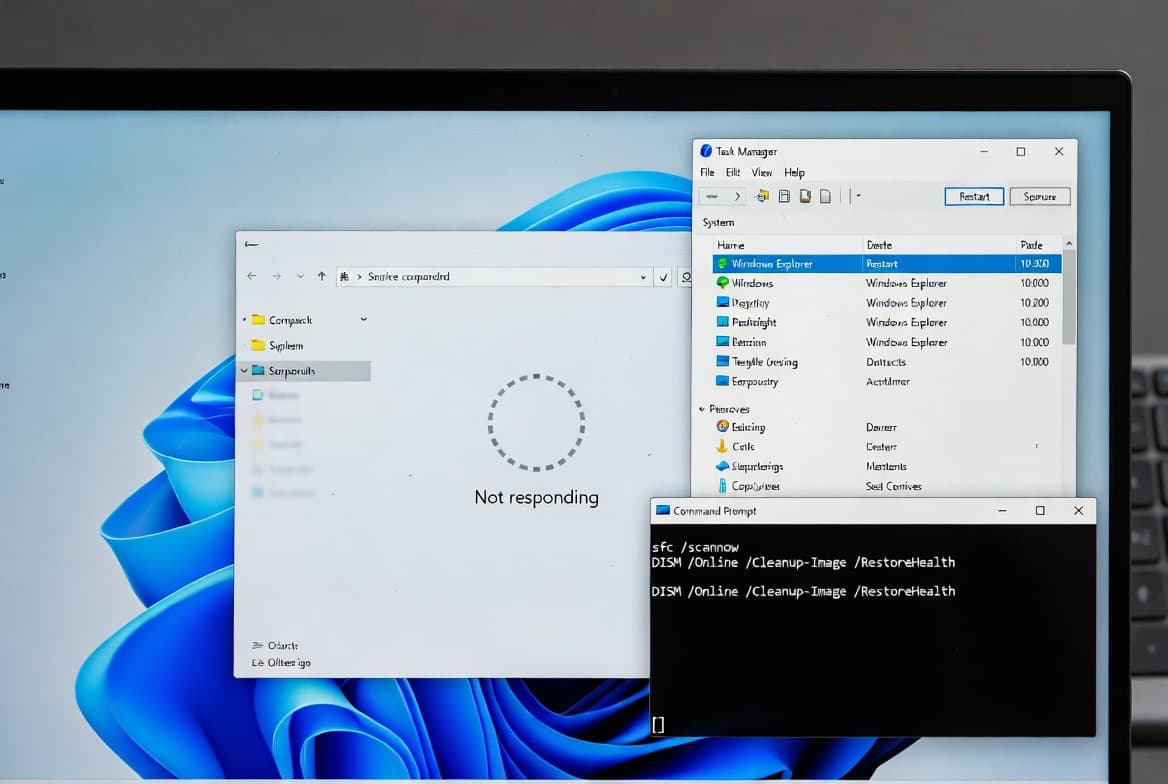
- [File Explorer] A bug is fixed where File Explorer sometimes stopped responding to mouse clicks, requiring the window to be closed and reopened before it would work again.
- [File Management] An issue is resolved where extracting .tar archive files failed or behaved incorrectly when file or folder names contained more than 34 commonly used Chinese characters.
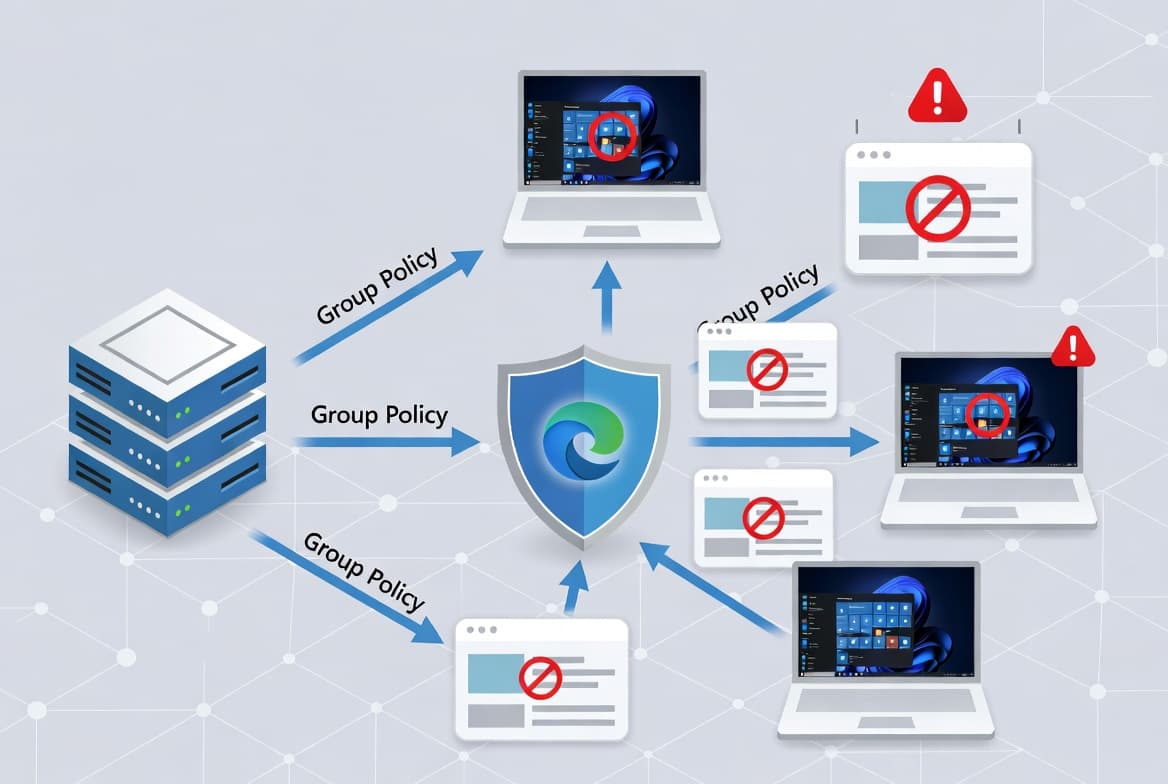
- [Group Policy and Configuration] A problem is corrected where the
HideRecommendedSectionpolicy had no effect in Windows 11 Enterprise multi-session environments such as Azure Virtual Desktop (AVD). Even when the policy was applied through Group Policy or a Configuration Service Provider (CSP), the recommendations section continued to appear in AVD sessions.
Announcements
Two notable notices accompany this release.
First, this is the final preview update for Windows 11 version 23H2. After this release, supported editions of Windows 11 version 23H2 will receive monthly security updates only - no further preview updates will be published for that version.
Second, Microsoft has flagged that Secure Boot certificates used by most Windows devices are set to expire starting in June 2026. Microsoft has been pushing updated certificates to consumer and non-managed business devices for several months. Devices that have not yet received the newer certificates will continue to start and operate normally, and standard Windows updates will continue to install. Microsoft will keep distributing the updated certificates through Windows Update in the coming months. IT administrators are directed to follow the Secure Boot Playbook for Windows clients and Windows Server, and individual users can check PC status in the Windows Security app.
Known issues
Microsoft lists no known issues for this update at the time of writing.
How to get this update
Microsoft bundles the latest servicing stack update (SSU) for the operating system together with the latest cumulative update (LCU) in a single package. The SSU included here is KB5071963, version 22621.6265, which improves the servicing stack component responsible for installing Windows updates.
To install KB5070312, use one of the following channels:
- Windows Update - Go to Settings > Update & Security > Windows Update. The update appears under the Optional updates available area. Select the link to download and install it.
- Windows Update for Business - These changes will be included in the next security update delivered through Windows Update for Business.
- Microsoft Update Catalog - Download the standalone package directly from the Microsoft Update Catalog.
- Windows Server Update Services (WSUS) - Import the update manually into WSUS using the Microsoft Update Catalog.
If you need to remove the LCU after installing the combined SSU and LCU package, use the DISM /Remove-Package command with the LCU package name as the argument. You can retrieve the package name with DISM /online /get-packages. Note that running wusa.exe /uninstall on the combined package will not work because it contains the SSU, and the SSU cannot be removed from the system once installed.
File information for the cumulative update (KB5070312) and for the SSU (KB5071963, version 22621.6265) is available as separate downloads from the Microsoft Support page.
Frequently asked questions
Is this update mandatory for Windows 11 23H2 systems?
No. KB5070312 is an optional non-security preview update. It will not be pushed automatically to devices through standard Windows Update. Administrators who want the quality improvements ahead of the next monthly security release must actively opt in by checking for optional updates or by deploying the package through the Catalog or WSUS.
Will there be more preview updates for Windows 11 version 23H2?
No. Microsoft states that KB5070312 is the final preview update for Windows 11 version 23H2. From this point forward, supported editions of that version will receive only the monthly cumulative security updates. Sysadmins should adjust their update testing cycles accordingly.
What should IT administrators do about the Secure Boot certificate expiration?
Administrators should review the Secure Boot Playbook for Windows clients and Windows Server that Microsoft references. Devices that have not yet received updated certificates via Windows Update will still start and operate normally until action is taken. Microsoft will continue rolling out the new certificates through standard Windows updates, but managed environments may require manual intervention.
Do I need to install KB5027397 before applying this update?
Yes, according to the page. Microsoft notes that KB5027397 is required to update a device to Windows 11 version 23H2 before this cumulative update can be applied. Ensure that baseline update is in place on any device that has not yet been moved to version 23H2.