KB5074105: Windows 11 Preview Update - OS Builds 26200.7705 and 26100.7705 (January 2026)
Optional non-security preview update for Windows 11 versions 25H2 and 24H2, releasing January 29, 2026, with quality improvements, new features, and bug fixes.
Summary
KB5074105 is an optional non-security preview update for Windows 11 versions 25H2 and 24H2, released on January 29, 2026, producing OS builds 26200.7705 and 26100.7705. It improves functionality, performance, and reliability across both versions. Full details are available on the Microsoft Support page.
Highlights
- Settings Agent (Copilot+ PCs): The Settings Agent now supports additional languages, including German, Portuguese, Spanish, Korean, Japanese, Hindi, Italian, and Chinese (Simplified).
- Cross-Device Resume: Expanded to support resuming Spotify playback, Microsoft 365 apps (Word, Excel, PowerPoint), and browsing sessions from Android phones made by HONOR, OPPO, Samsung, Vivo, and Xiaomi. Vivo Browser users can also resume browsing on their PC.
- Windows MIDI Services: Improved MIDI support with full MIDI 1.0 and MIDI 2.0 capabilities, WinMM and WinRT MIDI 1.0 support with built-in translation, shared MIDI ports across apps, loopback and app-to-app MIDI, and general performance improvements.
- Narrator: Users can now control which details Narrator announces for on-screen controls and adjust the order in which those details are spoken.
- Voice Access: A redesigned setup experience helps users download a speech model, select a microphone, and learn what Voice Access can do.
- Voice Typing: A new "Wait time before acting" setting allows users to adjust the delay before a voice command runs, helping with varied speech patterns.
Improvements and fixes
- A warning message shown at shutdown when other users are signed in could be cut off at the edge of the Start menu - this is now resolved.
- The Start menu could open on the wrong side of the screen when Arabic or Hebrew was set as the display language with non-centered taskbar icons - this is corrected.
- An error message stating "This operation has been cancelled due to restrictions in effect on this computer" that could appear after signing into multi-app kiosk mode has been removed.
- An issue where joining the Windows Insider Program from Settings > Windows Update could get stuck is now fixed.
- Underlying changes address cases where the lock screen could become unresponsive.
- File Explorer responsiveness when navigating network locations has been improved.
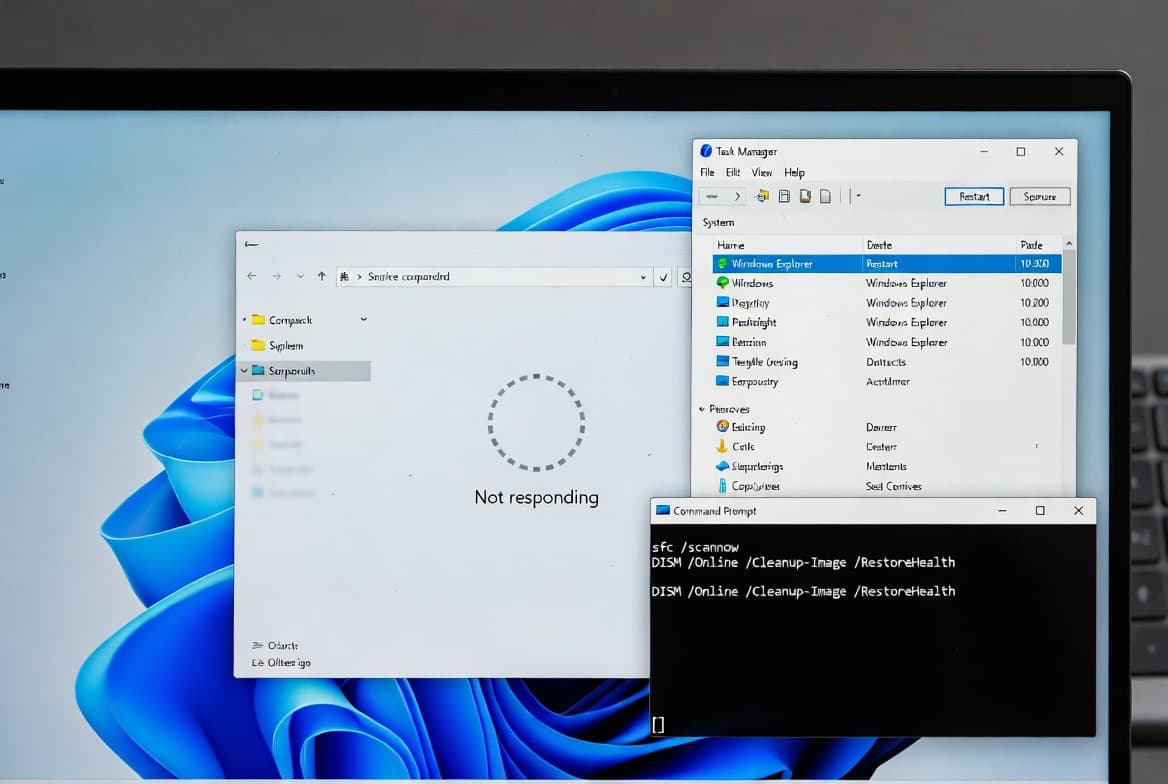
- Explorer.exe could stop responding on first sign-in when certain apps were configured as startup apps, causing the taskbar not to appear - this is now resolved.
- A problem where valid Windows license migration could fail during an upgrade because the device could not register with the Windows Activation server has been fixed.
- Desktop icons moving unexpectedly when interacting with files (such as opening or renaming them) is now corrected.
- Keyboard character repeat delay labels in Settings > Bluetooth & Devices > Keyboard were reversed - this is now fixed.
- A stop-responding issue when running Windows Terminal elevated from a non-admin account via UAC has been resolved.
- Windows Sandbox could stop responding at startup and display error 0x800705b4 - this is now addressed.
- For Windows 11 version 24H2: Boot Manager on devices that already have the Windows UEFI CA 2023 certificate in their Secure Boot DB will be updated, replacing the 2011-signed bootmgfw.efi with the 2023-signed version.
- A new DPAPI domain backup key management feature lets administrators set how often keys rotate automatically, strengthening cryptographic security.
- Windows now displays a UAC prompt when opening Storage settings (Settings > System > Storage) to help ensure only authorized users access system files.
- The Password icon could be missing from Sign-in options on the lock screen after installing KB5064081 or a later update - this is now fixed.
- Black screen issues in isolated multiuser environments, typically following a Windows upgrade, have been addressed.
- Folder renaming with desktop.ini files in File Explorer was not working correctly - the LocalizedResourceName setting was being ignored, causing custom folder names not to appear. This is now fixed.
- Certain GPU configurations could trigger a system error related to dxgmms2.sys and a KERNEL_SECURITY_CHECK_FAILURE - this is resolved.
- Narrator could fail to start during Windows installation from an ISO file - this is corrected.
- A system stop-responding issue at startup when Windows Boot Manager debugging was enabled, caused by kdstub.dll and kdnet.dll, has been fixed.
- An issue that could cause iSCSI boot to fail with an "Inaccessible Boot Device" error is resolved.
- C Runtime (CRT) libraries in the Windows SDK were flagged by BinSkim as non-compliant with the Microsoft SDL - this has been addressed.
- Selecting the "hide this pane" button in the mobile device side panel in the Start menu could fail to navigate to the correct setting - this is now fixed.
Known issues
Microsoft lists no known issues for this update at the time of writing.
How to get this update
Microsoft combines the latest servicing stack update (SSU) with the latest cumulative update (LCU) for the operating system. A separate servicing stack update, KB5074104 (build 26100.7704), is included and improves the servicing stack component responsible for installing Windows updates.
This update is available through the following channels:
- Windows Update / Windows Update for Business: Available now. Open Windows Update in Settings to check for and install the update.
- Microsoft Update Catalog: Available for manual download.
- Server Update Services (WSUS): Available now.
This update uses a gradual rollout phase before broad general availability, meaning some devices may receive it before others.
Frequently asked questions
Is this update required for security purposes?
No. KB5074105 is a non-security preview update focused on quality, functionality, and reliability improvements. It is optional. Security updates are delivered separately on Patch Tuesday. Installing this update is recommended if you want the latest fixes and feature improvements before the next monthly security release.
What happened to the Windows Hello ESS peripheral fingerprint sensor feature mentioned for this update?
Microsoft originally documented Windows Hello Enhanced Sign-in Security (ESS) support for peripheral fingerprint sensors as part of this update, but it has since been removed from the documentation and is planned for a future release. Sysadmins should not rely on that feature being present after installing KB5074105.
What should IT administrators know about the Secure Boot certificate changes included here?
Secure Boot certificates used by most Windows devices are set to expire starting in June 2026. Microsoft has been updating certificates on consumer and non-managed business devices over recent months. For managed environments, administrators should follow the Secure Boot Playbook for Windows clients and Windows Server. Resetting the DB or toggling Secure Boot off and on can trigger a "Secure Boot violation," requiring Secure Boot recovery media.
How does the DPAPI domain backup key rotation feature affect enterprise environments?
The new DPAPI domain backup key management feature lets administrators configure automatic key rotation schedules. This reduces dependence on older encryption algorithms and strengthens cryptographic security across the domain. Administrators should review their current DPAPI key management policies to determine whether the new rotation settings align with their security requirements before deploying this update broadly.