KB5085516: Windows 11 Out-of-Band Update (OS Builds 26200.8039 and 26100.8039) - March 21, 2026
Out-of-band cumulative update for Windows 11 versions 25H2 and 24H2, fixing a Microsoft account sign-in failure introduced by the March 10, 2026 update.
Summary
This is an out-of-band (OOB) cumulative update for Windows 11 versions 25H2 and 24H2, released on March 21, 2026 as OS Builds 26200.8039 and 26100.8039. It carries quality improvements from the March 10, 2026 update (KB5079473) and adds a targeted fix for a Microsoft account sign-in failure. Source: Microsoft Support.
Highlights
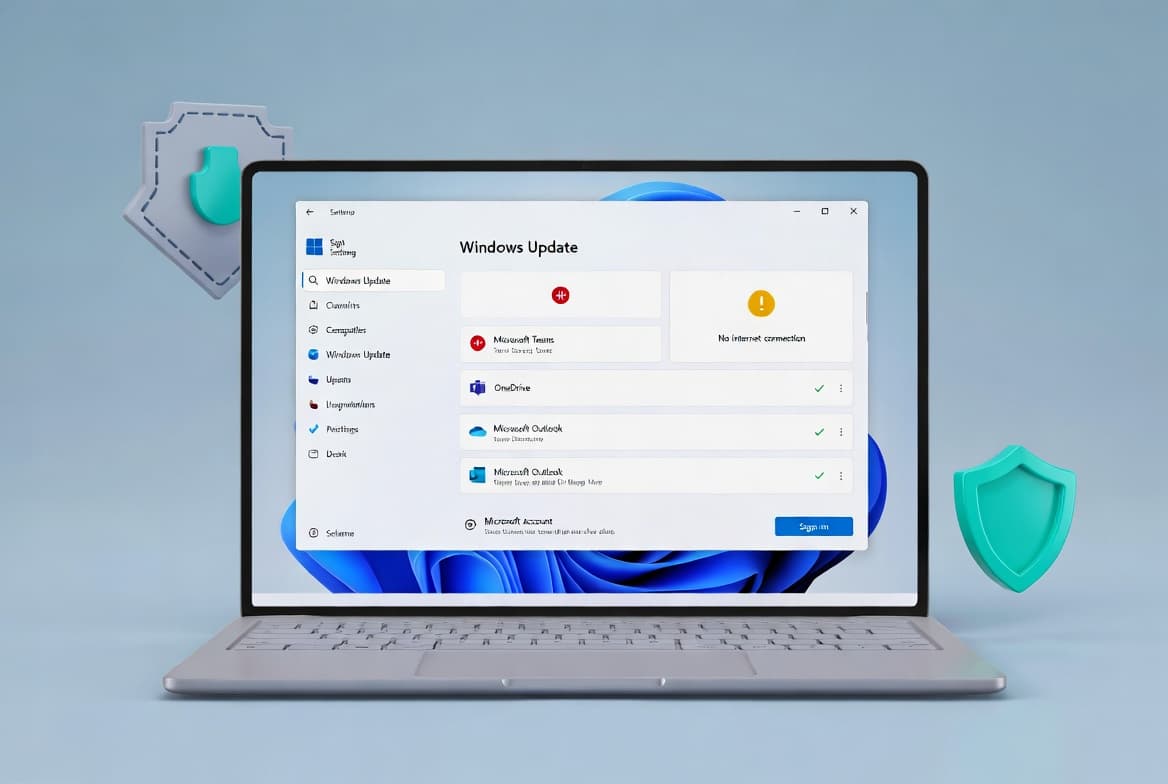
- Fixes a sign-in failure affecting users trying to authenticate to apps with a Microsoft account after installing the March 10, 2026 Windows update, where a false "no Internet" error blocked access to Microsoft services.
Improvements and fixes
- Microsoft account sign-in fix: After installing the Windows update released on or after March 10, 2026, some users encountered a "no Internet" error when signing in to apps with a Microsoft account, even when the device had a working Internet connection. This prevented access to Microsoft services and apps including Microsoft Teams Free and OneDrive. This update resolves that issue. Note: only Microsoft account sign-ins were affected - organizations using Microsoft Entra ID for app authentication were not impacted.
- AI component updates: Three AI components are refreshed in this release - Image Search, Content Extraction, and Semantic Analysis are all updated to version 1.2602.1451.0. These components apply only to Windows Copilot+ PCs and will not install on standard Windows PCs or Windows Server.
- Servicing stack update included: A bundled servicing stack update (KB5083532, version 26100.8035) improves the reliability of the component responsible for installing Windows updates.
- Hotpatch path available: For devices enrolled in Hotpatch, the same Microsoft account sign-in fix is delivered via KB5085518, which does not require a device restart.
- Changelog correction (June 4, 2026): Microsoft corrected the x64 and arm64 .msu update strings listed on the Catalog tab for this KB after initial publication.
Known issues
Microsoft lists no known issues for this update at the time of writing.
How to get this update
Windows Update is the primary delivery channel. This update is offered automatically to devices running Windows 11 that have already installed KB5079473. Devices with "Get the latest updates as soon as they're available" enabled will receive it without any manual action. To install it manually, go to Settings > Windows Update and select Download & install.
Microsoft Update Catalog is available for manual or scripted deployment. Packages are provided for both x64 and arm64 architectures. For each architecture, you can either install all MSU files together using DISM with a shared folder path, or install each MSU file individually in order - starting with KB5043080 followed by KB5085516. DISM command-line and PowerShell examples are provided by Microsoft for both running systems and offline/mounted images.
Windows Server Update Services (WSUS) and Windows Update for Business are also listed as available channels.
Microsoft Intune and Windows Autopatch users should follow Microsoft's expedited quality update guidance rather than relying on standard policy sync timing.
Prerequisite: Microsoft combines the latest servicing stack update (SSU) with this cumulative update. No separate SSU installation step is required before applying this package.
Removing the update: The combined SSU and LCU package cannot be fully removed using wusa.exe /uninstall because the package includes the SSU, which cannot be removed after installation. To remove only the LCU portion, use DISM /online /remove-package with the LCU package name, which you can find by running DISM /online /get-packages.
Frequently asked questions
Does this update affect all sign-in methods or only Microsoft accounts?
Only Microsoft account sign-ins are affected by the issue this update resolves. Organizations using Microsoft Entra ID for app authentication will not experience the "no Internet" sign-in error. Standard domain or Entra-joined device authentication flows are unaffected by this specific bug.
Do Hotpatch-enrolled devices need to install KB5085516?
No. For devices enrolled in Hotpatch, the same Microsoft account sign-in fix is delivered through KB5085518 instead. That update applies the fix without requiring a device restart, which is the key advantage of the Hotpatch channel for eligible devices.
Are the AI component updates in this package installed on all Windows 11 devices?
No. Although the AI component updates for Image Search, Content Extraction, and Semantic Analysis (all version 1.2602.1451.0) are included in the update package, Microsoft states they apply only to Windows Copilot+ PCs. They will not install on standard Windows PCs or Windows Server systems.
How should IT admins deploy this OOB update via Intune or Autopatch?
Microsoft directs Intune administrators to use the expedited Windows quality update feature and Autopatch administrators to deploy an expedited quality update through the Autopatch portal. Standard policy-based deployment cycles may not deliver OOB updates quickly enough, so expedited deployment is the recommended path for managed environments.