KB5085518: Windows 11 versions 25H2 and 24H2 March 23, 2026 Hotpatch (OS Builds 26200.7985 and 26100.7985) Out-of-band
Out-of-band hotpatch for Windows 11 versions 25H2 and 24H2 fixing a Microsoft account sign-in failure introduced by updates released on or after March 10, 2026.
Summary
This is an out-of-band hotpatch update for Windows 11 versions 25H2 and 24H2, identified as KB5085518. It targets OS builds 26200.7985 and 26100.7985 and was released on March 23, 2026. The update addresses a Microsoft account sign-in failure introduced by updates shipped on or after March 10, 2026. No device restart is required. See Microsoft Support for the official page.
Improvements and fixes
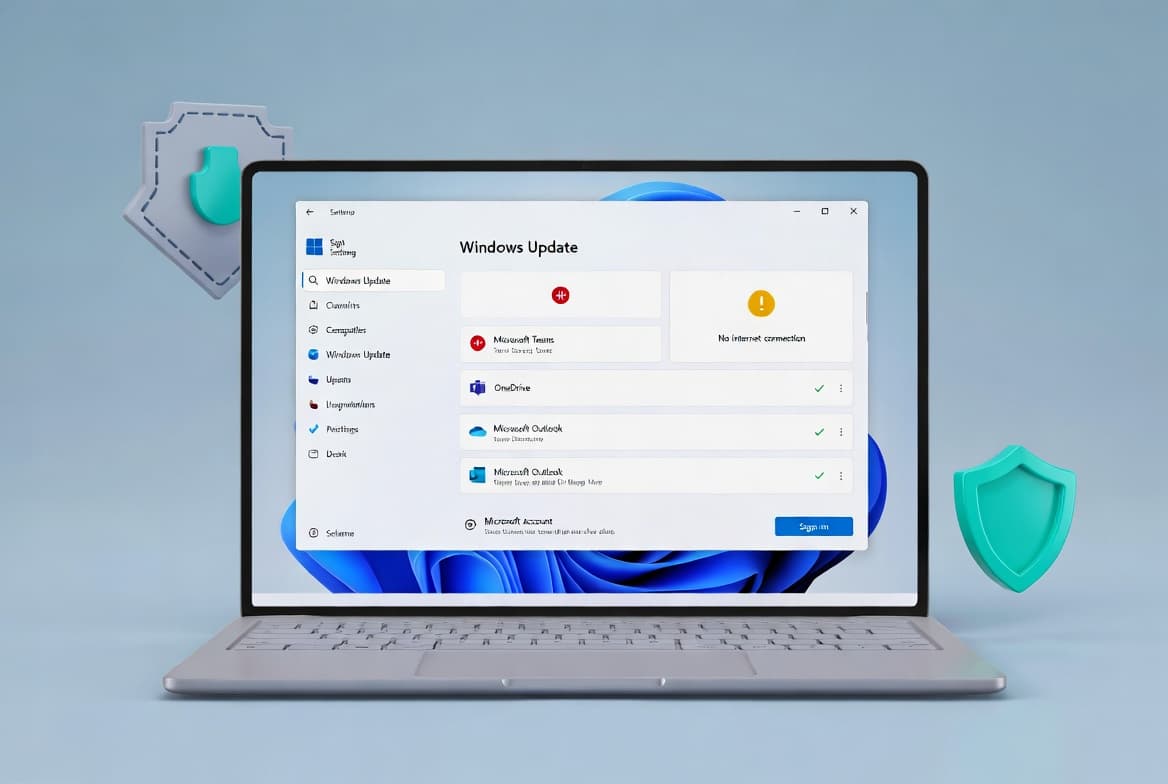
- Microsoft account sign-in fix: After installing Windows updates released on or after March 10, 2026, some users encountered a "no Internet" error when signing in to apps with a Microsoft account, even on devices with a working Internet connection. This prevented access to Microsoft services and apps including Microsoft Teams Free and OneDrive. This update resolves that issue. Only Microsoft account sign-ins are affected; organizations using Microsoft Entra ID for app authentication are not impacted.
Known issues
Microsoft lists no known issues for this update at the time of writing.
How to get this update
Before you install
Microsoft bundles the latest servicing stack update (SSU) for the operating system together with the hotpatch update. If you obtain the update through Windows Update, the latest SSU installs automatically alongside it. The associated SSU is KB5083532, version 26100.8035.
Installation channels
- Windows Update - The update downloads and installs automatically. No manual steps are required.
- Microsoft Update Catalog - Available for manual download; see the Catalog for additional options.
- Server Update Services (WSUS) - Available through WSUS; see the Catalog for additional options.
File information
A full list of files included in this update can be downloaded from the file information page for out-of-band update 5085518. Files included in the SSU (KB5083532, version 26100.8035) are listed separately.
Arm64 prerequisites and setup
Hotpatch is now generally available for Windows 11 version 25H2 and 24H2 on Arm64 devices. To use Hotpatch on Arm64, the following requirements must be met before enrolling:
- Windows 11 Enterprise, version 25H2 or 24H2 (Build 26100.4929 or later) with the current baseline update installed.
- Microsoft Intune with a Hotpatch-enabled Windows quality update policy.
- An eligible license: Windows 11 Enterprise E3 or E5, Microsoft 365 F3, Windows 11 Education A3 or A5, Microsoft 365 Business Premium, or Windows 365 Enterprise.
- Virtualization-based security (VBS) enabled.
- Compiled Hybrid PE (CHPE) disabled.
To disable CHPE, apply one of these methods and restart the device once:
- CSP/Intune or Group Policy: Set
./Device/Vendor/MSFT/Policy/Config/Hotpatch/DisableCHPE = 1 - Registry key: Set
HKLM\SYSTEM\CurrentControlSet\Control\Session Manager\Memory Management\HotPatchRestrictions = 1
To enroll Arm64 devices, go to the Microsoft Intune admin center, navigate to Devices > Windows updates > Quality updates, create or edit a Windows quality update policy, and set "When available, apply without restarting the device" to Allow. Assign the policy to the target Arm64 device group.
Frequently asked questions
Does this update require a device restart?
No. As a hotpatch update, KB5085518 installs and takes effect without requiring a device restart. This is one of the core advantages of the hotpatch delivery model for Windows 11 Enterprise on supported builds. Devices already running previous updates will download and apply only the new components in this package.
Which users are affected by the Microsoft account sign-in issue this update fixes?
Only users signing in to apps with a personal Microsoft account are affected. Organizations authenticating through Microsoft Entra ID are not impacted. Affected apps include Microsoft Teams Free and OneDrive when the underlying device had updates from March 10, 2026 or later installed.
Is this update available for all Windows 11 editions?
No. According to the page, this update applies to Windows 11 Enterprise LTSC 2024. Hotpatch functionality, particularly for Arm64 devices, also requires an eligible enterprise or education license such as Windows 11 Enterprise E3 or E5, Microsoft 365 F3, or Windows 365 Enterprise.
What is the servicing stack update (SSU) bundled with this release?
The SSU bundled with KB5085518 is KB5083532, version 26100.8035. When obtaining this update through Windows Update, the SSU installs automatically. Sysadmins deploying via WSUS or the Microsoft Update Catalog should confirm the SSU is present on target devices before installation.