KB5089548: Windows 11 Version 26H1 May 2026 Security Update (OS Build 28000.2113)
KB5089548 is the May 12, 2026 Patch Tuesday cumulative security update for Windows 11 version 26H1, bringing devices to OS Build 28000.2113.
Summary
This is the May 12, 2026 monthly cumulative security update for Windows 11, version 26H1, delivered as KB5089548. It brings devices to OS Build 28000.2113. The update packages the latest security fixes together with non-security improvements carried forward from last month's optional preview release (KB5083806, April 30, 2026). It is a mandatory Patch Tuesday release, not an optional preview. Source: Microsoft Support
Highlights
- [Gaming] This update improves compatibility for some games that use embedded web content and helps reduce the impact of JavaScript errors on in-game features.
- [Connectivity] This update improves the reliability of Simple Service Discovery Protocol (SSDP) notifications to help prevent the service from becoming unresponsive.
Improvements and fixes
The following quality improvements are documented for this update. Items in brackets indicate the area of change:
- [Gaming] Improved compatibility for certain games that rely on embedded web content; reduced the blast radius of JavaScript errors affecting in-game functionality.
- [Connectivity] Improved reliability of SSDP notifications to stop the service from entering an unresponsive state.
- [Servicing Stack] Quality improvements to the servicing stack - the component responsible for installing Windows updates - to make update delivery more reliable on affected devices.
- This update also includes all fixes and improvements that shipped in the April 30, 2026 optional preview release, KB5083806 (OS Build 28000.1896).
Known issues
Microsoft lists no known issues for this update at the time of writing.
How to get this update
This update is distributed through the following channels:
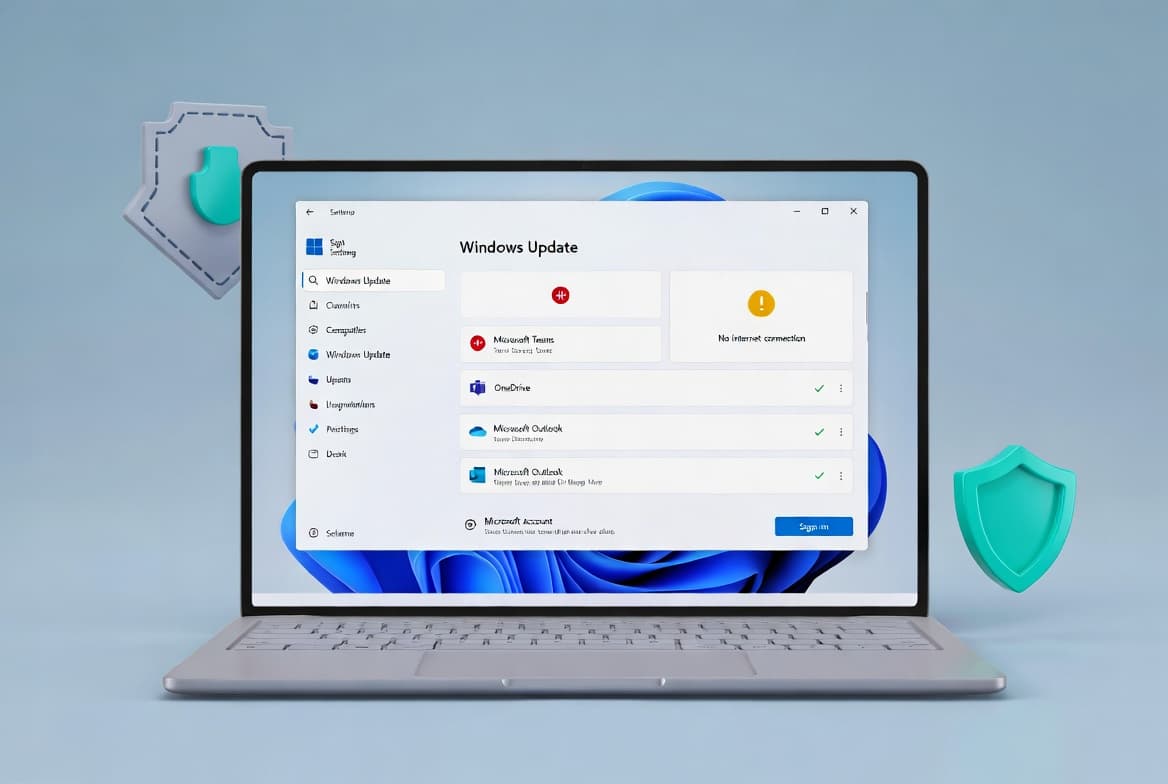
- Windows Update / Windows Update for Business - The update will be offered automatically to eligible devices running Windows 11, version 26H1. Go to Settings > Windows Update and select Check for updates.
- Microsoft Update Catalog - Administrators can download the standalone package directly from the Microsoft Update Catalog for manual or scripted deployment.
- Windows Server Update Services (WSUS) - The update is available through WSUS for organizations that manage update distribution centrally.
Important note for administrators: Windows 11, version 26H1 is not offered as an in-place upgrade path from Windows 11, version 24H2 or 25H2 on existing devices. It is available only on new devices that shipped with version 26H1 pre-installed. This update will not be broadly offered through Windows Update to existing PCs running earlier Windows 11 versions.
For the latest status information on this release, visit the Windows release health dashboard.
Frequently asked questions
Is KB5089548 a security update or an optional update?
KB5089548 is a mandatory monthly cumulative security update released on Patch Tuesday, May 12, 2026. It contains the latest security fixes for Windows 11, version 26H1, along with non-security improvements rolled in from the April 30, 2026 optional preview (KB5083806). It is not classified as a preview or optional release.
Does installing KB5089548 require a restart?
As with all cumulative updates of this type, a system restart is required to complete installation. Plan maintenance windows accordingly. The update cannot be fully applied while the operating system is running; the restart phase finalizes file replacement and configuration changes.
What OS build number results from installing this update?
After a successful installation and restart, the resulting OS build is 28000.2113. You can verify this by going to Settings > System > About, or by running winver from the Run dialog. The build applies only to devices running Windows 11, version 26H1.
How do I uninstall KB5089548 if I need to roll back?
You can remove this update via Settings > Windows Update > Update history > Uninstall updates, or through Control Panel > Programs > View installed updates. It can also be uninstalled from an elevated command prompt using wusa /uninstall /kb:5089548. Note that the bundled servicing stack component cannot be separately uninstalled once applied.