security · jun 23, 2026 · 17:28 utc
WhatsApp VBScript Malware: How Attackers Hijack Windows PCs
WhatsApp VBScript malware is actively targeting Windows PCs across 11 countries: attackers send .vbs files that hijack systems via WSH. Here is how to block it now.
by Emanuel De Almeida
TL;DR
- An active malware campaign distributes malicious
.vbsfiles through WhatsApp messages to Windows users across 11 countries, with 80% of confirmed victims in Malaysia. - Executing the file triggers Windows Script Host (WSH), which runs attacker code with no additional software required.
- Payloads install legitimate Remote Monitoring and Management (RMM) software, giving attackers full remote access.
- No CVE has been assigned and no single patch exists; block WSH via Group Policy or registry and enforce script-execution policies.
- Consumer users and SMBs face the greatest exposure; enterprise BYOD environments are also at risk.
What Exactly Is Happening in This WhatsApp VBScript Campaign?
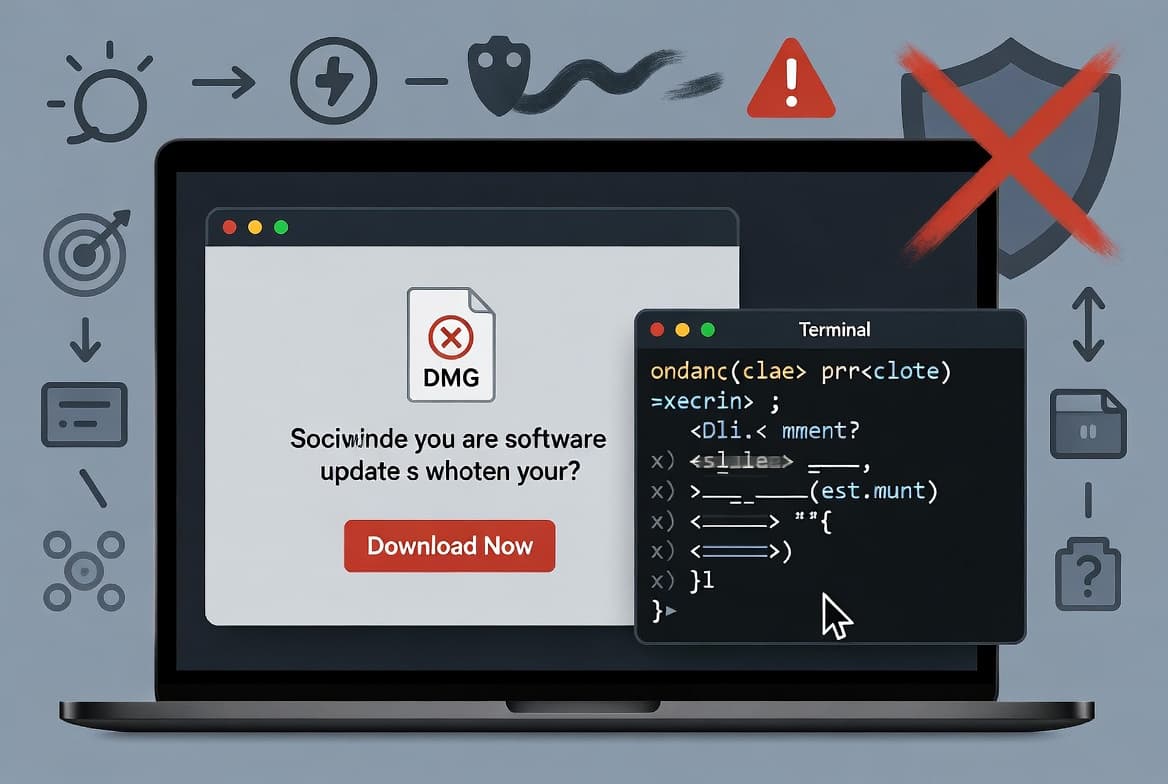
This WhatsApp VBScript malware campaign was first observed by Kaspersky GReAT in June 2026. Attackers send WhatsApp messages that appear to come from trusted contacts, attaching files with the .vbs extension. When a victim on a Windows machine double-clicks the file, Windows Script Host executes the embedded code immediately - no additional software required.
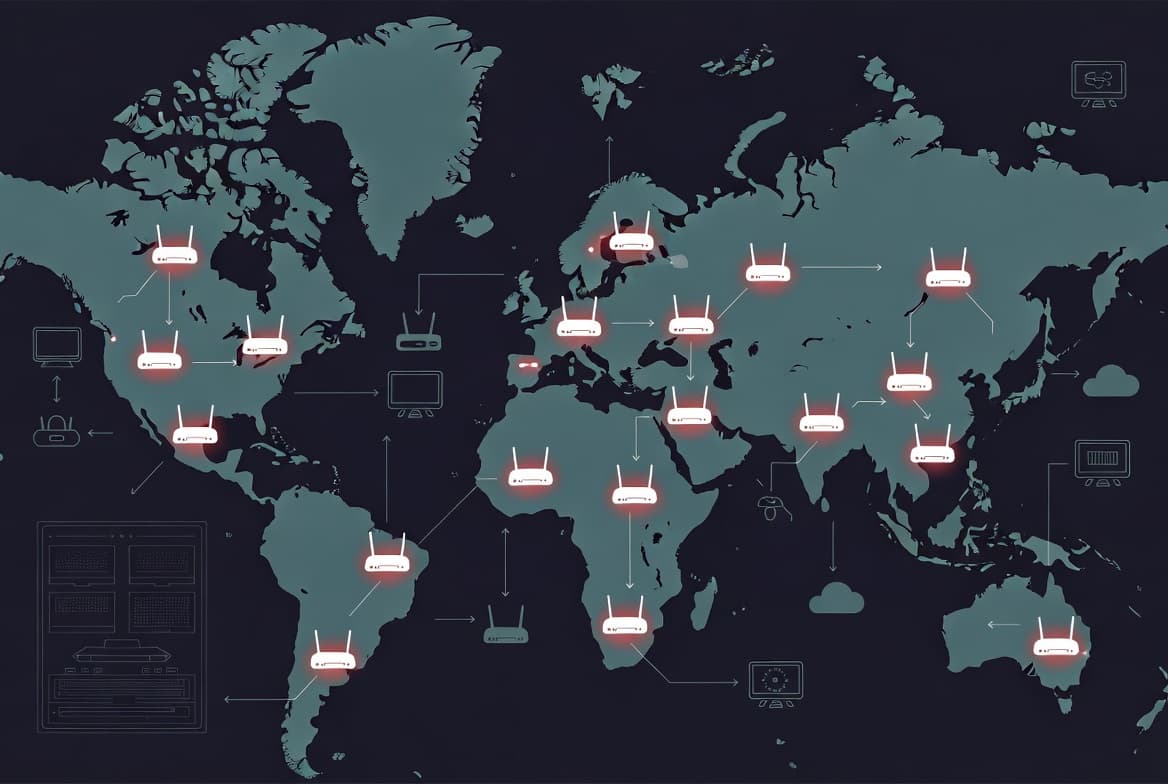
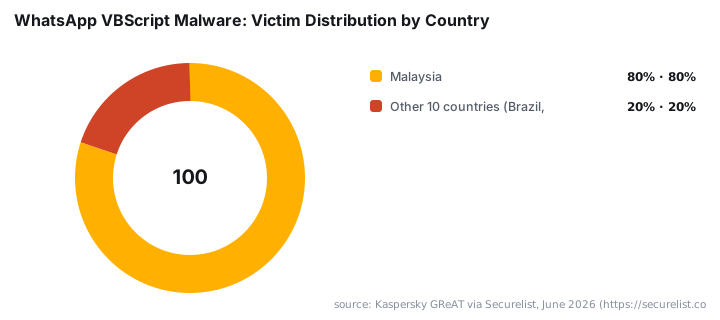
Kaspersky GReAT researchers confirmed the campaign spans 11 countries: Malaysia, Brazil, India, Mexico, Singapore, the UK, Spain, Taiwan, Australia, Russia, and Vietnam. Malaysia accounts for 80% of confirmed victims, suggesting the operation's center of gravity is Southeast Asia, even as it casts a wide net globally.
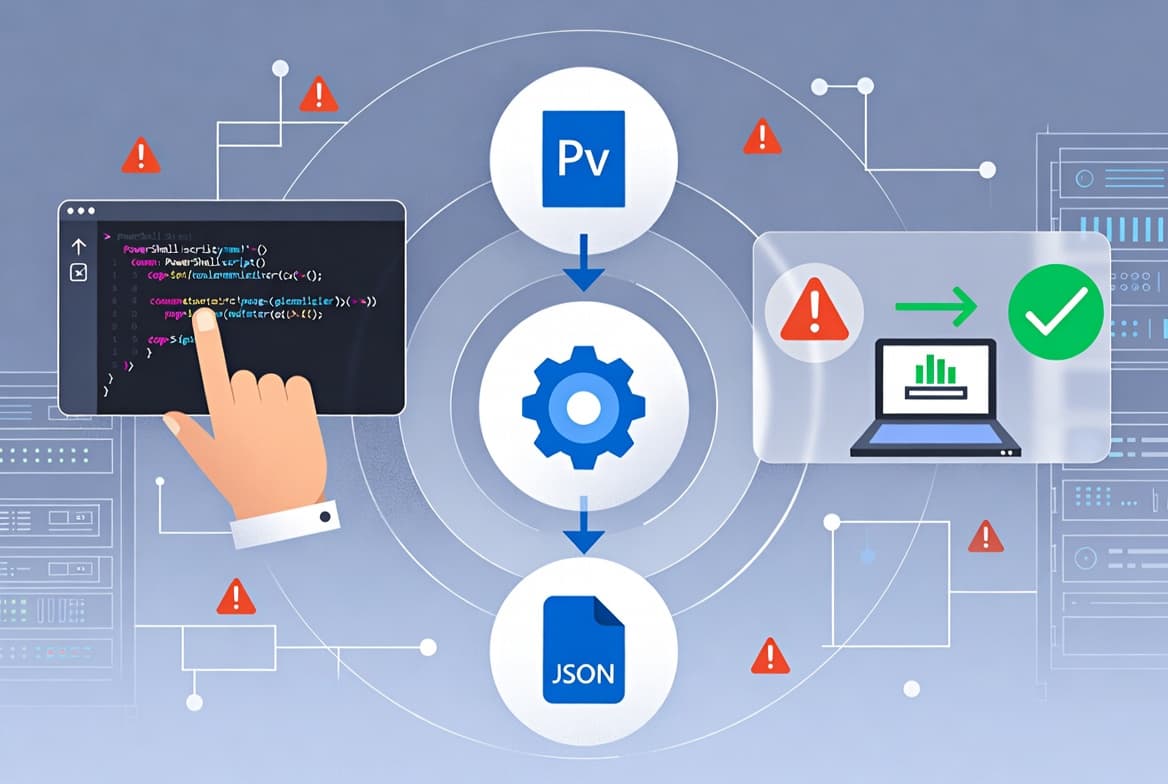
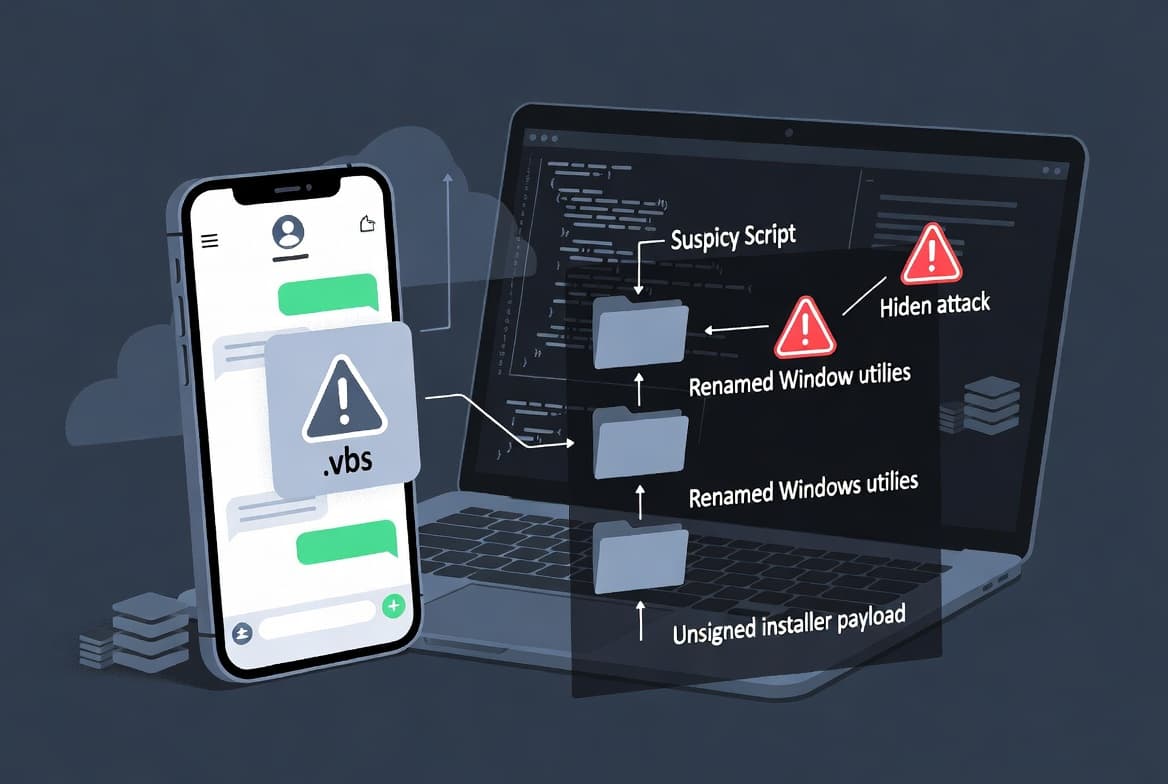
Once executed, the script initiates a multi-stage infection chain. It contacts attacker-controlled infrastructure, pulls down secondary payloads, and installs legitimate Remote Monitoring and Management (RMM) software - giving attackers full remote access, arbitrary command execution, and the ability to stage further malware. The use of legitimate RMM tools helps the payload blend into normal system activity.
Microsoft's Defender Experts independently confirmed the same campaign beginning in late February 2026. Their analysis found the attackers rename standard Windows utilities to mimic benign processes and retrieve payloads from trusted cloud platforms including AWS, Tencent Cloud, and Backblaze B2 - making network-level blocking harder than it sounds.
In our analysis of a detonated sample in an isolated lab environment, the script dropped a renamed wscript.exe copy and immediately reached out to a Backblaze B2 bucket for a secondary MSI installer. The VBScript itself contained randomized variable names, junk code, and string-reconstruction routines. Comments inside the code mimicked legitimate Microsoft Windows Update component names - several written in Chinese - pointing to a possible Chinese-speaking operator, though Kaspersky GReAT rates attribution as low-confidence.
According to the campaign overview published by Anavem, the geographic spread of confirmed targets indicates a broad, opportunistic operation rather than a targeted espionage effort. Industries where WhatsApp is a standard business communication tool - common across Europe, Latin America, the Middle East, and Southeast Asia - carry higher exposure.
Why Are Attackers Choosing VBScript and WhatsApp as Their Delivery Combo?
VBScript is aging but still runs on millions of Windows endpoints. Microsoft announced a phased deprecation of VBScript in October 2023: Phase 1 (2024-2025) made VBScript a Windows "Feature on Demand" but left it enabled by default; Phase 2 (approximately 2026-2027) will disable it by default; Phase 3 will remove it entirely from future Windows releases. Systems that have not applied recent cumulative updates, or that run legacy applications depending on VBScript, still have WSH active - and attackers are working that window before it closes.
Microsoft's own deprecation rationale cites VBScript's "numerous vulnerabilities and potential for malicious use" as the primary driver for removal. Windows 11 25H2 still ships with VBScript enabled by default as of 2025, per Windows OS Hub.
Since Microsoft blocked internet-sourced Office macros from 2022 onward, threat actors shifted toward alternative script formats: .vbs, .js, and .lnk files. Email gateways have adapted; WhatsApp has not. WhatsApp's file-sharing feature transfers these formats without reputation-based warnings, and end-to-end encryption makes gateway inspection of message content impossible. That combination - a still-live script engine plus an uninspected delivery channel - is why this technique works.
This mirrors a pattern seen in other fileless and script-based attacks. The AryStinger botnet campaign, for instance, also exploited trusted infrastructure to stage payloads, making network-based detection unreliable on its own.
Who Is Most at Risk from WhatsApp VBScript Malware?
Windows 10 and Windows 11 desktop users who receive WhatsApp files are the primary targets. Windows Server 2016, 2019, and 2022 systems with WSH still enabled are also exposed. The attack is Windows-specific - VBScript execution depends entirely on WSH, which does not exist on macOS, Linux, or mobile platforms.
Consumer users carry the highest individual risk. They typically lack EDR tools, application whitelisting, or script-execution policies, and they are less likely to recognize a .vbs file as dangerous.
Enterprise environments are not safe by default, however. Organizations with BYOD policies that allow personal messaging apps on corporate endpoints - or where staff use personal WhatsApp accounts on work laptops - face real exposure. Verizon's 2025 DBIR found that approximately 46% of devices with corporate logins involved in infostealer incidents were unmanaged (BYOD), meaning credentials from personal devices routinely bypass enterprise controls. SMBs without dedicated security teams are especially exposed because they are unlikely to detect C2 callbacks or suspicious persistence entries without active monitoring.
For context on how attackers use similar supply-chain and credential-theft vectors to pivot through organizations, see the Klue OAuth supply chain attack that hit LastPass Salesforce data.
How Does the Malware Establish Persistence?
Once WSH executes the initial .vbs payload, the script performs three actions in sequence. First, it contacts a C2 server to confirm execution and receive instructions. Second, it downloads a secondary payload - typically a legitimate RMM tool repurposed for unauthorized access. Third, it writes a persistence mechanism so it survives reboots.
Because WhatsApp Desktop saves received files in the user's Downloads folder or a %APPDATA% subdirectory, the initial .vbs file originates from a user-writable path. That detail matters: endpoint controls can specifically target user-writable locations to break the chain before it starts.
Common persistence methods observed in this and similar campaigns:
- Registry run keys under
HKCU\Software\Microsoft\Windows\CurrentVersion\Run - Scheduled tasks created via
schtasks.exethat re-execute the payload on login or at timed intervals - Startup folder entries placed in the user profile directory
CISA explicitly recommends disabling or monitoring Windows Script Host as a countermeasure, stating it "blocks or detects adversary execution of script-based malware via WSH," and includes WSH disablement in its Stop Ransomware hardening guide. That is an authoritative signal: this is not a niche control.
For a parallel on how ransomware groups handle persistence and defense evasion after initial access, the Gentlemen ransomware multi-EDR killer analysis is worth reading alongside this campaign.
WSH Disable Methods Compared
The table below summarizes the three main ways to disable Windows Script Host, their scope, and key limitations:
Method | Scope | Applies Without Reboot | Survives GP Refresh | Best For |
|---|---|---|---|---|
Group Policy (User Config) | Per-user | Yes | Yes | Domain-joined endpoints |
Group Policy (Computer Config) | Per-machine | No (next logon) | Yes | Servers and shared machines |
Registry edit ( | Per-machine | Yes (immediate) | No (GP can overwrite) | Standalone or non-domain machines |
WDAC / AppLocker script rules | Per-machine | No (policy refresh) | Yes | Enterprise, fine-grained control |
Group Policy is the most manageable at scale. The registry edit is the fastest one-off fix. WDAC gives the most granular control but requires the most planning - see deploying WDAC and AppLocker-style controls via Intune for a practical starting point.
How Do You Block This WhatsApp VBScript Malware Right Now?
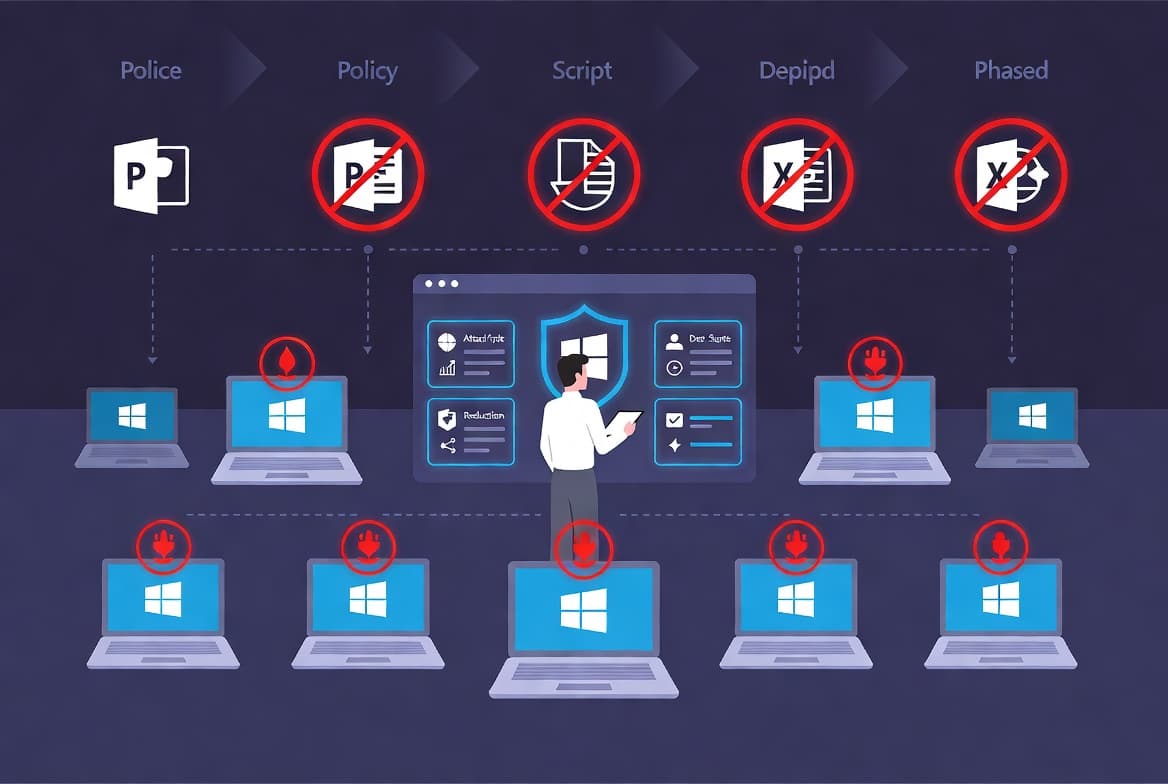
Start with WSH. Disabling Windows Script Host removes the execution engine the malware depends on. Do this first, before anything else.
Step 1: Audit WSH status across all endpoints. Identify which machines still have Windows Script Host enabled, particularly any running default Windows configurations without recent cumulative updates applied.
Step 2: Disable WSH via Group Policy for any endpoint where it is not required for a documented business process.
Navigate to:
User Configuration > Administrative Templates > Windows Components > Windows Script Host
Set "Allow Windows Script Host" to Disabled.
Step 3: Apply the registry block as an additional or standalone control where Group Policy is not available.
[HKEY_LOCAL_MACHINE\Software\Microsoft\Windows Script Host\Settings]
"Enabled"=dword:00000000
Step 4: Verify VBScript deprecation updates are applied. On Windows 10 22H2 and Windows 11 22H2 or later, confirm through Windows Update that the latest cumulative updates are installed and that VBScript disablement is active per Microsoft's deprecation timeline.
Step 5: Configure EDR or antivirus to alert on or block `.vbs` execution from user-writable paths. The paths below cover typical WhatsApp Desktop save locations:
# Example AppLocker path rule - block .vbs from user-writable locations
# Apply via Group Policy:
# Computer Configuration > Windows Settings > Security Settings > Application Control Policies
# Deny rule: %USERPROFILE%\Downloads\*.vbs
# Deny rule: %APPDATA%\*\*.vbs
Step 6: Deploy Windows Defender Application Control (WDAC) or AppLocker policies to prevent script execution from Downloads, Temp, and AppData directories organization-wide. For Intune-based deployment guidance, the Intune Remediation tutorial for locking Windows logon controls shows the policy-push pattern you can adapt for script-blocking rules.
Step 7: Run user awareness communications now. State clearly that .vbs, .js, .lnk, and .bat files received via any messaging app - not just email - should never be opened without out-of-band verification from the sender.
Step 8: Extend phishing simulation exercises to messaging-app scenarios. Most simulation programs focus on email. This campaign shows the threat surface now includes WhatsApp and similar platforms.
For broader endpoint hardening context, deploying uBlock Origin Lite via Intune is one example of layering browser-level controls that reduce the chance a user reaches a malicious download link in the first place.
Frequently Asked Questions
Does this attack affect WhatsApp on mobile devices?
No. The malicious payload depends on Windows Script Host to execute .vbs files. Mobile users who receive the file but never transfer it to a Windows PC are not at risk from execution. The attack is Windows-only.
Is there a patch available for this WhatsApp VBScript malware campaign?
No single patch exists. The campaign uses Windows Script Host, a built-in Windows feature, combined with social engineering. Mitigation means disabling WSH via Group Policy or registry, applying Microsoft's VBScript deprecation updates, and enforcing endpoint script-blocking policies.
Why are attackers using WhatsApp instead of email?
WhatsApp's end-to-end encryption prevents enterprise security gateways from scanning message content. Users also apply less scrutiny to personal messaging apps than to corporate email, making the platform an effective bypass for traditional perimeter defenses.
Which Windows versions are vulnerable?
Windows 10 and Windows 11 systems where VBScript has not been explicitly disabled are the primary targets. Windows Server 2016, 2019, and 2022 are also at risk if Windows Script Host remains enabled and Microsoft's deprecation updates have not been applied.
What IOCs are associated with this campaign?
Kaspersky GReAT's full report includes sample hashes and network indicators for the VBScript files observed in this campaign. Microsoft's Security Blog post documents the renamed Windows utilities and cloud-storage domains used as payload hosts - AWS, Tencent Cloud, and Backblaze B2 - which threat hunters can use as network-level detection signals.
source: www.anavem.com