KB5064080 (OS Build 22631.5840) Preview - Windows 11 23H2, August 26 2025
Optional preview update for Windows 11 version 23H2, releasing OS build 22631.5840 on August 26, 2025, with quality fixes across File Explorer, networking, input, and more.
Summary
This is an optional, non-security preview update for Windows 11 version 23H2, released on August 26, 2025, producing OS build 22631.5840. It delivers quality improvements across several components including File Explorer, networking, input handling, and Remote Desktop. For full release history, see the Microsoft Support page.
Highlights
- Windows Backup for Organizations is now generally available, providing enterprise-grade backup and restore to help organisations manage device transitions, Windows 11 upgrades, and AI-powered PC deployments with minimal disruption to productivity and business continuity.
Improvements and fixes
- Copilot: Improves the reliability of the Copilot key and fixes a bug that stopped users from restarting Copilot after pressing the key.
- Country and Operator Settings Asset (COSA): Updates mobile operator profiles to bring them current for certain carriers.
- Device management: Fixes a problem where the removable storage policy did not correctly block external devices such as USB flash drives.
- Family Safety: Fixes an issue where the "Ask to Use" approval prompt failed to appear when a blocked app was launched; the prompt now displays as expected when Family Safety settings are active.
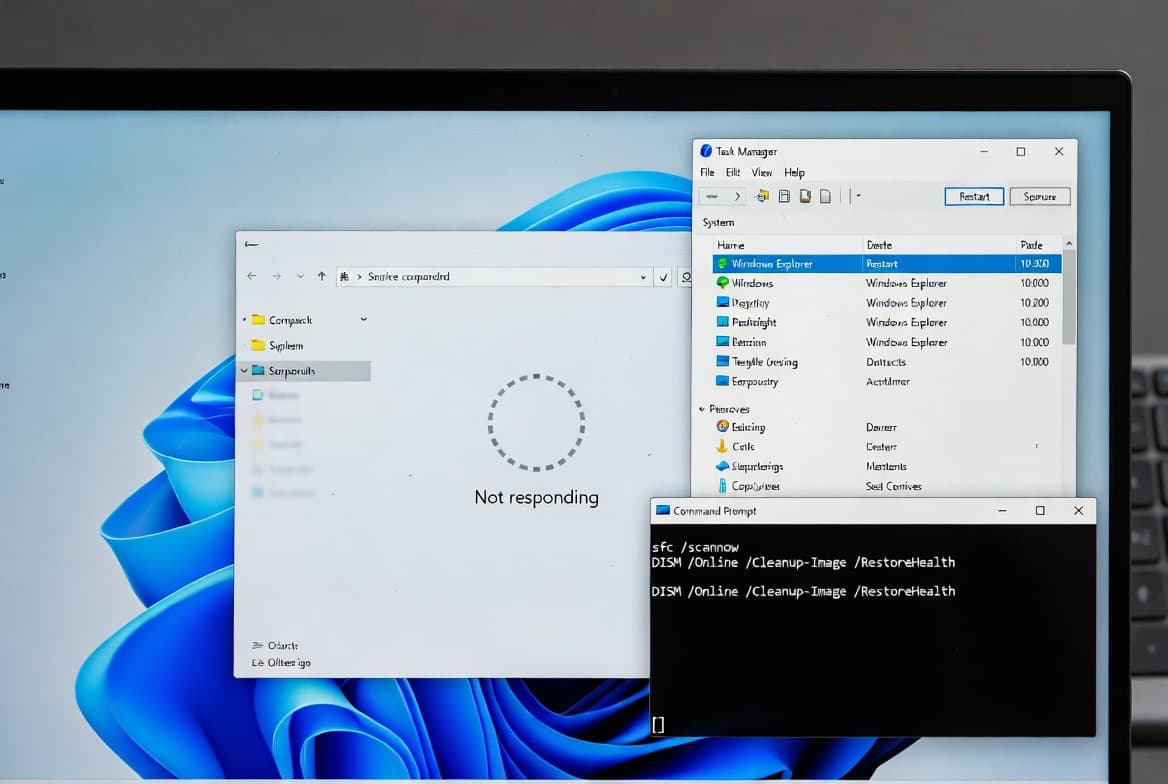
- File Explorer: Fixes two separate issues - one where File Explorer displayed only a single folder such as Desktop instead of the expected home view with recent files, and another where syncing additional SharePoint sites could slow folder navigation, context menu responses, and file launch times.
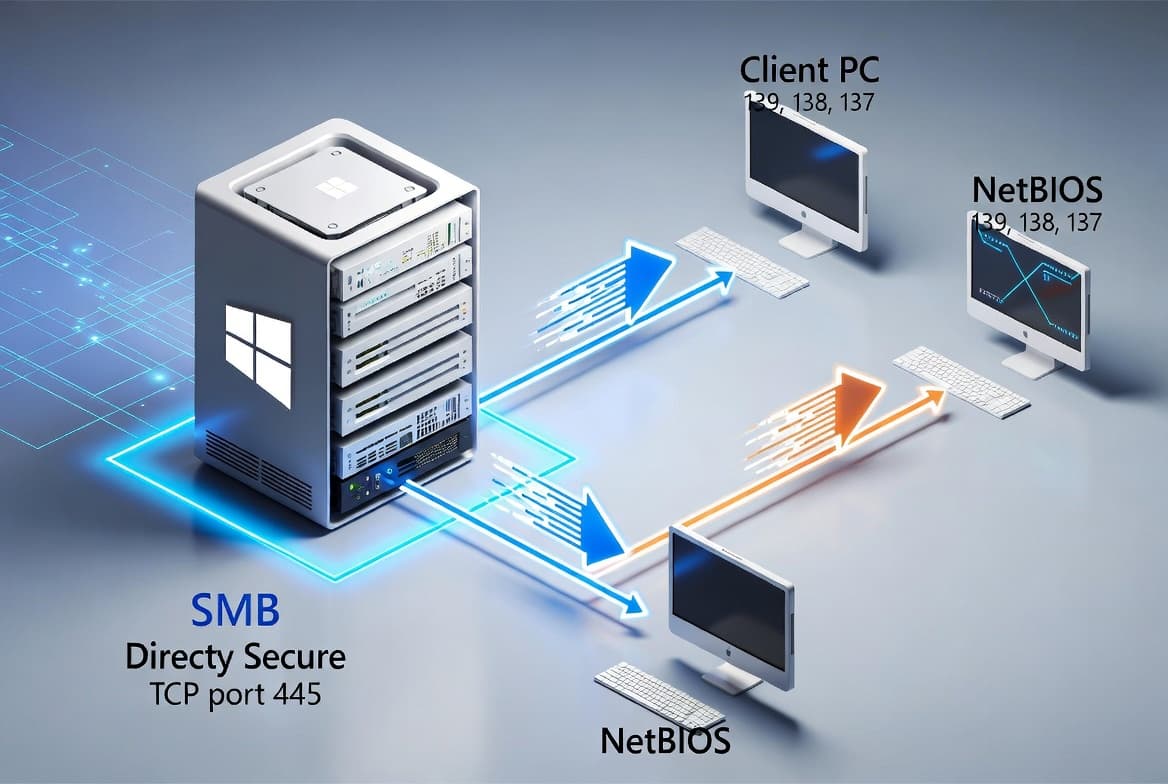
- File sharing: Resolves unexpected delays that could occur when accessing files on an SMB share over QUIC (Quick UDP Internet Connections).
- File system: Fixes a ReFS (Resilient File System) issue where enabling deduplication and compression at the same time could occasionally cause the system to stop responding.
- Input - Unicode characters: Fixes a display problem where certain extended Unicode characters, including rare Chinese symbols, appeared as blank spaces or incorrect symbols in Windows text boxes; the fix also maintains compliance with GB18030-2022 requirements.
- Input - Chinese IME: Fixes an issue in the Chinese (Simplified) Input Method Editor where some extended characters rendered as empty boxes.
- Narrator: Fixes incorrect reading of the label for the Enhance Facial Recognition Protection checkbox found under the Facial recognition (Windows Hello) setting.
- Network connectivity: Fixes a condition where Wi-Fi failed to reconnect automatically following a Group Policy update.
- Remote Desktop: Fixes an issue where cameras added or removed during a remote session were not recognised in Remote Desktop Services (RDS) environments.
Known issues
Unexpected UAC prompt during MSI repair operations
Symptom: A security improvement included in the August 2025 Windows security update - addressing CVE-2025-50173 - enforces User Account Control (UAC) prompts for administrator credentials when Windows Installer (MSI) repair and related operations run. After installing this update, standard users may see unexpected UAC prompts in the following scenarios: running MSI repair commands such as msiexec /fu; opening Autodesk apps including some versions of AutoCAD, Civil 3D, and Inventor CAM, or installing an MSI after first sign-in; installing apps that configure on a per-user basis; running Windows Installer during Active Setup; deploying packages through Configuration Manager (ConfigMgr) that rely on user-specific advertising configurations; and enabling Secure Desktop. If a non-admin user runs an app that triggers an MSI repair without displaying a UI, it will fail with an error. For example, installing and running Office Professional Plus 2010 as a standard user will fail with Error 1730 during configuration.
Workaround: This issue is addressed in KB5065431.
How to get this update
Microsoft bundles the latest servicing stack update (SSU) for the OS with the latest cumulative update (LCU) in a single package. This update includes servicing stack update KB5064743 (version 22621.5973).
- Windows Update: Go to Settings > Update & Security > Windows Update. Under the "Optional updates available" section, select the link to download and install the update.
- Windows Update for Business: These changes will be included in the next security update delivered through Windows Update for Business.
- Microsoft Update Catalog: Download the standalone package directly from the Microsoft Update Catalog.
- WSUS: Import the update manually into Windows Server Update Services (WSUS) via the Microsoft Update Catalog.
To remove only the LCU after installing the combined SSU and LCU package, use the DISM /Remove-Package command with the LCU package name as the argument. Running wusa.exe /uninstall on the combined package will not work because the SSU is included and cannot be removed after installation.
Prerequisite: Use KB5027397 to update to Windows 11 version 23H2 before applying this update.
Frequently asked questions
Is this update mandatory for Windows 11 23H2 systems?
No. This is a non-security optional preview update. It is not automatically pushed to devices as a mandatory patch. Organisations can test it ahead of the next monthly security update cycle. The fixes it contains will be included in a future mandatory cumulative security update.
What should administrators know about end-of-support timelines for 23H2?
Support for Windows 11 version 23H2 Home and Pro editions ended on November 11, 2025. Enterprise and Education editions retain support until November 10, 2026. Administrators running Home or Pro should plan an upgrade to the latest version of Windows 11 to remain protected and receive updates.
How does the Secure Boot certificate situation affect managed devices?
Secure Boot certificates used by most Windows devices begin expiring in June 2026. Microsoft has been deploying updated certificates to consumer and non-managed business devices for several months. Devices that have not yet received the newer certificates will continue to start normally and receive standard Windows updates. IT administrators should follow the Secure Boot Playbook for Windows clients and Windows Server, and can check individual PC status via the Windows Security app.
What is the servicing stack update bundled with this release?
This update bundles servicing stack update KB5064743 at version 22621.5973. The servicing stack is the component responsible for installing Windows updates. Bundling the SSU with the LCU ensures devices have a current and reliable update mechanism before applying the quality improvements in this package.