KB5065426 - Windows 11 version 24H2 September 2025 Security Update (OS Build 26100.6584)
September 9, 2025 security update for Windows 11 version 24H2, bringing OS build to 26100.6584. Addresses UAC prompt issues, SMB auditing, input bugs, and a kernel interrupt state problem.
Summary
KB5065426 is the September 9, 2025 monthly security update for Windows 11 version 24H2, advancing the OS build to 26100.6584. Released on September 9, 2025, it addresses security vulnerabilities and quality issues including UAC prompt regressions, SMB auditing enablement, input failures, and a kernel interrupt state problem. See the Microsoft Support page for full details.
Highlights
- This update addresses security issues for Windows 11 version 24H2.
Improvements and fixes
This update includes all fixes from KB5064081 (released August 29, 2025) and adds the following:
- App compatibility: Fixed an issue where non-admin users received unexpected User Account Control (UAC) prompts when MSI installers ran certain custom actions - such as configuration or repair operations - in the foreground or background during initial application installation. This bug blocked non-admin users from running apps that perform MSI repairs, including Office Professional Plus 2010 and multiple Autodesk products such as AutoCAD. The fix narrows the conditions that trigger UAC prompts during MSI repairs and allows IT admins to add specific apps to an allowlist to suppress those prompts entirely. See the Microsoft guidance on unexpected UAC prompts for more information.
- File server: Enabled auditing of SMB client compatibility for SMB Server signing and SMB Server EPA (Extended Protection for Authentication). This gives administrators a way to evaluate their environment and spot incompatible devices or software before rolling out the hardening measures already supported by SMB Server. Detailed guidance is available under CVE-2025-55234.
- Input: Fixed an issue that caused certain apps to stop responding to input in some input method scenarios.
- IIS: Fixed an issue that caused some Internet Information Services (IIS) modules to disappear from IIS Manager, preventing users from configuring IIS through that interface.
- Kernel: Fixed an issue that could cause an unexpected system state on some platforms due to an incorrect interrupt state. (Note: this fix was confirmed and documented in a changelog update on September 24, 2025.)
- Networking: Fixed an issue affecting audio in apps that use the Network Device Interface (NDI). Audio stuttered when Display Capture was active in OBS Studio after installing KB5063878.
- AI components: Updated Image Search, Content Extraction, Semantic Analysis, and Settings Model to version 1.2508.906.0. These components apply only to Copilot+ PCs and will not install on standard Windows PCs or Windows Server.
- Servicing stack: Includes servicing stack update KB5064531 at version 26100.5074 to improve reliability of the update installation component.
Known issues
PSDirect connections failing on hotpatched devices
Symptom: Devices that have installed the September 2025 Hotpatch update (KB5065474) or this update (KB5065426) may experience failures with PowerShell Direct (PSDirect) connections when the host and guest virtual machines are not both fully updated. When a patched guest VM tries to connect to an unpatched host - or vice versa - the expected fallback to a legacy handshake fails intermittently, causing socket cleanup issues. Connection failures may appear random, and Event ID 4625 may appear in the Security Event log in Windows Event Viewer.
Workaround: This issue is addressed in KB5066360. Microsoft recommends updating both the host and guest VM with that update.
SMBv1 protocol connectivity
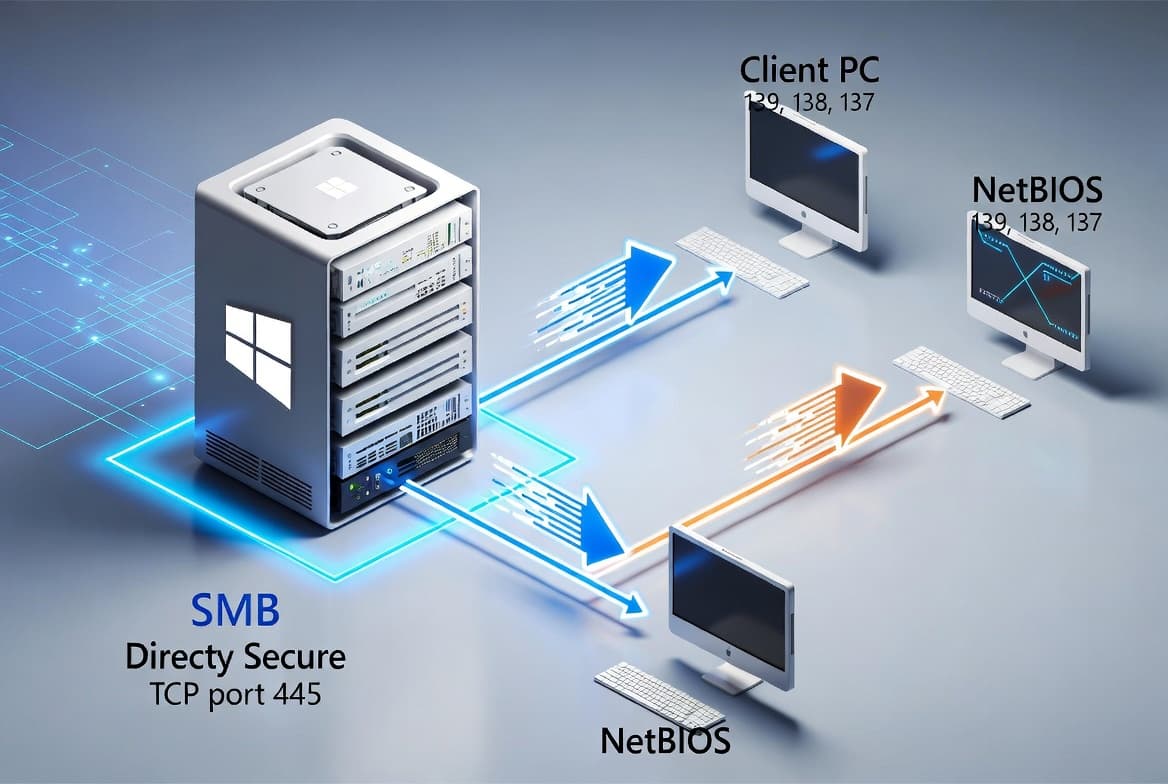
Symptom: After installing the Windows update released on or after September 9, 2025, you may be unable to connect to shared files and folders using the SMBv1 protocol over NetBIOS over TCP/IP (NetBT). This occurs if either the SMB client or the SMB server has the September 2025 security update installed. Note: SMBv1 is deprecated and is not installed by default in modern Windows or Windows Server versions. Environments using SMBv2 or SMBv3 are not affected.
Workaround: This issue is addressed in KB5065789.
Problems playing protected content in some Blu-ray/DVD/Digital TV apps
Symptom: Some Digital TV and Blu-ray/DVD apps may not play protected content as expected after installing KB5064081 (August 29, 2025) or later updates. Apps using Enhanced Video Renderer with HDCP enforcement, or Digital Rights Management for digital audio, may show copyright protection errors, frequent playback interruptions, unexpected stops, or black screens. Streaming services are not affected.
Workaround: The non-security September 2025 preview update (KB5065789) addresses problems affecting apps that use Enhanced Video Renderer with HDCP enforcement. The non-security October 2025 preview update (KB5067036) includes additional fixes for apps using DRM for digital audio.
Password icon missing or invisible on the lock screen
Symptom: After installing KB5064081 (August 2025 non-security preview) or later updates, the password icon may not be visible in the sign-in options on the lock screen. Hovering over the area where the icon should appear reveals that the password button is still present and functional - selecting it opens the password text box and allows normal sign-in. This issue primarily affects enterprise or managed IT environments; users on Windows Home or Pro on personal devices are very unlikely to encounter it.
Workaround: This issue is addressed in KB5074105.
How to get this update
Microsoft combines the latest servicing stack update (SSU) with this cumulative update, so no separate SSU installation is required beforehand.
- Windows Update and Microsoft Update: The update downloads and installs automatically.
- Windows Update for Business: Deploys automatically according to configured policies.
- Microsoft Update Catalog: Download the standalone package and install using DISM or Windows Update Standalone Installer (wusa.exe). The Catalog package requires two MSU files. You can install them together by placing both in the same folder and pointing DISM at that folder, or install them individually in the specified order - KB5043080 first, then KB5065426.
- Windows Server Update Services (WSUS): Syncs automatically when Products is set to Windows 11 and Classification is set to Security Updates.
To remove only the LCU after installation, use DISM /online /remove-package with the LCU package name. Running wusa.exe /uninstall against the combined package will not work because the SSU is embedded and cannot be removed after installation.
Frequently asked questions
Does this update affect SMBv2 or SMBv3 environments?
No. The SMBv1 connectivity issue documented in the known issues section applies only to connections using the SMBv1 protocol over NetBT. Microsoft notes that SMBv1 is deprecated and not installed by default in modern Windows or Windows Server. Environments running SMBv2 or SMBv3 are not affected by this problem.
What should administrators do about the UAC prompt regression for MSI repairs?
This update directly fixes the UAC prompt issue that appeared after the August 2025 security update. It reduces the conditions under which UAC prompts are triggered during MSI repair operations and also gives IT admins the option to add specific applications to an allowlist to suppress UAC prompts for those apps. No additional registry workaround is needed after applying this update.
Are the AI component updates included here applicable to all Windows 11 devices?
No. Although the AI component updates for Image Search, Content Extraction, Semantic Analysis, and Settings Model are packaged with this update, they apply only to Copilot+ PCs. They will not install on standard Windows PCs or Windows Server systems.
How should IT admins handle the Secure Boot certificate expiration notice?
Microsoft states that Secure Boot certificates on most Windows devices are set to expire starting in June 2026. Consumer and non-managed business devices have been receiving updated certificates through Windows Update for the past several months. Devices that have not yet received newer certificates will continue to start and operate normally, and standard Windows updates will still install. IT administrators can check device status through the Windows Security app and should follow the Secure Boot Playbook guidance for Windows clients and Windows Server.