KB5065431: Windows 11 Security Update - OS Builds 22621.5909 and 22631.5909 (September 2025)
September 9, 2025 security update for Windows 11 versions 22H2 and 23H2, delivering OS builds 22621.5909 and 22631.5909 with targeted fixes and SMB auditing improvements.
Summary
This is the September 9, 2025 monthly security update for Windows 11 versions 22H2 and 23H2, producing OS builds 22621.5909 and 22631.5909. Released on September 9, 2025, it addresses security vulnerabilities and quality issues, and bundles servicing stack update KB5064743. Source: Microsoft Support.
Highlights
- This update addresses security issues for the Windows operating system.
Improvements and fixes
- UAC prompt fix (App compatibility): Resolves an issue where non-admin users received unexpected User Account Control prompts when MSI installers performed custom actions such as configuration or repair operations, in the foreground or background, during initial application installation. This problem blocked non-admin users from running apps that trigger MSI repairs - including Office Professional Plus 2010 and several Autodesk products such as AutoCAD. The fix narrows the conditions under which UAC prompts appear for MSI repairs and gives IT admins the ability to add specific apps to an allowlist to suppress those prompts entirely.
- SMB client compatibility auditing (File server): Enables auditing of SMB client compatibility for both SMB Server signing and SMB Server EPA (Extended Protection for Authentication). This allows organizations to evaluate their environment and spot potential device or software incompatibility issues before they roll out the related hardening measures already supported by SMB Server. Detailed guidance is available under CVE-2025-55234.
- Windows 11, version 23H2: This build carries all improvements present in Windows 11, version 22H2. No additional issues are documented for 23H2 in this release.
- Servicing stack update (KB5064743): Bundled SSU producing builds 22621.5973 and 22631.5973, improving the reliability and quality of the component responsible for installing Windows updates.
Known issues
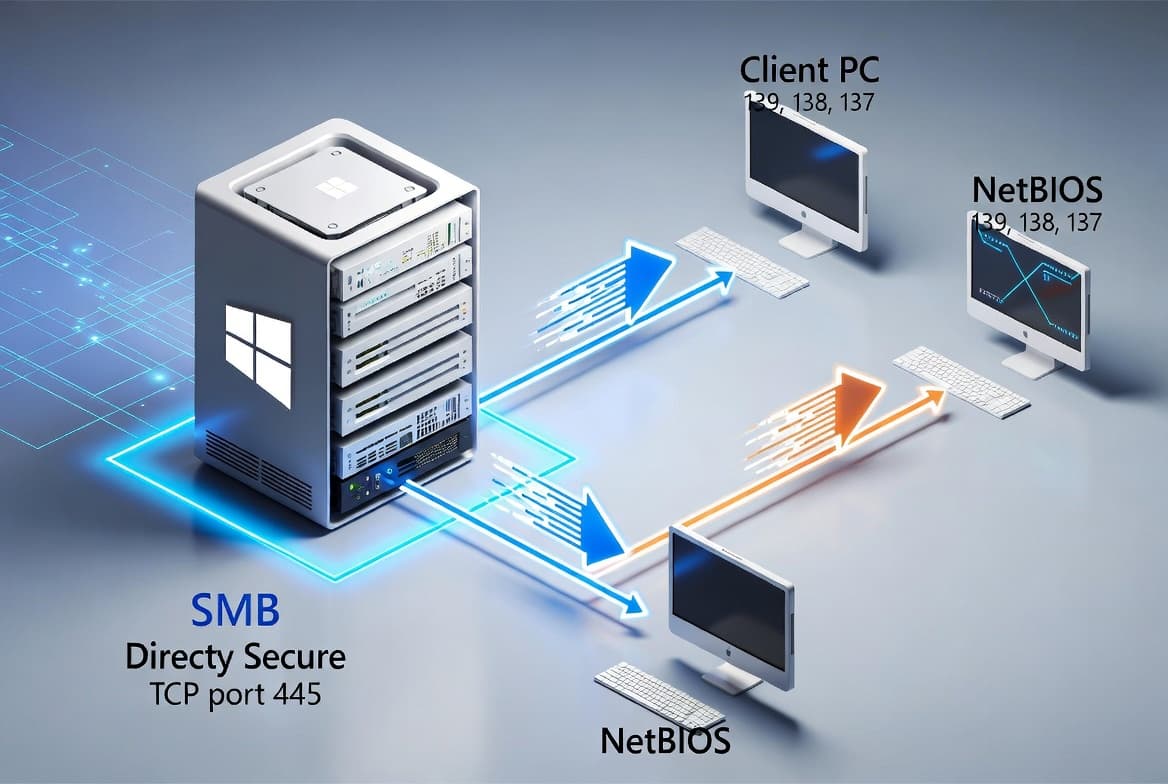
SMBv1 protocol connectivity failure
Symptom: After installing the Windows update released on or after September 9, 2025, connections to shared files and folders using the SMBv1 protocol over NetBIOS over TCP/IP (NetBT) may fail. This can occur when either the SMB client or the SMB server has the September 2025 security update installed. Deployments using SMBv2 or SMBv3 are not affected. Note that SMBv1 is deprecated and is no longer installed by default in modern versions of Windows and Windows Server.
Workaround: This issue is addressed in KB5065790.
How to get this update
Microsoft combines the latest servicing stack update (SSU) with the latest cumulative update (LCU) into a single package for this release. The update is available through the following channels:
- Windows Update and Microsoft Update: The update downloads and installs automatically.
- Windows Update for Business: Deploys automatically in line with configured policies.
- Microsoft Update Catalog: Download the standalone package directly from the catalog.
- Windows Server Update Services (WSUS): Syncs automatically when Products is set to Windows 11 and Classification is set to Security Updates.
To remove the LCU after installing the combined SSU and LCU package, use the DISM /Remove-Package command with the LCU package name as the argument. Running wusa.exe /uninstall against the combined package will not work because the SSU is included and cannot be removed after installation.
Frequently asked questions
Does this update apply to both Windows 11 22H2 and 23H2?
Yes. KB5065431 applies to Windows 11 Enterprise and Education on version 22H2 and to all editions of version 23H2. Both result in the same OS build number - 22621.5909 for 22H2 and 22631.5909 for 23H2. The 23H2 build incorporates all improvements from the 22H2 build with no additional documented changes.
What should I know about the end-of-servicing timeline for Windows 11 22H2?
As of June 26, 2025, Windows 11 version 22H2 Enterprise and Education editions no longer receive non-security preview updates. Monthly security updates continue through October 14, 2025, after which the version reaches end of servicing and will receive no further security updates. Microsoft recommends upgrading to the latest version of Windows 11 before that date.
Is there anything IT admins should do about the Secure Boot certificate expiration?
Secure Boot certificates used by most Windows devices are set to expire starting in June 2026. Microsoft has been pushing updated certificates to consumer and non-managed business devices over recent months. Devices that have not yet received newer certificates will continue to start and operate normally, and standard Windows updates will continue to install. IT administrators should follow the Secure Boot Playbook for Windows clients and Windows Server. Device status can be checked in the Windows Security app.
How do I handle the SMBv1 connectivity issue in a managed environment?
If your environment still relies on SMBv1 over NetBT, connections may fail after applying this update on either the client or server side. The issue is resolved in KB5065790. Because SMBv1 is deprecated, Microsoft also recommends evaluating a migration to SMBv2 or SMBv3, which are not affected by this problem.