KB5078127: Windows 11 Out-of-Band Update (OS Builds 26200.7628 and 26100.7628) - January 24, 2026
Out-of-band cumulative update for Windows 11 versions 25H2 and 24H2, released January 24, 2026, fixing a file system issue causing app hangs with cloud storage.
Summary
KB5078127 is an out-of-band (OOB) cumulative update for Windows 11 versions 25H2 and 24H2, released January 24, 2026, resulting in OS Builds 26200.7628 and 26100.7628. It carries forward all fixes from the January 13, 2026 security update and the January 17, 2026 OOB update, and adds a targeted fix for a file system regression affecting cloud storage access. Source: Microsoft Support
Improvements and fixes
- This update is cumulative and includes all security and non-security fixes from the January 13, 2026 security update (KB5074109) and the January 17, 2026 out-of-band update (KB5077744).
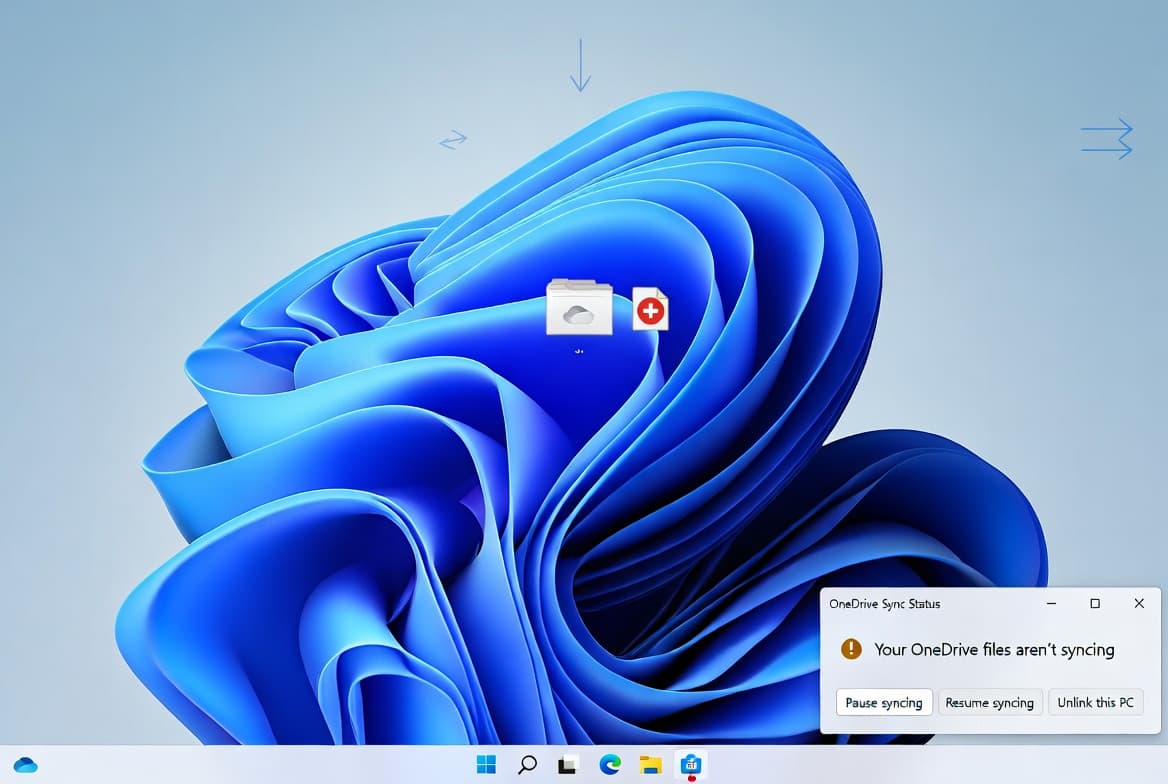
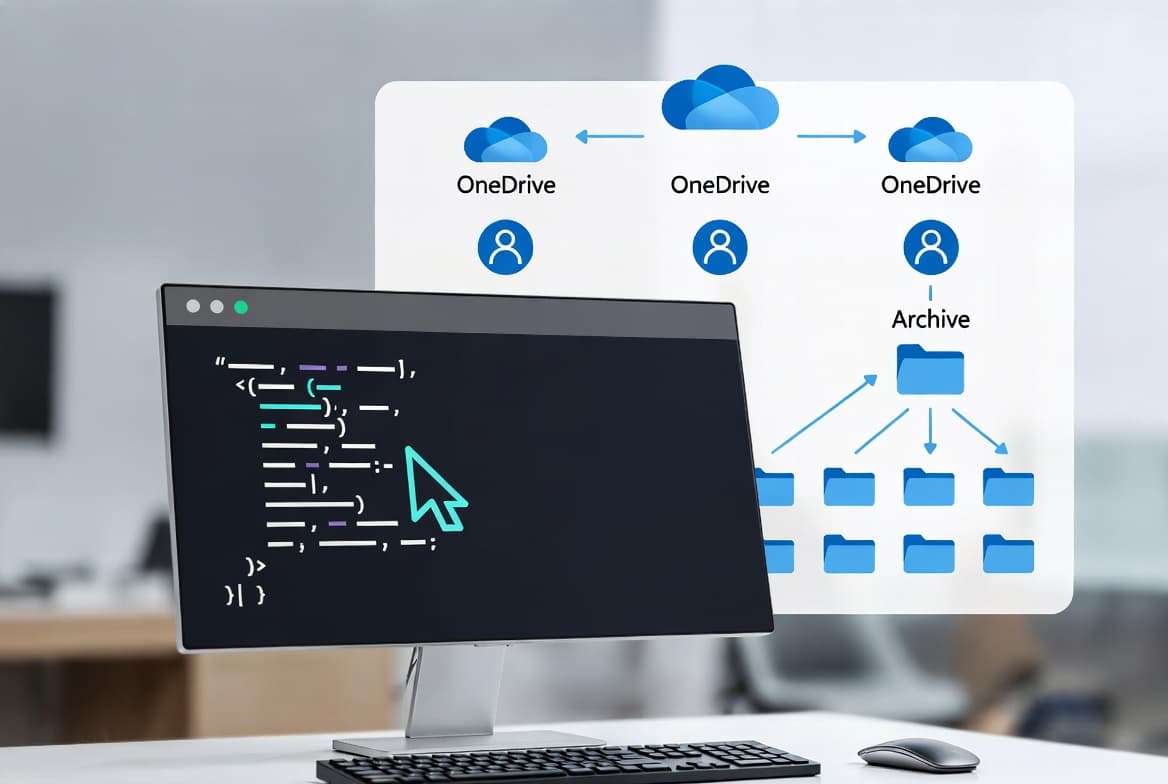
- [File System] Addresses a regression introduced by updates released on or after January 13, 2026, where some applications became unresponsive or returned unexpected errors when opening or saving files to cloud-based storage services such as OneDrive or Dropbox.
- In certain Outlook configurations where PST files are stored on OneDrive, Outlook could hang and refuse to reopen until the process was terminated or the system restarted; this behavior is resolved by this fix.
- Users who experienced missing sent items or previously downloaded emails being re-downloaded due to the same regression will also see that issue addressed.
- Updates several AI components to version 1.2511.1224.0, covering Image Search, Content Extraction, Semantic Analysis, and Settings Model. These AI component updates apply only to Windows Copilot+ PCs and will not install on standard Windows PCs or Windows Server.
- Includes the Windows 11 servicing stack update KB5071142 (version 26100.7295), which improves the reliability of the component responsible for installing Windows updates.
Known issues
Password icon missing on lock screen sign-in
Symptom: After installing the August 2025 non-security preview update (KB5064081) or any later update, the password icon may not appear in the sign-in options on the lock screen. Hovering over the empty space where the icon should be confirms the button is still present and functional. Selecting the invisible placeholder opens the password text box, and sign-in proceeds normally. This issue primarily affects enterprise or managed IT environments; users on Windows Home or Pro on personal devices are very unlikely to encounter it.
Workaround: This issue is addressed in KB5074105.
How to get this update
This update is offered automatically through Windows Update to devices running Windows 11 that have already installed KB5074109 or KB5077744. If the Get the latest updates as soon as they're available toggle is enabled under Settings > Windows Update, the update downloads and installs without further action. If the toggle is off, go to Settings > Windows Update and select Download & install.
For manual deployment, the update is available from the Microsoft Update Catalog. The catalog package contains more than one MSU file. You can either place all MSU files in a single folder and use DISM to install them together (DISM resolves prerequisite ordering automatically), or install each MSU file individually in the prescribed order: first windows11.0-kb5043080-x64 and then windows11.0-kb5078127-x64.
WSUS users should follow the Catalog path described above. IT administrators managing devices through Microsoft Intune or Windows Autopatch should use the expedited quality update workflows specific to those tools.
For devices enrolled in Hotpatch, the same file system fix is delivered via KB5078167, which does not require a restart.
Microsoft now bundles the latest servicing stack update (SSU) with the latest cumulative update (LCU) in a single package. To remove only the LCU after installation, use DISM /online /remove-package with the LCU package name. Running wusa.exe /uninstall against the combined package will not work because the SSU portion cannot be removed once installed.
Frequently asked questions
What problem does this update primarily fix?
This update resolves a file system regression introduced by updates released on or after January 13, 2026. Affected users saw applications hang or crash when accessing files stored in cloud services such as OneDrive or Dropbox. Outlook users with PST files on OneDrive were particularly affected, with the client hanging and requiring a process kill or system restart to recover.
Do devices need to restart after installing this update?
For most devices receiving the update through Windows Update or the Catalog, a restart is required because the package includes the servicing stack update. Devices enrolled in the Hotpatch program can receive the equivalent fix through KB5078167, which is specifically designed to apply without requiring a restart.
Will the AI component updates apply to all Windows 11 devices?
No. Although the AI component updates (Image Search, Content Extraction, Semantic Analysis, and Settings Model, all at version 1.2511.1224.0) are bundled inside this cumulative update package, they only install on Windows Copilot+ PCs. Standard Windows PCs and Windows Server devices will not receive the AI component installation even though the files are present in the package.
How should IT admins deploy this update in managed environments?
Admins using Microsoft Intune should use the expedited Windows quality update workflow. Those using Windows Autopatch should follow the expedited quality update process for that platform. For offline or WSUS-based environments, download the MSU files from the Microsoft Update Catalog and deploy using DISM, following the prescribed installation order for multi-MSU packages.