KB5078167: Windows 11 25H2 and 24H2 January 24, 2026 Hotpatch Out-of-Band (OS Builds 26200.7634 and 26100.7634)
Out-of-band hotpatch for Windows 11 25H2 and 24H2 released January 24, 2026, fixing Remote Desktop failures and cloud file system errors.
Summary
This is an out-of-band hotpatch update - KB5078167 - for Windows 11, versions 25H2 and 24H2, released on January 24, 2026. It targets two regressions introduced by the January 13, 2026 baseline update and brings both affected servicing lines to OS Builds 26200.7634 and 26100.7634. The update improves functionality, performance, and reliability. Source: Microsoft Support.
Improvements and fixes
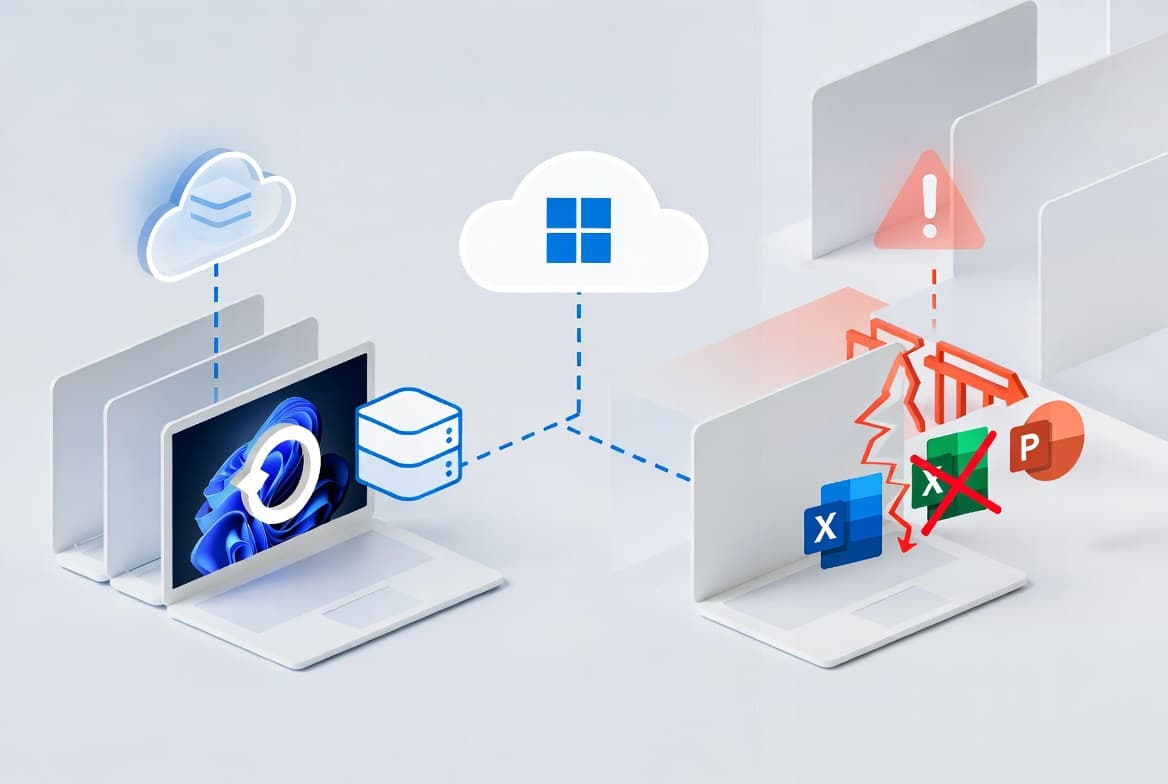
- Remote Desktop - Fixed: After installing the January 13, 2026 Windows update, some users were unable to authenticate and connect via Remote Desktop, resulting in complete login failures. This update resolves that regression.
- File System / Cloud Storage - Fixed: After installing the January 13, 2026 Windows update, certain applications became unresponsive or encountered unexpected errors when opening files from or saving files to cloud-based storage providers (such as OneDrive or Dropbox). A notable real-world impact was Outlook hanging or re-downloading mail when PST files were stored in OneDrive. This update resolves that regression.
Known issues
Microsoft lists no known issues for this update at the time of writing.
How to get this update
This is a hotpatch update, which means it is delivered differently from a standard cumulative update. To receive KB5078167, the following prerequisites must be met:
- The device must be running Windows 11 Enterprise, version 25H2 or 24H2 (Build 26100.4929 or later) with the current baseline update already applied.
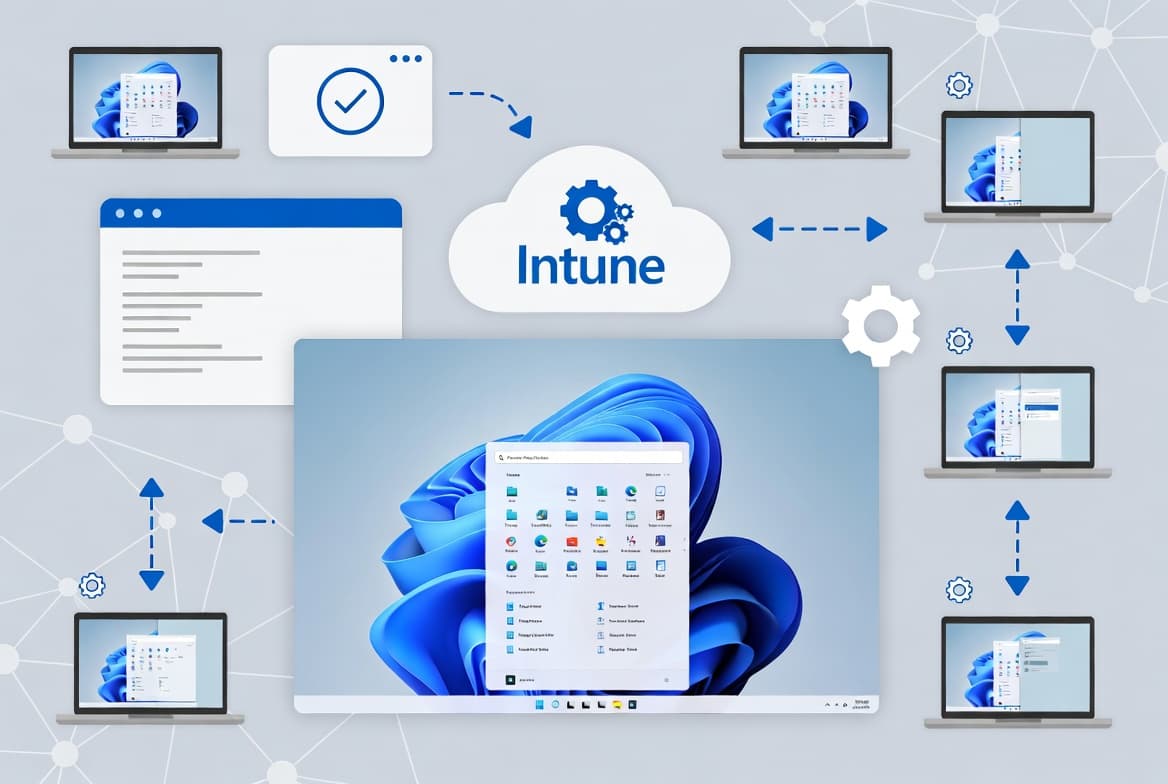
- Microsoft Intune must be configured with a Hotpatch-enabled Windows quality update policy (see "Enroll ARM64 devices to receive Hotpatch updates").
- The device must hold an eligible license: Windows 11 Enterprise E3 or E5, Microsoft 365 F3, Windows 11 Education A3 or A5, Microsoft 365 Business Premium, or Windows 365 Enterprise.
- Virtualization-based security (VBS) must be enabled.
- Compiled Hybrid PE (CHPE) must be disabled.
For full prerequisite details, consult the Hotpatch prerequisites documentation on Microsoft Learn.
Frequently asked questions
Is this a security update or an optional non-security update?
KB5078167 is an out-of-band hotpatch update, not a standard monthly Patch Tuesday security cumulative update and not an optional preview release. It was pushed outside the normal release cadence specifically to address two high-impact regressions - Remote Desktop failures and cloud file system errors - introduced by the January 13, 2026 baseline.
Does installing this update require a device restart?
No. One of the key benefits of the hotpatch delivery mechanism is that it applies patches to in-memory code without requiring a restart at the time of installation. Devices enrolled in a Hotpatch-enabled Intune policy receive the fix immediately without a reboot cycle, reducing disruption for end users and sysadmins alike.
What is the resulting OS build number after this update is applied?
After installing KB5078167, the resulting OS build numbers are 26200.7634 (Windows 11 version 25H2) and 26100.7634 (Windows 11 version 24H2 / Enterprise LTSC 2024). You can confirm the installed build by running winver or checking Settings - System - About.
How can this update be uninstalled if needed?
Microsoft does not document a specific uninstall procedure for hotpatch updates on the KB5078167 page. In general, hotpatch updates can be removed via Settings - Windows Update - Update history - Uninstall updates, or through DISM and WUSA command-line tools. Consult your Intune policy configuration for managed rollback options in enterprise environments.