KB5083768: Windows 11 version 26H1 Security Update (OS Build 28000.1836) - April 14, 2026
April 2026 cumulative security update for Windows 11 version 26H1, bringing OS build 28000.1836 with Secure Boot, networking, and Remote Desktop improvements.
Summary
KB5083768 is the April 14, 2026 cumulative security update for Windows 11 version 26H1, producing OS Build 28000.1836. Released on April 14, 2026, it delivers the latest security improvements alongside non-security fixes carried forward from the previous month's optional preview release. It applies to all editions of Windows 11 version 26H1. Source: Microsoft Support
Highlights
- Secure Boot certificate status can now be viewed in the Windows Security app, with badge and notification alerts - disabled by default on commercial devices.
- Windows quality updates now include additional high-confidence device targeting data to broaden automatic Secure Boot certificate coverage through a controlled, phased rollout.
- A fix is included for devices incorrectly entering BitLocker Recovery after Secure Boot updates are applied.
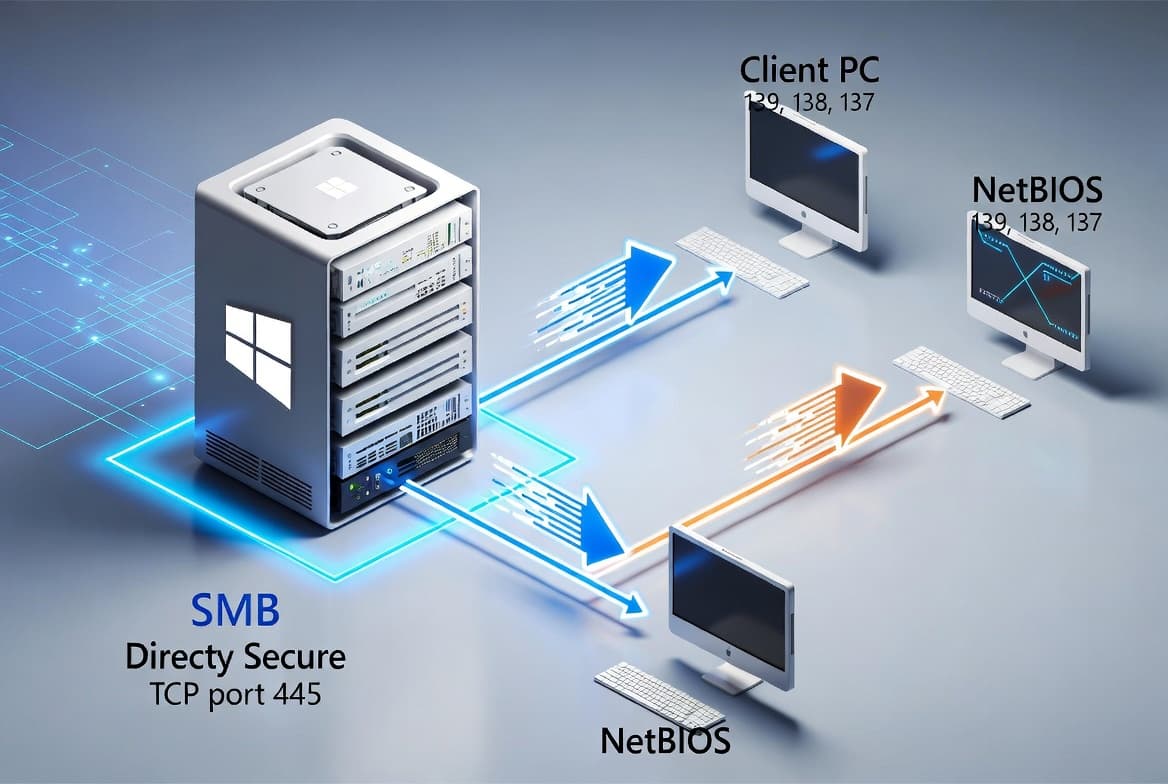
- SMB compression over QUIC receives a reliability improvement, reducing timeouts and inconsistent transfer completion.
- Remote Desktop gains stronger phishing protection: opening an .rdp file now displays all requested connection settings before connecting, with each setting off by default, plus a one-time security warning on first use per device.
Improvements and fixes
- Secure Boot - new feature: Windows 11 version 26H1 can now display the status of Secure Boot certificate updates inside the Windows Security app under Settings > Privacy & security > Windows Security. The feature uses badges and notifications to surface status alerts and is off by default on commercial devices.
- Secure Boot - targeting data: Quality updates now carry additional high-confidence device targeting data, increasing the pool of devices eligible for automatic Secure Boot certificate delivery. Certificates are only pushed after sufficient successful update signals are recorded, keeping the rollout controlled and phased.
- Secure Boot - BitLocker fix: Resolves a bug where a device could fall into BitLocker Recovery mode following the application of Secure Boot certificate updates.
- Networking - SMB over QUIC: Improves reliability of SMB compression requests sent over QUIC, so transfers complete more consistently with fewer timeouts.
- Remote Desktop - phishing protection: Strengthens defenses against phishing attacks that use malicious .rdp files. All connection settings requested by the file are now shown to the user before a connection is established, each toggled off by default. A one-time security warning also appears the first time an .rdp file is opened on a given device.
- AI component updates: The following AI components are updated to version 1.2602.1451.0: Image Search, Content Extraction, Semantic Analysis, and Settings Model. These components apply only to Windows Copilot+ PCs and will not install on standard Windows PCs or Windows Server.
- Carry-forward fixes: Contains all improvements previously shipped in KB5079466 (released March 10, 2026).
Known issues
Warnings related to Remote Desktop might not display correctly
Symptom: After installing this update, the security warning that appears when opening Remote Desktop (RDP) files might not display correctly in some cases. The issue can occur when two or more monitors are in use with different display scaling settings - for example, one display set to 100% and another set to 125%. When this happens, the warning window may show overlapping text or partially hidden buttons, making the message difficult to read or interact with.
Workaround: This issue is addressed in KB5083806.
How to get this update
Microsoft combines the latest servicing stack update (SSU) for your operating system with the latest cumulative update (LCU). The SSU for this release is KB5088834, version 28000.1837. Consult the general servicing stack updates guidance before installing.
- Windows Update / Microsoft Update: The update downloads and installs automatically.
- Windows Update for Business: Downloads and installs automatically in accordance with configured policies.
- Microsoft Update Catalog: The standalone package is available for manual download. Because this KB contains multiple MSU files, install them either all at once using DISM with a shared folder path, or individually in the documented order. The target MSU file for ARM64 devices is
windows11.0-kb5083768-arm64_530e5714099a0c3dcdba7fc1d6fa211d2732639b.msu. - Windows Server Update Services (WSUS): Syncs automatically when Products and Classifications are configured as Product: Windows 11, Classification: Security Updates.
To remove only the LCU after installing the combined SSU and LCU package, use the DISM /Remove-Package command. Running wusa.exe /uninstall against the combined package will not work because the package contains the SSU, which cannot be removed after installation.
Frequently asked questions
Does this update apply to all editions of Windows 11 version 26H1?
Yes. KB5083768 applies to all editions of Windows 11 version 26H1. It does not apply to earlier feature versions of Windows 11 or to Windows 10. Administrators should confirm their managed devices are running version 26H1 before expecting this update to be offered through standard channels.
Will the new Secure Boot certificate status feature be visible on domain-joined or managed commercial devices?
According to Microsoft, the Secure Boot certificate status enhancements - including badge and notification alerts in the Windows Security app - are disabled by default on commercial devices. Administrators should review the associated documentation to understand how to enable or manage these alerts in a managed environment.
What should I do if a device enters BitLocker Recovery after applying this update?
This update specifically addresses a bug that caused devices to enter BitLocker Recovery following Secure Boot certificate updates. If a device enters BitLocker Recovery before this update is applied, the standard BitLocker recovery process applies. Deploying KB5083768 is the documented resolution for the underlying Secure Boot trigger.
Can I install this update offline or on installation media?
Yes. The Microsoft Update Catalog provides a standalone MSU package. For offline or mounted-image scenarios, use DISM with the /Add-Package parameter and the MSU path, or use Add-WindowsPackage in PowerShell. For updating installation media, follow the Dynamic Update process, ensuring any additional Dynamic Update packages match the same month as this KB.