KB5065790 (OS Build 22631.5984) Preview - Windows 11 23H2 - September 23, 2025
Optional preview update for Windows 11 version 23H2, OS build 22631.5984, released September 23, 2025. Addresses authentication, browser, display, input, networking, and printer issues.
Summary
This is an optional, non-security preview update for Windows 11, version 23H2, bringing the OS to build 22631.5984. Released on September 23, 2025, it delivers quality improvements across authentication, browser compatibility, display handling, input methods, networking, printing, and system services. It is not a security update. Source: Microsoft Support
End-of-servicing note: Support for Windows 11, version 23H2 ended November 11, 2025 for Home and Pro editions, and ends November 10, 2026 for Enterprise and Education editions. Microsoft recommends upgrading to the latest version of Windows 11.
Highlights
- This non-security update includes quality improvements.
Improvements and fixes
- Authentication: Fixed an issue that caused the Windows sign-in screen to stop responding after a user entered the SIM PIN during sign-in over a mobile broadband connection.
- Browser: Fixed an issue where Microsoft Edge running in Internet Explorer compatibility mode stopped responding because of certain same-domain redirects.
- Country and Operator Settings Asset (COSA): Updated mobile operator profiles to bring them current for certain carriers.
- Display Kernel: Fixed an issue with display configuration changes during Remote Desktop Protocol (RDP) sessions involving multiple monitors. The system could shut down unexpectedly when disconnected from a docking station during a streaming session.
- Input - Chinese IME character rendering: Fixed an issue where some characters did not display correctly when using the Chinese Input Method Editor (IME).
- Input - empty boxes in text fields: Fixed an issue where certain Chinese characters appeared as empty boxes in some text fields - for example, fields used in Connection Manager Administration Kit - when a character limit was set.
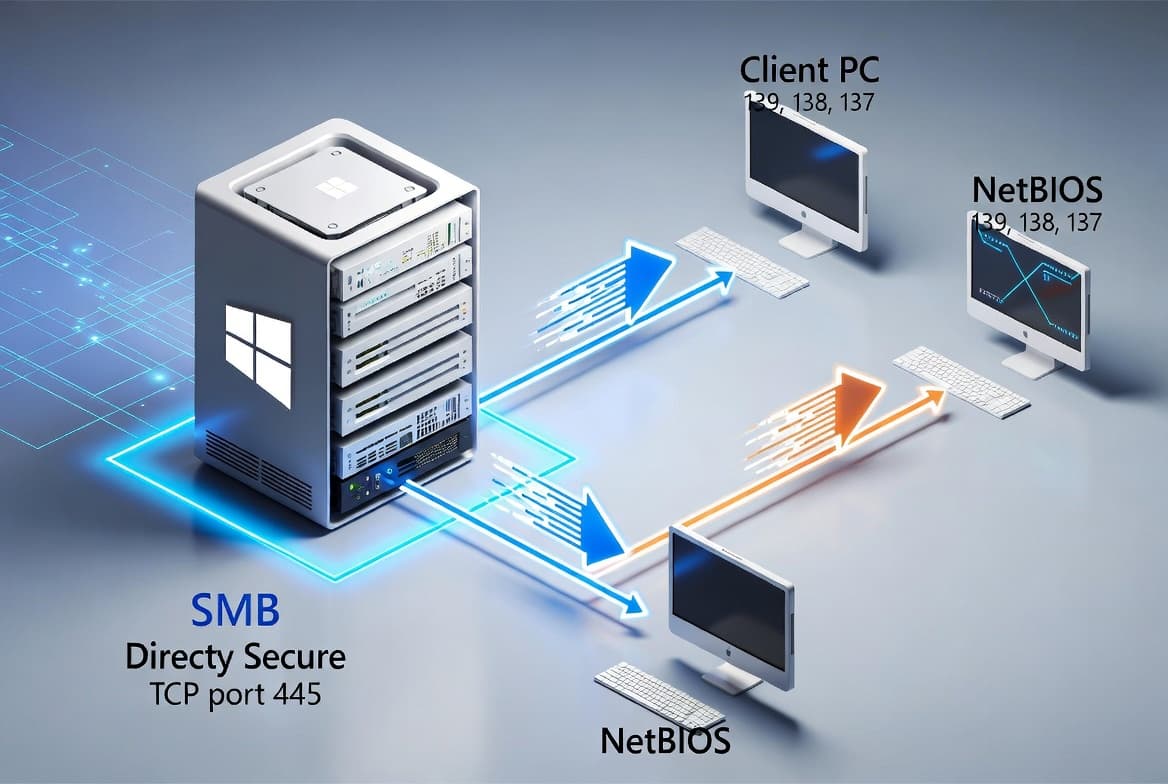
- Networking: Fixed an issue where connecting to shared files and folders over the Server Message Block (SMB) v1 protocol on NetBIOS over TCP/IP (NetBT) could fail. This problem could occur after installing update KB5065431.
- Printer: Fixed an issue where viewing the printer queue in Settings for a shared printer caused the Print Queue user interface to stop working.
- System services and reliability: Fixed an issue that caused the McpManagement service to appear without a description on Windows.
A servicing stack update (SSU), KB5066412 at version 22621.5983, is also included to improve the reliability of the update installation component.
Known issues
Microsoft lists no known issues for this update at the time of writing.
How to get this update
Before installing, note that Microsoft combines the latest servicing stack update (SSU) with the latest cumulative update (LCU) in a single package. No separate SSU installation is required.
- Windows Update: Go to Settings > Update & Security > Windows Update. The update appears in the Optional updates available area. Select the link to download and install it.
- Windows Update for Business: The changes in this preview will be included in the next security update released through Windows Update for Business.
- Microsoft Update Catalog: Download the standalone package directly from the Microsoft Update Catalog.
- Windows Server Update Services (WSUS): Import the update manually from the Microsoft Update Catalog.
Removing the update: To remove the LCU after installing the combined SSU and LCU package, use the DISM /Remove-Package command with the LCU package name as the argument. You can find the package name by running DISM /online /get-packages. Using wusa.exe /uninstall on the combined package will not work because the package includes the SSU, which cannot be removed after installation.
Frequently asked questions
Is KB5065790 a security update?
No. KB5065790 is a non-security preview update. It contains quality improvements and bug fixes only. The fixes addressed here will roll into the next monthly security cumulative update for Windows 11, version 23H2. Organizations that defer optional updates are not missing security patches by skipping this release.
Do I need to install the servicing stack update separately before applying this update?
No separate action is required. Microsoft bundles the servicing stack update - KB5066412, version 22621.5983 - with the cumulative update in a single package. Installing KB5065790 automatically brings in the servicing stack improvements needed for reliable update delivery.
What should I do about the SMB v1 connectivity issue mentioned in this update?
This update directly resolves the SMB v1 over NetBT connectivity problem that could prevent access to shared files and folders after installing KB5065431. Installing KB5065790 applies the fix. If SMB v1 is still required in your environment, installing this update is the recommended resolution.
What is the Secure Boot certificate expiration warning about?
Microsoft notes that Secure Boot certificates used by most Windows devices are set to expire starting June 2026. Microsoft has been pushing updated certificates to consumer and non-managed business devices. Devices that have not yet received newer certificates will continue to start and operate normally. IT administrators should consult the Secure Boot Playbook for Windows clients and Windows Server for managed-environment guidance.