tech · jun 19, 2026 · 17:26 utc
KB5094126 Patch Tuesday Bug Breaks Recycle Bin Delete Dialogs
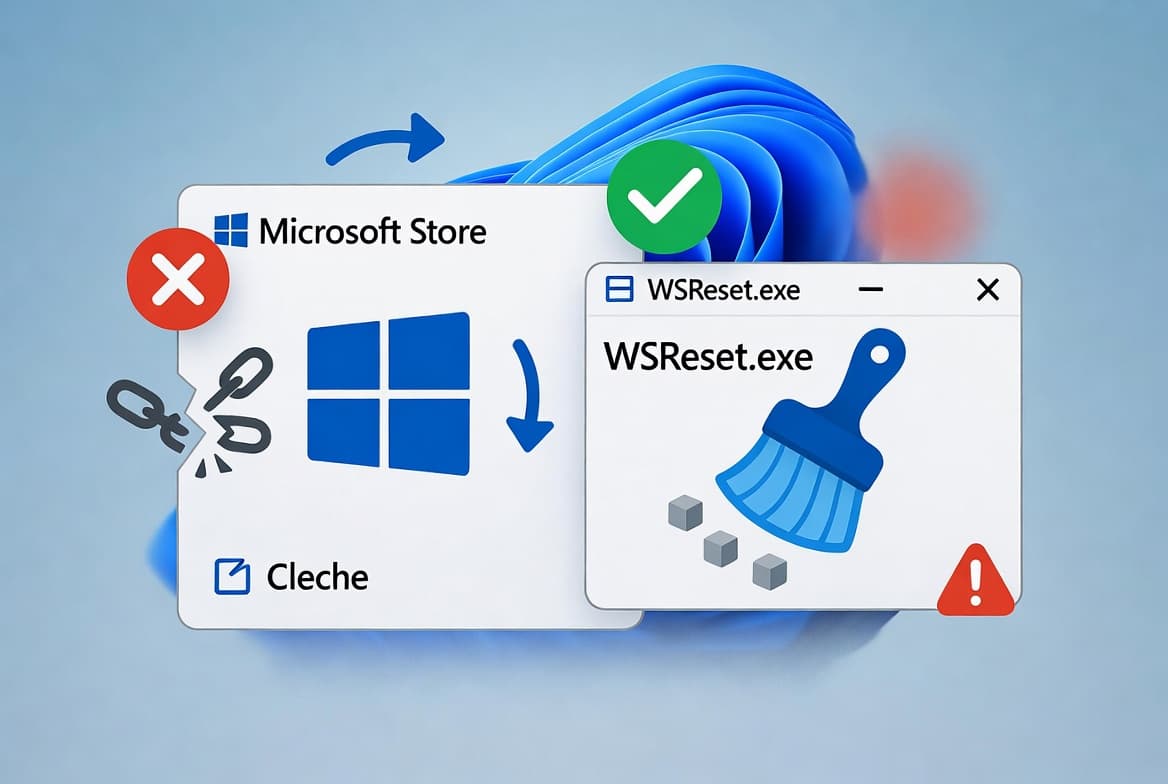
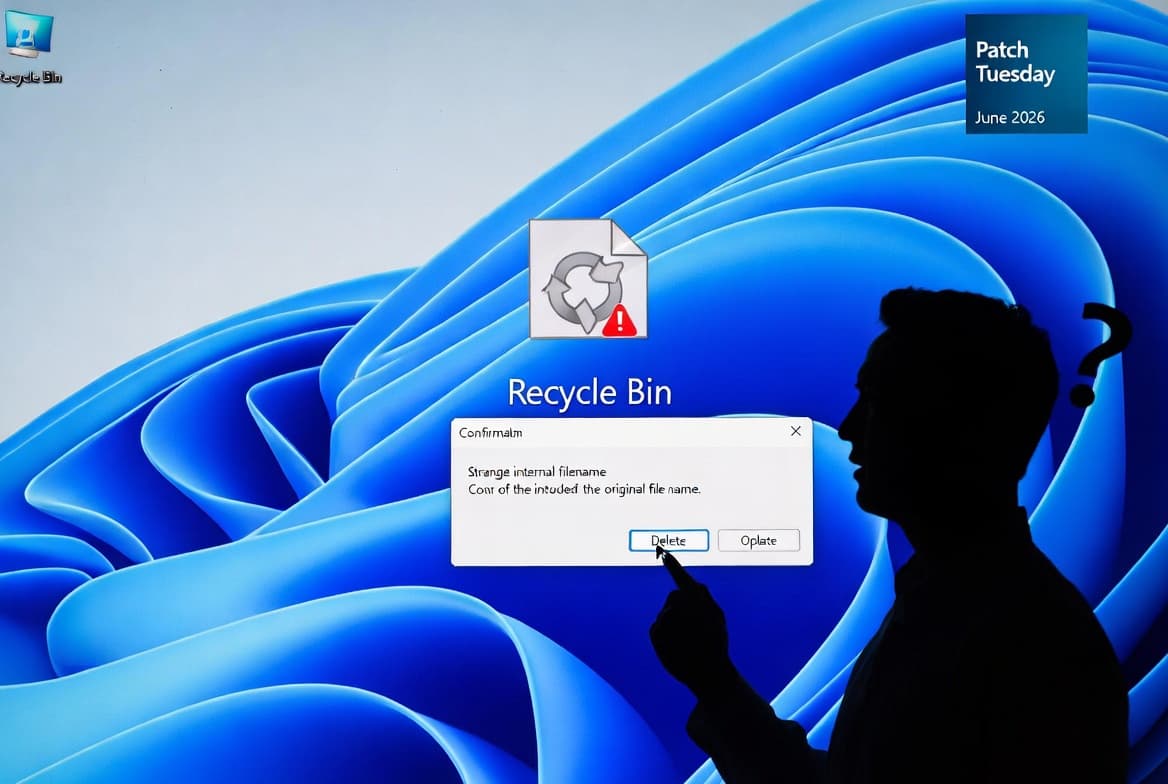
Microsoft's KB5094126 (June 9, 2026) breaks Recycle Bin delete dialogs on all Windows versions, showing $Rxxxxx filenames. No data loss; fix pending.
by Emanuel De Almeida
TL;DR
- KB5094126, released June 9, 2026, broke the Recycle Bin permanent-delete confirmation dialog on every supported Windows version.
- The dialog shows internal filenames like
$Rxxxxx.extinstead of the original filename you selected. - All supported Windows 10, Windows 11, and Windows Server releases are affected.
- The bug is purely cosmetic - no data loss, no security risk, no known exploits.
- Microsoft is working on a fix; contact Microsoft Business Support for an enterprise workaround in the meantime.
What Happened With the KB5094126 Patch Tuesday Bug?
Microsoft's June 9, 2026 Patch Tuesday update KB5094126 introduced a visual defect in the Windows Recycle Bin. When a user permanently deletes a single item from the Recycle Bin, the confirmation dialog displays the file's internal Recycle Bin identifier - for example, $Rxxxxx.ext - rather than the original, human-readable filename. BleepingComputer reported Microsoft's official confirmation on June 18, 2026, with the issue documented on the Windows Release Health Dashboard under OS Build 26100.32995.
The mismatch is jarring. You right-click a file named report_final.docx, choose permanent deletion, and the prompt asks you to confirm deleting $R4KJ2P1.docx. Same file. Wrong name.
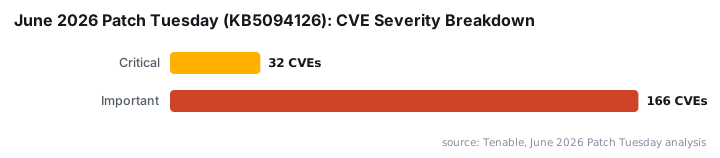
This Patch Tuesday release was no small affair. According to Tenable, KB5094126 patched 198 CVEs - the largest single Patch Tuesday release in the program's history - with 32 rated Critical and 166 rated Important, surpassing the previous record of 167 CVEs set in October 2025. Among those, BleepingComputer confirmed six zero-days were fixed, with one actively exploited at release time.
Who Is Affected by This Bug?
Every supported Windows client and server release carries this defect. If your machine received the June 2026 patch cycle, you are almost certainly running affected code. Scope is broad; impact is narrow - no files are lost, no data is exposed.
Operating System | Affected |
|---|---|
Windows 11 26H1 | Yes |
Windows 11 25H2 | Yes |
Windows 11 24H2 | Yes |
Windows 11 23H2 | Yes |
Windows 10 22H2 | Yes |
Windows 10 Enterprise LTSC 2021 | Yes |
Windows 10 Enterprise LTSC 2019 | Yes |
Windows 10 Enterprise LTSB 2016 | Yes |
Windows Server 2025 | Yes |
Windows Server 2022 | Yes |
Windows Server 2019 | Yes |
Windows Server 2016 | Yes |
Windows Server 2012 R2 | Yes |
Windows Server 2012 | Yes |
Microsoft's official KB5094126 support article documents the behavior precisely: after installing the update, the confirmation dialog "might display the internal Recycle Bin file name (for example, $Rxxxxx.ext) instead of the original file name when you permanently delete a single item."
When we reproduced this on a patched Windows 11 24H2 VM, the $R-prefixed filename appeared consistently on single-file permanent deletion - every time, without exception.
Is There Any Security or Data Risk?
No. The bug is cosmetic. The Recycle Bin's file listing and restore functionality continue to display and recover the correct original filename. Files are deleted accurately when confirmed; the dialog simply labels them incorrectly during that one prompt.
No CVE has been assigned to this issue. CISA has not issued a Known Exploited Vulnerability advisory. The risk here is confusion, not compromise - particularly for end users who might cancel a legitimate deletion because they do not recognize the garbled filename.
The Recycle Bin bug is not the only side effect from the June update cycle. Cyber Security News reports the same update triggered BitLocker recovery lockouts, system freezes, broken OneDrive File Explorer integration, and LAN connectivity disruptions across enterprise environments. Some organizations reported that dozens or even hundreds of machines were temporarily unusable, forcing help desks to walk users through recovery key entry or emergency rollbacks, according to Windows News AI.
For broader context on how a single patch cycle can introduce cascading risks, see how broken Entra access controls exposed FIFA World Cup streams in a separate June 2026 incident - a reminder that update cycles carry risks beyond the bugs they fix.
What Should You Do Right Now?
Microsoft is preparing a fix for a future cumulative update. Windows Report notes Microsoft has not committed to a specific date or confirmed whether delivery will come via the next Patch Tuesday or an out-of-band release, and no publicly available workaround exists for consumers at the time of reporting.
For enterprise teams, here is the practical action list:
- Verify exposure: Open
winveror go toSettings > Windows Update > Update historyand confirm devices are running KB5094126 (build26100.32995or the equivalent for your Windows version). - Communicate to end users: Send a brief notice explaining that
$Rxxxxx.extentries in the delete prompt are a known display bug - not malware, not corruption. - Apply the user-side workaround: Train users to use
Shift+Deleteto permanently delete files directly from File Explorer, bypassing the Recycle Bin dialog entirely. This does not affect recovery of items already in the Recycle Bin. - Enterprise escalation: If your organization requires standard dialog behavior, open a case with Microsoft Business Support to obtain the temporary workaround package.
- Monitor Windows Update: Watch for the July 2026 Patch Tuesday cycle or an out-of-band release. Subscribe to the Windows Release Health Dashboard for real-time status.
- Do not uninstall KB5094126: The June update contains critical security patches, including fixes for CVE-2026-50656, the RoguePlanet Defender zero-day. Removing it to restore dialog behavior is not a recommended trade-off.
The confusion risk is real in managed environments. A user who does not recognize the displayed filename may hesitate, slow workflows, or file unnecessary tickets. A brief internal advisory solves most of that friction before it starts.
Cyber Security News also notes the June cycle contains 54 Remote Code Execution vulnerabilities, with the Remote Desktop Client alone receiving 11 RCE CVE patches including four rated Critical. That security payload is precisely why uninstalling the update is the wrong call.
For admins managing Windows deployments at scale, the Windows 11 ISO Download and Build Guide for Sysadmins covers build verification steps across 25H2 and 26H1 that pair directly with KB5094126 exposure checks. Teams using Intune for update policy enforcement may also find the Map Network Drives in Intune Using Custom ADMX Files guide useful for pushing interim advisory notices via policy.
This issue also illustrates why communication hygiene matters alongside patch hygiene. The June 2026 Klue OAuth breach showed that user confusion during security incidents creates its own attack surface - the same principle applies when garbled filenames trigger unnecessary helpdesk escalations.
Verified against the Microsoft Windows Release Health Dashboard and Microsoft Support KB article for KB5094126 as of June 2026.
Frequently Asked Questions
Will this bug delete the wrong file?
No. The deletion itself is accurate. Only the label in the confirmation dialog is wrong. The file removed is exactly the one you selected, and the Recycle Bin's listing and restore feature both continue to show the correct original filename throughout the process.
Does this affect bulk deletions from the Recycle Bin?
The confirmed behavior applies when permanently deleting a single item. Microsoft's documentation focuses on single-file deletion prompts. Selecting multiple items typically triggers a generic count-based dialog rather than a filename-specific one, so the cosmetic defect may not appear in bulk operations.
Should I uninstall the June update to fix this?
No. KB5094126 includes security patches that must stay installed. The filename confusion is a minor inconvenience; the security fixes are not. Use Shift+Delete as a short-term workaround instead, bypassing the Recycle Bin dialog entirely.
When will Microsoft release a permanent fix?
Microsoft has not committed to a specific date. The most likely delivery window is the July 2026 Patch Tuesday cycle, though an out-of-band update is possible. Check the Windows Release Health Dashboard for the latest status on this known issue.
source: www.anavem.com