KB5091575 - Windows Server 2022 Out-of-Band Update (OS Build 20348.5024)
Out-of-band cumulative update for Windows Server 2022 released April 19, 2026, fixing a critical LSASS/domain controller startup issue introduced by KB5082142.
Summary
This is an out-of-band cumulative update for Windows Server 2022, released on April 19, 2026, producing OS Build 20348.5024. It is not a routine security update - it ships outside the normal Patch Tuesday cadence to address a critical domain controller startup failure introduced by the April 14, 2026 update (KB5082142). See the Microsoft Support page for full details.
Improvements and fixes
- Fixes a critical issue where domain controllers running in multi-domain forests that use Privileged Access Management (PAM) could experience startup failures after installing the April 14, 2026 security update (KB5082142) and restarting. In affected environments, the Local Security Authority Subsystem Service (LSASS) could stop responding, causing repeated restarts and blocking authentication and directory services - effectively taking the domain offline.
- Incorporates all fixes and improvements already delivered in KB5082142 (OS Build 20348.5020), so devices that skipped that update will receive its contents as well.
- Bundles the latest servicing stack update (SSU KB5082137, version 20348.5021) in a single combined package, improving the reliability of the update installation process itself.
Known issues
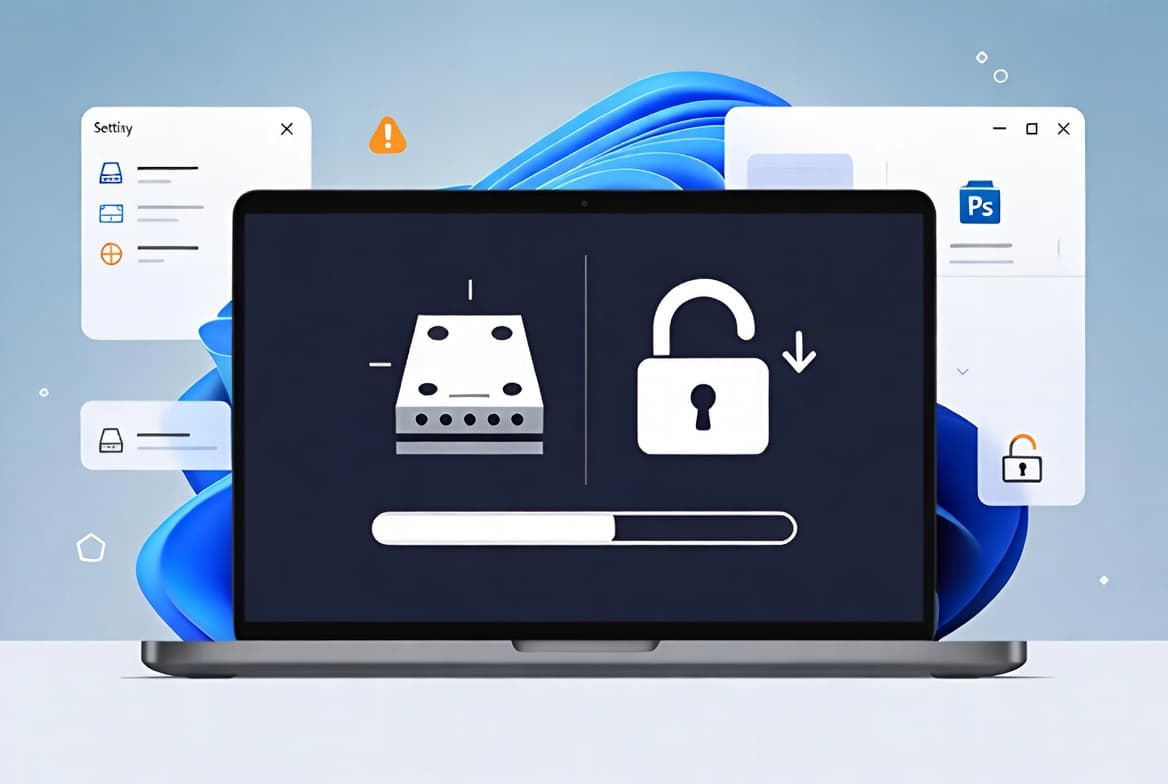
Devices with an unrecommended BitLocker Group Policy configuration might be required to enter their BitLocker recovery key
Symptom: Some devices may be prompted for their BitLocker recovery key on the first restart after installing this update. This affects only devices where all of the following conditions are true: BitLocker is enabled on the OS drive; the Group Policy "Configure TPM platform validation profile for native UEFI firmware configurations" is set and includes PCR7 in the validation profile (or the equivalent registry key is set manually); System Information (msinfo32.exe) reports Secure Boot State PCR7 Binding as "Not Possible"; the Windows UEFI CA 2023 certificate is present in the Secure Boot Signature Database (DB); and the device is not already running the 2023-signed Windows Boot Manager. Recovery key entry is required only once - subsequent restarts will not trigger the recovery screen as long as the Group Policy configuration remains unchanged.
Workaround: Before installing this update, remove the Group Policy configuration by opening Group Policy Editor (gpedit.msc) or Group Policy Management Console, navigating to Computer Configuration > Administrative Templates > Windows Components > BitLocker Drive Encryption > Operating System Drives, and setting "Configure TPM platform validation profile for native UEFI firmware configurations" to "Not Configured". Then run gpupdate /force to propagate the change, followed by manage-bde -protectors -disable C: to suspend BitLocker, then manage-bde -protectors -enable C: to resume it. This updates the BitLocker bindings to use the Windows-selected default PCR profile. Microsoft states a permanent resolution is planned in a future Windows update.
Windows Server Update Services (WSUS) does not display error details
Symptom: After installing KB5070884 or later updates, WSUS does not display synchronization error details within its error reporting. This functionality was temporarily removed to address the Remote Code Execution Vulnerability CVE-2025-59287.
Workaround: None stated beyond acknowledging the functionality was intentionally removed to mitigate the noted vulnerability.
Warnings related to Remote Desktop might not display correctly
Symptom: After installing this update, the security warning that appears when opening Remote Desktop (RDP) files might not display correctly in some cases. This issue can occur when using more than one monitor with different display scaling settings - for example, one display at 100% and another at 125%. When it occurs, the warning window may show overlapping text or partially hidden buttons, making the message difficult to read or interact with.
Workaround: This issue is addressed in KB5087545.
How to get this update
This update is available exclusively through the Microsoft Update Catalog - it does not distribute through Windows Update automatic delivery. You can obtain the standalone package directly from the Microsoft Update Catalog. For guidance on downloading updates from that catalog, Microsoft provides documented steps on the Catalog download page.
WSUS and Windows Update for Business channels are listed as available, but all routes point to the Microsoft Update Catalog as the delivery source for this out-of-band release.
Removing this update: If you need to uninstall the cumulative update (LCU) portion, use the DISM /online /remove-package command with the LCU package name as the argument. You can identify the package name by running DISM /online /get-packages. Do not use the Windows Update Standalone Installer (wusa.exe) with the /uninstall switch on the combined package - this will not work because the SSU is bundled with the LCU and cannot be removed after installation.
Frequently asked questions
Why was this update released outside the normal Patch Tuesday schedule?
Microsoft released KB5091575 out-of-band because the April 14, 2026 security update (KB5082142) introduced a critical regression affecting domain controllers in multi-domain forests using Privileged Access Management. LSASS failures and repeated restarts could make an entire domain unavailable, which warranted an immediate fix rather than waiting for the next scheduled update cycle.
Does this update replace KB5082142, or do I need both?
KB5091575 is cumulative and includes all fixes from KB5082142. If you have already deployed KB5082142, this update delivers only the additional fixes on top of it. If you skipped KB5082142, installing this update will cover its contents as well, so you do not need to install both separately.
How do I know if my domain controllers are affected by the LSASS issue?
The issue affects domain controllers in multi-domain forests that have Privileged Access Management (PAM) configured and have already installed the April 14, 2026 update (KB5082142). If those controllers are experiencing repeated restarts or LSASS failures following that update, installing KB5091575 is the documented resolution.
What is the Secure Boot certificate expiration notice about, and do I need to act now?
Microsoft has flagged that Secure Boot certificates used by most Windows devices are set to expire starting in June 2026. Consumer and non-managed business devices have been receiving updated certificates via Windows Update for several months. Devices that have not yet received the newer certificates will continue to start and operate normally, and standard Windows updates will continue to install. IT administrators should review the Secure Boot Playbook for Windows clients and Windows Server for managed environment guidance, and can check device status via the Windows Security app.