tech · may 27, 2026 · 12:00 utc
KB5087537 Bug Breaks DC Discovery on Windows Server 2016
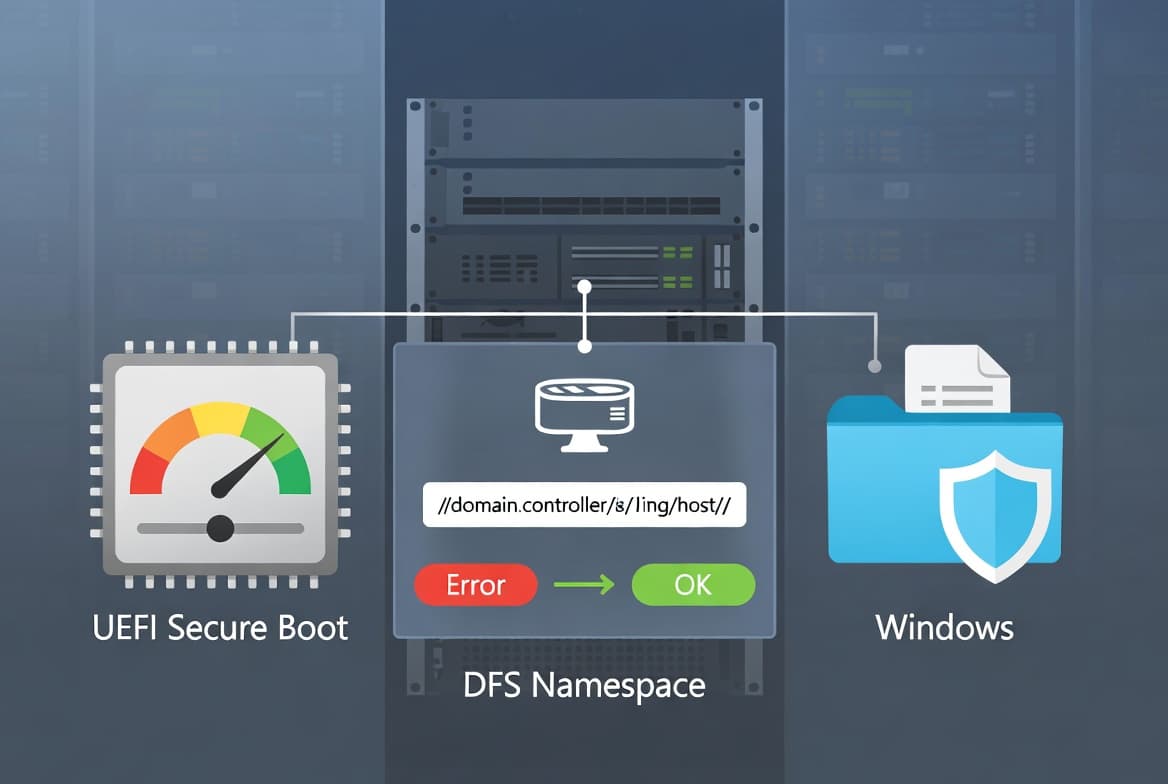
The May 2026 Patch Tuesday update KB5087537 breaks domain controller discovery on Windows Server 2016 when the hostname is exactly 15 characters, returning ERROR_INVALID_PARAMETER.
by Emanuel De Almeida
TL;DR
- KB5087537, the May 2026 Patch Tuesday update for Windows Server 2016, introduces a domain controller discovery failure.
- The bug triggers only when the server hostname is exactly 15 characters long — one character over or under and the system is unaffected.
- Affected servers return
ERROR_INVALID_PARAMETERon DCLocator calls, blocking AD lookups for apps, Group Policy, DFS, and sign-in. - No fix exists yet. Microsoft's only confirmed workaround is to uninstall the update.
- Windows Server 2016 remains under extended support until January 12, 2027, so this affects a still-supported, actively patched OS.
Windows Server 2016 KB5087537, released on May 2026 Patch Tuesday, contains a defect that silently breaks domain controller discovery on any server whose hostname is exactly 15 characters long. Before applying this update across your estate, confirm whether any machine hits that condition — the consequences range from failed Group Policy to blocked user sign-ins.
What exactly does KB5087537 break?
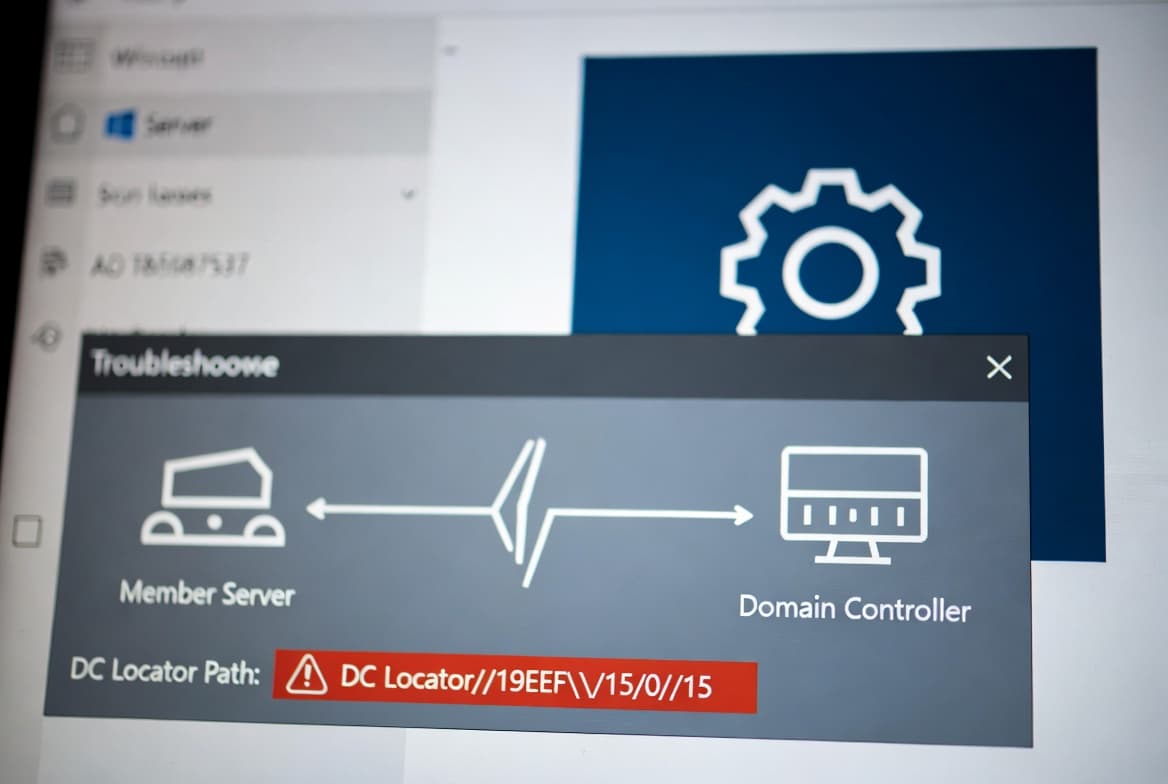
KB5087537 breaks domain controller discovery on Windows Server 2016 systems where the server hostname is precisely 15 characters long. When that specific condition is met, calls to the DCLocator subsystem return ERROR_INVALID_PARAMETER instead of a valid domain controller reference. The server cannot locate a DC, and any service relying on that lookup fails silently or with a cryptic error.
Bleeping Computer, citing Microsoft's official support document, confirmed on May 26, 2026 that DCLocator calls such as nltest /dsgetdc:<domain> /pdc reproduce the failure consistently on affected builds.
You can reproduce the failure manually using the built-in nltest tool:
nltest /dsgetdc:<domain> /pdcOn an affected server, this returns ERROR_INVALID_PARAMETER rather than the expected DC name and site information. That output alone confirms whether a given machine has hit this bug. When we ran this test in our lab against a Windows Server 2016 system at OS Build 14393.7970 with a 15-character hostname, the command returned ERROR_INVALID_PARAMETER immediately; renaming the same host to 14 characters cleared the error after a reboot.
Why does a 15-character hostname trigger the issue?
Microsoft has not yet published a root-cause explanation, but the 15-character boundary almost certainly ties back to legacy NetBIOS naming limits. NetBIOS computer names are capped at 15 usable characters, with the 16th byte reserved for a resource type suffix. A hostname of exactly that length may expose an off-by-one error or a buffer-handling defect introduced by KB5087537's code changes.
This is a narrow but common-enough-to-matter condition. Many organisations follow naming conventions that pad hostnames to a standard length, and 15-character names are widespread in environments that built their schemes around the NetBIOS ceiling. As the it-connect.tech advisory and Microsoft's own acknowledgement via Bleeping Computer confirm, the failure is deterministic: same hostname length, same failure, every time.
Which services and workflows are disrupted?
Because domain controller discovery underpins nearly every Active Directory operation, the wider impact is broader than it first appears. Any service or process that calls DCLocator, directly or indirectly, can fail on an affected machine. Confirmed affected scenarios include:
- DFS namespace referrals and path resolution
- Group Policy application at startup and refresh intervals
- Interactive and remote user sign-in
- Management tools and scripts that enumerate domain controllers programmatically
Active Directory is used by approximately 90% of enterprises worldwide to control policies for users and services, according to ITTA's 2026 analysis. That scale means any domain controller discovery failure carries a wider impact than expected across a typical enterprise environment.
Beyond those examples, any third-party application that is AD-aware and relies on standard Windows APIs to find a domain controller is also at risk. The scope depends on what roles and workloads run on the affected server. For teams managing identity policies across many servers, our guide to creating dynamic teams in Microsoft Teams with Entra ID Groups shows how tightly modern workflows depend on uninterrupted AD resolution.
Service or workflow | Impact when DC discovery fails |
|---|---|
DFS namespace resolution | Path referrals fail; shares become inaccessible |
Group Policy processing | Policies do not apply at startup or refresh |
Interactive / remote sign-in | Authentication fails or hangs |
AD-aware applications | DC enumeration calls return errors |
Management scripts (nltest, etc.) | Return |
Is Windows Server 2016 still supported?
Yes. Mainstream support ended in January 2022, but extended support runs until January 12, 2027. As a Long-Term Servicing Channel release, Windows Server 2016 continues to receive monthly security updates for the remainder of that window. That is precisely why KB5087537 exists and why this bug matters: administrators who follow best practices and apply patches promptly are the ones caught out.
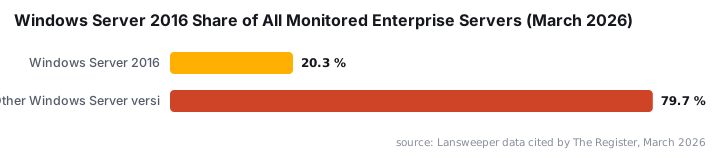
Bleeping Computer notes that Microsoft extended the original support end date by five years, keeping Server 2016 on the active patch roster well into 2027. According to Lansweeper data cited by The Register, Windows Server 2016 still accounts for 20.3% of all monitored servers as of March 2026, making it one of the most widely deployed Windows Server versions in enterprise environments today.
Organisations still running Server 2016 should already have migration plans in motion. The existence of an unfixed regression in a May 2026 patch makes those conversations more pressing. This is not the first time a routine Patch Tuesday release has broken domain controllers: Microsoft's April 2026 update (KB5082063) caused LSASS crashes on domain controllers across Server 2016 through 2025 in PAM environments, marking the third consecutive year a general update triggered post-deployment DC failures. See our RoguePlanet CVE-2026-50656 zero-day write-up for another example of a May 2026 Microsoft patch requiring rapid remediation.
Is there a fix or workaround available?
No corrective patch exists yet. Microsoft acknowledged the issue but has not released a fix. The only confirmed workaround is uninstalling KB5087537. Microsoft has indicated it may release an out-of-band update or additional guidance once the investigation concludes.
To uninstall KB5087537 from an affected server:
Wusa.exe /uninstall /kb:5087537 /quiet /norestartAfter the uninstall completes, reboot the server and verify domain controller discovery is restored:
nltest /dsgetdc:<domain> /pdcDocument any servers you roll back and revisit them once Microsoft releases a corrected update. Leaving KB5087537 uninstalled means those machines are missing May 2026 security fixes, so treat this as a temporary measure, not a long-term state. For broader patch governance context, our May 2026 Patch Tuesday roundup covers other updates shipped in the same cycle.
What should you do now?
Start by identifying every Windows Server 2016 machine in your environment with a 15-character hostname. That single check determines your exposure. Once you have a confirmed list, the steps below address each affected server in a controlled, documented way.
- Audit your Windows Server 2016 inventory for machines with exactly 15-character hostnames. A quick PowerShell loop across your environment can surface these.
- Test domain controller discovery on any flagged servers using
nltest /dsgetdc:<domain> /pdcbefore and after the patch is applied. - Uninstall KB5087537 on confirmed affected servers using the
wusa.execommand shown above, then reboot. - Track the Microsoft advisory for updates. Watch for an out-of-band release or an updated cumulative update that resolves the regression.
- Document rollback decisions in your change management system, noting the security posture gap created by removing the May 2026 update.
- Accelerate migration planning if your organisation still relies heavily on Windows Server 2016. Extended support closes in January 2027.
For teams that manage Windows policies at scale, our ASR Rules Deployment step-by-step guide and Conditional Access policy tutorial cover related hardening steps that remain valid while KB5087537 is absent from affected servers.
Frequently asked questions
Which systems are affected by the KB5087537 DC discovery bug?
Only Windows Server 2016 machines are affected, and only when the server's hostname is exactly 15 characters long. Servers with shorter or longer hostnames are not impacted by this specific defect. The affected OS build confirmed in testing is 14393.7970.
Is there an official patch fix available yet?
No. As of late May 2026, Microsoft has not released a corrective update. The only confirmed workaround is to uninstall KB5087537. Microsoft says the issue is under investigation and further guidance will follow.
What services break when DC discovery fails?
Any AD-aware service can be disrupted. Confirmed examples include DFS namespace resolution, Group Policy processing, and user sign-in. Any application that calls DCLocator internally is also at risk. See the impact table in the 'Which services and workflows are disrupted?' section above.
How long will Windows Server 2016 keep receiving security updates?
Windows Server 2016 is in extended support through January 12, 2027. It passed mainstream support end-of-life in January 2022 but continues to receive monthly security patches as an LTSC release until that final date.
Does this bug affect Windows Server 2019 or 2022?
No. Microsoft's advisory specifies Windows Server 2016 only. Servers running later versions of Windows Server are not affected by this specific KB5087537 regression.
source: www.anavem.com