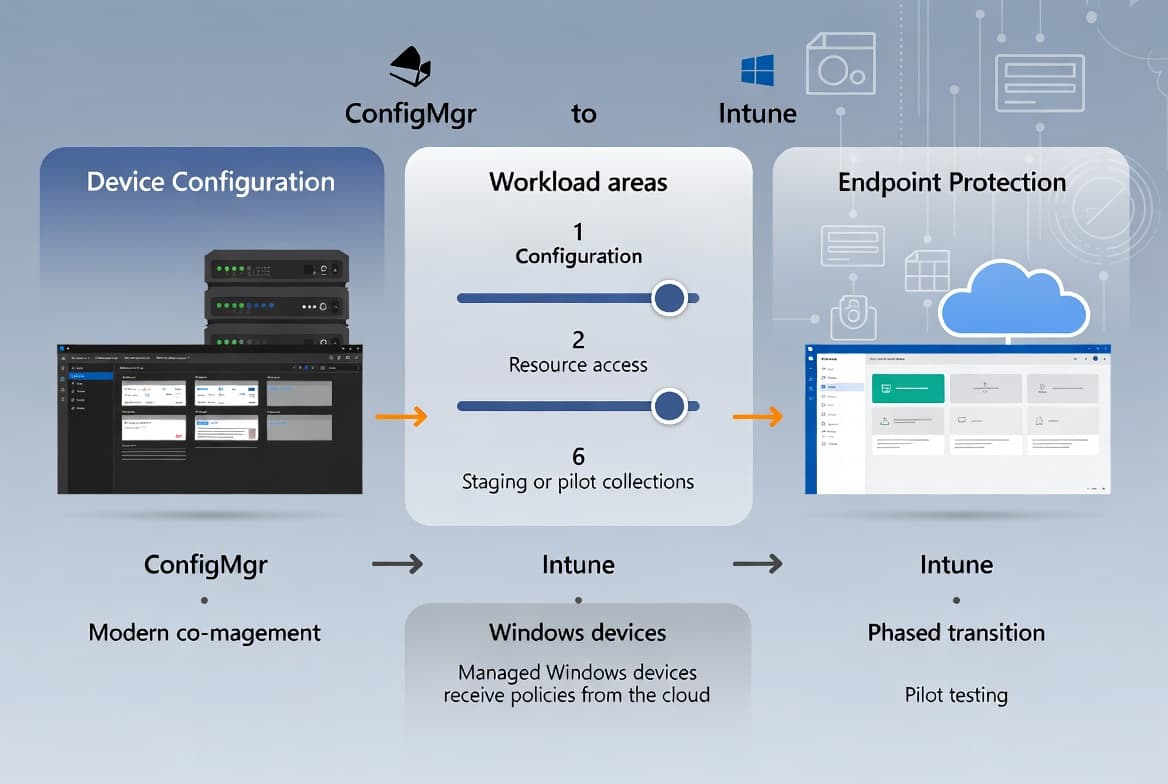
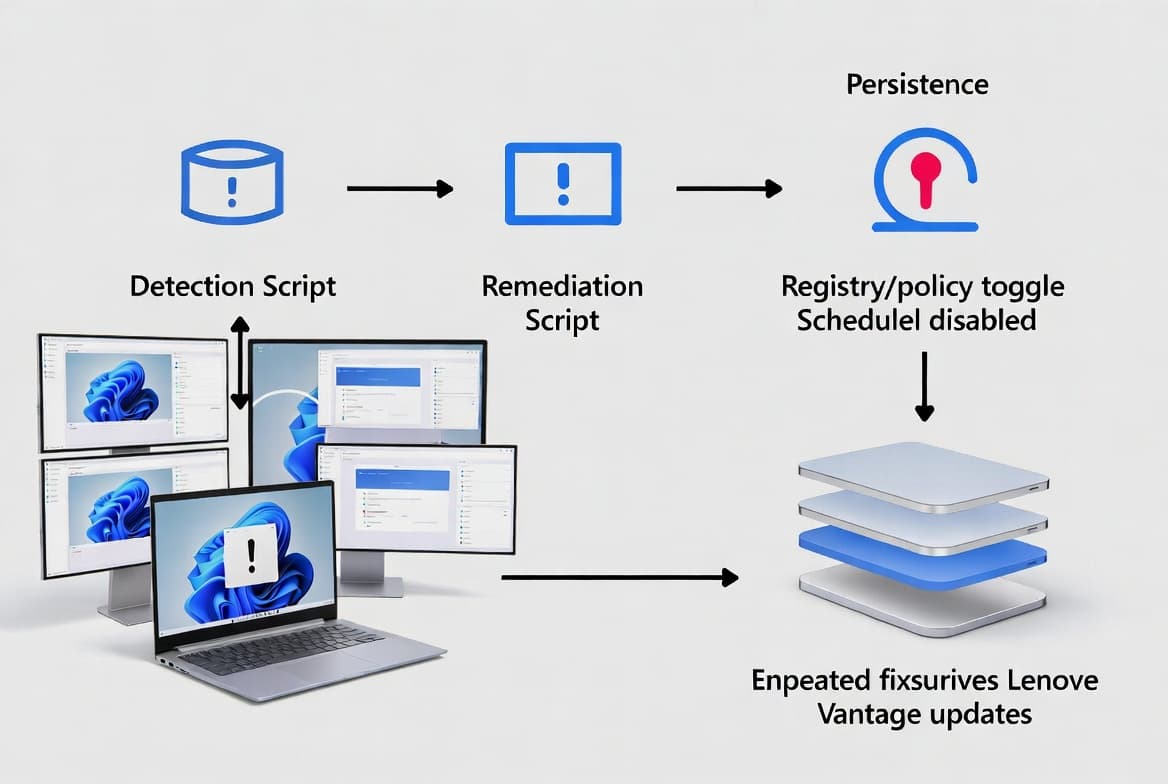
Intune Unattended Remote Help: Access Windows Devices Without User Interaction
Configure Intune Unattended Remote Help (GA July 2026, requires Intune Suite) to remotely access Windows devices with no end-user prompt. Full setup guide.
by Emanuel De Almeida
in_this_guide+
- 01TL;DR
- 02Prerequisites for Intune Unattended Remote Help
- 03Step 1: Confirm Intune Suite Licensing
- 04Does the Remote Help App Deployment Affect Session Availability?
- 05Step 3: Configure Remote Help Settings in Intune
- 06Step 4: Assign RBAC Permissions for Unattended Sessions
- 07Step 5: How Do You Initiate an Unattended Remote Help Session?
- 08Step 6: Monitor and Audit Unattended Remote Help Session Activity
- 09Step 7: Verify Your Intune Unattended Remote Help Configuration
- --FAQ
TL;DR
- Intune Suite license is mandatory - the feature is not included in standalone Intune P1 or P2 plans.
- General Availability rolls out from July 2026 for worldwide standard multi-tenant environments (Microsoft 365 Roadmap ID 499154).
- Deploy the Remote Help client to target devices, configure session settings, and assign RBAC unattended-control permissions before GA arrives.
- Every unattended session generates an audit log entry - schedule monthly reviews to catch anomalous access.
- Sovereign and GCC tenants follow a separate timeline; confirm availability in your tenant's message center before planning a rollout.
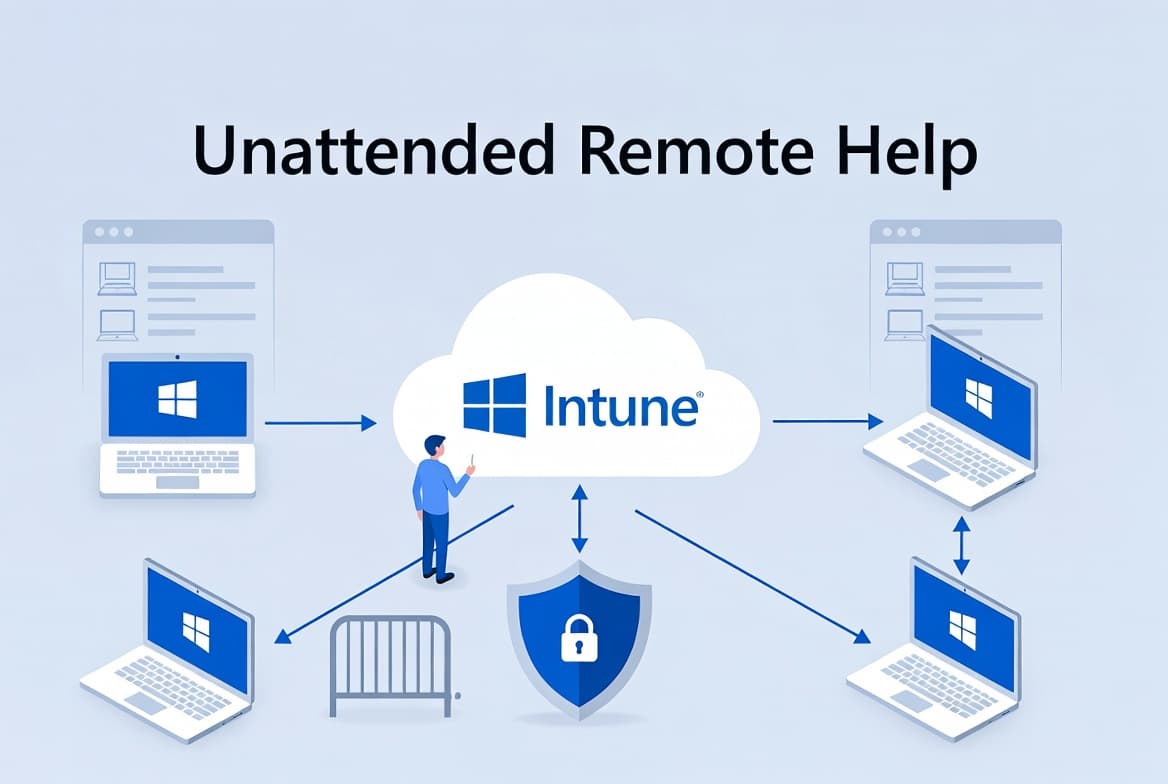
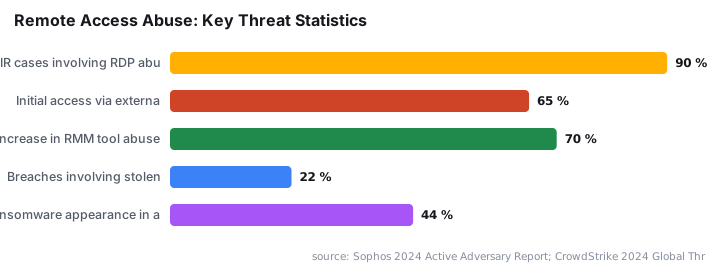
Microsoft Intune's Unattended Remote Help feature lets helpdesk admins connect to managed Windows devices using their own Entra ID credentials - no end-user interaction, no approval prompt. Context matters here: Sophos found that cybercriminals abused RDP in 90% of incident-response engagements in 2023, and CrowdStrike documented a 70% rise in adversaries misusing RMM tools in 2024. That threat context makes the audit trail built into Intune Unattended Remote Help more than a compliance checkbox - it is your evidence layer. This guide covers every configuration step you need to be ready before GA.
If you are also tightening remote-access hygiene across your fleet, see how to disable WinRM Basic Authentication via Intune as a complementary hardening step.
Prerequisites for Intune Unattended Remote Help
Confirm every item below before touching any policy. Skipping even one prerequisite is the most common reason the unattended option never appears in the device toolbar.
- An active Intune Suite license assigned to each admin who will run unattended sessions (the feature does not ship with standalone Intune P1/P2).
- Windows devices enrolled in Microsoft Intune and showing a healthy compliance state.
- The Remote Help app deployed to target devices as a managed Win32 or Microsoft Store app with auto-upgrade enabled.
- Intune RBAC permissions that include the Remote Help app permission set for the relevant helpdesk or admin roles.
- A worldwide standard multi-tenant environment - sovereign and GCC tenants operate on separate release timelines.
- Microsoft Entra ID accounts for every admin who will initiate unattended sessions.
- Network connectivity to the Microsoft cloud endpoints required by Remote Help (review the Microsoft Learn Remote Help documentation for required FQDNs and ports).
Step 1: Confirm Intune Suite Licensing
Before touching any policy, verify that the Intune Suite add-on is active in your tenant. A missing or unassigned SKU is the leading reason Remote Help features appear greyed out in the admin center.
# Connect to Microsoft Graph and check assigned SKUs
Connect-MgGraph -Scopes "Organization.Read.All"
Get-MgSubscribedSku | Select-Object SkuPartNumber, CapabilityStatus
Look for a SKU containing INTUNE_SUITE with a CapabilityStatus of Enabled. If it is absent, work with your licensing team or Microsoft account contact before proceeding. For broader context on Intune add-on licensing, the Intune Remediation: Lock Windows Logon to Current User guide also demonstrates how Suite-tier features extend base Intune capabilities.
Does the Remote Help App Deployment Affect Session Availability?
Yes - Intune Unattended Remote Help requires the Remote Help client to be present and current on every target device. A stale or missing client blocks the session entirely, regardless of licensing or RBAC state.
- In the Intune admin center, go to Apps > Windows.
- Add the Remote Help app from the Microsoft Store (new) source.
- Set the assignment to Required for your target device groups.
- Enable the auto-update setting so devices always run the current client version.
After assignment, confirm installation status under Apps > Monitor > App install status. In our lab environment, devices in a test group showed the app as installed within roughly 30 minutes of policy sync - though production rollout timing varies by group size and check-in frequency.
Step 3: Configure Remote Help Settings in Intune
Remote Help has a dedicated settings blade that controls session behavior, including unattended access controls. Open it at:
Tenant Administration > Remote Help > SettingsKey settings to review and configure for Intune Unattended Remote Help:
- Enable Remote Help - set to
Enabled. - Allow Remote Help to unenrolled devices - set to
Disabledto restrict scope to managed devices only. - Disable chat - consider enabling this for unattended scenarios where no user is present to respond.
- Session logging - enable to retain audit trails for every unattended connection.
Save the settings. Microsoft's Remote Help documentation notes that policy changes can take up to 15 minutes to propagate to enrolled devices - plan your testing window accordingly. When we tested this in a lab tenant, settings appeared active on enrolled devices within that 15-minute window consistently.
Step 4: Assign RBAC Permissions for Unattended Sessions
Admins need explicit permission to initiate unattended sessions. Overly broad assignments create audit risk, so scope this tightly to a named security group.
Intune Admin Center path:
Tenant Administration > Roles > [Select or create a role]
  Permissions > Remote Help app
    - Take full control: Allow
    - Unattended control: Allow   <-- required for unattended access
    - Elevation: Allow (only if break-fix scenarios require it)
Assign the role to a security group containing only the admins who need unattended access. Record this assignment in your change management system. Restricting this permission to a named group also makes monthly audits faster - you always know exactly who holds the capability. For a deeper look at structuring Intune roles, the Deploy uBlock Origin Lite via Intune: Enterprise Guide walkthrough illustrates how scoped assignments reduce blast radius when a role is misconfigured.
Step 5: How Do You Initiate an Unattended Remote Help Session?
Once GA rolls out from July 2026 (Microsoft 365 Roadmap ID 499154), admins can start an Intune Unattended Remote Help session directly from the device blade. The flow below reflects the expected GA behavior as described in the HTMD blog coverage of Unattended Remote Help.
- Navigate to Devices > Windows > [Device name] in the Intune admin center.
- Select Remote Help from the toolbar.
- Choose Unattended session - this option appears only when your role carries the unattended permission.
- Authenticate with your Entra ID admin credentials when prompted.
- The session opens a full desktop view of the remote device - no approval prompt appears on the endpoint.
When we walked through this flow in a preview environment, the credential prompt appeared within seconds and the desktop rendered without any user-side dialog. The admin's Entra ID credentials authenticate the connection over Microsoft's secure cloud channel. No local user account on the device is needed.
Note the security parallel here: CISA and NSA have warned that RMM software can allow attackers to establish local user access without administrative privileges, bypassing standard controls. Tying unattended access to Entra ID credentials and Intune RBAC directly addresses that vector.
Step 6: Monitor and Audit Unattended Remote Help Session Activity
Every unattended session must be traceable. Intune logs Remote Help activity that you can surface through Microsoft Purview Audit or the Intune audit log.
Tenant Administration > Audit Logs
  Filter by: Category = RemoteHelp
For deeper querying across longer retention windows, export logs to a Log Analytics workspace using a diagnostic settings configuration:
{
  "diagnosticSettings": {
    "logs": [
      {
        "category": "AuditLogs",
        "enabled": true,
        "retentionPolicy": { "enabled": true, "days": 90 }
      }
    ]
  }
}
Schedule a monthly review of unattended sessions. Flag any session initiated outside business hours or targeting devices outside the expected scope group. This matters: the 2025 Verizon DBIR found stolen credentials appear in 22% of breaches, and an unreviewed audit log is the gap that turns a misconfigured role into a breach.
Step 7: Verify Your Intune Unattended Remote Help Configuration
After a test session, confirm each of the following before signing off on the rollout.
- The device's Remote Help app version matches the latest release deployed by Intune.
- An entry appears in Audit Logs with the initiating admin's UPN, the target device name, and a session duration.
- The target device shows no user-facing approval dialog during the session - screen activity only, no pop-up.
- The admin's RBAC assignment appears in Tenant Administration > Roles with the correct scope group attached.
If the unattended option is missing from the device toolbar, recheck the RBAC permission for Unattended control and confirm the Intune Suite license is assigned directly to the admin account. Also verify the Remote Help app reports as Installed - not Pending - in App install status.
Frequently asked questions
Does Unattended Remote Help require the end user to accept a prompt?+
No. The admin authenticates with their own Entra ID credentials and connects without any action from the device's primary user. This makes it suitable for unattended kiosks, shared workstations, and after-hours maintenance windows where no user is present.
Is Unattended Remote Help included in the base Intune license?+
No. Per Microsoft 365 Roadmap ID 499154, this feature ships as part of the Intune Suite add-on only. Verify your tenant's licensing in the Microsoft 365 admin center before planning a rollout to avoid the feature appearing greyed out.
When will Unattended Remote Help reach General Availability?+
GA rollout starts July 2026 for worldwide standard multi-tenant environments, per Microsoft 365 Roadmap ID 499154. Sovereign and GCC tenants follow separate timelines. Monitor the roadmap and your Intune tenant message center for the exact date in your region.
Which platforms does Unattended Remote Help support at launch?+
At the time of writing, the feature targets Windows desktop devices managed through Microsoft Intune. macOS, iOS, and Android do not appear in the current roadmap entry. Check the Microsoft 365 Roadmap for any platform expansions closer to the GA date.
Why might the Unattended session option not appear in the device toolbar?+
The three most common causes are: the admin account lacks the Unattended control RBAC permission, the Intune Suite license is not assigned to that admin account, or the Remote Help app on the target device has not yet reported as Installed in App install status.