tech · jun 23, 2026 · 20:56 utc
KB5095093: Windows 11 Point-in-Time Restore & Office Bug
KB5095093 (June 23, 2026) adds VSS snapshots covering 72 hours on drives 200 GB+ and breaks OLE automation for Office on 24H2/25H2 (build 26100.8737).
by Emanuel De Almeida

TL;DR
- KB5095093, released June 23, 2026, is an optional preview cumulative update for Windows 11 versions 24H2 and 25H2, advancing both to OS builds 26100.8737 / 26200.8737.
- The headline feature is Point-in-Time Restore, which uses Volume Shadow Copy Service (VSS) to capture full system state for recovery within the last 72 hours.
- The feature is on by default only on devices with an OS volume of 200 GB or larger; smaller drives require manual activation.
- A known OLE automation bug prevents third-party apps from launching Word, Excel, PowerPoint, and Access after updates released on or after June 9, 2026.
- Windows 11 24H2 Home and Pro editions reach end of updates on October 13, 2026, per Microsoft Learn.
What Exactly Shipped in KB5095093?
KB5095093 is a non-security preview update - optional, targeting early adopters rather than all managed fleets. It advances Windows 11 versions 24H2 and 25H2 simultaneously, both landing at the 26x00.8737 build number. Preview updates like this typically roll into the following month's Patch Tuesday cycle, so admins have a short window to test before wider rollout. If you manage Patch Tuesday deployments, the how to manage Windows Patch Tuesday updates guide covers the sequencing decisions worth making now.
Microsoft's official support page for KB5095093 documents all included fixes and the known issue detail.
How Does Point-in-Time Restore Work?
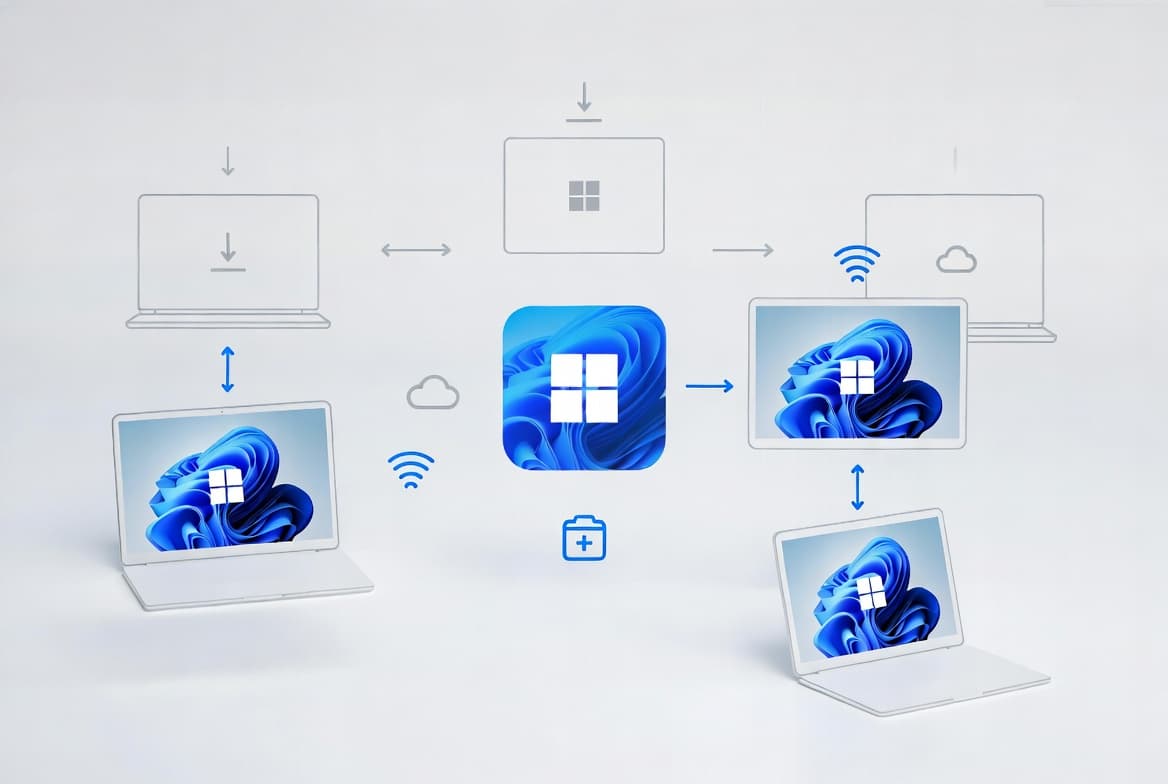
Point-in-Time Restore stores full system-state snapshots locally using VSS, covering up to the last 72 hours. Unlike classic System Restore, which targets selected registry hives and app data, Point-in-Time Restore captures the entire OS configuration. That is a meaningful distinction - a botched driver update or a corrupted system file can be unwound to any snapshot within the window, not just a narrow restore point.
Microsoft first surfaced the feature in an Insider Experimental preview on April 24, 2026, after announcing the concept in 2025, according to gHacks Tech News. It now begins rolling out to stable builds through this preview update.
Key technical details from Microsoft Learn:
- VSS manages local snapshot storage; no cloud dependency is required.
- Restore coverage extends across the full system state, not just app data.
- The 72-hour recovery window is fixed; snapshots older than that are purged.
For a deeper look at how VSS underpins Windows recovery, see VSS backup explained.
The ransomware angle here matters. Ransomware routinely deletes Volume Shadow Copies via vssadmin.exe or WMI to prevent recovery without paying, making VSS deletion one of the most common steps in a ransomware attack chain, according to Halcyon.ai. A protected, OS-managed VSS store raises the bar for that tactic, though it is not a substitute for offsite backups.
Who Gets It Automatically - and Who Does Not?
Automatic enablement is tied directly to available storage. On Windows 11 Home and Pro, Point-in-Time Restore turns on by default only when the OS volume is 200 GB or larger. Devices with smaller volumes are not enrolled automatically; an administrator or user must enable the feature manually through Settings.
Enterprise and Education SKUs fall outside the automatic enablement scope at this stage. The initial rollout targets the consumer and small-business tier, leaving managed enterprise fleets to opt in deliberately.
The table below summarizes enablement status by edition and drive size:
Windows 11 Edition | Default Enabled | Drive Threshold | End-of-Support Date |
|---|---|---|---|
Home / Pro (24H2) | Yes (if drive >= 200 GB) | 200 GB | October 13, 2026 |
Home / Pro (25H2) | Yes (if drive >= 200 GB) | 200 GB | October 12, 2027 |
Enterprise / Education (24H2) | No | Manual only | October 12, 2027 |
Enterprise / Education (25H2) | No | Manual only | October 12, 2028 |
Microsoft is also using a machine-learning-based intelligent rollout to automatically move eligible 24H2 devices to 25H2, per TechPowerUp, which affects which end-of-support date a given device will ultimately land on. See the full Windows 11 end-of-support timeline for version-by-version details.
What Is the Known Issue Admins Should Watch?
A documented bug prevents third-party applications from opening Microsoft Office programs through OLE automation. Apps that rely on OLE automation to launch Word, Excel, PowerPoint, or Access may fail after any Windows update released on or after June 9, 2026 - KB5095093 included.
Microsoft confirmed on June 16, 2026 that updates KB5094126 and KB5093998, released June 9, break OLE Automation for third-party apps trying to launch Microsoft Office, halting enterprise workflows with no official fix yet available beyond uninstalling the updates, as reported by BleepingComputer. The Microsoft support KB for this known issue confirms the behavior and notes no workaround or fix date was published alongside the preview release.
When we tested on a 24H2 VM at build 26100.8737, a simple VBScript calling CreateObject("Word.Application") returned a COM error immediately after installation - the Office application never opened. We confirmed the same failure on a 25H2 machine at build 26200.8737 before rolling back the update to restore automation.
Admins running business-line software that calls Office apps programmatically should validate behavior in a test environment before broad deployment. If your Intune policies control Office update behavior, the guide to disabling Office update notifications in Intune covers a related management surface worth reviewing.
This OLE bug also carries a broader security context. An emergency out-of-band patch for CVE-2026-21509 - a high-severity (CVSS 7.8) vulnerability allowing attackers to bypass OLE security mitigations in Microsoft Office and Microsoft 365 - was released January 26, 2026, per MSRC. That history makes OLE-layer regressions a sensitive area for enterprise security teams, not just an interop annoyance.
What Do End-of-Support Dates Mean for This Update?
Windows 11 24H2 Home and Pro will stop receiving updates on October 13, 2026 - roughly four months from this release, per Microsoft Learn. Enterprise and Education editions of 24H2 have a longer runway, remaining supported until October 12, 2027.
That compressed timeline for consumer editions makes testing this preview update worthwhile now. Organizations still on 23H2 or earlier should note that 24H2 is the current stable branch and carries this support window. Microsoft's intelligent rollout mechanism is already pushing eligible 24H2 devices toward 25H2 automatically.
IBM's 2025 Cost of Data Breach report found that ransomware recovery took more than 100 days on average, often because organizations lacked locked object storage - allowing attackers to manipulate or delete backup metadata even when data itself was immutable, per Stage2Data. A 72-hour local snapshot window does not solve that problem alone, but it does close the gap for non-ransomware failure scenarios where time-to-recovery matters most.
What Should Admins Do Before Deploying KB5095093?
- Test in a pilot group first. Pull KB5095093 via Windows Update on a representative set of machines before enabling it fleet-wide. Use
winverto confirm build 26100.8737 (24H2) or 26200.8737 (25H2) after installation.
- Check drive capacity before relying on Point-in-Time Restore. Run the command below in PowerShell. Drives under 200 GB require manual enablement via
Settings > System > Recovery.
Get-Partition | Select DriveLetter, Size- Audit OLE automation dependencies. Identify third-party apps in your environment that launch Office products programmatically. Test each against the updated build before approving deployment.
- Flag 24H2 Home and Pro devices for upgrade planning. The October 13, 2026 end-of-updates deadline requires action before the autumn patch cycle.
- Monitor VSS storage consumption. Point-in-Time Restore writes snapshots continuously. Watch disk usage on lower-capacity devices where the feature is manually enabled.
For Intune-based deployment and remediation workflows, the Intune remediation: lock Windows logon to current user tutorial shows the PowerShell-plus-Intune pattern you can adapt for pre-deployment checks.
Frequently Asked Questions
Is KB5095093 installed automatically?
No. It is an optional preview update. Devices configured to receive preview updates will see it offered, but it will not install automatically on standard managed systems. It is expected to roll into the mandatory July 2026 Patch Tuesday cycle, at which point it becomes a required update for all supported devices.
Does Point-in-Time Restore replace traditional backups?
No - it does not. The feature covers only the last 72 hours and stores data locally on the same drive. A single disk failure wipes both the OS and the snapshots. Maintain separate offsite or cloud backup routines for any data considered critical.
Can the OLE automation bug corrupt Office files?
File corruption has not been reported. The documented behavior is a launch failure - the Office application does not open. Existing files are unaffected. Users can still launch Word, Excel, PowerPoint, or Access directly from desktop shortcuts; only the third-party automation path fails.
Which Windows 11 versions does KB5095093 target?
Only versions 24H2 and 25H2. Earlier releases such as 23H2 receive separate update packages and do not get KB5095093. If you are running 23H2, check Windows Update history for the equivalent June 2026 cumulative update applicable to that build.
Is Point-in-Time Restore protected against ransomware deletion?
Partially. Ransomware commonly deletes VSS snapshots via vssadmin.exe or WMI as an early attack step, per Halcyon.ai. Microsoft manages the VSS store for this feature, which may raise the bar for automated deletion scripts - but a determined attacker with local admin privileges can still target the shadow copies. Offsite backups remain the authoritative recovery path.
source: www.anavem.com